
Telegram Calendar
The little calendar that could
Calendar Bot is an AI-powered Telegram assistant that helps you manage calendars, tasks, and reminders directly from chat.
Simply send a text message, voice note, photo, or document, and the bot understands your intent: create events, set reminders, find free time slots, or show your schedule.
It supports personal and shared calendars, works in multiple languages, and requires no additional app installation.

Features
- Personal, shared, and team calendars
- Calendar sharing with family members, friends, and colleagues
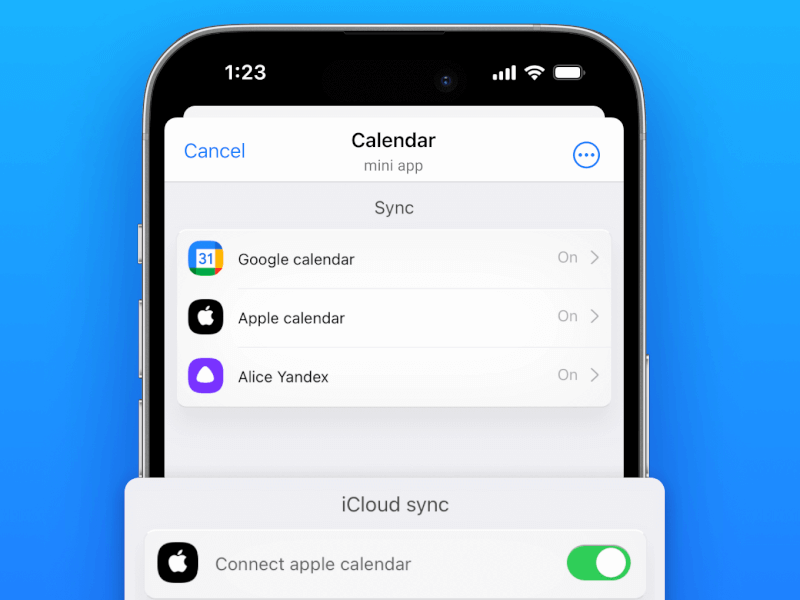
- Sync with Google Calendar, Apple Calendar, and any CalDAV-compatible calendar
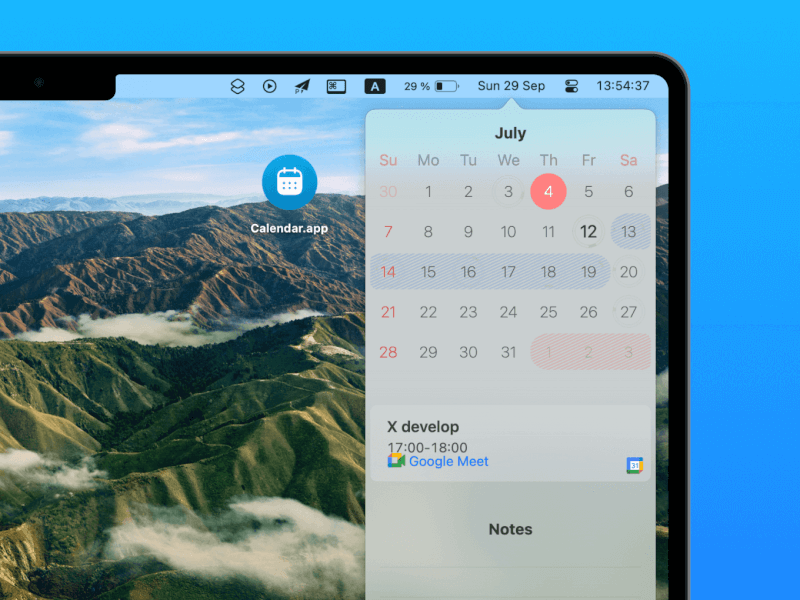
- Native macOS menu bar application for instant access to your schedule
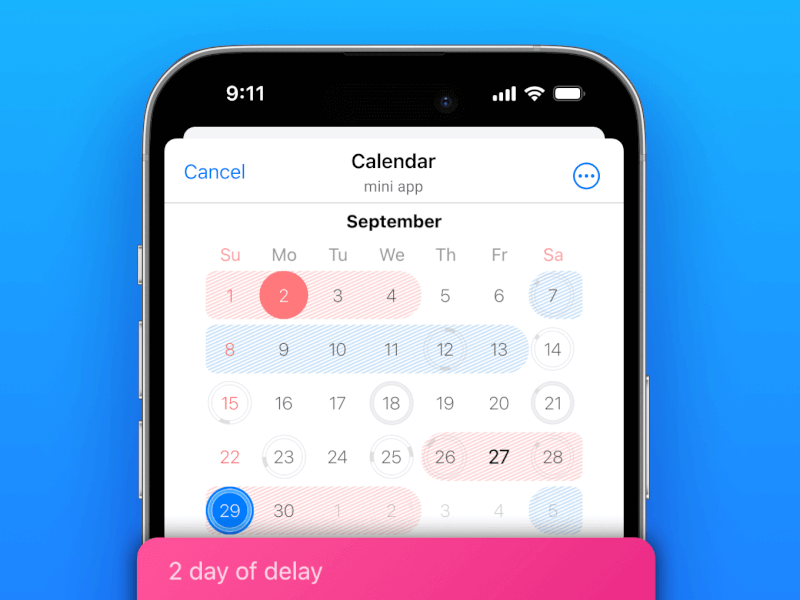
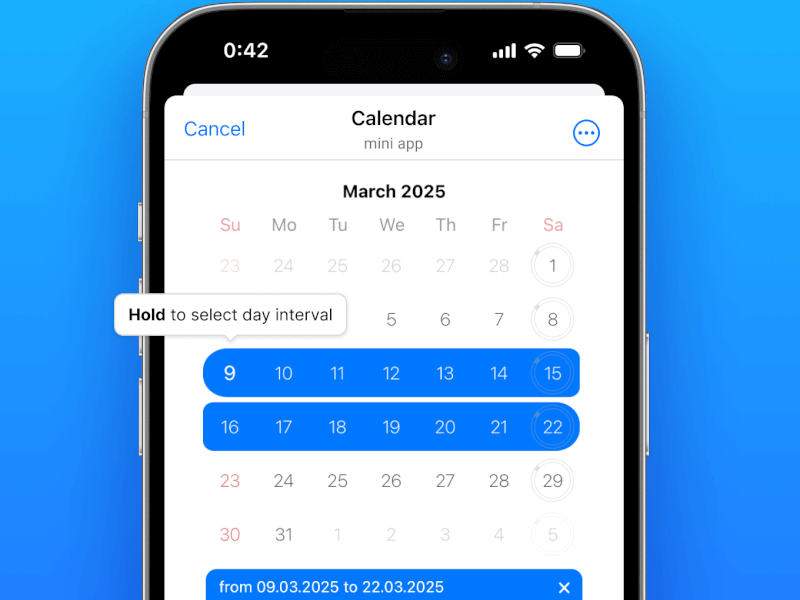
- Beautiful Telegram Mini App for managing calendars, reminders, and notes
- Built-in notes and journaling
- Menstrual cycle tracking with optional partner sharing and data import from Apple Health, Clue, and other popular tracking apps
- Emoji-based habit and life tracking. Mark any day with custom emojis (🏃 📚 ☕ 😊 😴) and instantly see statistics for any time period. Track workouts, reading, mood, caffeine consumption, sleep quality, symptoms, or anything else without filling out forms.
Use Cases
- Create events from natural language
- Send: "Dentist appointment next Tuesday at 15:00" and the event is added automatically.
- Turn voice messages into reminders
- Record a quick voice note while driving or walking, and Calendar Bot converts it into a reminder.
- Create events from group conversations
- Mention @calendar0bot in a Telegram group and create an event based on the discussion without leaving the chat.
- Manage a shared family calendar
- Keep track of school events, birthdays, doctor appointments, and family plans in one place.
- Coordinate team meetings in Telegram
- Add the bot to a group and manage schedules without switching to another calendar application.
- Share individual events with others
- Send a meeting, appointment, or reminder to a friend, colleague, or family member.
- Ask questions about your schedule
- Examples:
- "What do I have tomorrow?"
- "When am I free next week?"
- "Show my meetings on Friday."
- Create reminders from photos and documents
- Send a ticket, invitation, invoice, or screenshot, and the bot extracts dates and creates calendar events.
- Track recurring activities
- Examples:
- "Remind me to water plants every Sunday."
- "Pay rent on the first day of every month."
- Manage calendars entirely inside Telegram
- No separate app, no complex forms, no switching between tools.

Comments


Managing a calendar often feels like a full-time job. Information arrives in many different forms — messages, emails, screenshots, event posters — and we end up manually decoding it all and entering it into an app. We built this app with busy people in mind: parents juggling multiple children’s schedules, professionals balancing work and personal life, and anyone who’s tired of missing holidays, events, and important reminders.
Premium Products





























Sponsors
Buy

Makers
Makers
Comments
Managing a calendar often feels like a full-time job. Information arrives in many different forms — messages, emails, screenshots, event posters — and we end up manually decoding it all and entering it into an app. We built this app with busy people in mind: parents juggling multiple children’s schedules, professionals balancing work and personal life, and anyone who’s tired of missing holidays, events, and important reminders.
Premium Products
New to Fazier?

Find your next favorite product or submit your own. Made by @FalakDigital.
Copyright ©2025. All Rights Reserved