
Taskweather
Focus sounds that change on their own as you switch tasks
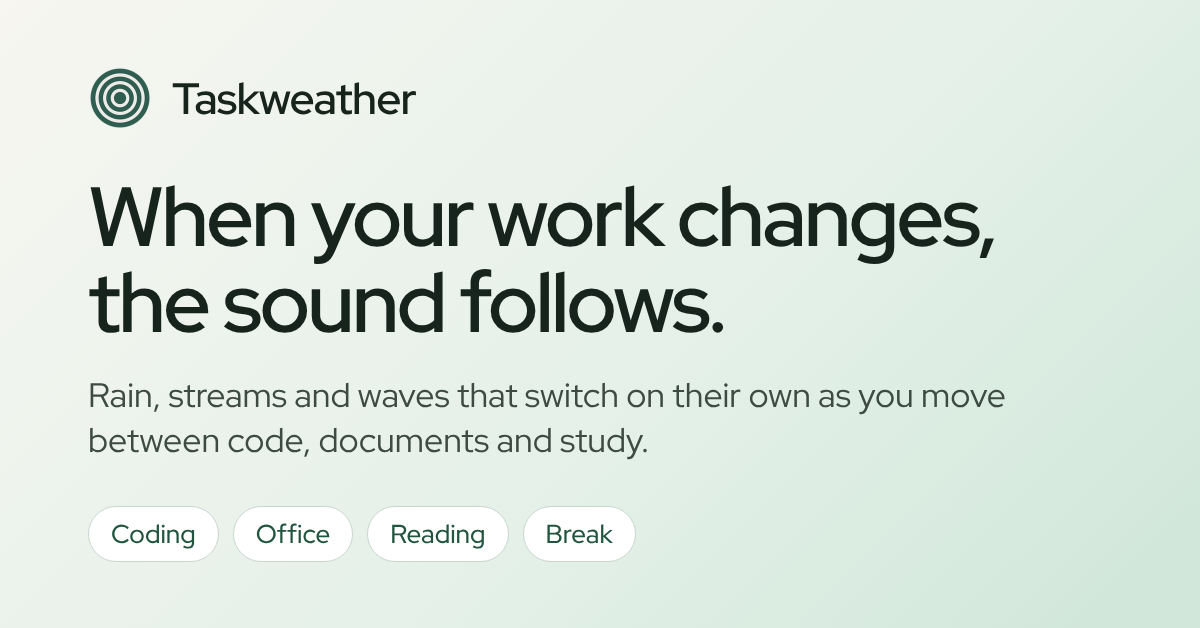
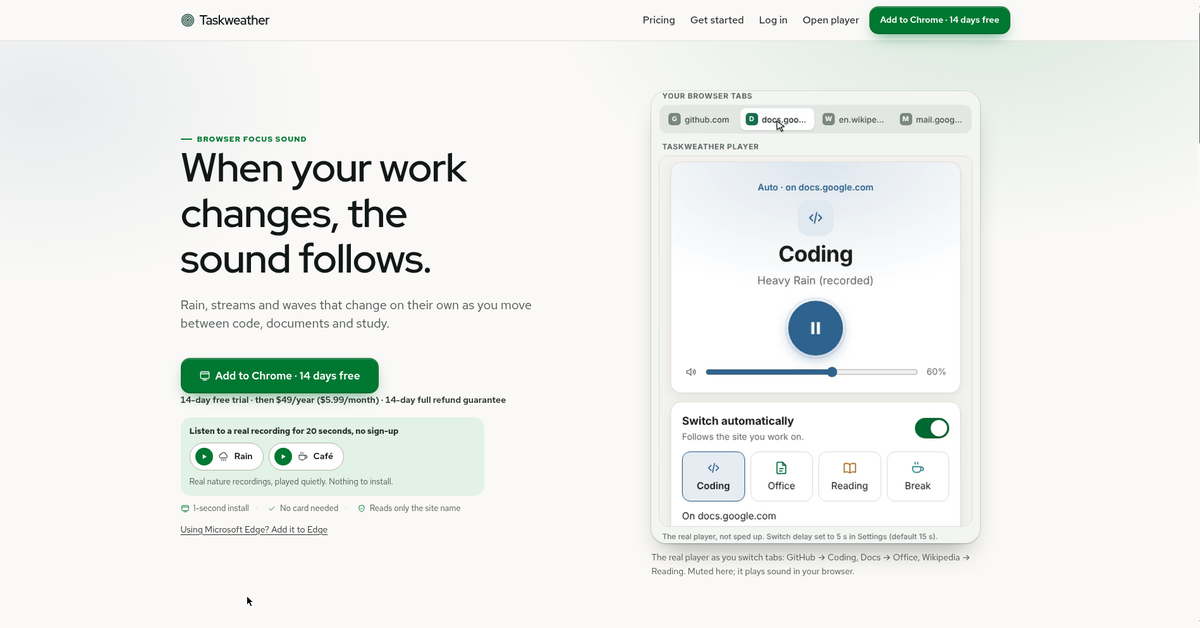
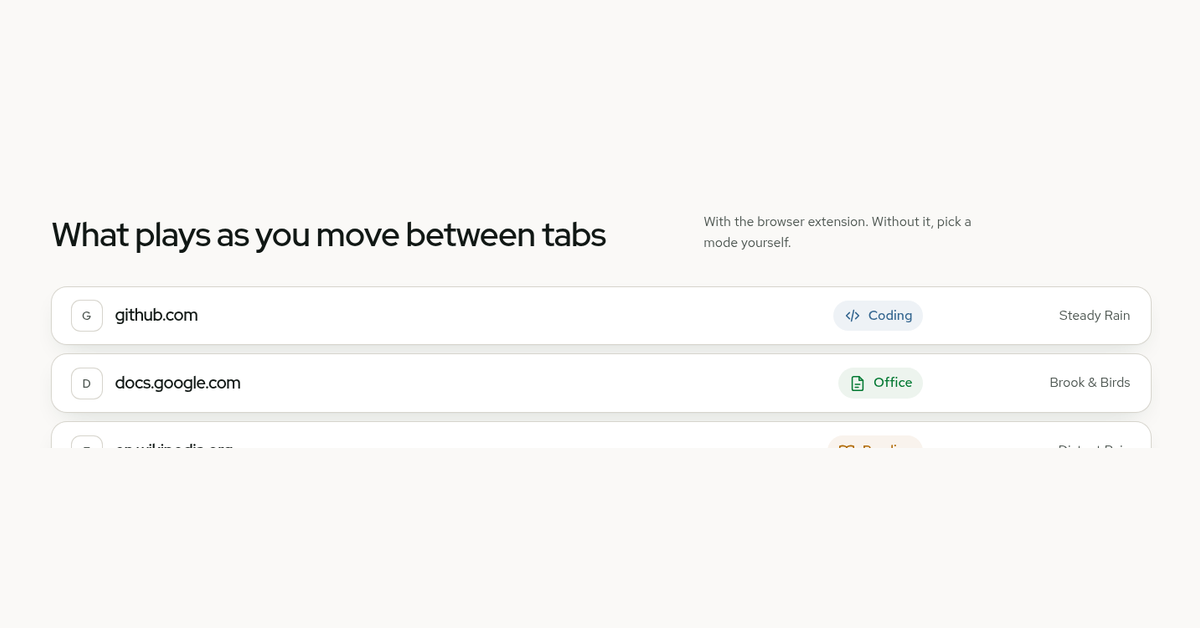
Taskweather is a focus-sound player that keeps up with your work by itself. Move from GitHub to Google Docs to Wikipedia and the sound moves too — rain for coding, a brook for writing, distant rain for reading — because the browser extension looks only at the site name of the tab you are on. Never the address, the title or what is on the page, and the decision stays on your computer.
Nothing loops. Rain, streams, waves, wind and birds are generated live in your browser, next to real nature recordings, so a sound still feels like weather after two hours instead of a track on repeat. A 25/50/90-minute focus timer, a site blocker that holds distracting sites while the timer runs, three tasks for the day and a focus-record calendar sit in the same player. Listening needs no install and no sign-up; the extension is a one-second add for Chrome and Edge, and the trial runs 14 days before $49/year ($5.99/month).
Features
- Switches on its own: github.com plays your coding sound, docs.google.com turns to office sound, and a YouTube tab pauses it.
- 32 sounds in four modes (Coding, Office, Reading, Break) — generated live plus real recordings, with per-site exceptions.
- Focus timer for 25, 50 or 90 minutes, with a site blocker that holds the sites you name while it runs.
- Three tasks for the day, a weekly and monthly focus calendar, and a current and best streak.
- "Not now" keeps the last sound for 5 minutes, and "too intense / too calm" tunes what you hear.
- Reads site names only: no page titles, addresses, keystrokes, clipboard or microphone.
Use Cases
- Developers who move between GitHub, Stack Overflow, cloud consoles and an editor all day.
- Remote workers and freelancers who spread a day across Figma, Notion, Google Docs, Slack and mail.
- Students reading and taking notes, with the sound pausing by itself when a lecture video starts.

Comments


Taskweather exists for one annoyance: every focus-sound app asks you to pick a track at the exact moment you are switching tasks. Here the site you are on picks the sound — github.com gets rain, docs.google.com turns to a brook, a lecture video pauses it — and the extension reads only the site name, so nothing about the page leaves your computer. The sounds are generated live rather than looped, which is the difference between "nice for ten minutes" and leaving it on all day. I would like to hear which sounds you end up keeping, and what you would want it to do while you are on a call.
Premium Products

















































Makers
Makers
Comments
Taskweather exists for one annoyance: every focus-sound app asks you to pick a track at the exact moment you are switching tasks. Here the site you are on picks the sound — github.com gets rain, docs.google.com turns to a brook, a lecture video pauses it — and the extension reads only the site name, so nothing about the page leaves your computer. The sounds are generated live rather than looped, which is the difference between "nice for ten minutes" and leaving it on all day. I would like to hear which sounds you end up keeping, and what you would want it to do while you are on a call.
Premium Products
New to Fazier?

Find your next favorite product or submit your own. Made by @FalakDigital.
Copyright ©2026. All Rights Reserved