
Tangrid
Tangrid
Mac window manager for tiling, snapping and window tabs
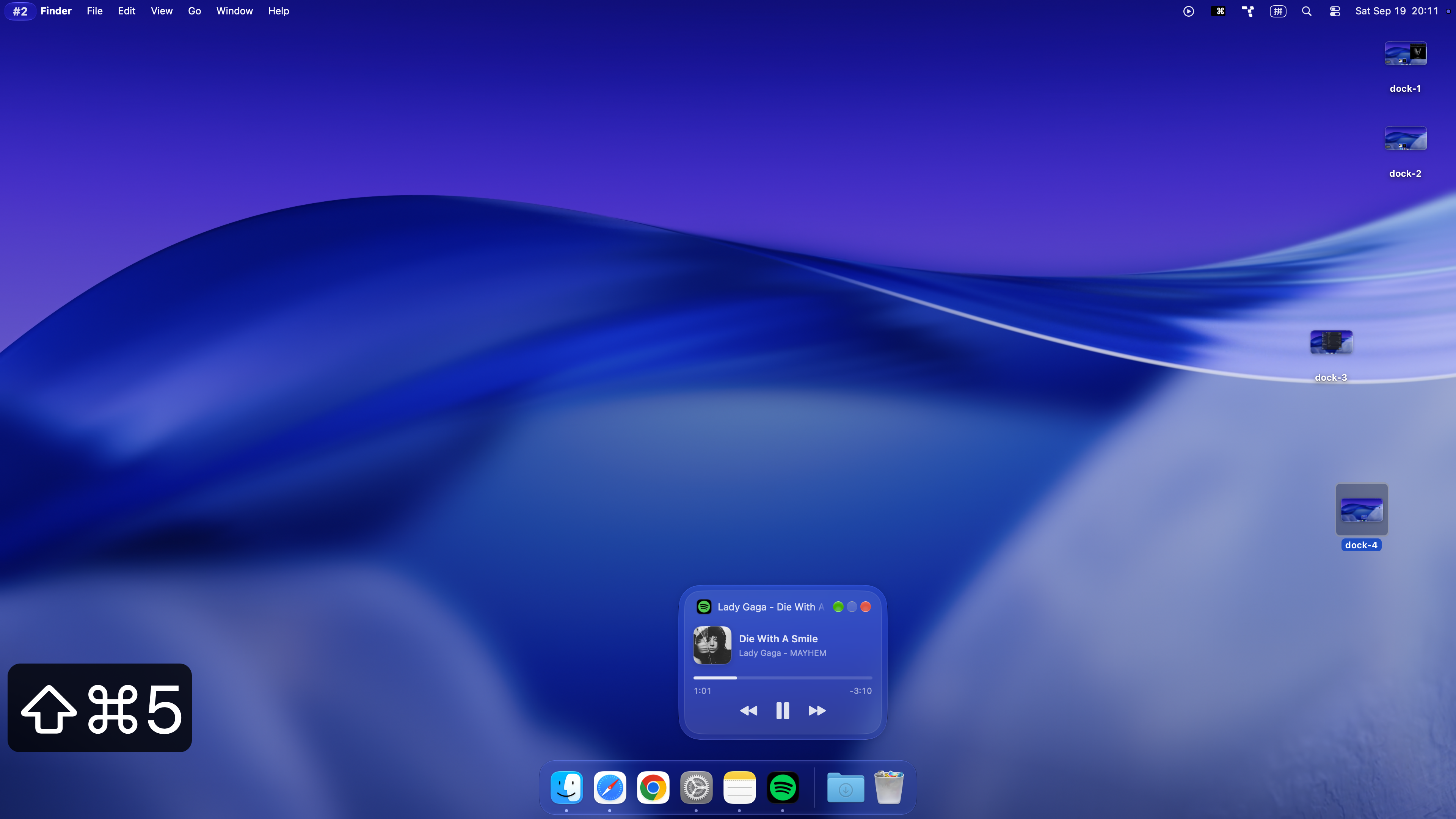
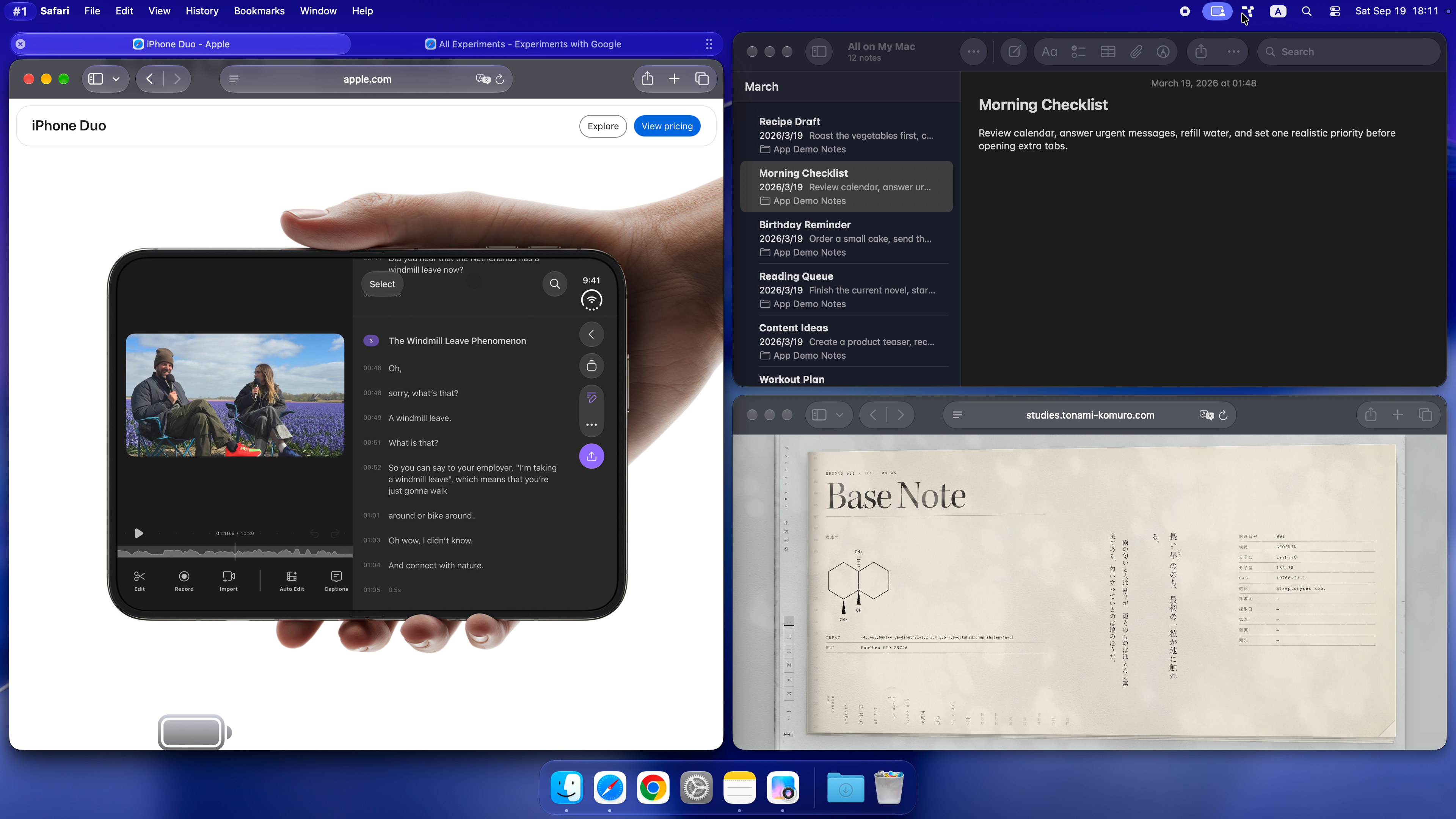
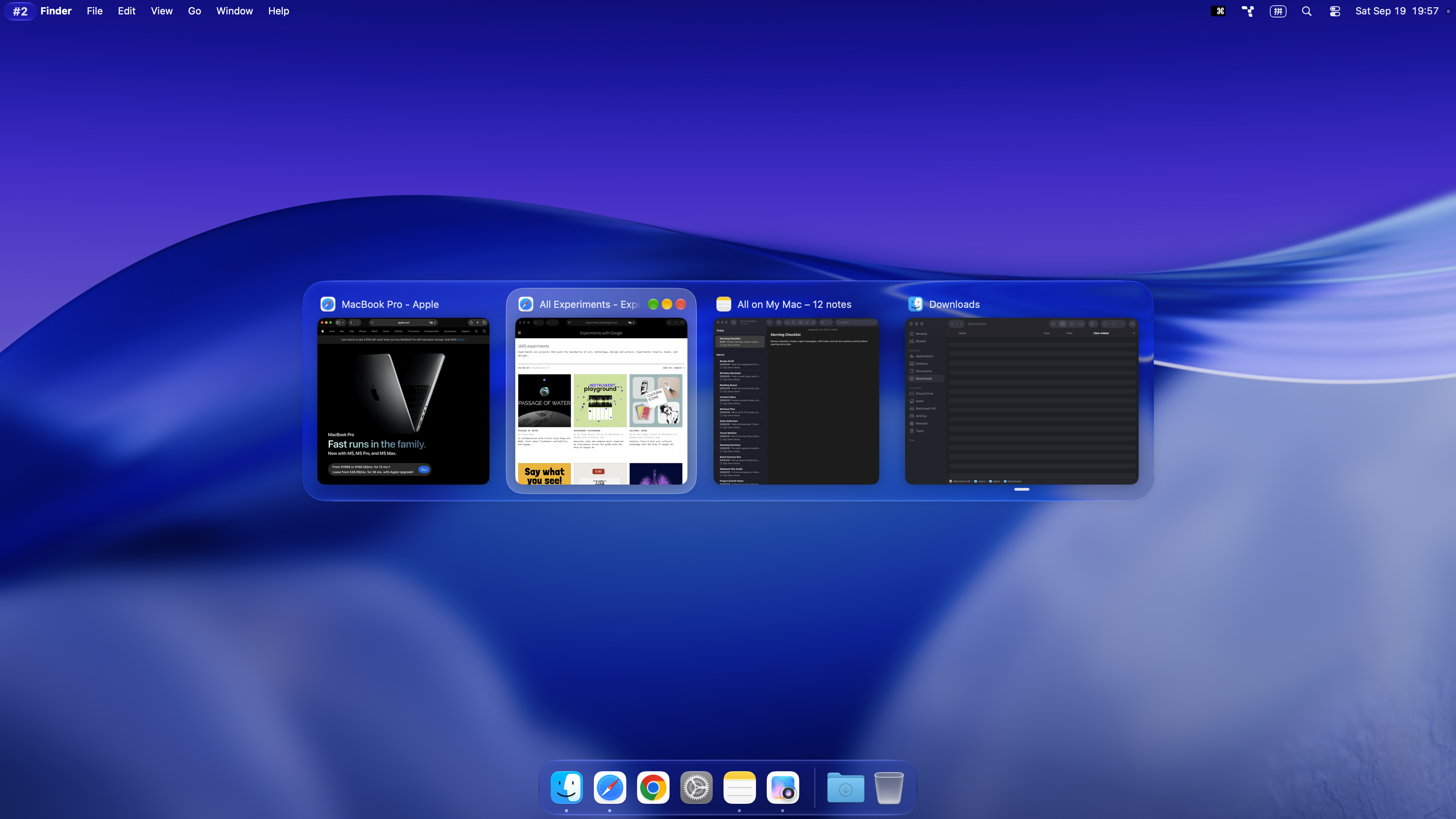
Tangrid is a native Mac window manager that helps you arrange windows, keep related work together, and find the window you need. Use Auto Flow for automatic tiling, or Snap Assistant for manual placement. Group windows from different apps into tabs in Auto Flow, switch between individual windows with live previews and search, and preview an app's windows from the Dock.
Built for macOS 14 and later, Tangrid supports multiple displays and macOS Spaces. A bundled CLI lets scripts and local AI agents query and arrange windows. Try it free for 7 days, then keep it with a one-time license.
Features
- Automatic tiling: Auto Flow adjusts layouts as windows open, with split or tab priority and floating rules.
- Window snapping: Place windows in halves, thirds, or grid positions, with modifier-key movement and resizing.
- Cross-app window tabs: Group related windows in Auto Flow, preview tabs, and move the whole group together.
- Window search and switching: Find individual windows by title or app name with live previews, fuzzy search, and pinyin matching.
- Dock previews: Hover over an app's Dock icon to see and open its windows.
- Multiple displays and Spaces: Organize windows across monitors and see the current desktop with Space Indicator.
- Local CLI: Query windows, apply Flow or Snap layouts, and automate arrangements with declarative JSON.
Use Cases
- Development: Keep your editor, terminal, browser, and documentation visible in an automatic tiled layout.
- Research and writing: Group related browser and document windows into tabs to keep a task together.
- Multitasking: Find the exact window you need across apps using search or live previews.
- Multi-monitor work: Arrange windows across displays and keep track of the current macOS desktop.
- Automation: Use the bundled CLI from scripts or local AI agents to inspect windows and apply layouts.
Fazier Deal

Comments

Premium Products














































Find your next favorite product or submit your own. Made by @FalakDigital.
Copyright ©2026. All Rights Reserved