TabConnect
Share one live browser tab, no install for viewers
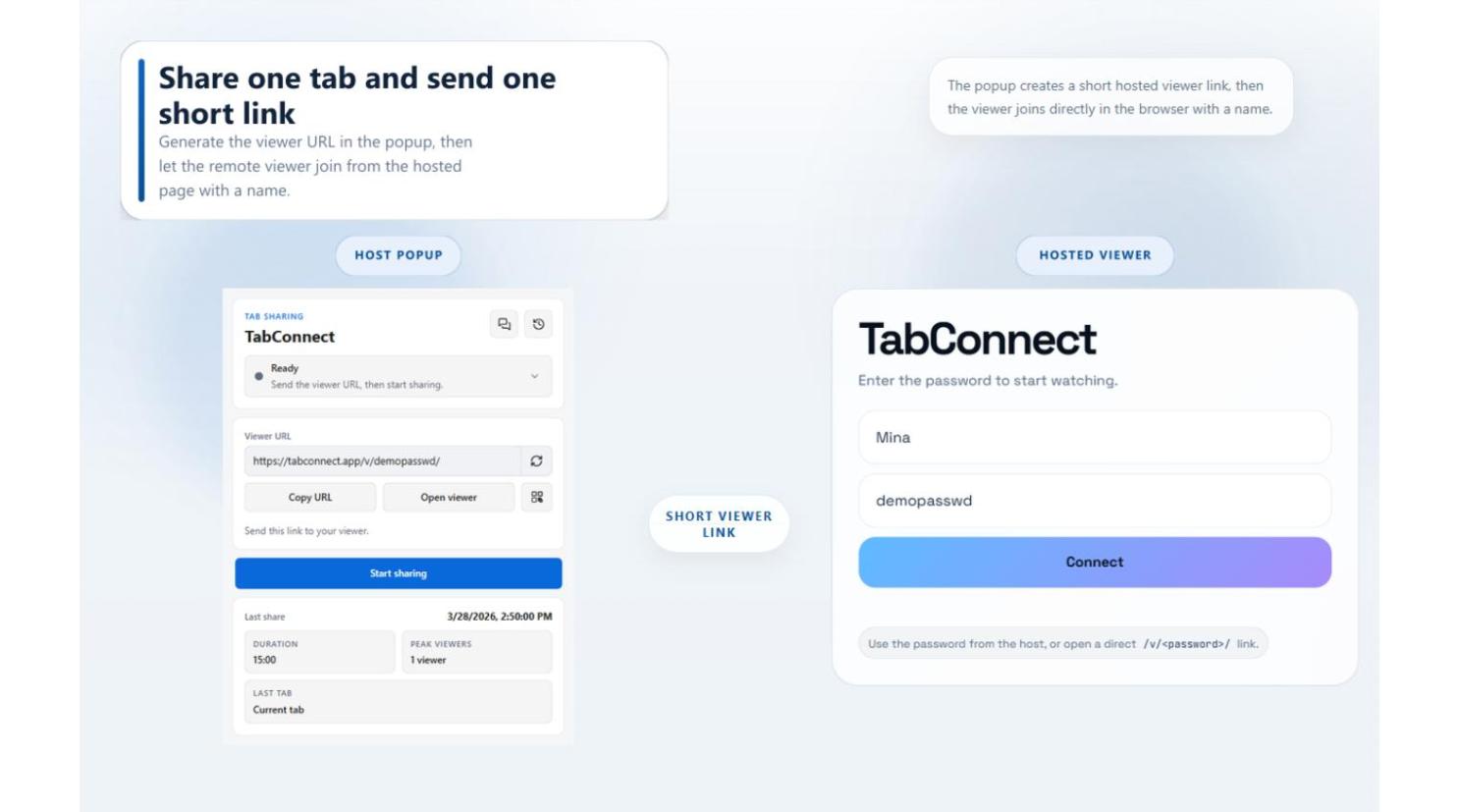
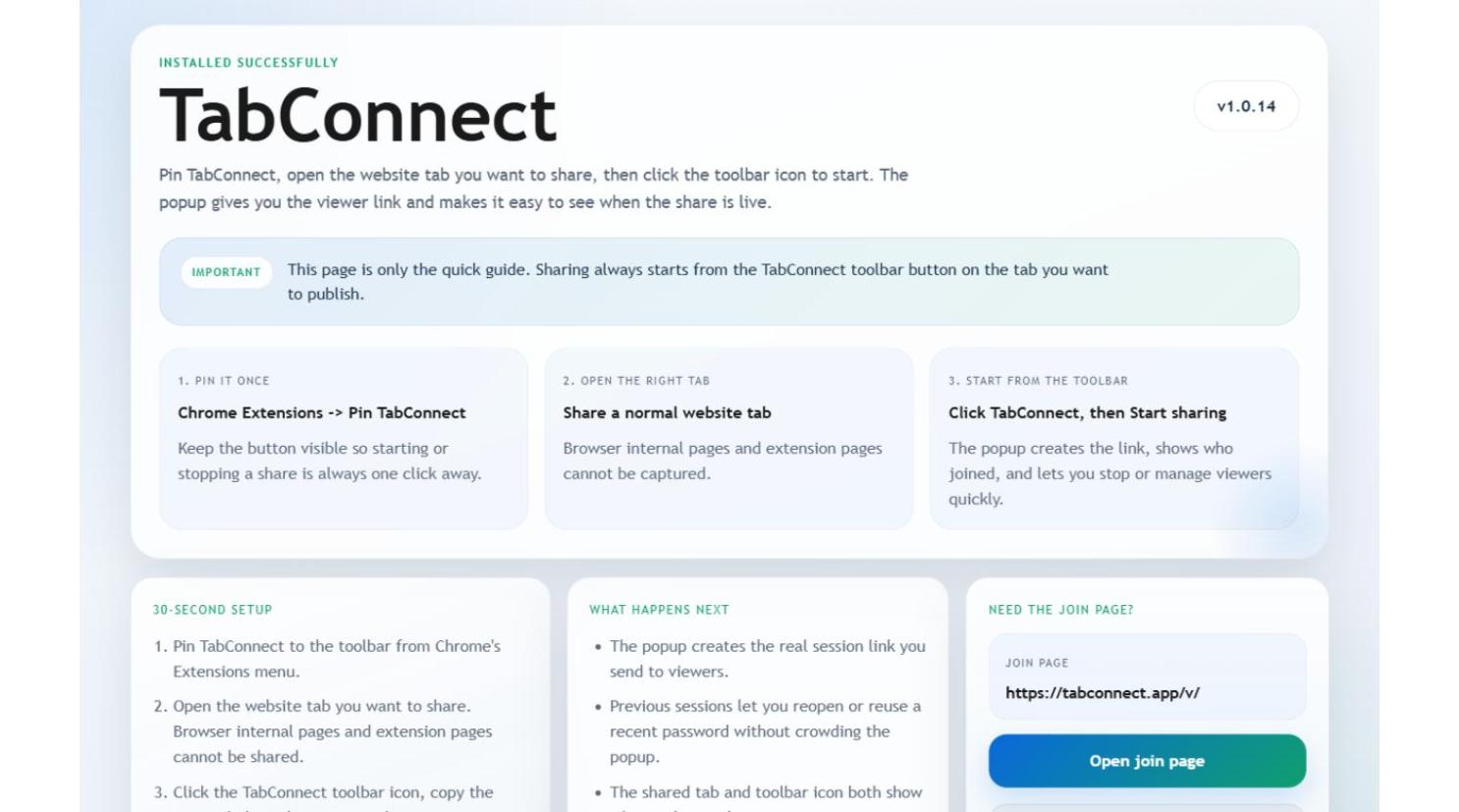
TabConnect is a browser extension for sharing a single live browser tab instead of your entire screen or desktop. The host starts a share from the browser toolbar in one click and hands over a short password or a direct viewer link. Viewers open the viewer page in any modern browser on desktop or mobile, with no account, extension or desktop client required on their side.
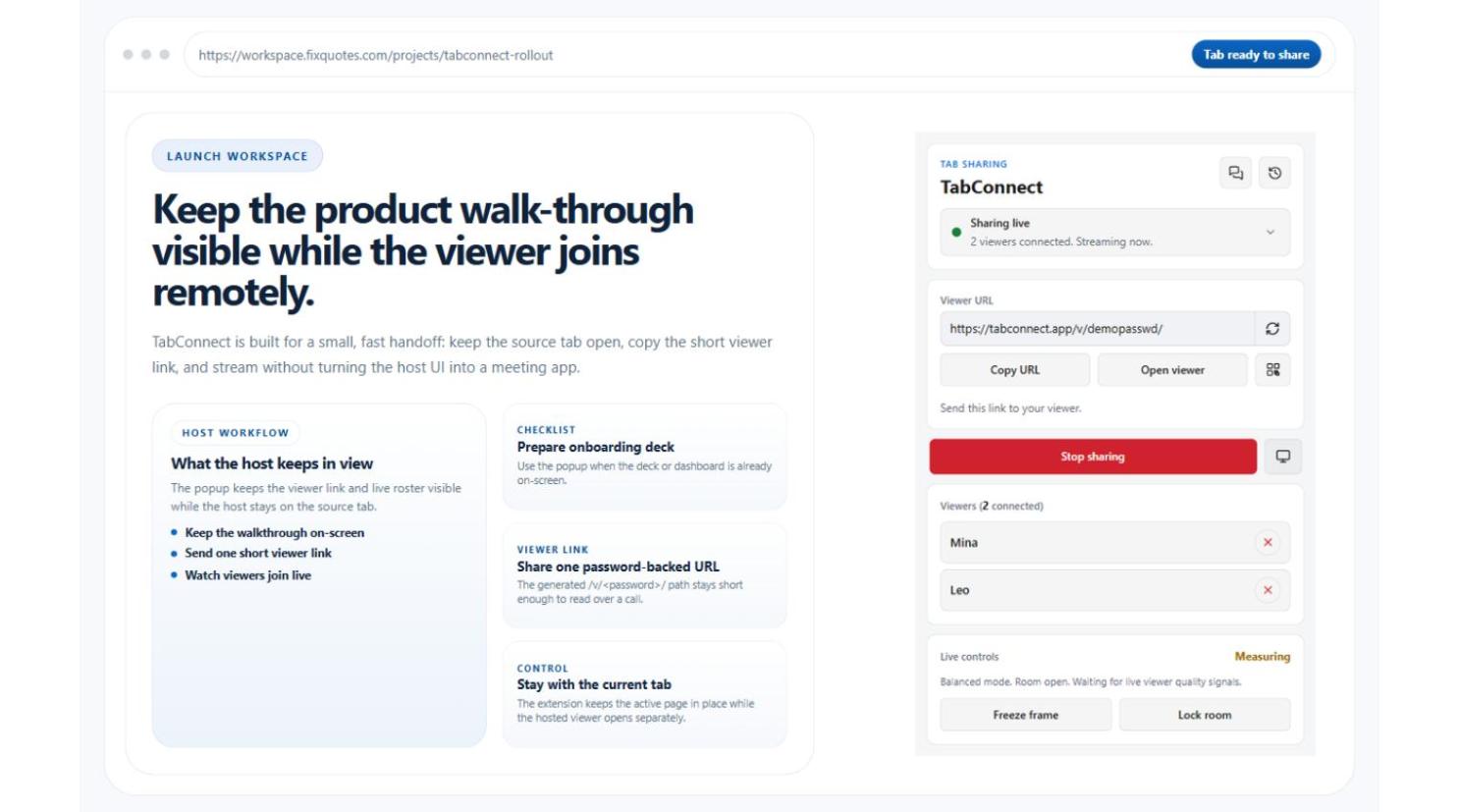
During a session the host can switch which tab is shared, freeze the viewer image, lock the room, remove individual viewers, apply viewer limits, and decide per share which extras are available: laser pointer, room chat, file sharing up to 25 MB, and host-approved remote control. Webcam and microphone can be shared alongside the tab.
Sessions run over WebRTC with relay and SFU fallback, so they keep working on locked-down corporate networks. TabConnect is free and available for Google Chrome and Microsoft Edge.
Features
- Share one live browser tab, not your whole screen or desktop, and switch tabs mid-session
- Viewers join from any modern desktop or mobile browser with a short password or direct link, no account or extension needed
- Host controls: freeze the viewer image, lock the room, remove viewers and set viewer limits
- Host-approved remote control, so viewers request and the host grants or declines
- Optional per-session extras: room chat, file sharing up to 25 MB and a laser pointer
- WebRTC with relay and SFU fallback so sessions still connect on restrictive corporate networks
- Optional webcam and microphone alongside the shared tab
Use Cases
- Customer support walkthroughs where an agent guides someone through a stuck checkout, sign-up or settings page
- Sales and onboarding demos of a live product flow without setting up a full meeting
- Internal design and QA reviews of a page, layout or staging build
- Any ad hoc session where the person on the other end should not have to install anything

Comments


Short version: TabConnect shares one browser tab rather than a window, a display or your whole desktop, so nothing outside that tab is visible to viewers. The viewer side is the part we care most about - open a link or type a short password in any modern browser, desktop or mobile, with no account, extension or client to install. The host keeps control throughout: switch the shared tab, freeze the image, lock the room, remove viewers, and decide per session whether chat, file sharing, laser pointer and remote control are available. Sessions run over WebRTC with relay and SFU fallback so they still connect on locked-down corporate networks. Free on Chrome and Edge - feedback welcome, especially about networks or setups where it fails to connect.

TabConnect Your product has strong potential, but I found a few key improvements that could make it even better. I'd love to share my feedback and suggestions—please contact me at [email protected]
Premium Products


















































Sponsors
Buy
Makers
Makers
Comments
Short version: TabConnect shares one browser tab rather than a window, a display or your whole desktop, so nothing outside that tab is visible to viewers. The viewer side is the part we care most about - open a link or type a short password in any modern browser, desktop or mobile, with no account, extension or client to install. The host keeps control throughout: switch the shared tab, freeze the image, lock the room, remove viewers, and decide per session whether chat, file sharing, laser pointer and remote control are available. Sessions run over WebRTC with relay and SFU fallback so they still connect on locked-down corporate networks. Free on Chrome and Edge - feedback welcome, especially about networks or setups where it fails to connect.
TabConnect Your product has strong potential, but I found a few key improvements that could make it even better. I'd love to share my feedback and suggestions—please contact me at [email protected]
Premium Products
New to Fazier?

Find your next favorite product or submit your own. Made by @FalakDigital.
Copyright ©2026. All Rights Reserved