
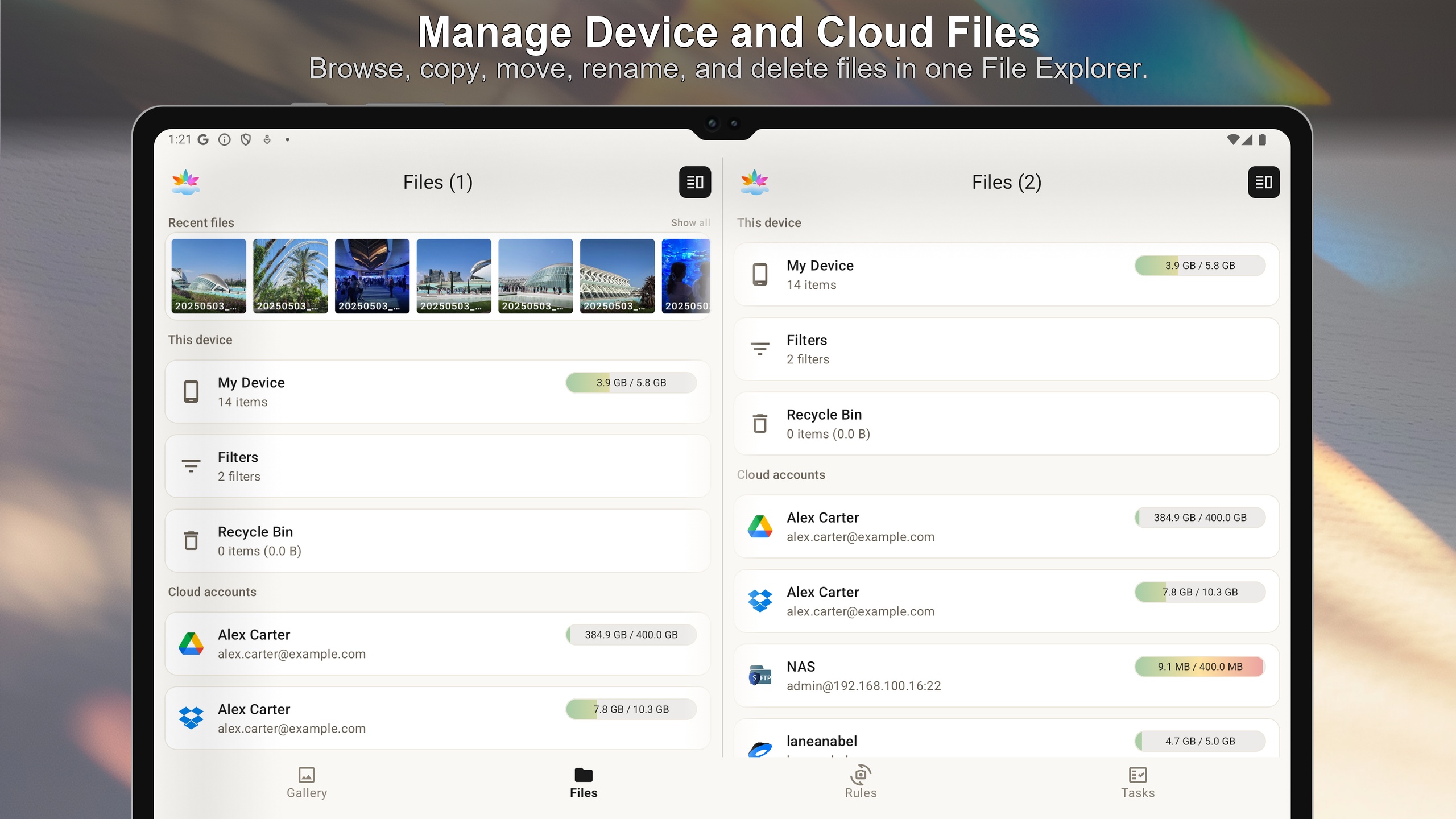
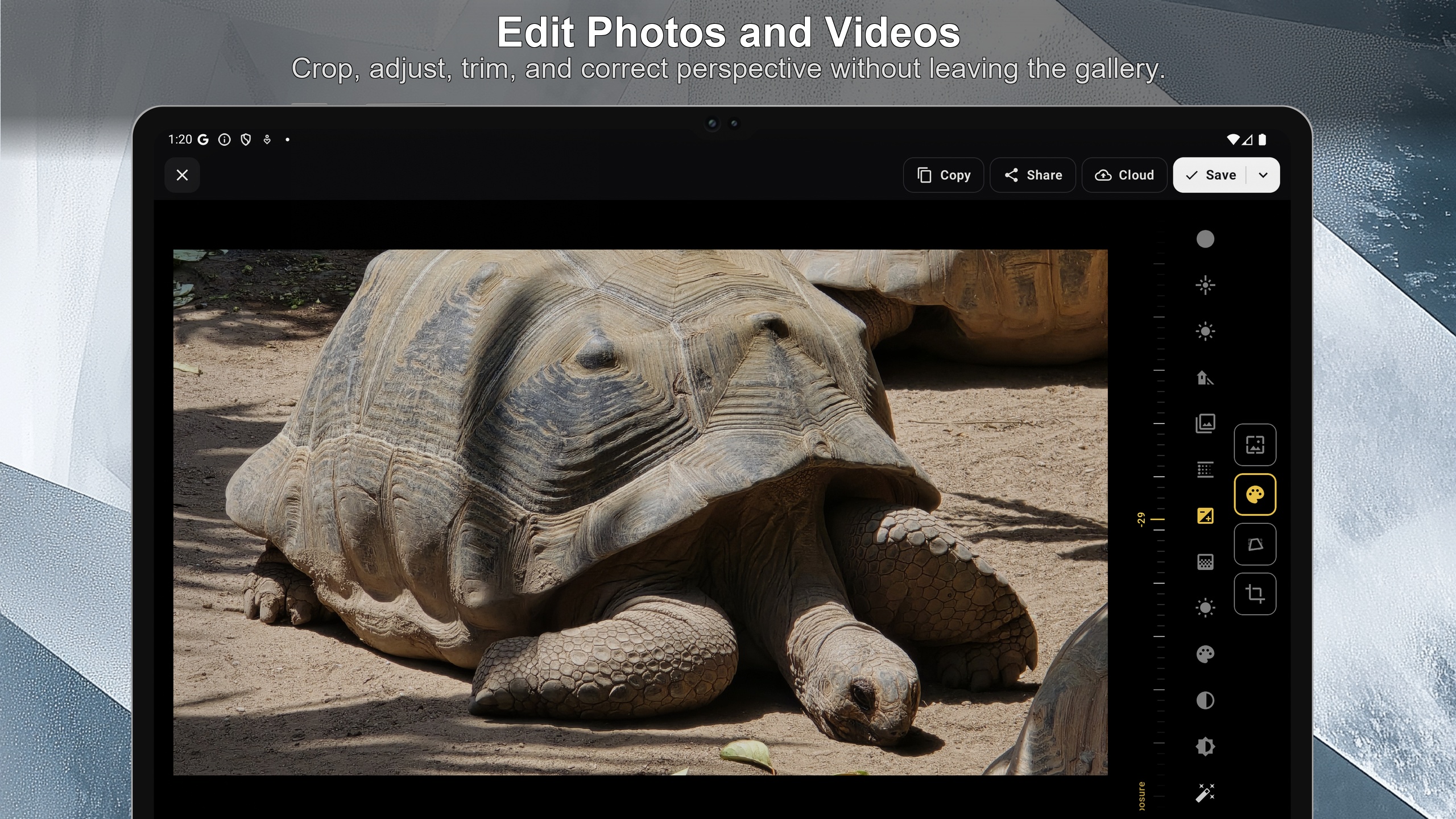
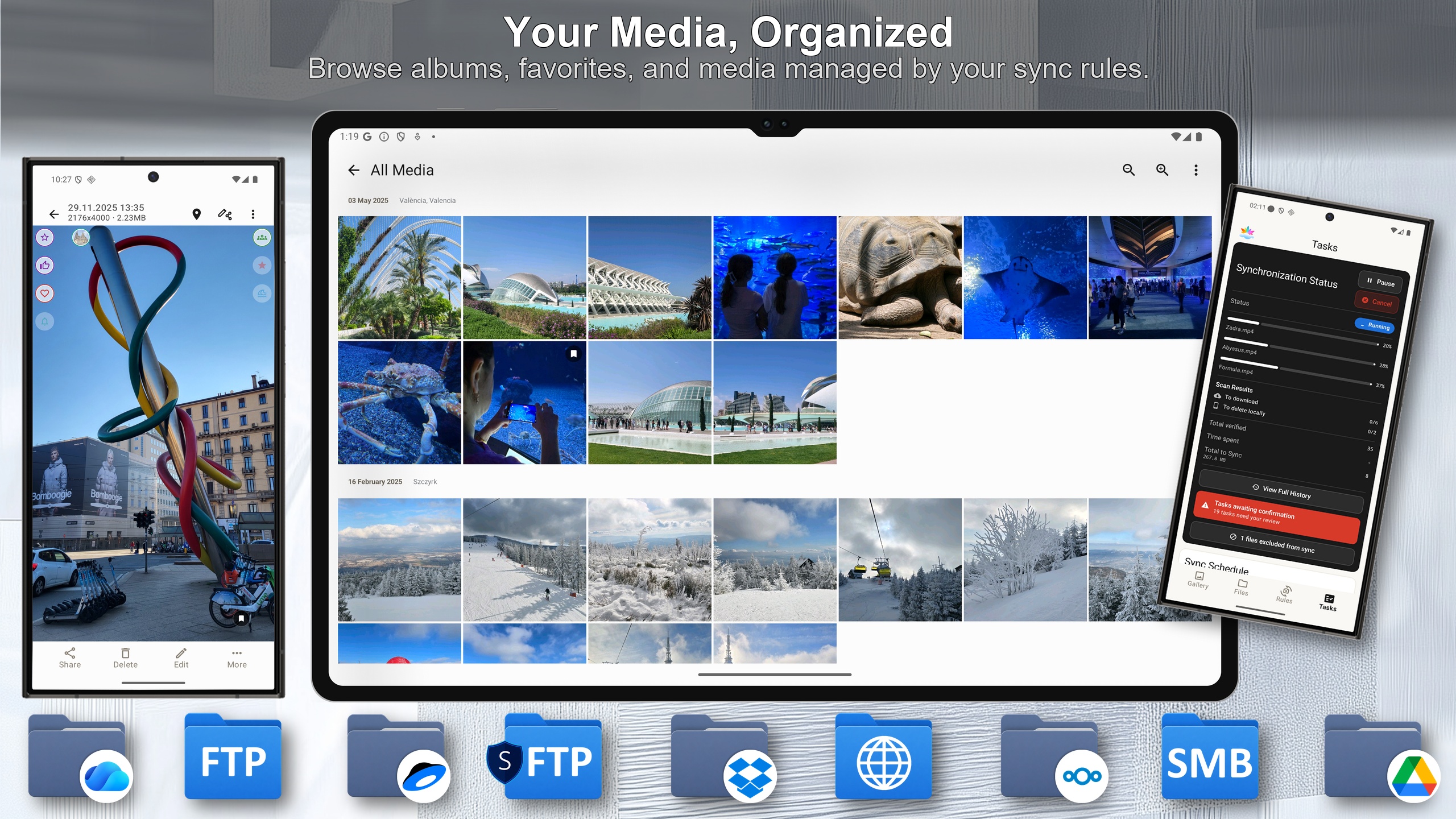
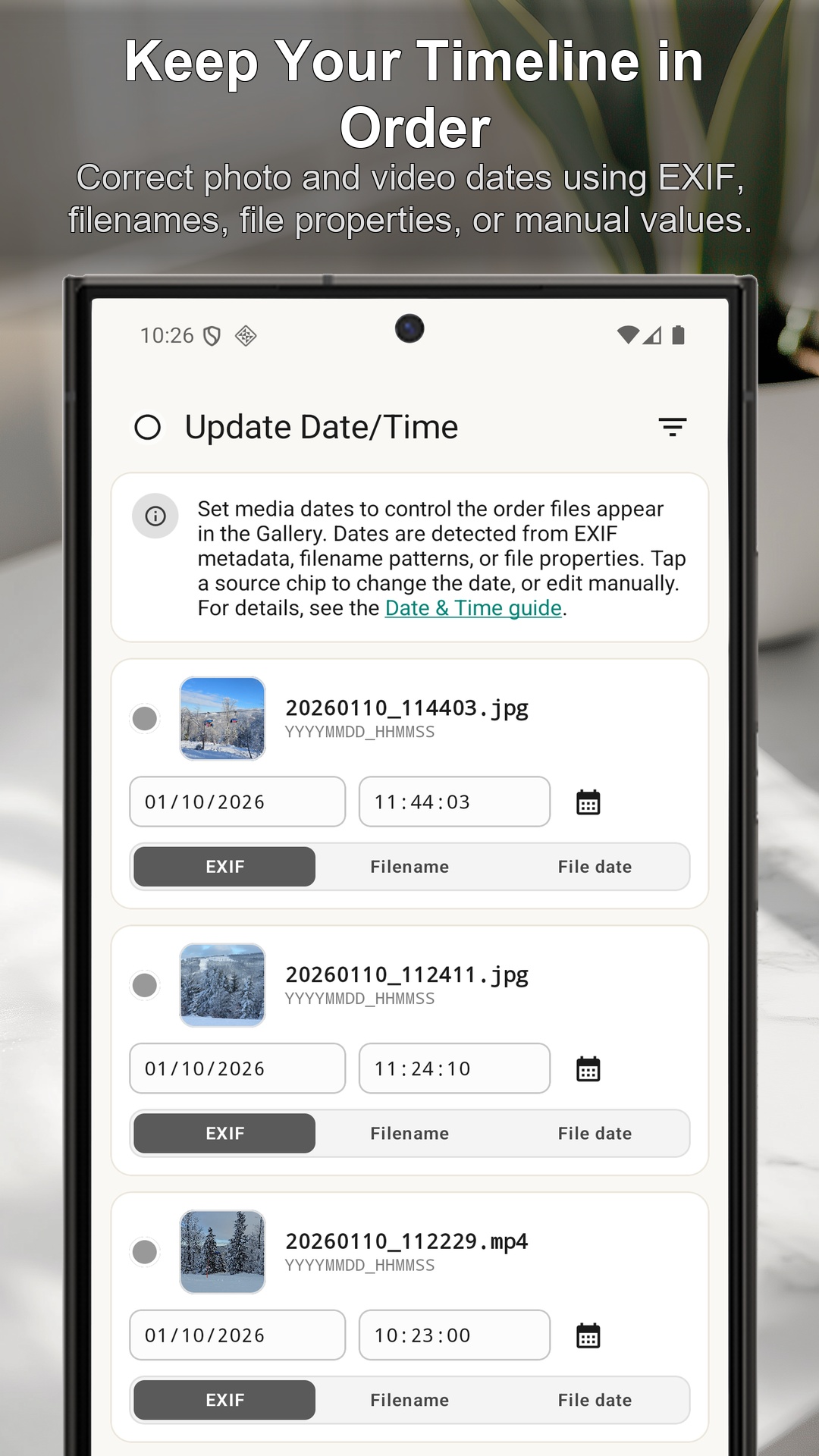
SyncGallery is an Android gallery, file manager, media editor, and flexible sync tool in one app. Browse and organize photos, videos, and files, then back them up or synchronize them with cloud accounts, NAS devices, and remote servers.
Create one-way or two-way sync rules, preview planned operations before the first sync, and control conflicts, deletions, schedules, and safety thresholds. Files transfer directly between your device and the storage you select.

Features
- Gallery, File Manager, and media editor in one app
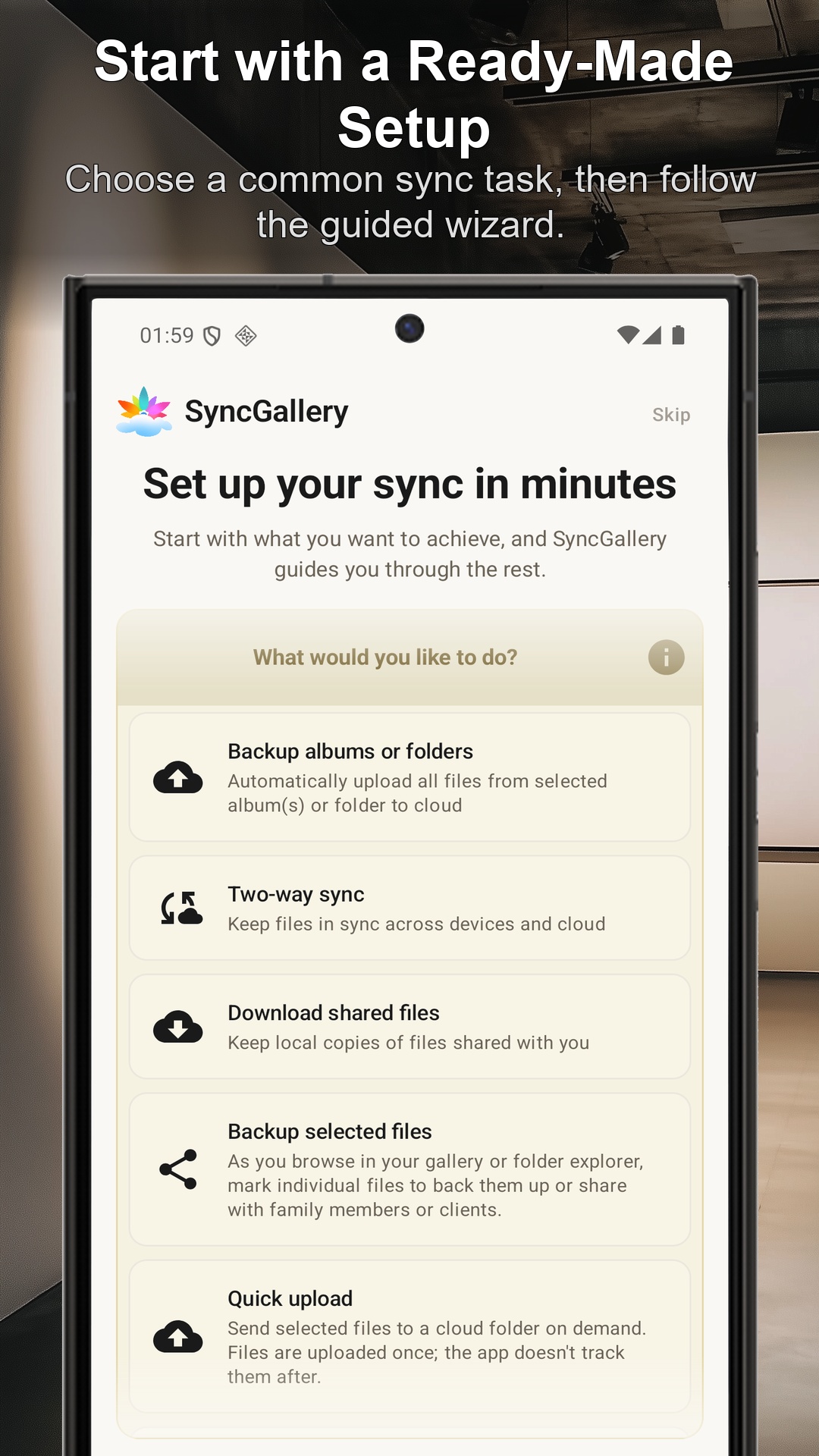
- One-way and two-way rule-based synchronization with cloud and network storage
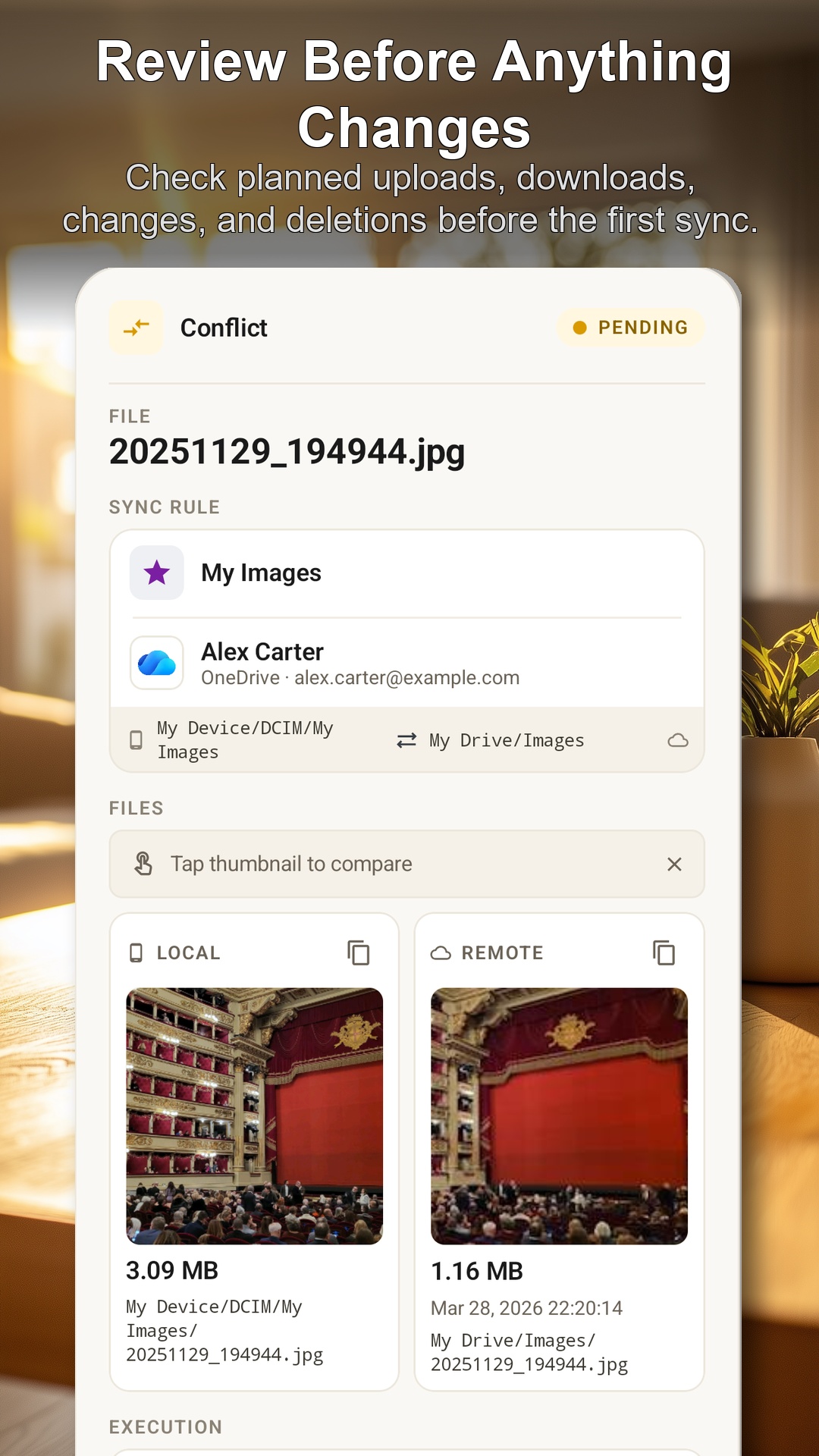
- Preview uploads, downloads, updates, and deletions before syncing
- Automatic camera and folder sync or selective file backup
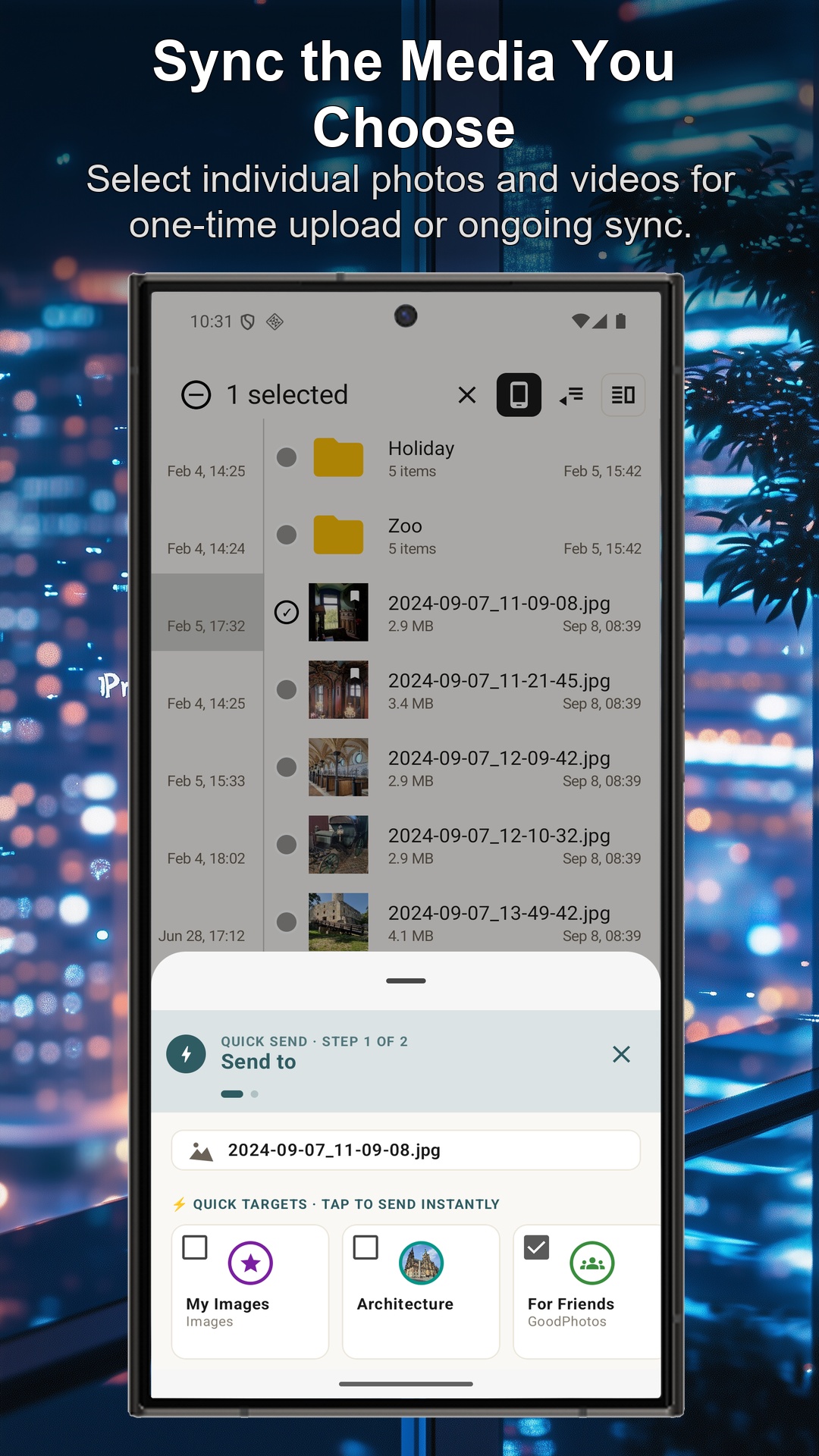
- Send selected files directly from the gallery or Android Share menu
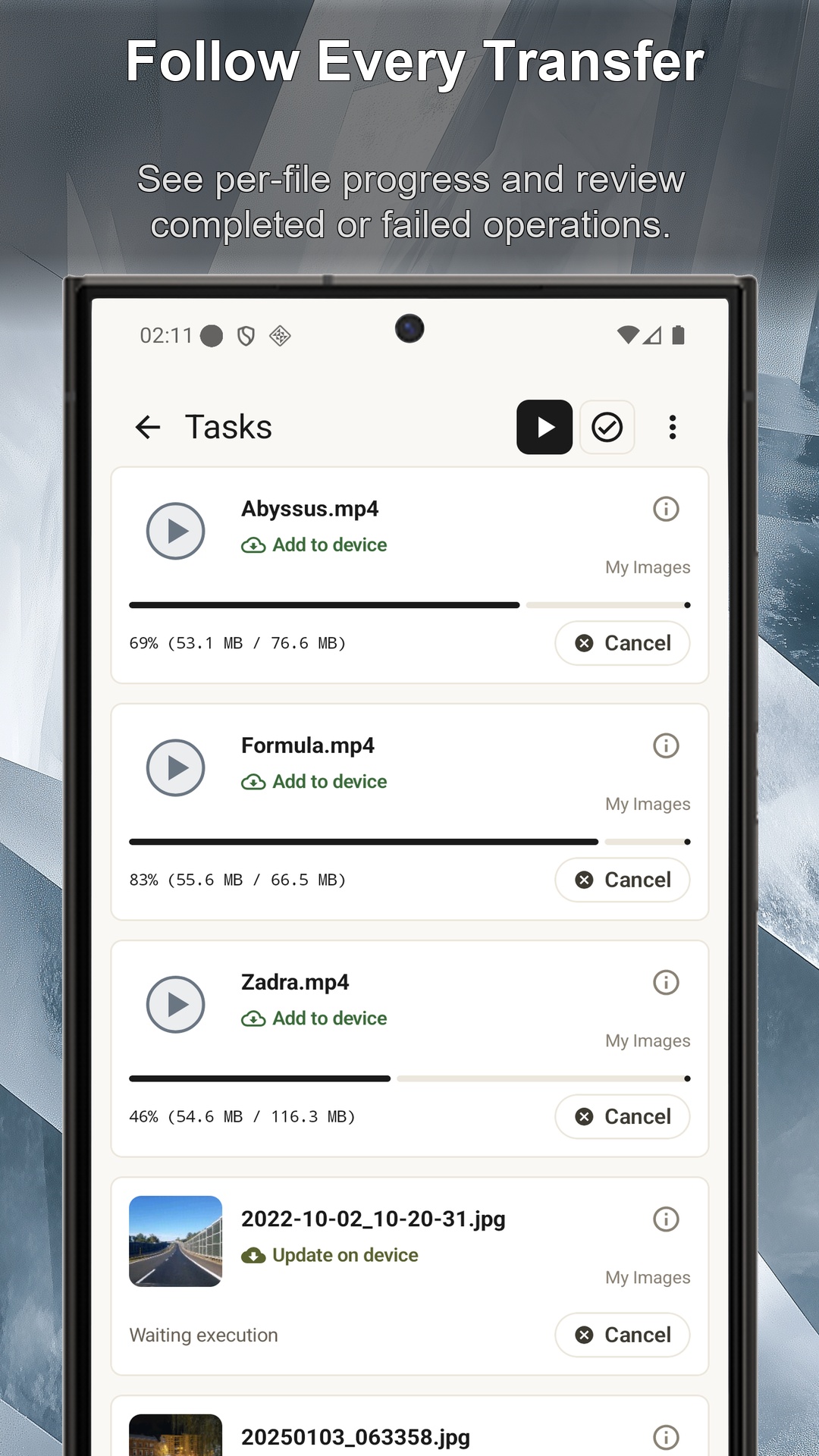
- Sync history, conflict review, and per-file progress
- Google Drive, OneDrive, Dropbox, Yandex Disk, WebDAV, FTP/FTPS, SFTP, Nextcloud, and SMB support
Use Cases
- Back up camera photos to cloud storage or a NAS
- Keep Android and remote folders synchronized
- Send selected photos to dedicated cloud folders
- Manage device, cloud, and network files in one place
- Review a large migration before allowing automatic changes
- Replace separate gallery, file manager, and backup apps

Comments


I started building SyncGallery because Android has good gallery apps, file managers, and sync tools, but I could not find one that brought all three together naturally. I wanted one place to browse and edit media, manage local, cloud, and network files, and create flexible sync rules. Trust is especially important to me. Before a new rule runs, SyncGallery shows the planned uploads, downloads, updates, and deletions so users can review what will happen. I would love feedback, especially from people who manage photos across several devices or storage services.

Trust is paramount to me. Before applying new rules, SyncGallery displays the planned upload, download, update, and deletion operations, allowing users to preview the upcoming changes. I would greatly appreciate feedback, especially from users who need to manage photos across multiple devices or storage services.

Combining gallery, file manager, and sync into one Android app is a smart call — juggling three separate apps for this is a real pain point. The pre-sync preview for uploads/downloads/deletions is the standout feature for me; that kind of transparency before an automated rule touches your files is exactly what builds trust. Curious how it handles conflict resolution when two-way sync hits simultaneous edits on both ends. Nice work, Sasha!

The pre-sync preview is a really good idea, especially for deletion rules. That's usually the part that makes me nervous with sync tools. One thing I'd be curious about: if I approve a rule and realize afterwards that it deleted or overwrote the wrong files, is there any rollback or recovery mechanism? Feels like that could make the safety story even stronger.


SyncGallery Your product has strong potential, but I found a few key improvements that could make it even better. I'd love to share my feedback and suggestions—please contact me at [email protected].




The dry-run preview before a sync rule executes is the feature that would actually make me trust this — seeing planned deletions ahead of time is exactly where other Android sync tools burn people. Merging gallery, file manager and sync into one app also removes the usual round-trip between three apps. Does conflict review let you keep both versions of a file, or is it pick-one?


Combining a gallery, file manager and sync tool in one Android app makes sense. The planned-operations preview is the strongest trust feature, especially before two-way sync. I would make the first run split the dry-run summary into uploads, downloads, updates and deletions, with destructive actions clearly separated. Can users save that preview as a report and compare it with the actual sync history afterward?
Premium Products










































Sponsors
Buy

Awards
View all
Awards
View allMakers
Makers
Comments
I started building SyncGallery because Android has good gallery apps, file managers, and sync tools, but I could not find one that brought all three together naturally. I wanted one place to browse and edit media, manage local, cloud, and network files, and create flexible sync rules. Trust is especially important to me. Before a new rule runs, SyncGallery shows the planned uploads, downloads, updates, and deletions so users can review what will happen. I would love feedback, especially from people who manage photos across several devices or storage services.
Trust is paramount to me. Before applying new rules, SyncGallery displays the planned upload, download, update, and deletion operations, allowing users to preview the upcoming changes. I would greatly appreciate feedback, especially from users who need to manage photos across multiple devices or storage services.
Combining gallery, file manager, and sync into one Android app is a smart call — juggling three separate apps for this is a real pain point. The pre-sync preview for uploads/downloads/deletions is the standout feature for me; that kind of transparency before an automated rule touches your files is exactly what builds trust. Curious how it handles conflict resolution when two-way sync hits simultaneous edits on both ends. Nice work, Sasha!
The pre-sync preview is a really good idea, especially for deletion rules. That's usually the part that makes me nervous with sync tools. One thing I'd be curious about: if I approve a rule and realize afterwards that it deleted or overwrote the wrong files, is there any rollback or recovery mechanism? Feels like that could make the safety story even stronger.
SyncGallery Your product has strong potential, but I found a few key improvements that could make it even better. I'd love to share my feedback and suggestions—please contact me at [email protected].
The dry-run preview before a sync rule executes is the feature that would actually make me trust this — seeing planned deletions ahead of time is exactly where other Android sync tools burn people. Merging gallery, file manager and sync into one app also removes the usual round-trip between three apps. Does conflict review let you keep both versions of a file, or is it pick-one?
Combining a gallery, file manager and sync tool in one Android app makes sense. The planned-operations preview is the strongest trust feature, especially before two-way sync. I would make the first run split the dry-run summary into uploads, downloads, updates and deletions, with destructive actions clearly separated. Can users save that preview as a report and compare it with the actual sync history afterward?
Premium Products
New to Fazier?

Find your next favorite product or submit your own. Made by @FalakDigital.
Copyright ©2026. All Rights Reserved