
Sweepr
Swipe to clean up photos, or compress the ones you keep
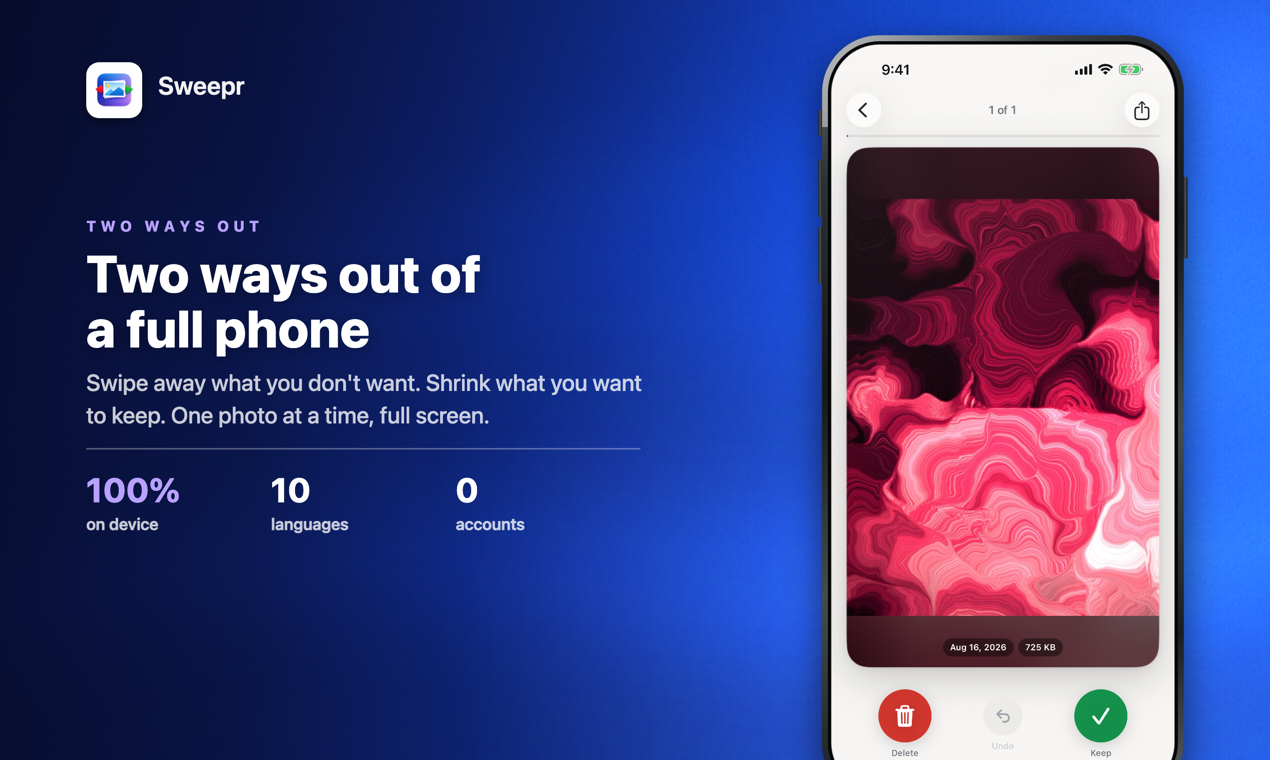
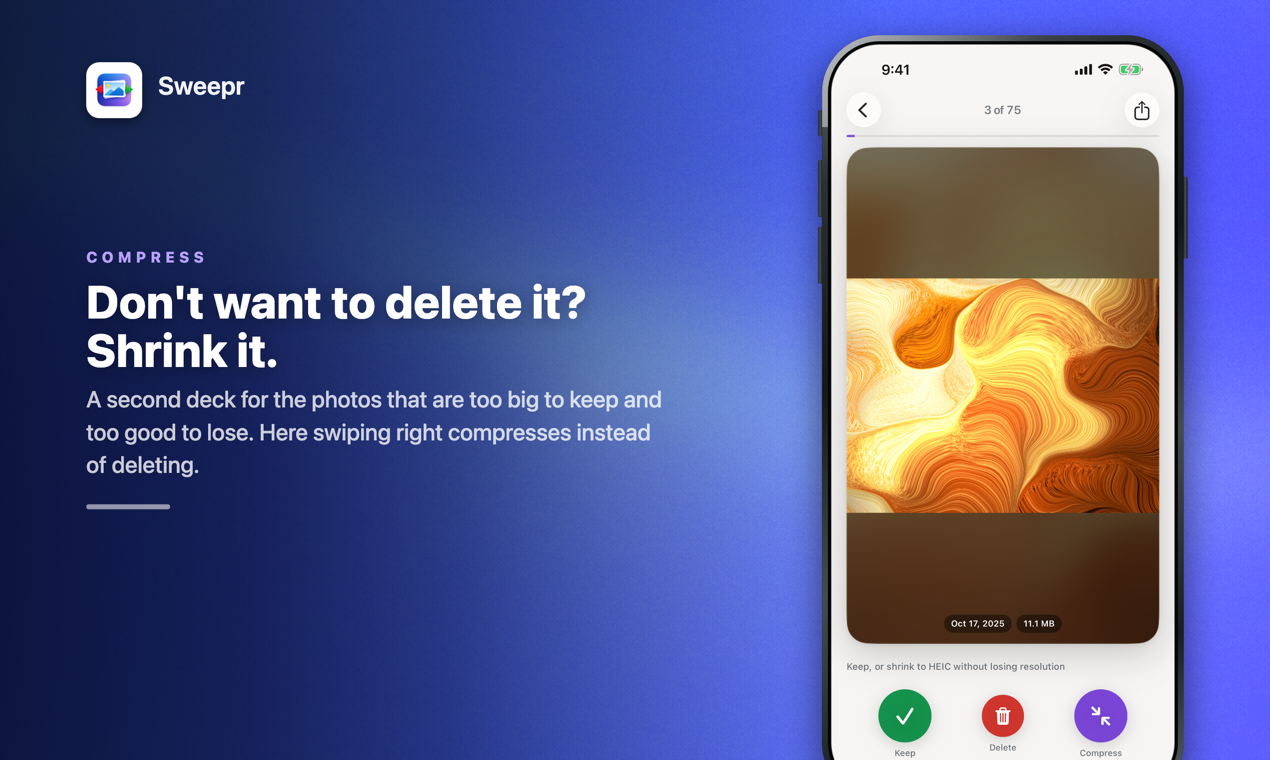
Sweepr turns your iPhone camera roll into a deck of cards. One photo at a time, full screen: swipe left to delete, right to keep, down to file it into an album. For the photos and videos you would never delete, Sweepr can compress them instead: same resolution, same date, same albums, a lighter file. Smart decks gather duplicates, failed shots, screenshots, receipts and large videos. Nothing is deleted until you confirm once in the iOS prompt, and everything runs on the device: no account, no ads in the app, photos are never uploaded.

Features
Swipe left to delete, right to keep, down to add to an album, up to Favorites
Compress photos and videos instead of deleting them, at the same resolution
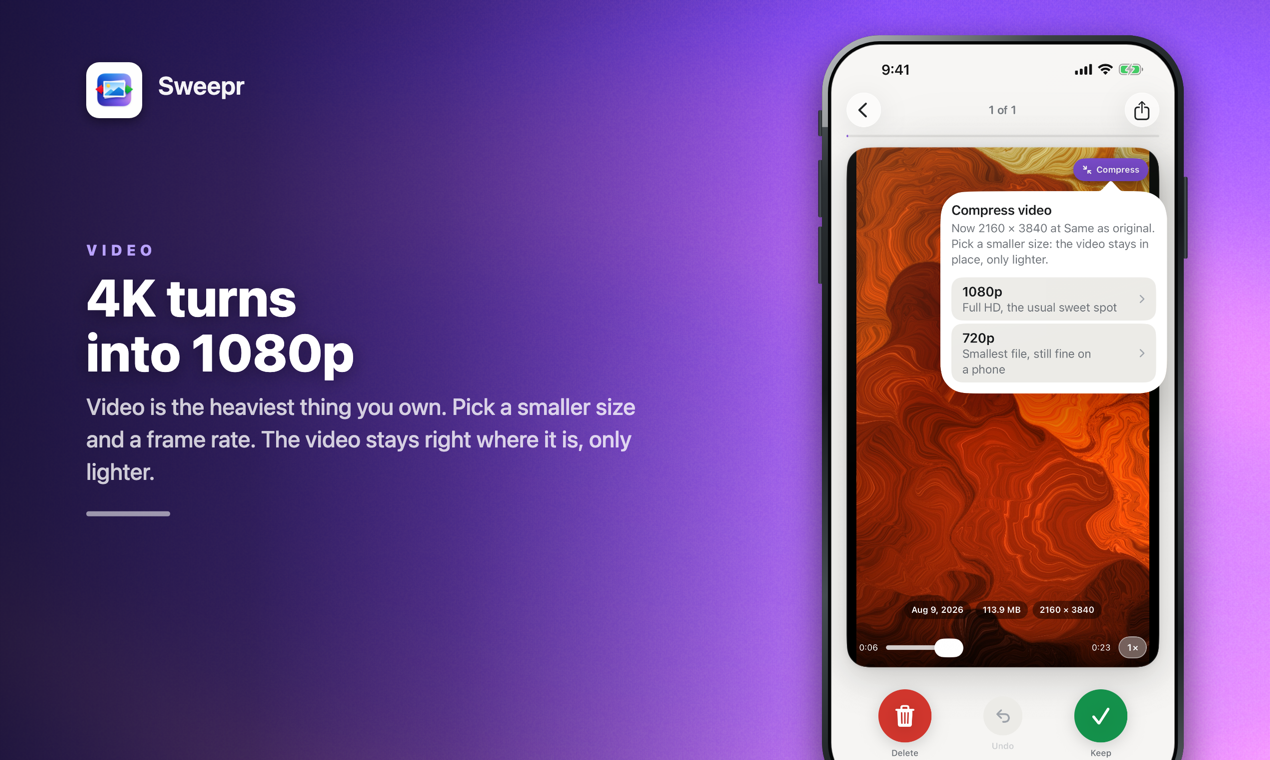
Videos from 4K to 1080p or 720p, or trimmed to the part that matters
Duplicates and similar photos, side by side
Smart decks: failed shots, documents and receipts, messenger images, large videos
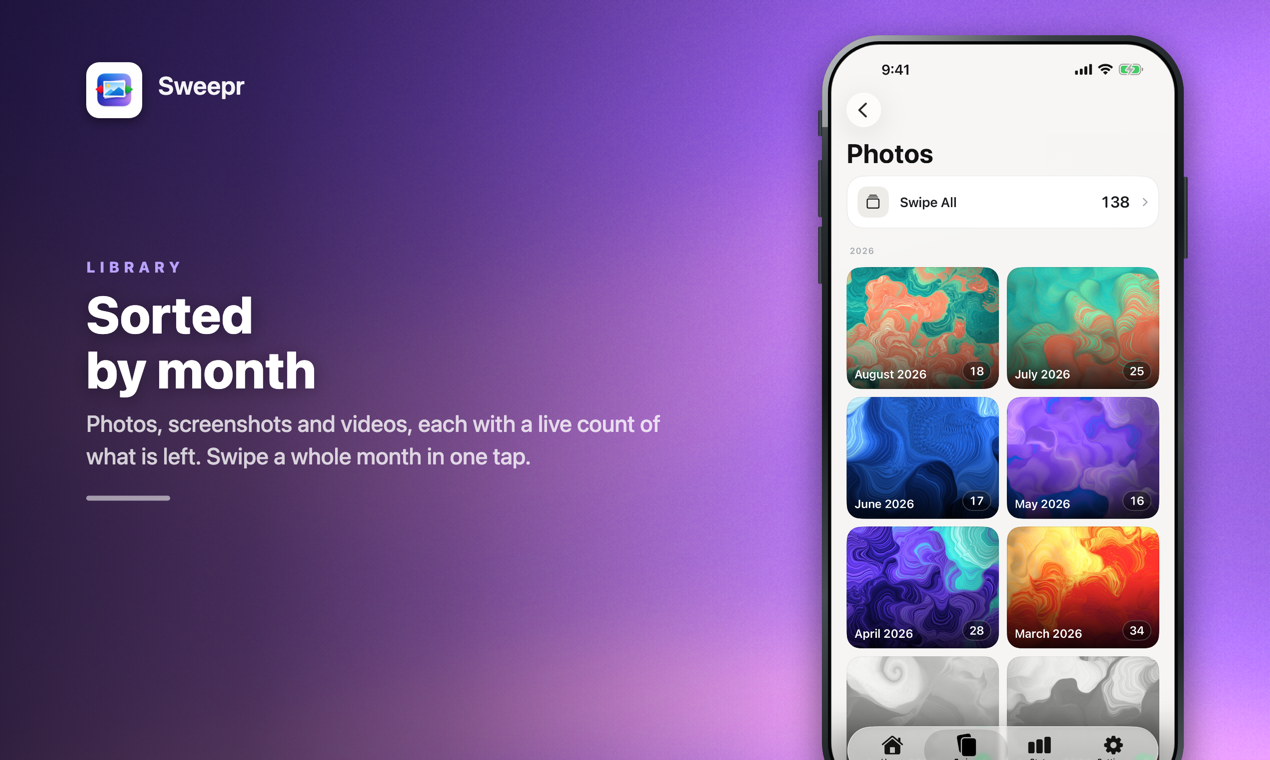
Browse by month, album or place on a map
Trash with undo; one iOS confirmation per deck
Widget, Siri and Shortcuts, iPad support
Use Cases
Free up space when iPhone says Storage Almost Full
Shrink 4K videos and ProRAW photos you want to keep
Clear years of screenshots, receipts and memes in minutes
Go through a trip or a month of photos and keep only the best

Comments


Hi Fazier! I built Sweepr because every photo cleaner I tried had one answer to a full phone: delete more. But the files that fill a phone are the 4K clips and big photos nobody wants to lose. So Sweepr gives you two ways out. Swipe through your camera roll one photo at a time and clear what you don't need, or compress what you keep: same resolution, same date, same albums, a lighter file. Nothing leaves your phone, there's no account, and nothing is deleted until you confirm in the iOS prompt. I'd love to hear what you would add next, and how many gigabytes you got back.
Premium Products




















































Sponsors
Buy

Makers
Makers
Comments
Hi Fazier! I built Sweepr because every photo cleaner I tried had one answer to a full phone: delete more. But the files that fill a phone are the 4K clips and big photos nobody wants to lose. So Sweepr gives you two ways out. Swipe through your camera roll one photo at a time and clear what you don't need, or compress what you keep: same resolution, same date, same albums, a lighter file. Nothing leaves your phone, there's no account, and nothing is deleted until you confirm in the iOS prompt. I'd love to hear what you would add next, and how many gigabytes you got back.
Premium Products
New to Fazier?

Find your next favorite product or submit your own. Made by @FalakDigital.
Copyright ©2026. All Rights Reserved