
subtitlegenerator.net
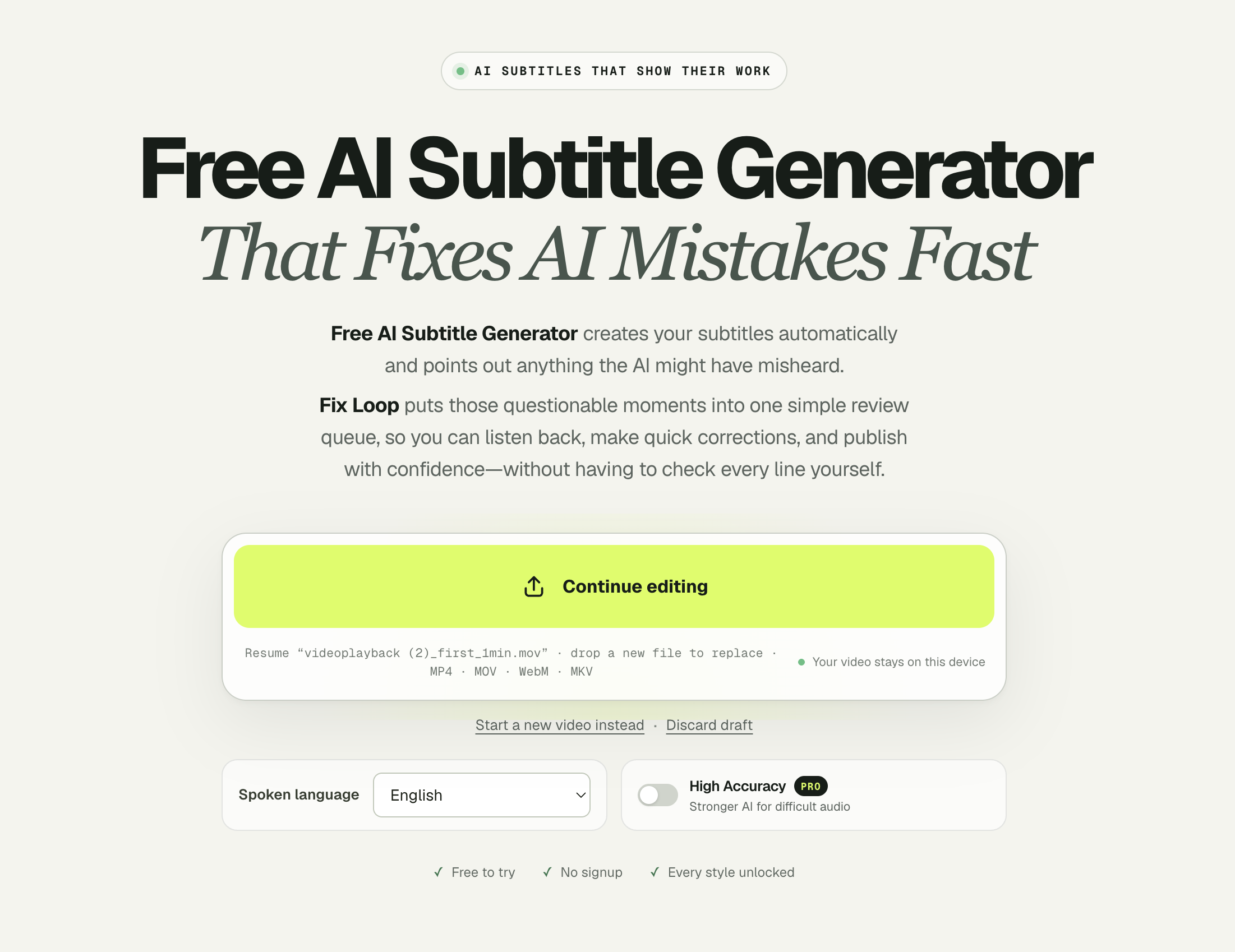
Free AI Subtitle Generator That Fixes AI Mistakes Fast
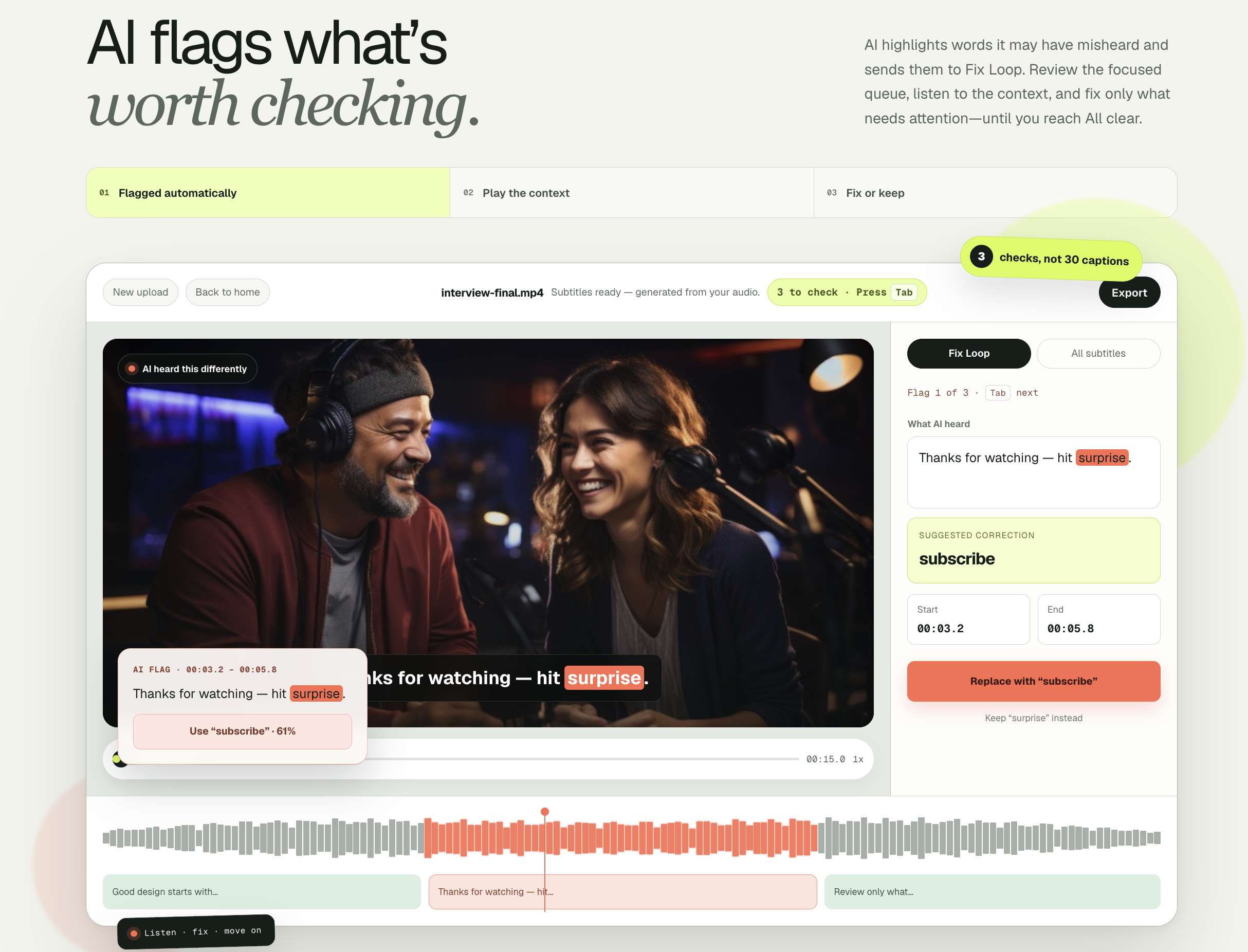
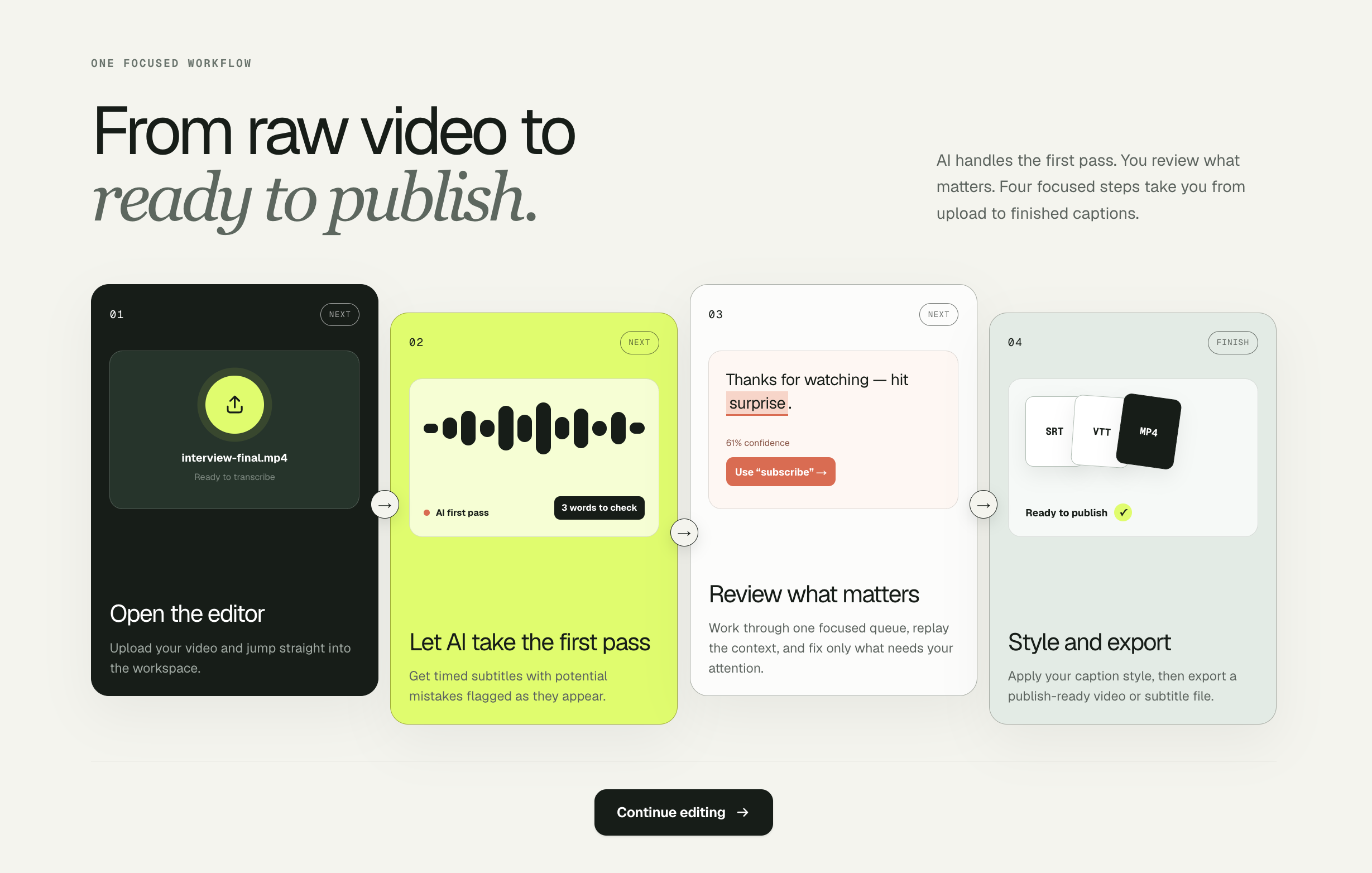
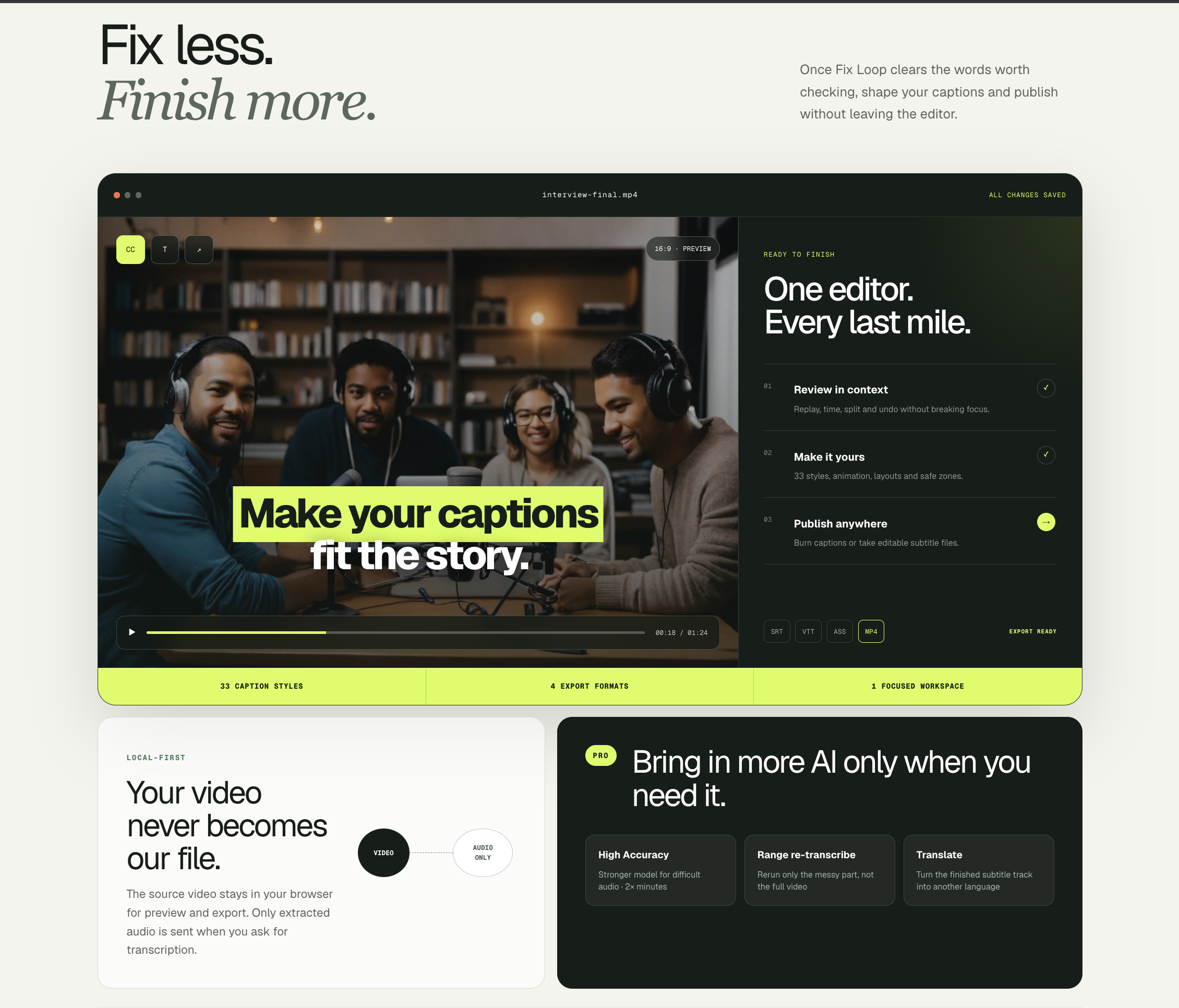
Free AI Subtitle Generator creates your subtitles automatically and points out anything the AI might have misheard. Fix Loop puts those questionable moments into one simple review queue, so you can listen back, make quick corrections, and publish with confidence—without having to check every line yourself.
Features
Automatic subtitle generation AI error detection Fix Loop review queue for quick corrections Free to use
Use Cases
Content creators who need accurate subtitles for videos Editors who want to quickly review and fix AI-generated subtitles Anyone looking for a free subtitle generator

Comments


The Fix Loop is the part I'd actually use. With auto-subtitles most of the time goes into scanning lines that were already fine, so a queue of only the doubtful moments makes a lot of sense. How do you decide what gets flagged: low word-level confidence from the speech model, or a second pass that checks whether the sentence reads sensibly? In my experience names and product terms are where auto-captions break most, so a small custom glossary that also feeds the flagging would be a nice addition.

Premium Products


































Sponsors
Buy


Comments
The Fix Loop is the part I'd actually use. With auto-subtitles most of the time goes into scanning lines that were already fine, so a queue of only the doubtful moments makes a lot of sense. How do you decide what gets flagged: low word-level confidence from the speech model, or a second pass that checks whether the sentence reads sensibly? In my experience names and product terms are where auto-captions break most, so a small custom glossary that also feeds the flagging would be a nice addition.
Premium Products
New to Fazier?

Find your next favorite product or submit your own. Made by @FalakDigital.
Copyright ©2026. All Rights Reserved