Subtitle Remover
Erase hard-coded subtitles and watermarks from video
Recently, while creating short-form drama content, I've been running into the same issue almost every day.
Even when I explicitly tell Seedance 2.0 not to generate subtitles, some generated videos still end up with subtitles.
Regenerating the video isn't cheap either.
One clip can easily cost a couple of dollars, and if this happens 6–7 times a day, the wasted cost can quickly add up.
I started looking for existing subtitle removal tools, but ran into several common problems:
• Some tools only support videos under 1 minute.
• Some don't allow manually selecting the subtitle area, leading to inconsistent results.
• Some charge per use or require expensive plans, making longer videos costly to process.
• Upload and processing speeds can be frustratingly slow.
After trying a number of options, I decided to build a tool specifically for removing subtitles from videos.
It currently uses Volcano Engine's subtitle removal capability and supports:
• Videos up to 1GB • No video length limits
• Manual subtitle area selection
• Per-second billing
• Up to 50× lower cost compared to regenerating videos with AI
If you're facing the same problem, feel free to give it a try: I'd also love to hear any feedback or suggestions.
Features
• Videos up to 1GB • No video length limits
• Manual subtitle area selection
• Per-second billing
• Up to 50× lower cost compared to regenerating videos with AI
Use Cases
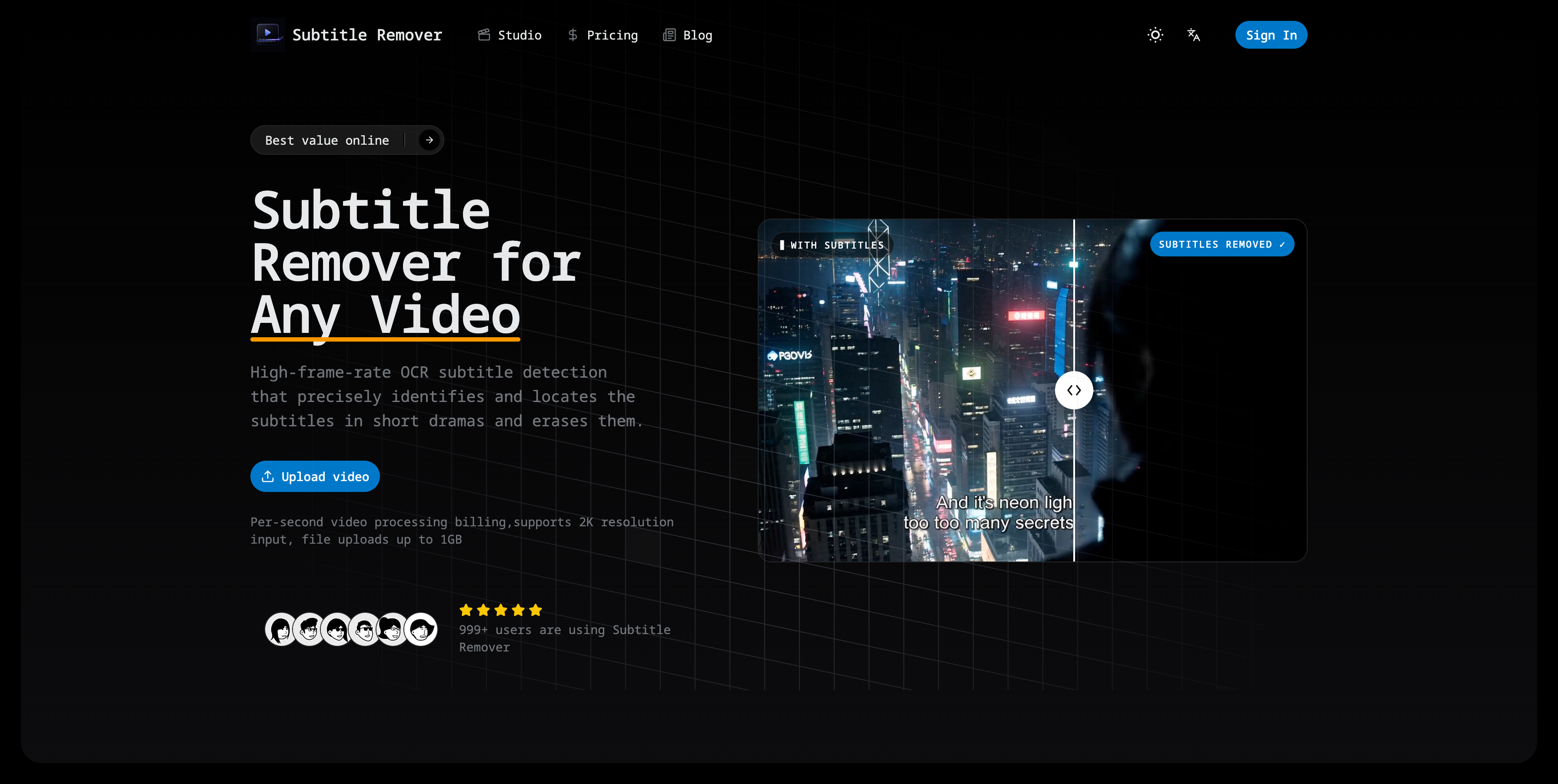
- Erases hard-coded subtitles
- Erases captions from video
- Erases watermarks and on-screen text from any video.
- It reconstructs the pixels behind the text frame by frame — no blur, no black bar — and exports a clean 1080p MP4 in minutes.

Comments

This hits a real pain point — hard-subbed text and watermarks are hard because you are inpainting over moving content, not masking a static region. Curious about the approach: per-frame inpainting (LaMa / ProPainter style) with temporal consistency, or a simpler mask-and-blur? And does it auto-detect the subtitle region per frame or do you draw the box once? Temporal flicker across cuts is usually the giveaway, so I would love to know how you keep it stable.


The OCR-detect plus frame-by-frame pixel reconstruction combo is the right architecture here. Masking a static region was always going to fail on short-drama footage where the text sits over moving scenes, so reconstructing the pixels rather than blurring or black-barring is the part that actually matters for reposting. Different question from the one above: how robust is the OCR detection on stylized or non-Latin subtitles, like CJK, decorative drama fonts, or double-language subs stacked two lines high? That tends to be where automatic subtitle-region detection quietly drops frames.

The manual subtitle-area selection is a smart choice here. Auto-detection is usually where these tools break on short-form clips with stylized captions or two-line subtitles. One thing I’d want to test before relying on it in a workflow is temporal consistency: does the inpainted area stay stable across fast cuts, or do you still see flicker frame to frame?

Removing hardcoded subtitles is a genuinely painful problem — most tools either degrade video quality or require expensive manual frame-by-frame editing. Curious how the AI handles edge cases like overlapping text with similar background colors, or subtitles with drop shadows. Does it work on vertical/portrait videos for TikTok content too? The freemium model makes sense for a tool like this where occasional users probably don't need unlimited removes.
The manual subtitle-area selection is a useful tradeoff for this use case: it avoids brittle auto-detection while still keeping the workflow much cheaper than regenerating a clip. One practical question: when the source is vertical short-form video, can users define multiple regions for stacked captions or creator watermarks, or is it currently one selected area per job?

This is a brilliant fix for a highly specific but incredibly annoying problem with AI video generators. The per-second billing combined with the manual area selection is a huge win—most tools force you into an expensive monthly tier just to fix a few short clips, which completely ruins the ROI of content creation. A quick question on the workflow: Since AI generation errors (like the Seedance issue you mentioned) often happen across multiple clips in the same batch, does the tool support batch processing? For instance, if I have 5 clips with the subtitle in the exact same screen coordinates, can I apply the same manual mask to all of them at once, or do they need to be configured individually? Great launch, definitely bookmarking this for my editing workflow!

Premium Products






























Sponsors
Buy

Awards
View all
Awards
View all
Comments
This hits a real pain point — hard-subbed text and watermarks are hard because you are inpainting over moving content, not masking a static region. Curious about the approach: per-frame inpainting (LaMa / ProPainter style) with temporal consistency, or a simpler mask-and-blur? And does it auto-detect the subtitle region per frame or do you draw the box once? Temporal flicker across cuts is usually the giveaway, so I would love to know how you keep it stable.
The OCR-detect plus frame-by-frame pixel reconstruction combo is the right architecture here. Masking a static region was always going to fail on short-drama footage where the text sits over moving scenes, so reconstructing the pixels rather than blurring or black-barring is the part that actually matters for reposting. Different question from the one above: how robust is the OCR detection on stylized or non-Latin subtitles, like CJK, decorative drama fonts, or double-language subs stacked two lines high? That tends to be where automatic subtitle-region detection quietly drops frames.
The manual subtitle-area selection is a smart choice here. Auto-detection is usually where these tools break on short-form clips with stylized captions or two-line subtitles. One thing I’d want to test before relying on it in a workflow is temporal consistency: does the inpainted area stay stable across fast cuts, or do you still see flicker frame to frame?
Removing hardcoded subtitles is a genuinely painful problem — most tools either degrade video quality or require expensive manual frame-by-frame editing. Curious how the AI handles edge cases like overlapping text with similar background colors, or subtitles with drop shadows. Does it work on vertical/portrait videos for TikTok content too? The freemium model makes sense for a tool like this where occasional users probably don't need unlimited removes.
The manual subtitle-area selection is a useful tradeoff for this use case: it avoids brittle auto-detection while still keeping the workflow much cheaper than regenerating a clip. One practical question: when the source is vertical short-form video, can users define multiple regions for stacked captions or creator watermarks, or is it currently one selected area per job?
This is a brilliant fix for a highly specific but incredibly annoying problem with AI video generators. The per-second billing combined with the manual area selection is a huge win—most tools force you into an expensive monthly tier just to fix a few short clips, which completely ruins the ROI of content creation. A quick question on the workflow: Since AI generation errors (like the Seedance issue you mentioned) often happen across multiple clips in the same batch, does the tool support batch processing? For instance, if I have 5 clips with the subtitle in the exact same screen coordinates, can I apply the same manual mask to all of them at once, or do they need to be configured individually? Great launch, definitely bookmarking this for my editing workflow!
Premium Products
New to Fazier?

Find your next favorite product or submit your own. Made by @FalakDigital.
Copyright ©2026. All Rights Reserved