
StrictDNS
Block adult content, gambling and endless-scroll apps
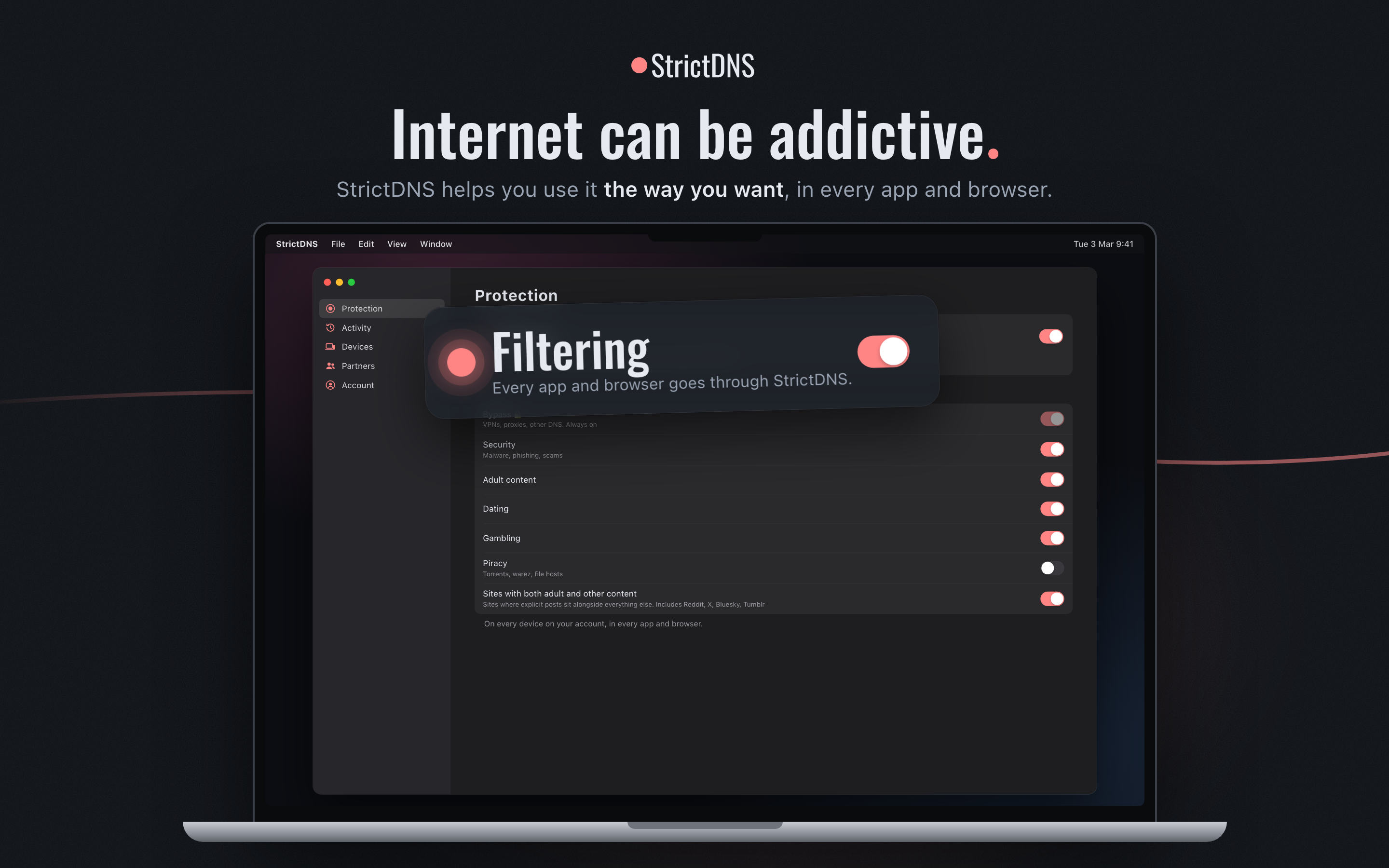
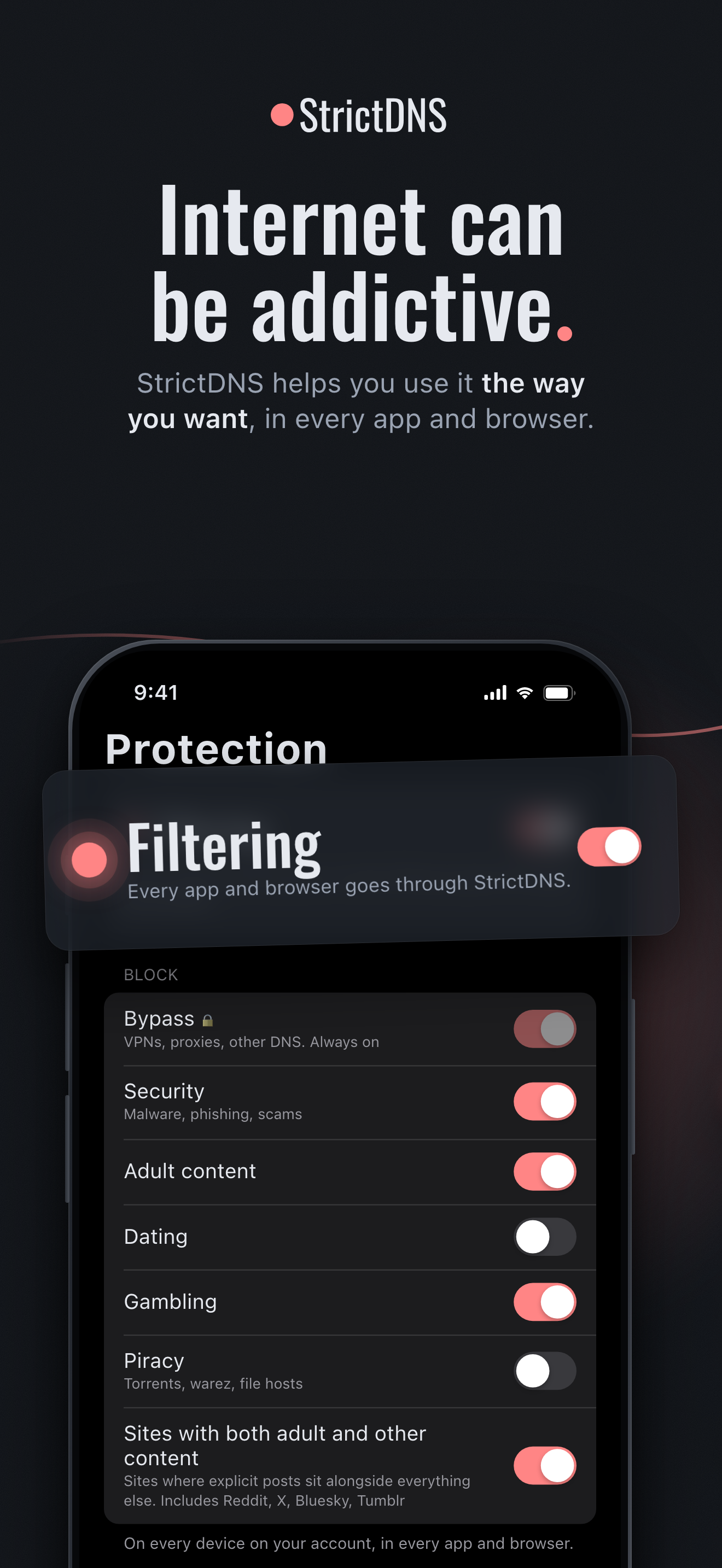
StrictDNS blocks what pulls you in, like adult content, gambling, dating and endless-scroll apps, on all your devices at once. Switch on categories, add single apps such as TikTok, Instagram or YouTube, or list your own sites. Add a trusted partner and they are notified when you change your blocks or when a device stops being protected. They don't see the sites you visit unless you choose to share your activity log. Being a partner is always free. An Android app is coming soon.
Features
- Block adult content, gambling, dating and endless-scroll apps
- Add single apps such as TikTok, Instagram or YouTube
- List your own sites to block
- Protection on all your devices at once
- A trusted partner is notified when you change your blocks or a device stops being protected
- Partners never see your sites unless you share your activity log
- Being a partner is always free
Use Cases

Comments


The trusted-partner notifications are a genuinely differentiating feature — accountability to another person is what most blockers miss. Does the block hold at the DNS level so it survives app reinstalls? And if a protected device goes offline, is the partner notified right away or after a grace period? This looks useful for family networks, not just individuals.

Making the partner role free is a clever growth loop: every user brings in a second person who already cares about the problem. One technical question others haven't covered: Chrome and Firefox can switch on their own "Secure DNS" (DNS-over-HTTPS) and skip the device's DNS settings entirely. Do you lock that down, or detect it and treat it as "device not protected" so the partner gets notified? Same for in-app browsers that use their own resolver. Getting that right is probably the difference between a blocker someone trusts and one they quietly work around.

The partner notification when a device stops being protected is the clever bit — most DNS blockers are trivially bypassed by switching the setting back, and this turns that into something a partner actually sees. How do you detect "stopped being protected": a heartbeat from the device, or the absence of queries from its profile? And on iOS, does it rely on a DNS configuration profile, and what happens on a network that forces its own DNS?

The trusted-partner alert is a thoughtful safeguard because it makes protection accountable without exposing browsing history by default. The all-device scope also sounds useful for families and small teams; what is the recovery flow when a device loses its protection temporarily due to a network or profile change?
Premium Products


































Sponsors
Buy

Awards
View all
Awards
View allMakers

Makers
Comments
The trusted-partner notifications are a genuinely differentiating feature — accountability to another person is what most blockers miss. Does the block hold at the DNS level so it survives app reinstalls? And if a protected device goes offline, is the partner notified right away or after a grace period? This looks useful for family networks, not just individuals.
Making the partner role free is a clever growth loop: every user brings in a second person who already cares about the problem. One technical question others haven't covered: Chrome and Firefox can switch on their own "Secure DNS" (DNS-over-HTTPS) and skip the device's DNS settings entirely. Do you lock that down, or detect it and treat it as "device not protected" so the partner gets notified? Same for in-app browsers that use their own resolver. Getting that right is probably the difference between a blocker someone trusts and one they quietly work around.
The partner notification when a device stops being protected is the clever bit — most DNS blockers are trivially bypassed by switching the setting back, and this turns that into something a partner actually sees. How do you detect "stopped being protected": a heartbeat from the device, or the absence of queries from its profile? And on iOS, does it rely on a DNS configuration profile, and what happens on a network that forces its own DNS?
The trusted-partner alert is a thoughtful safeguard because it makes protection accountable without exposing browsing history by default. The all-device scope also sounds useful for families and small teams; what is the recovery flow when a device loses its protection temporarily due to a network or profile change?
Premium Products
New to Fazier?

Find your next favorite product or submit your own. Made by @FalakDigital.
Copyright ©2026. All Rights Reserved