
Stintt
Your calendar writes your timesheet. No timers, no agent.
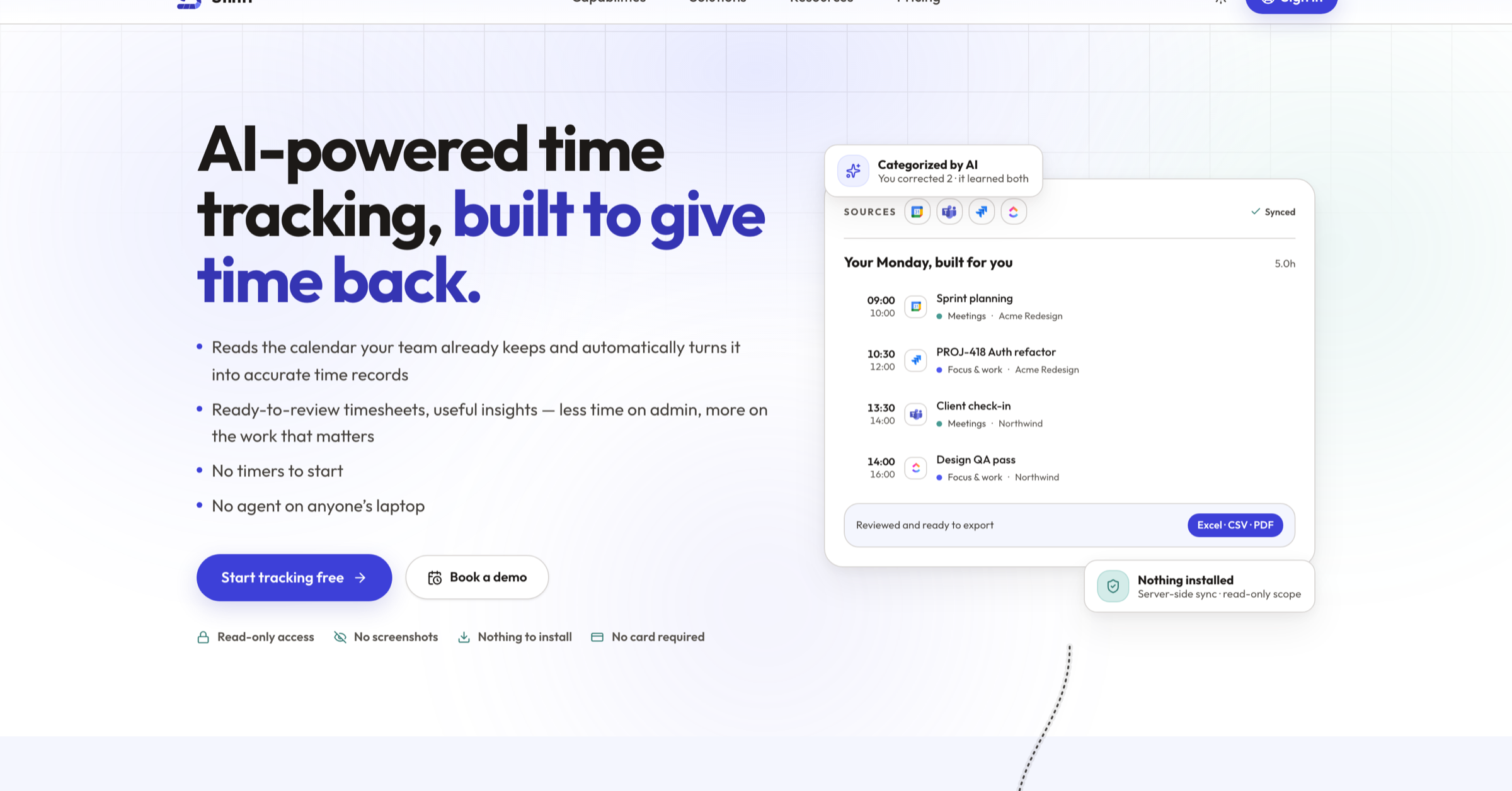
Stintt reads your calendar read-only and writes the timesheet for you, sorted by AI and ready to export to Excel, CSV or PDF. Managers approve the week and turn approved hours into invoices. No timers, no screenshots, no desktop agent.
Features
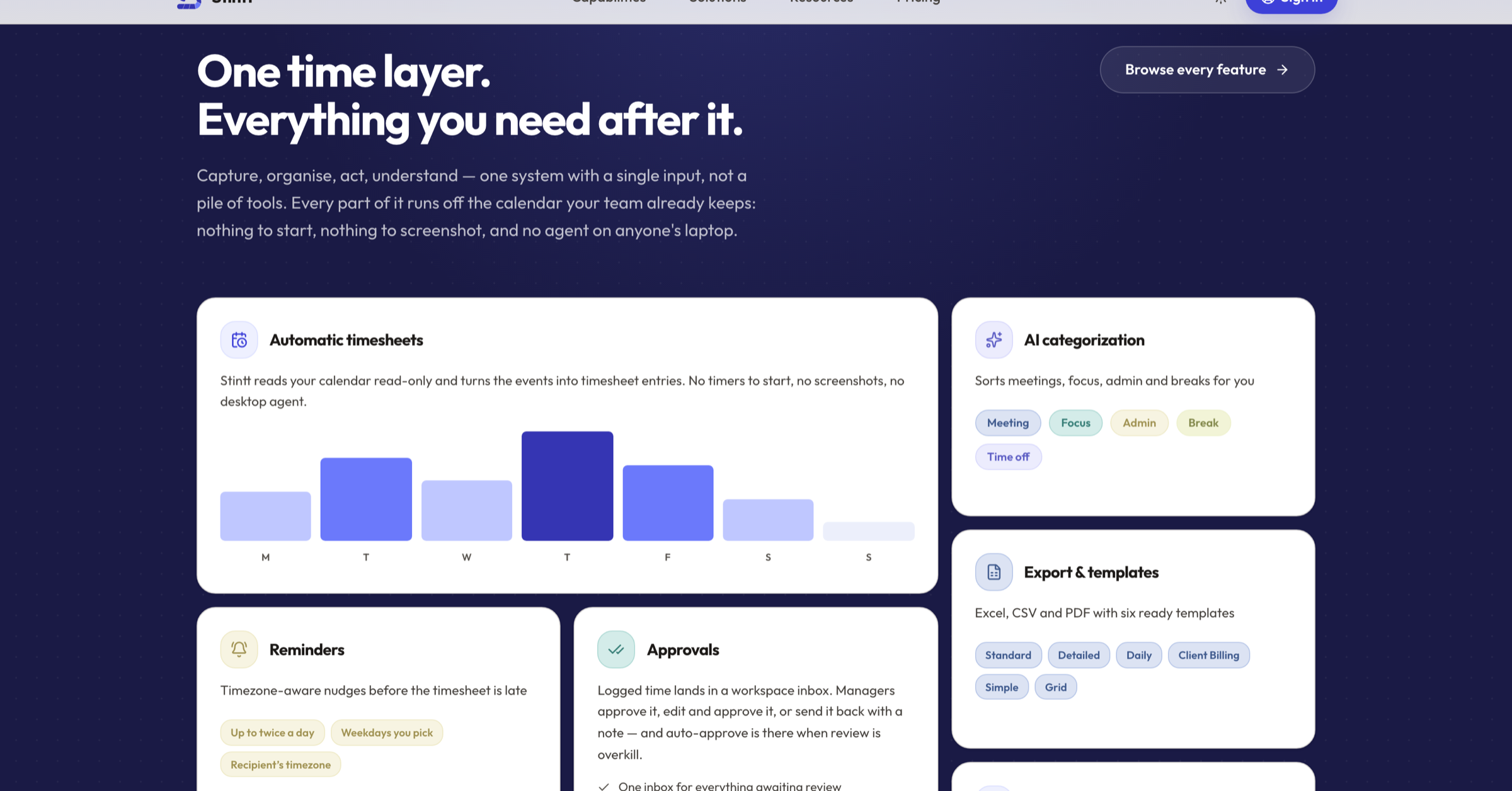
- Automatic timesheets: Reads your calendar read-only and turns the events into timesheet entries. No timers, no screenshots, no desktop agent.
- AI categorisation: Sorts every event into meetings, focus, admin, breaks and time off, by client and project. Correct one and the rule sticks.
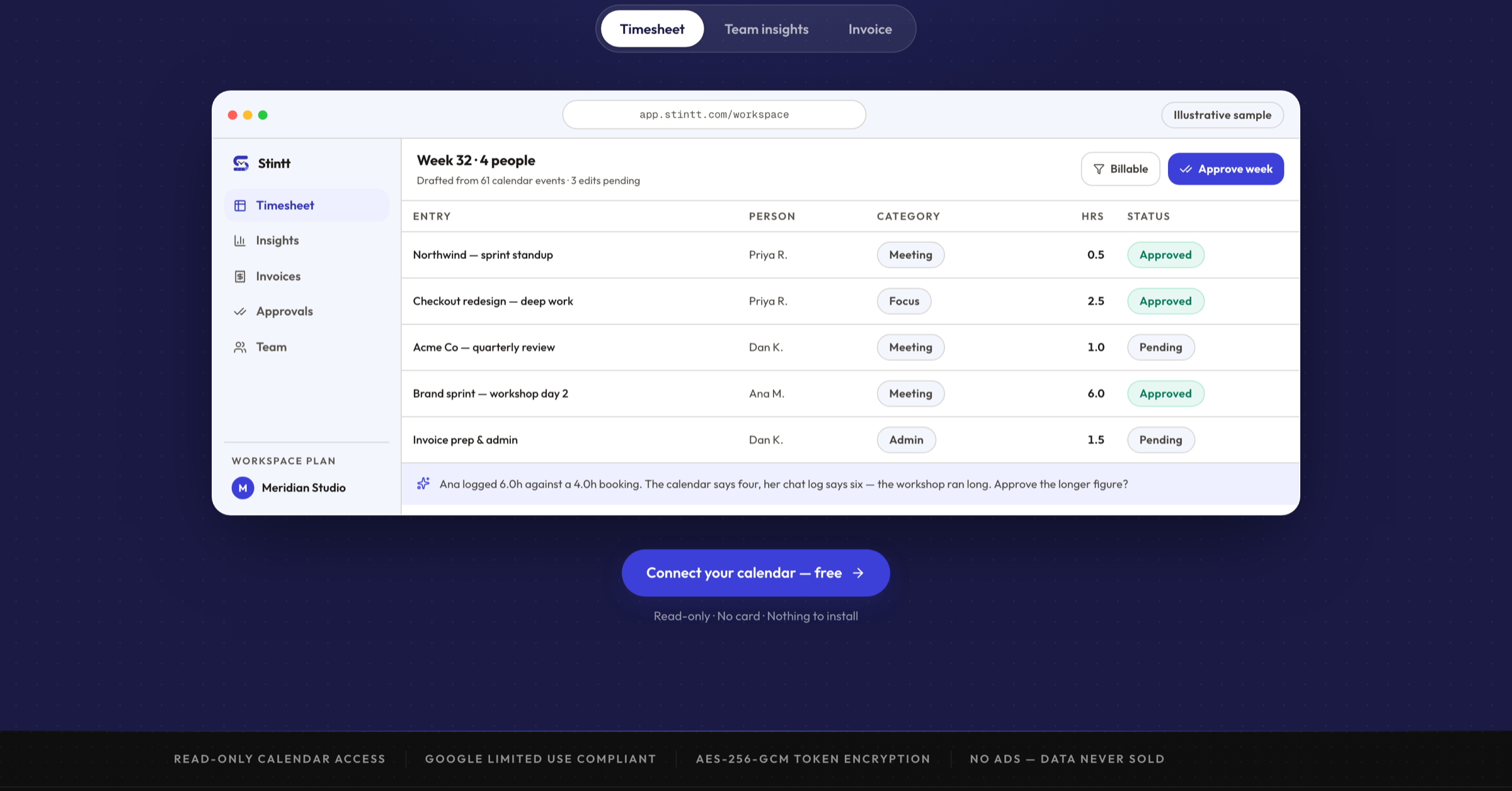
- Approvals: Logged time lands in one workspace inbox. Managers approve, edit and approve, or send it back with a note. Auto-approve when review is overkill.
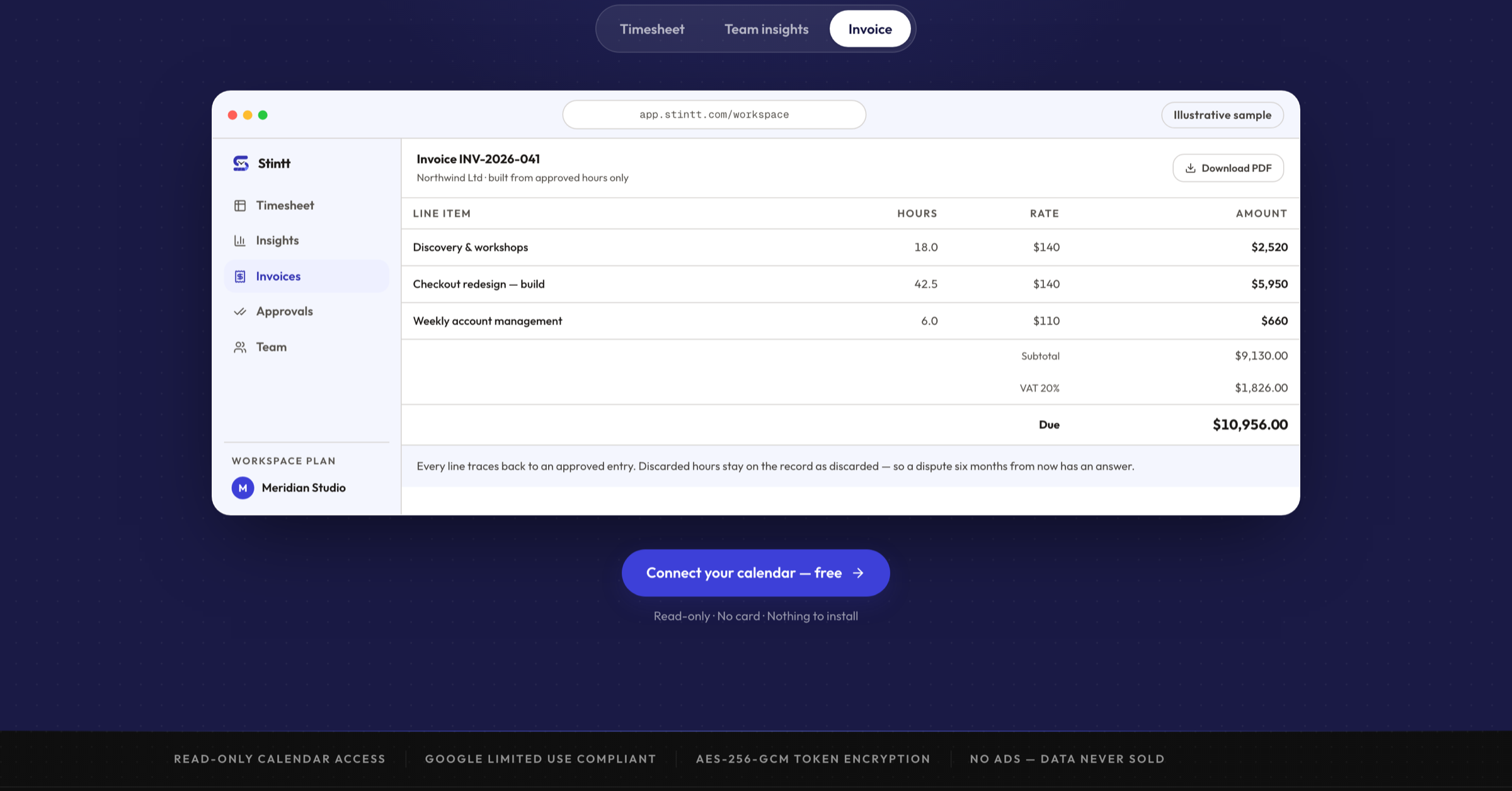
- Invoicing from approved hours: Roll approved time into invoice line items, apply the tax treatment and export a PDF. Modern and India GST templates included.
- Log time from chat: Telegram, Google Chat and in-app chat. Send "fixed login bug 2h" and it is logged. Ask "hours on Acme this week?" and it answers.
- Exports and templates: Excel, CSV and PDF with six ready templates: Standard, Detailed, Daily, Client Billing, Simple and Grid.
Use Cases
- Agencies billing by the hour: Turn the week's calendar into approved hours and an invoice line a client will accept, without rebuilding Friday from memory.
- Consultants and freelancers: Get a finished, exportable timesheet per client from the meetings and focus blocks already on your calendar.
- Managers chasing timesheets: Timezone-aware reminders before a sheet is late, and one inbox to approve or send back the week.
- Teams that will not be watched: Automatic capture from read-only calendar access. No screenshots, no keystroke logging, nothing installed on anyone's laptop.
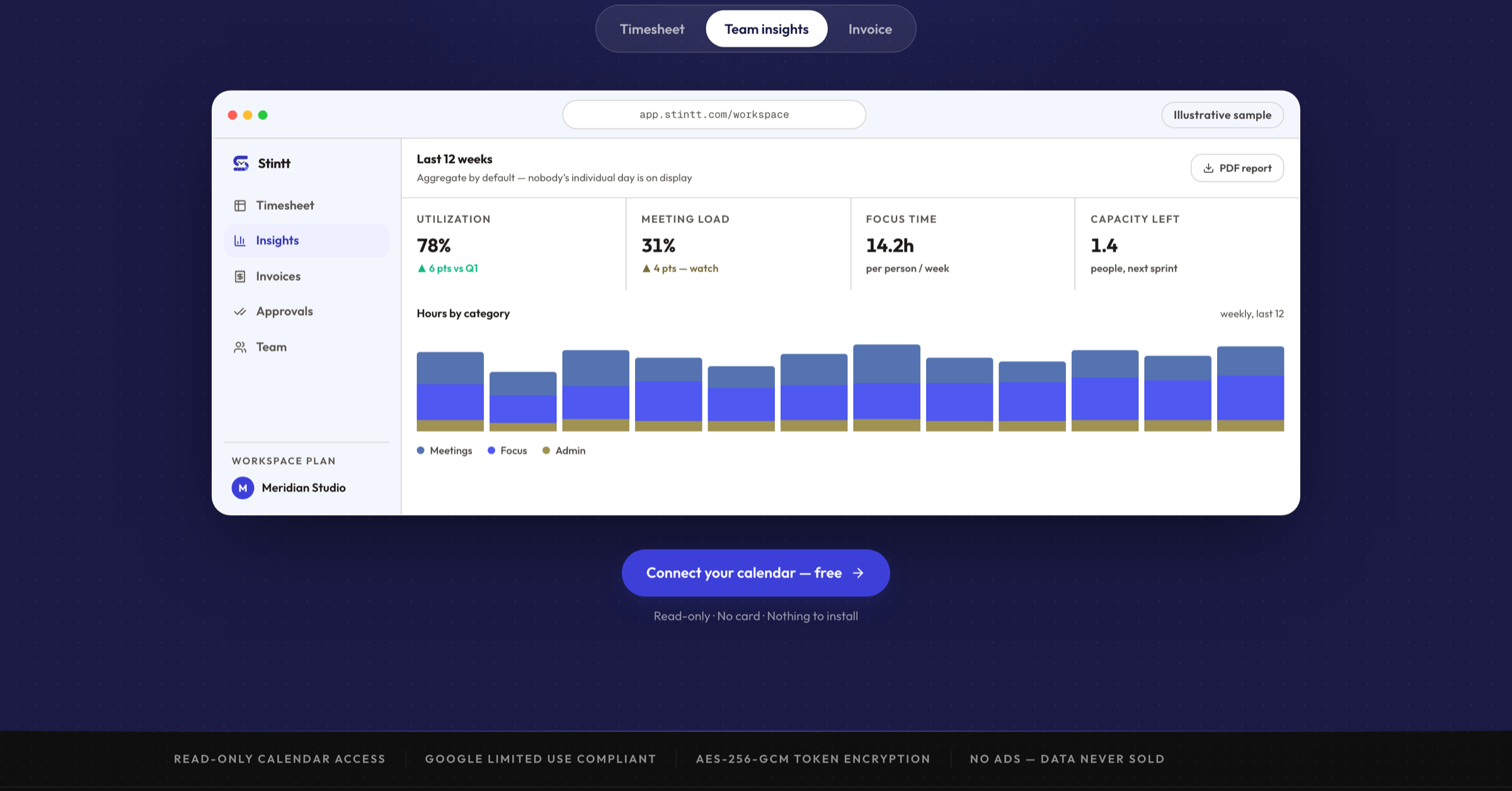
- Capacity planning: See utilization, meeting load, focus time and capacity before the next sprint. Team views aggregate by default.

Comments


Hi Fazier, I'm Ritik and I built Stintt. It started with Friday afternoons spent trying to remember what I did on Tuesday, and then billing a client based on that guess. Every automatic tracker I tried fixed it by installing an agent and taking screenshots, and my team hated being watched. Stintt reads your calendar instead. The access is read-only, so it can never edit or delete an event. Connect Google Calendar and your events become a draft timesheet, sorted into meetings, focus, admin and breaks. A manager approves the week, approved hours become invoice line items, and anything that never made it onto the calendar can be logged from Telegram or Google Chat ("fixed login bug 2h"). Where it stops today: the team roll-up, approvals and invoicing run on Google Calendar. Teams, Jira, ClickUp and Asana cover your own timesheet and export. There is no Slack bot, and Stintt does not send invoices for you. You export the PDF and send it yourself. Free tier, no card. I would especially like to hear where the categorisation gets your week wrong.
Premium Products



















































Sponsors
Buy

Makers
Makers
Comments
Hi Fazier, I'm Ritik and I built Stintt. It started with Friday afternoons spent trying to remember what I did on Tuesday, and then billing a client based on that guess. Every automatic tracker I tried fixed it by installing an agent and taking screenshots, and my team hated being watched. Stintt reads your calendar instead. The access is read-only, so it can never edit or delete an event. Connect Google Calendar and your events become a draft timesheet, sorted into meetings, focus, admin and breaks. A manager approves the week, approved hours become invoice line items, and anything that never made it onto the calendar can be logged from Telegram or Google Chat ("fixed login bug 2h"). Where it stops today: the team roll-up, approvals and invoicing run on Google Calendar. Teams, Jira, ClickUp and Asana cover your own timesheet and export. There is no Slack bot, and Stintt does not send invoices for you. You export the PDF and send it yourself. Free tier, no card. I would especially like to hear where the categorisation gets your week wrong.
Premium Products
New to Fazier?

Find your next favorite product or submit your own. Made by @FalakDigital.
Copyright ©2026. All Rights Reserved