Steno
Steno is a voice-to-text app for macOS and iPhone that adapt
Steno is a voice-to-text app for macOS and iPhone that knows what you do for a living. It detects your profession and
tunes its transcription automatically — a lawyer's "habeas corpus," a developer's "git commit -m," a doctor's medication names all land correctly. No custom dictionaries, no training.
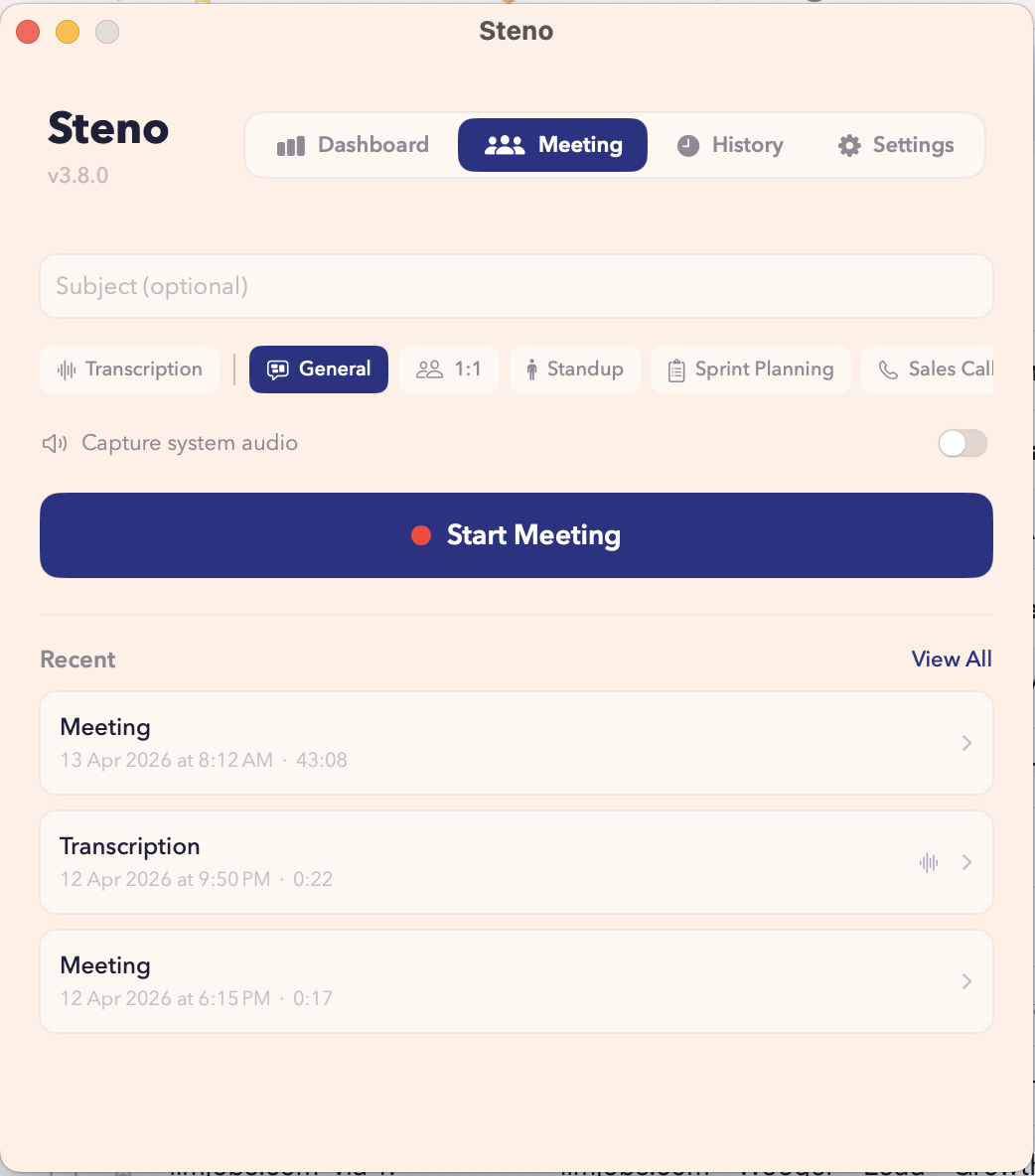
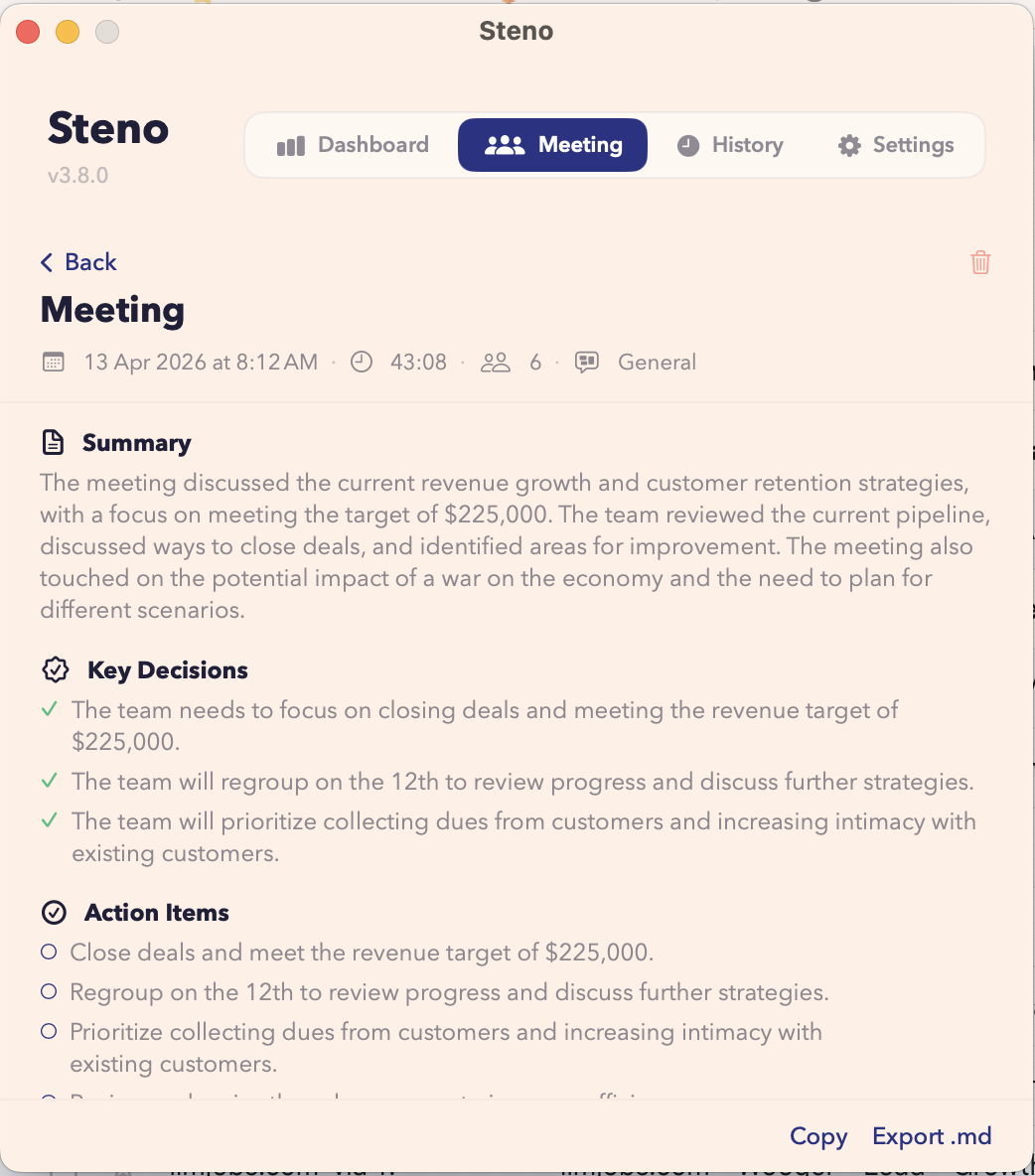
It enrolls your voice profile to isolate you from other people in the room, not just background noise, so it works in open offices, coffee shops, and courtrooms. A meeting mode captures multi-speaker conversations as structured notes.
Seven AI actions let you clean up filler words, fix grammar, shift tone, shorten, translate, or draft a reply in one tap.
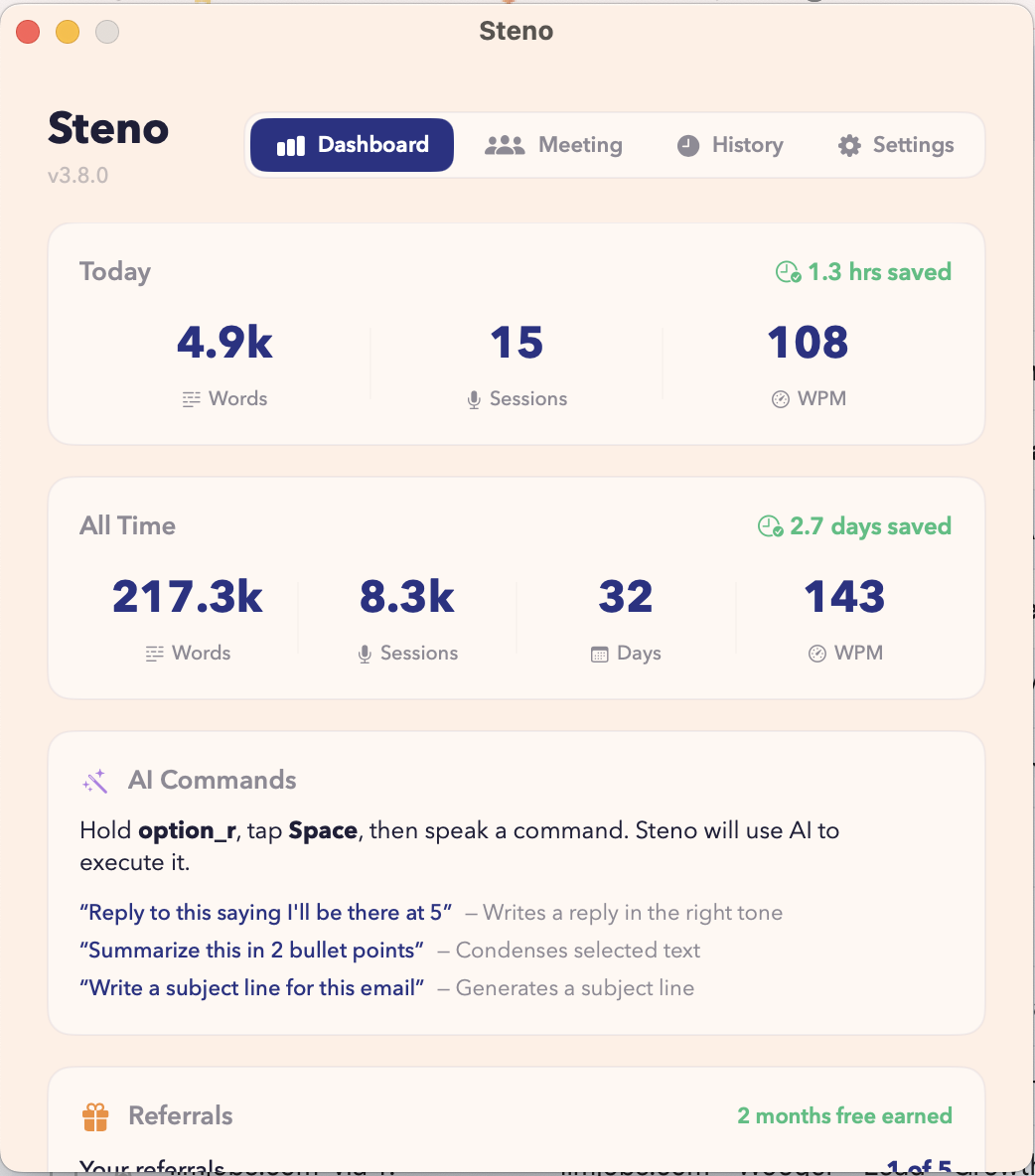
Voice commands, custom vocabulary snippets, 90+ languages, fully offline on Apple Silicon, and dictation history with
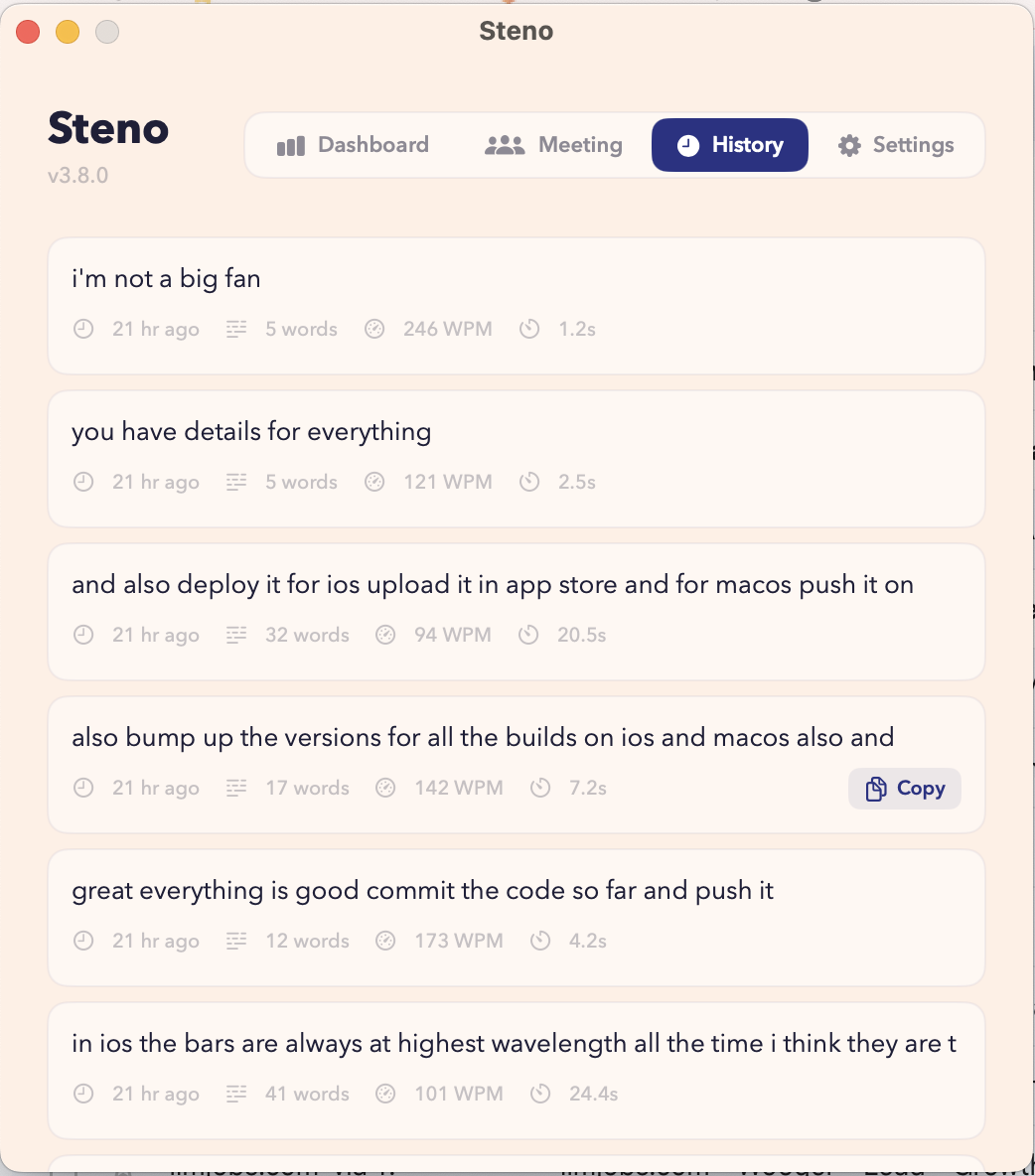
WPM tracking. On iPhone, the Steno keyboard works in every app. You press a button, speak, and your words appear
wherever your cursor is — five times faster than typing.
Features
- Profession-aware transcription: automatically detects your profession (lawyer, developer, doctor, writer, consultant) and tunes vocabulary, corrections, and formatting to match
- Voice isolation: enrolls your voice profile to filter out other people's voices, not just background noise — works in open offices, coffee shops, shared spaces
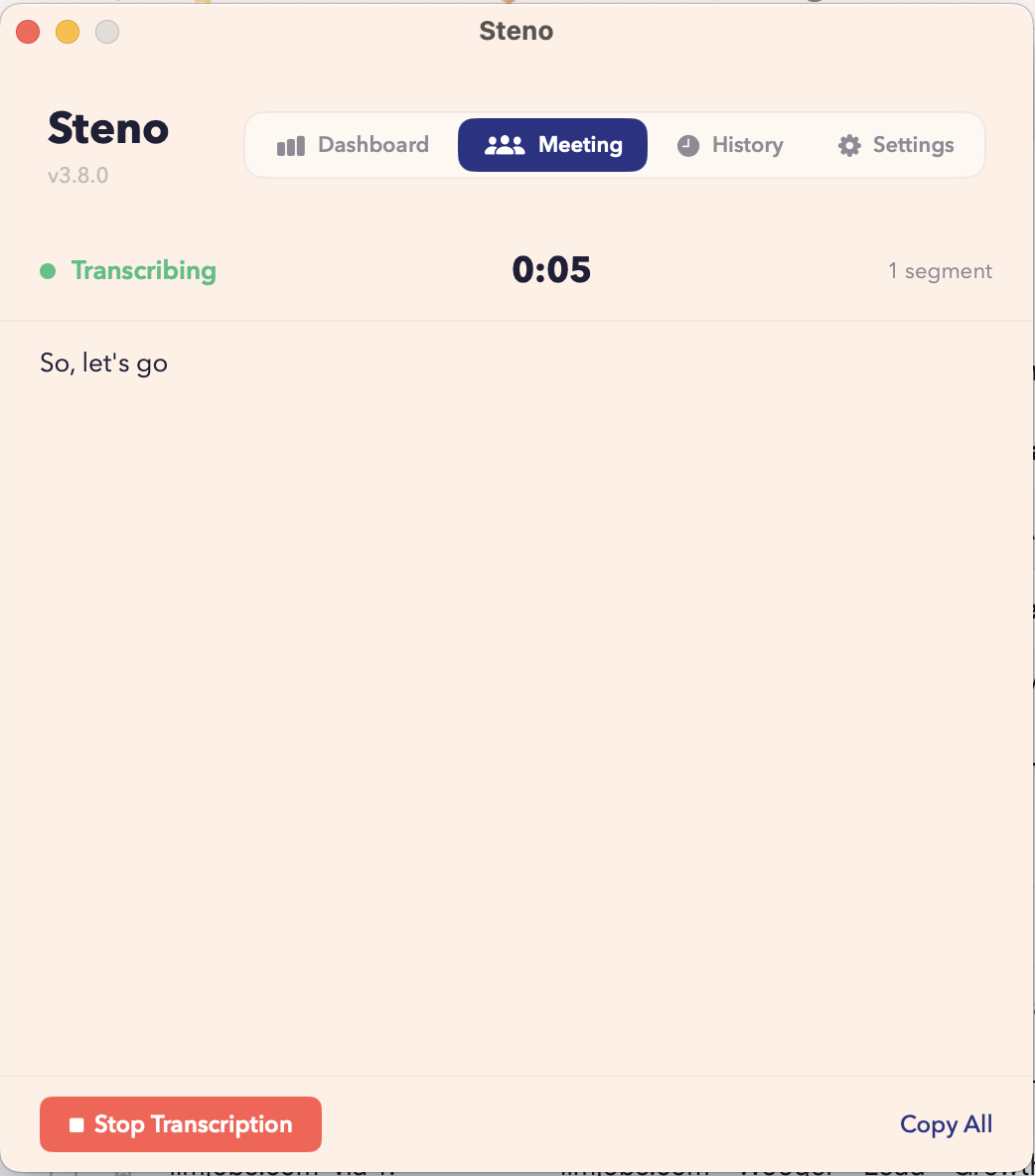
- Meeting mode: multi-speaker transcription that structures conversations into usable notes
- AI actions: one-tap clean up (removes filler words/false starts), fix grammar, professional tone, casual tone, shorten, translate, reply
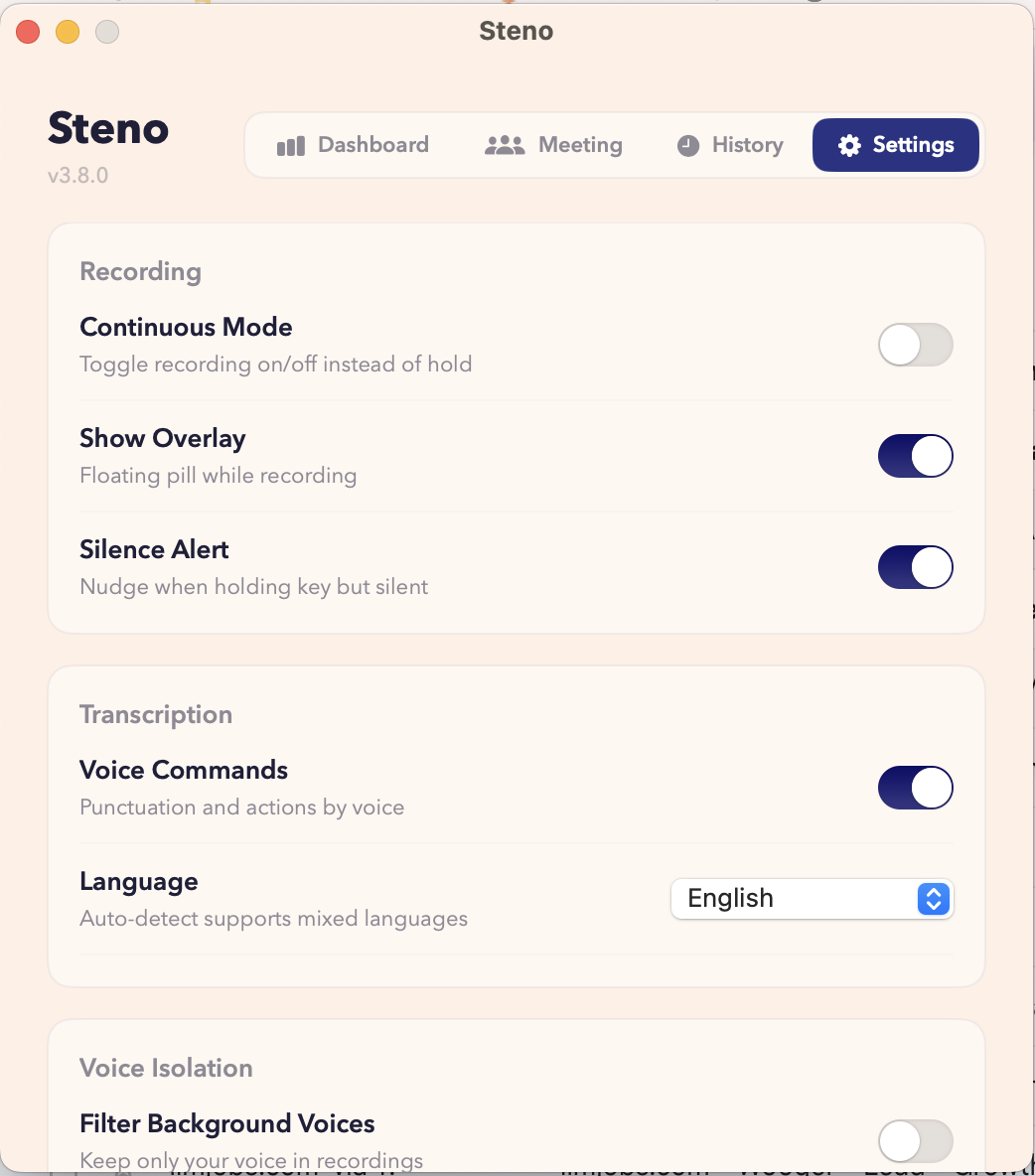
- Voice commands: punctuation, new line, undo, select all — hands-free editing
- Custom vocabulary and text snippets: expand shorthand into full phrases you use daily
- 90+ languages
- Fully offline on Apple Silicon: no audio ever leaves your machine
- iPhone keyboard: works in every iOS app (Messages, Notes, Safari, email)
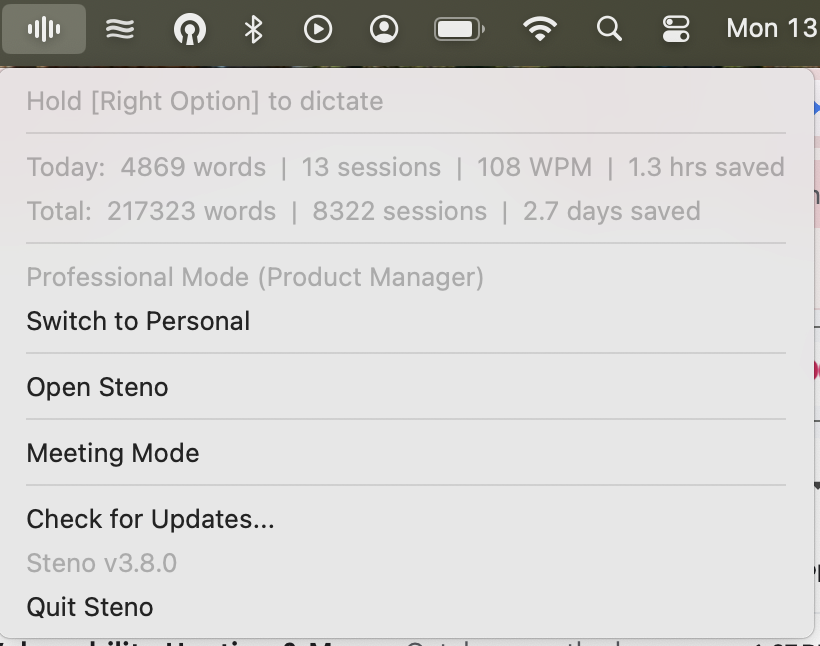
- Dictation history with WPM tracking
- Hold-to-speak: press a button, speak, words appear wherever your cursor is
Use Cases
- Lawyers drafting briefs, contracts, and case notes by voice with legal terminology transcribed accurately
- Doctors and clinicians dictating patient notes with medical terms and medication names recognized correctly
- Developers writing documentation, commit messages, and code comments without breaking syntax
- Writers and journalists producing long-form content at 5x typing speed
- Consultants and executives capturing meeting notes with multi-speaker transcription
- People with RSI, carpal tunnel, or hand injuries who cannot type comfortably
- Anyone working in open offices or coffee shops where other dictation tools pick up surrounding voices
- Transcribing calls and meetings into structured, shareable notes
- Multilingual professionals dictating across 90+ languages
- Privacy-sensitive users who need offline dictation with no audio leaving their device

Comments

Hey everyone. I built Steno out of personal frustration. I was using dictation tools daily for therapy and clinical notes, and every single one butchered medical terminology. I'd spend more time correcting transcriptions than I saved by dictating. It felt absurd. So I built something for myself. A dictation tool that actually understands what you do for work and adapts its vocabulary and corrections automatically. No custom dictionaries, no manual training. I've been using it and building it for over a year now, and it's become the tool I wished existed when I started. What began as a tool for my own clinical workflow turned into something much bigger. I realized the same problem hits lawyers dictating legal briefs, developers writing documentation, consultants capturing meeting notes. Every profession has its own language and generic dictation tools ignore all of it. So I expanded Steno to detect your profession and tune itself accordingly. The other breakthrough was voice isolation. Not just noise cancellation that filters out fans and traffic, but actual voice enrollment that filters out other people talking near you. That alone made dictation usable in real environments like open offices, shared spaces, coffee shops. I've been heads down on this for over a year as a solo maker and I use Steno every single day. Would love your honest feedback. What resonates, what's missing, what would make you switch.

Premium Products




































Makers
Makers
Comments
Hey everyone. I built Steno out of personal frustration. I was using dictation tools daily for therapy and clinical notes, and every single one butchered medical terminology. I'd spend more time correcting transcriptions than I saved by dictating. It felt absurd. So I built something for myself. A dictation tool that actually understands what you do for work and adapts its vocabulary and corrections automatically. No custom dictionaries, no manual training. I've been using it and building it for over a year now, and it's become the tool I wished existed when I started. What began as a tool for my own clinical workflow turned into something much bigger. I realized the same problem hits lawyers dictating legal briefs, developers writing documentation, consultants capturing meeting notes. Every profession has its own language and generic dictation tools ignore all of it. So I expanded Steno to detect your profession and tune itself accordingly. The other breakthrough was voice isolation. Not just noise cancellation that filters out fans and traffic, but actual voice enrollment that filters out other people talking near you. That alone made dictation usable in real environments like open offices, shared spaces, coffee shops. I've been heads down on this for over a year as a solo maker and I use Steno every single day. Would love your honest feedback. What resonates, what's missing, what would make you switch.
Premium Products
New to Fazier?

Find your next favorite product or submit your own. Made by @FalakDigital.
Copyright ©2026. All Rights Reserved