
Status Monkey
StatusMonkey monitors your websites for outages & alerts you
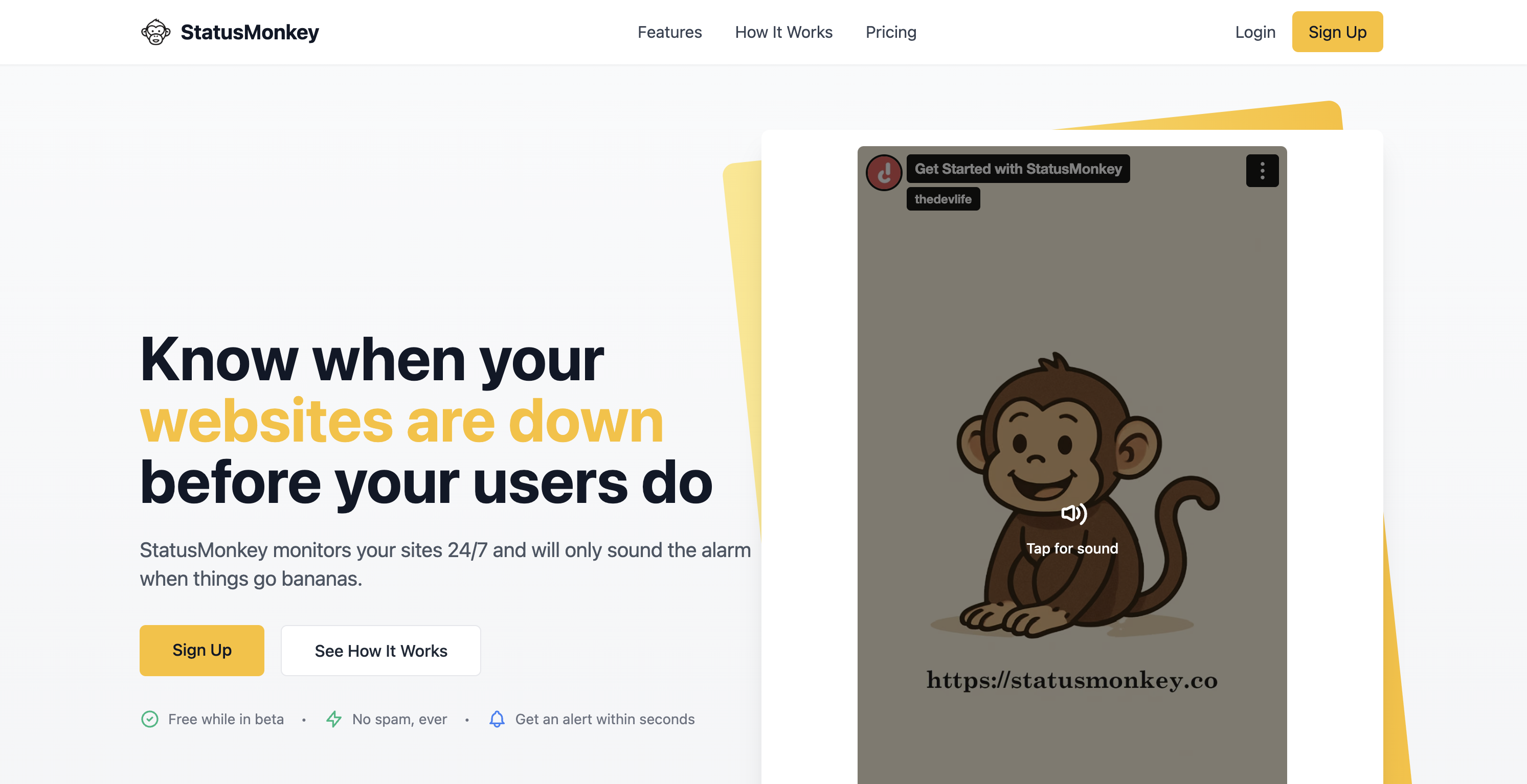
Status Monkey monitors your websites 24/7 and alerts you within seconds when they go down, so you're never the last to know.
Instead of hearing about downtime from an angry customer or a lost sale, Status Monkey checks your sites around the clock from multiple locations and pings you the moment something breaks. You get instant alerts by email, SMS, Slack, or push notification, complete with what failed and when, so you can fix it before it costs you traffic, revenue, or trust.
Every check tracks response time and uptime, giving you a clear picture of how your sites actually perform over days, weeks, and months. When an incident hits, you get the full timeline, from the second it went down to the moment it recovered.
Set up takes less than a minute. Paste in a URL, choose how you want to be notified, and Status Monkey handles the rest. No agents to install, no complicated config, no noise. Just reliable monitoring that tells you the truth about your uptime and has your back the instant things go wrong.
Whether you run a single side project or a portfolio of client sites, Status Monkey keeps watch so you don't have to.
Features
Easy to use
Set up takes less than a minute.
Use Cases
downtime alerts

Comments


Multi-location checks plus a full incident timeline is the part that actually matters — single-region monitors produce false alarms that train you to ignore alerts. Two things worth surfacing on the page: how many consecutive failed checks trigger a notification, and whether SMS is included or metered, since that is usually what decides between this and a free-tier competitor.

The "single-region monitors produce false alarms that train you to ignore alerts" point in the comments is the real insight here — that's the actual failure mode of most cheap uptime tools, not that they fail to detect downtime, but that they cry wolf enough times that people stop trusting the alert and miss the one that matters. Curious how you're handling the flip side of that: with multi-location checks, what's the logic for deciding a site is actually down versus just unreachable from one region for a few seconds? Is it "majority of locations agree" or something more specific — that seems like the part that'd make or break whether this avoids the same false-alarm fatigue problem.




The failure mode I'd most want covered here is the one where the check passes and the site is still broken: a deploy that errors leaves the last good build serving, so every HTTP check stays green while nothing you shipped for hours is actually live. Uptime is a floor, not a ceiling. Two things that caught that for us were asserting on a value that must change (a date stamped into the page or sitemap, compared against today) rather than just status 200, and treating "the check itself stopped running" as its own alarm, since a monitor cannot detect its own absence without an off-box dead-man switch. Do the multi-location checks let you assert on response body content, or is it status plus response time only?

Good to see response-time tracking bundled in alongside the up/down check — that's often the difference between "the site is up" and "the site is up but degraded enough that users are bouncing." Two things I'd want to know before switching from a free-tier competitor: how far back does the response-time/uptime history go (a rolling 30/90 days, or the full account lifetime), and is there a way to schedule a maintenance window so a planned deploy doesn't fire an alert?

The multi-region + full incident timeline combo is the right foundation, and the other comments here have already covered the false-alarm and stale-deploy failure modes well. The angle I'd add: do you offer a public status page we can hand to our own customers, separate from the internal alerting? For a small team, "we know it's down" and "our customers can see we know and are on it" are two different products, and the second one is often what actually stops the support inbox filling up during an incident.
Premium Products













































Sponsors
Buy

Awards
View all
Awards
View allMakers

Makers
Comments
Multi-location checks plus a full incident timeline is the part that actually matters — single-region monitors produce false alarms that train you to ignore alerts. Two things worth surfacing on the page: how many consecutive failed checks trigger a notification, and whether SMS is included or metered, since that is usually what decides between this and a free-tier competitor.
The "single-region monitors produce false alarms that train you to ignore alerts" point in the comments is the real insight here — that's the actual failure mode of most cheap uptime tools, not that they fail to detect downtime, but that they cry wolf enough times that people stop trusting the alert and miss the one that matters. Curious how you're handling the flip side of that: with multi-location checks, what's the logic for deciding a site is actually down versus just unreachable from one region for a few seconds? Is it "majority of locations agree" or something more specific — that seems like the part that'd make or break whether this avoids the same false-alarm fatigue problem.
The failure mode I'd most want covered here is the one where the check passes and the site is still broken: a deploy that errors leaves the last good build serving, so every HTTP check stays green while nothing you shipped for hours is actually live. Uptime is a floor, not a ceiling. Two things that caught that for us were asserting on a value that must change (a date stamped into the page or sitemap, compared against today) rather than just status 200, and treating "the check itself stopped running" as its own alarm, since a monitor cannot detect its own absence without an off-box dead-man switch. Do the multi-location checks let you assert on response body content, or is it status plus response time only?
Good to see response-time tracking bundled in alongside the up/down check — that's often the difference between "the site is up" and "the site is up but degraded enough that users are bouncing." Two things I'd want to know before switching from a free-tier competitor: how far back does the response-time/uptime history go (a rolling 30/90 days, or the full account lifetime), and is there a way to schedule a maintenance window so a planned deploy doesn't fire an alert?
The multi-region + full incident timeline combo is the right foundation, and the other comments here have already covered the false-alarm and stale-deploy failure modes well. The angle I'd add: do you offer a public status page we can hand to our own customers, separate from the internal alerting? For a small team, "we know it's down" and "our customers can see we know and are on it" are two different products, and the second one is often what actually stops the support inbox filling up during an incident.
Premium Products
New to Fazier?

Find your next favorite product or submit your own. Made by @FalakDigital.
Copyright ©2026. All Rights Reserved