
Static Forms
Form backend for static sites, without server-side code
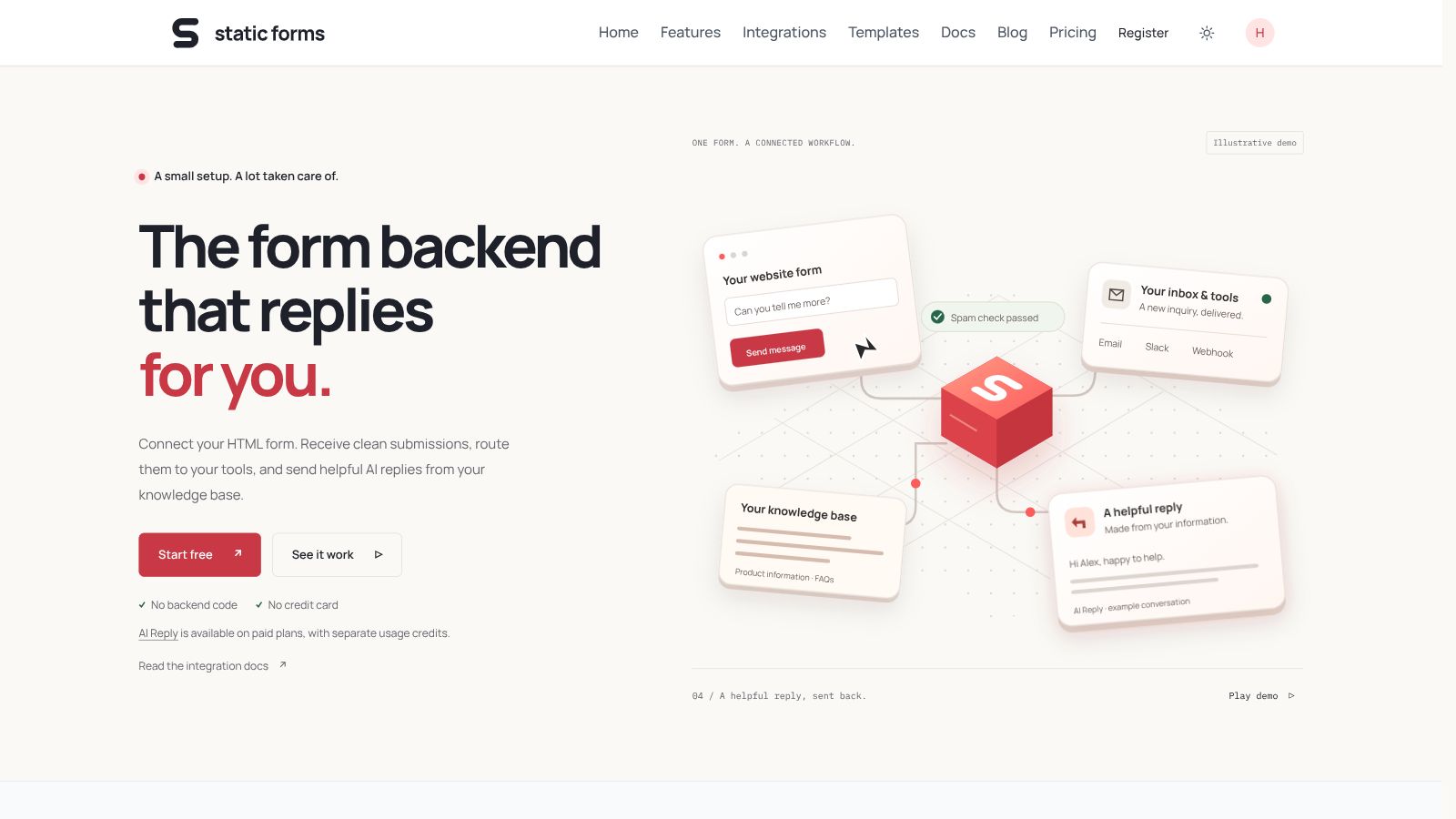
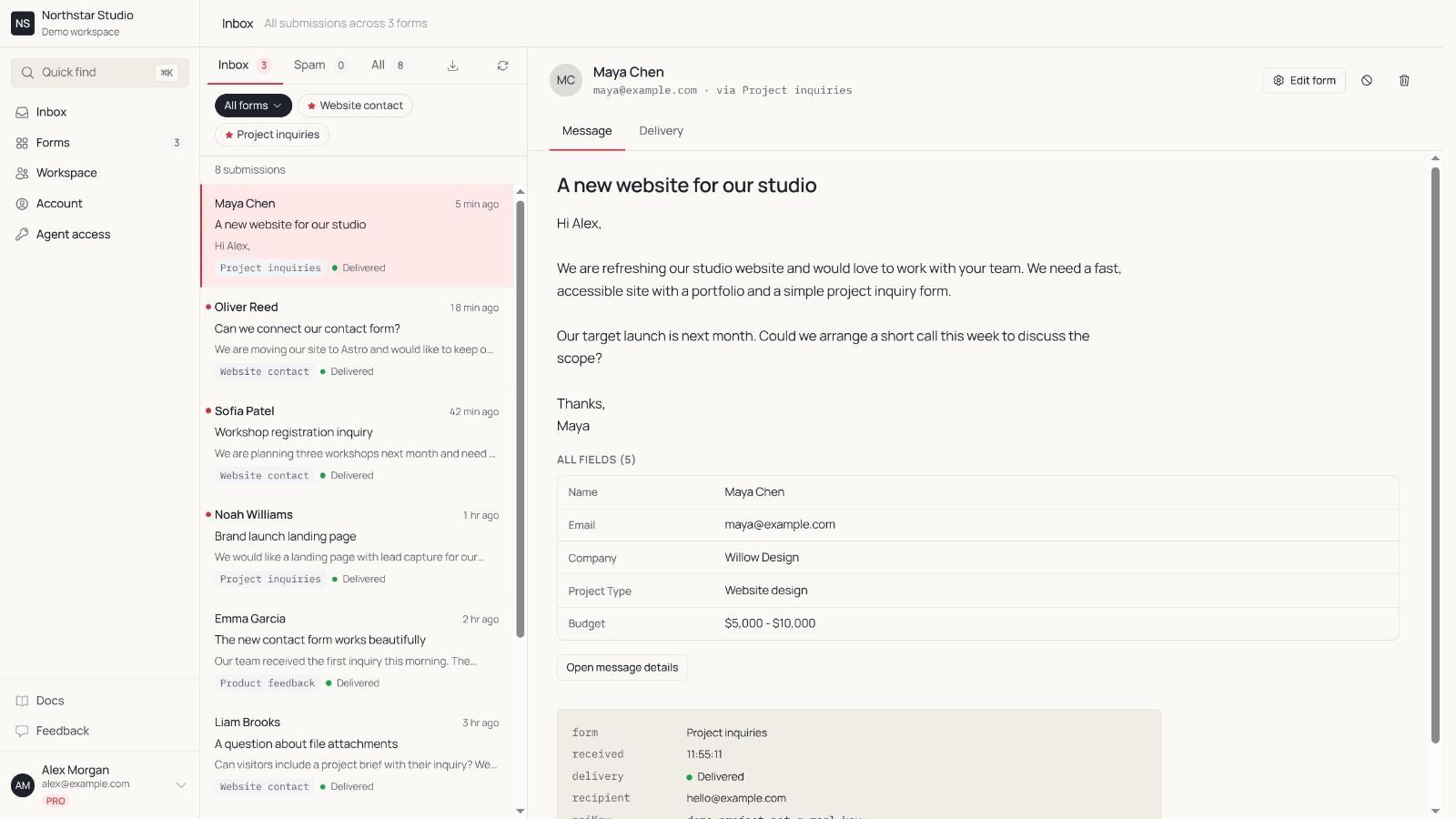
Static Forms is a form backend for static websites and frontend apps. Connect an HTML form to receive submissions by email without maintaining a backend, or use the visual form builder. Spam protection, webhooks, integrations, file uploads and form rules are available depending on the plan. A free plan is available; optional AI Reply requires a paid plan and separate usage credits.
Features
HTML form submission API and visual form builder
Email delivery and spam protection
Webhooks and integrations
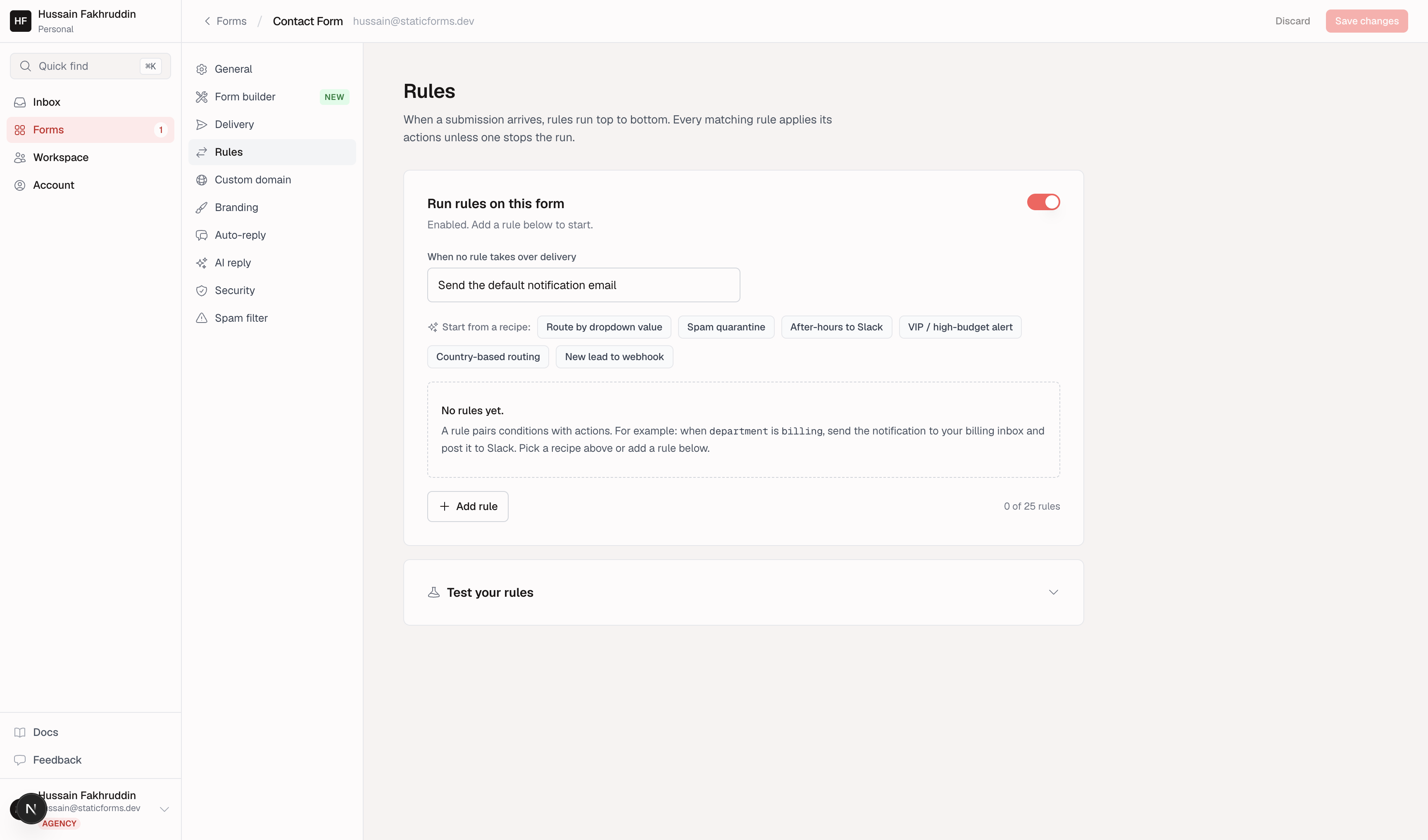
File uploads and conditional form rules on eligible plans
Optional AI Reply with separate usage credits
Use Cases
Contact forms on static websites
Lead capture for landing pages
Agency client website forms
Routing inquiries to email and connected tools

Comments


Hi Fazier! Static Forms helps developers and agencies collect website inquiries without building a form backend. Keep your own HTML form design, manage submissions in an inbox, and connect your workflow with email, webhooks and integrations. A free plan is available to get started; advanced features depend on the plan. I would love to hear which form workflows you find hardest to manage and which integrations would make your day easier.

For agency client sites, handover is the awkward bit: we build the form, then the client wants submissions going to their own inbox and the agency out of the loop. Can a form be moved to the client's own Static Forms account later, keeping its endpoint and submission history, so we don't have to touch the site's HTML at handover?
This solves a genuinely annoying problem — spinning up an entire backend just to receive a contact form on a static site is overkill, and the usual workarounds (Google Forms embeds) look terrible on a polished landing page. Two questions: how does the spam protection work on plain HTML forms without a CAPTCHA — honeypot plus rate limiting, or something smarter? And do webhooks fire on the free plan? That's usually the first thing that gets paywalled, so it'd be good to know. Conditional form rules are a nice differentiator, by the way.
The split between a plain HTML-form endpoint and the visual form builder is handy, since you can keep your own markup and still route submissions to email, webhooks and integrations. I like that spam protection is built in rather than left to the developer. Do you plan to offer a per-form submission log export or retention setting on the free plan, for agencies handling many client sites?


The dual approach is smart — connecting an existing HTML form for people who already have a site, and a visual builder for those starting from zero covers both audiences. A few questions: how does the spam protection work under the hood (honeypot, CAPTCHA, or filtering on your side), and what does the free plan include for file uploads in terms of size and retention? Also, for webhooks — can a submission trigger multiple endpoints at once, e.g. email plus Slack plus a CRM? The AI Reply feature is intriguing too: does it draft replies for approval, or send them automatically?

The agency use case is the strongest fit here — client sites on static hosting rarely justify a maintained backend just for a contact form, and being able to route each site's inquiries to the client's own email rather than the agency's inbox is the detail that matters in practice. Two quick questions: are routing rules set per form, so different client forms can each send to different emails and webhooks? And on plans with file uploads, do uploaded files arrive as email attachments or as download links?
The conditional form rules and per-plan file uploads stand out for agency work. When a client site's form has file uploads enabled, do the files arrive as email attachments or only as download links in the inbox? It would also help to state on the page which plan unlocks webhooks, since that decides whether a small studio can start on the free tier.
Premium Products


















































Makers
Makers
Comments
Hi Fazier! Static Forms helps developers and agencies collect website inquiries without building a form backend. Keep your own HTML form design, manage submissions in an inbox, and connect your workflow with email, webhooks and integrations. A free plan is available to get started; advanced features depend on the plan. I would love to hear which form workflows you find hardest to manage and which integrations would make your day easier.
For agency client sites, handover is the awkward bit: we build the form, then the client wants submissions going to their own inbox and the agency out of the loop. Can a form be moved to the client's own Static Forms account later, keeping its endpoint and submission history, so we don't have to touch the site's HTML at handover?
This solves a genuinely annoying problem — spinning up an entire backend just to receive a contact form on a static site is overkill, and the usual workarounds (Google Forms embeds) look terrible on a polished landing page. Two questions: how does the spam protection work on plain HTML forms without a CAPTCHA — honeypot plus rate limiting, or something smarter? And do webhooks fire on the free plan? That's usually the first thing that gets paywalled, so it'd be good to know. Conditional form rules are a nice differentiator, by the way.
The split between a plain HTML-form endpoint and the visual form builder is handy, since you can keep your own markup and still route submissions to email, webhooks and integrations. I like that spam protection is built in rather than left to the developer. Do you plan to offer a per-form submission log export or retention setting on the free plan, for agencies handling many client sites?
The dual approach is smart — connecting an existing HTML form for people who already have a site, and a visual builder for those starting from zero covers both audiences. A few questions: how does the spam protection work under the hood (honeypot, CAPTCHA, or filtering on your side), and what does the free plan include for file uploads in terms of size and retention? Also, for webhooks — can a submission trigger multiple endpoints at once, e.g. email plus Slack plus a CRM? The AI Reply feature is intriguing too: does it draft replies for approval, or send them automatically?
The agency use case is the strongest fit here — client sites on static hosting rarely justify a maintained backend just for a contact form, and being able to route each site's inquiries to the client's own email rather than the agency's inbox is the detail that matters in practice. Two quick questions: are routing rules set per form, so different client forms can each send to different emails and webhooks? And on plans with file uploads, do uploaded files arrive as email attachments or as download links?
The conditional form rules and per-plan file uploads stand out for agency work. When a client site's form has file uploads enabled, do the files arrive as email attachments or only as download links in the inbox? It would also help to state on the page which plan unlocks webhooks, since that decides whether a small studio can start on the free tier.
Premium Products
New to Fazier?

Find your next favorite product or submit your own. Made by @FalakDigital.
Copyright ©2026. All Rights Reserved