Launch
StatementToExcel
Visit
Example Image

StatementToExcel

Convert PDF bank statements to Excel/CSV in your browser, ch

Visit

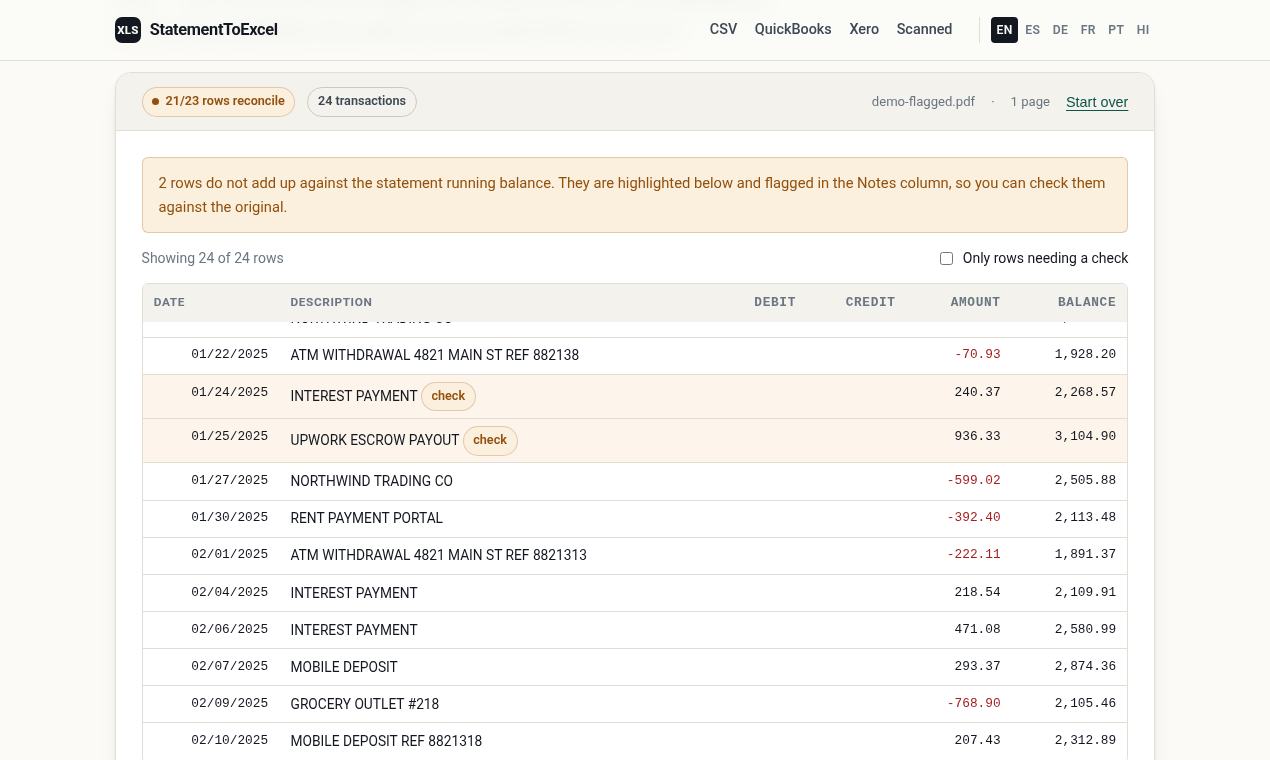
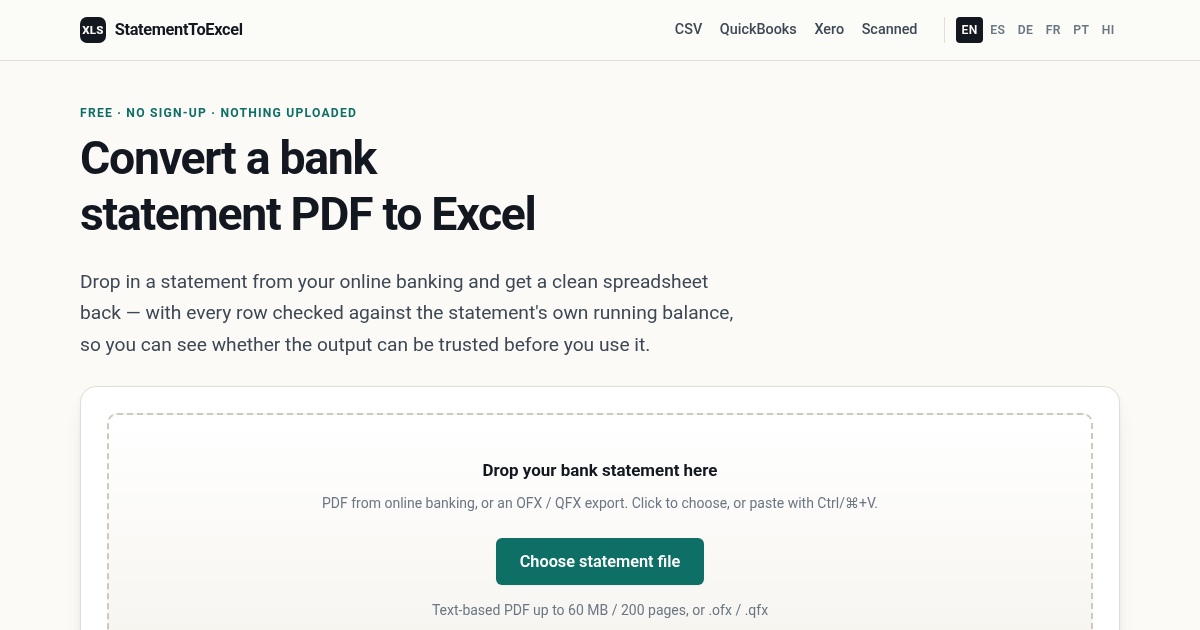
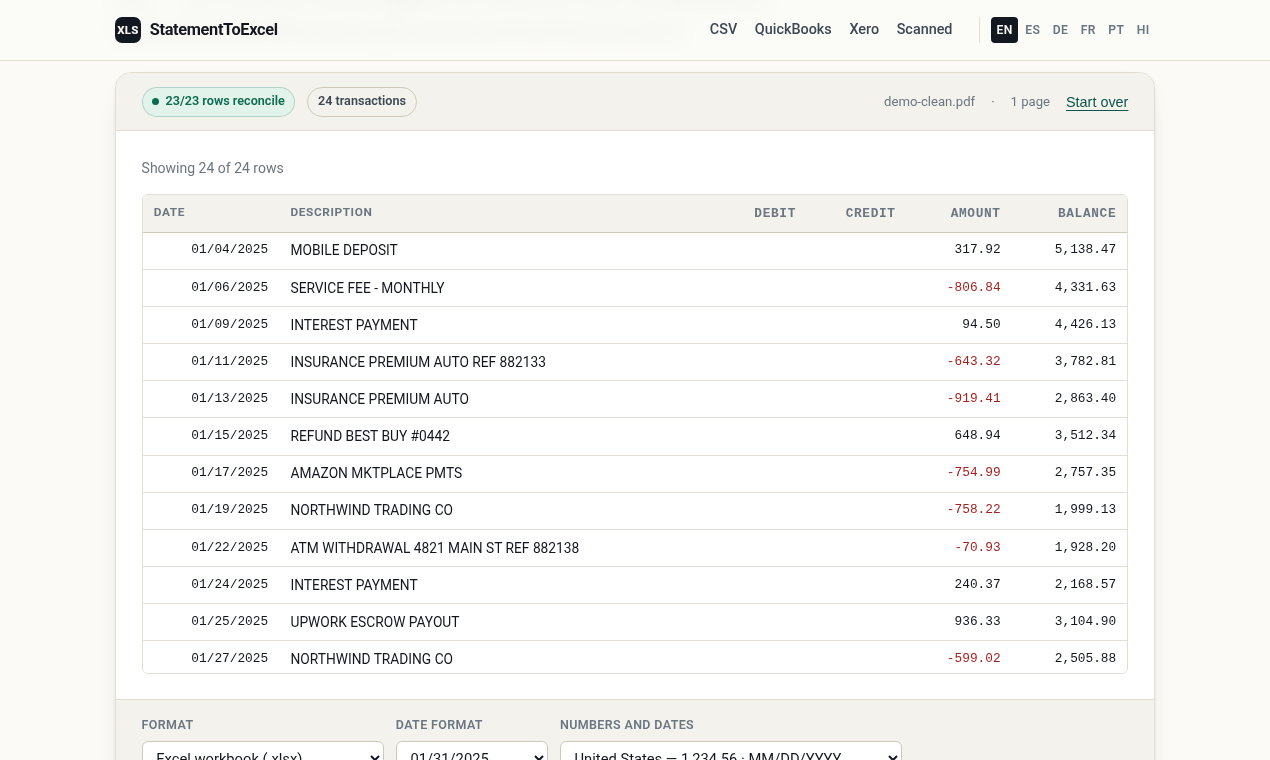
Free, no-signup converter for text-based PDF bank statements and OFX/QFX files. Runs in the browser; files are not uploaded. Each row is checked against the running balance printed on the statement. Scanned PDFs are not supported.
Example Image
Example Image
Example Image
Example Image

Comments

Checking rows against the running balance is clever. Does it flag rows that don't match?

Keeping the files in the browser is the right call for bank statements, I wouldn't upload those anywhere. Any plans for scanned PDFs later?

The running-balance check on each row is a better test than a pretty spreadsheet. Saying scanned PDFs are not supported makes the limit clear: this is for text-based statements that stay in the browser.

Checking each row against the running balance printed on the statement is a smart way to catch bad parsing, which is the usual failure with bank PDFs. Being upfront that scanned PDFs aren't supported also sets clear expectations.

Checking every row against the printed running balance is the right cheap test, but the edges are where it breaks: a statement that spans a month boundary, or carries one foreign-currency line, often shows a delta that repeats down the sheet. When a row mismatches, do you re-anchor the expected balance to the printed one, or does a single bad row cascade and flag everything below it?

OFX and QFX support is the part that saves time here, since most banks export those without a second thought. One case worth testing: statements from banks that print right-to-left text, where the running balance column sits on the opposite side of the page. Does the row check still line up there?

Premium Products

Comments

Checking rows against the running balance is clever. Does it flag rows that don't match?

Keeping the files in the browser is the right call for bank statements, I wouldn't upload those anywhere. Any plans for scanned PDFs later?

The running-balance check on each row is a better test than a pretty spreadsheet. Saying scanned PDFs are not supported makes the limit clear: this is for text-based statements that stay in the browser.

Checking each row against the running balance printed on the statement is a smart way to catch bad parsing, which is the usual failure with bank PDFs. Being upfront that scanned PDFs aren't supported also sets clear expectations.

Checking every row against the printed running balance is the right cheap test, but the edges are where it breaks: a statement that spans a month boundary, or carries one foreign-currency line, often shows a delta that repeats down the sheet. When a row mismatches, do you re-anchor the expected balance to the printed one, or does a single bad row cascade and flag everything below it?

OFX and QFX support is the part that saves time here, since most banks export those without a second thought. One case worth testing: statements from banks that print right-to-left text, where the running balance column sits on the opposite side of the page. Does the row check still line up there?

Premium Products