
StatementToExcel
Convert PDF bank statements to Excel/CSV instantly
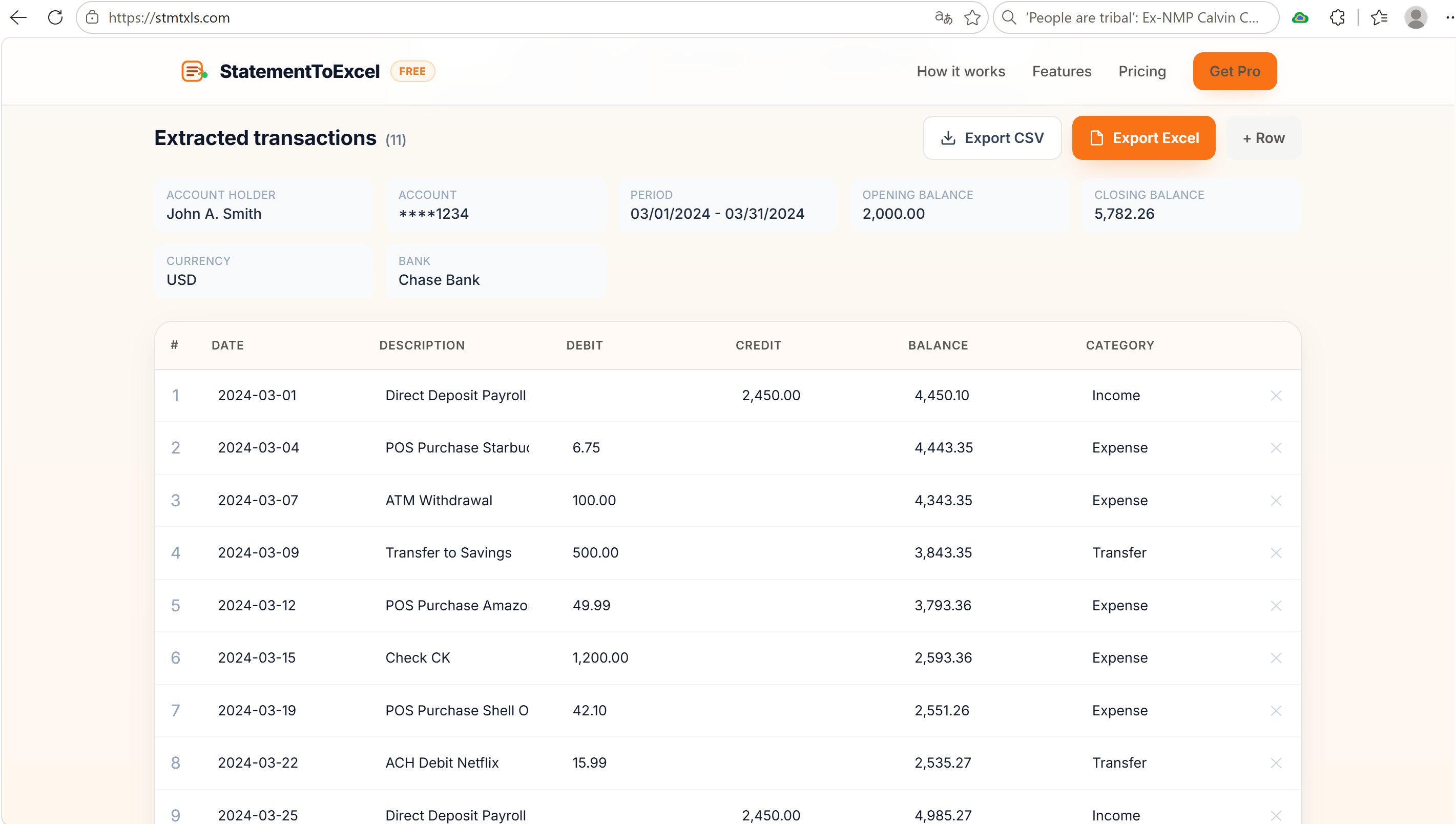
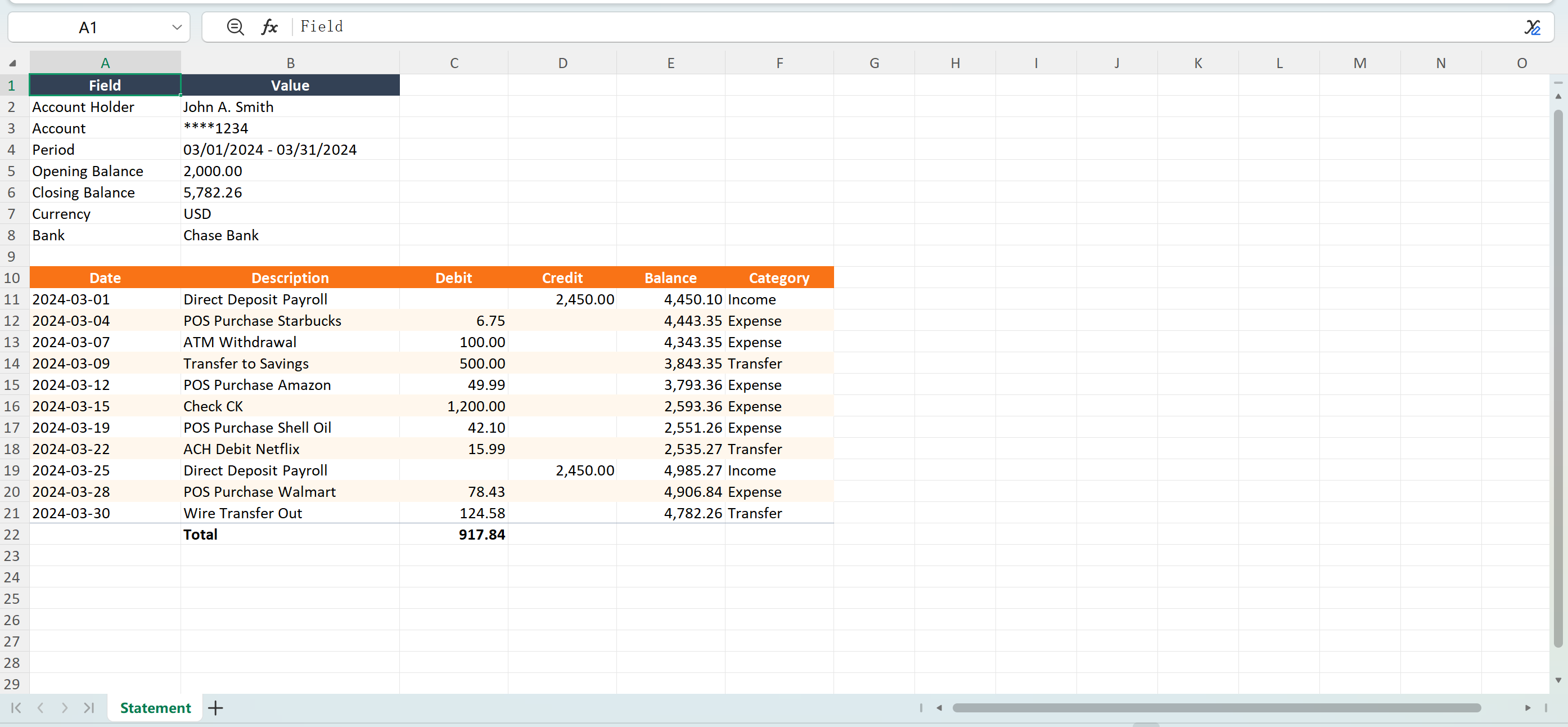
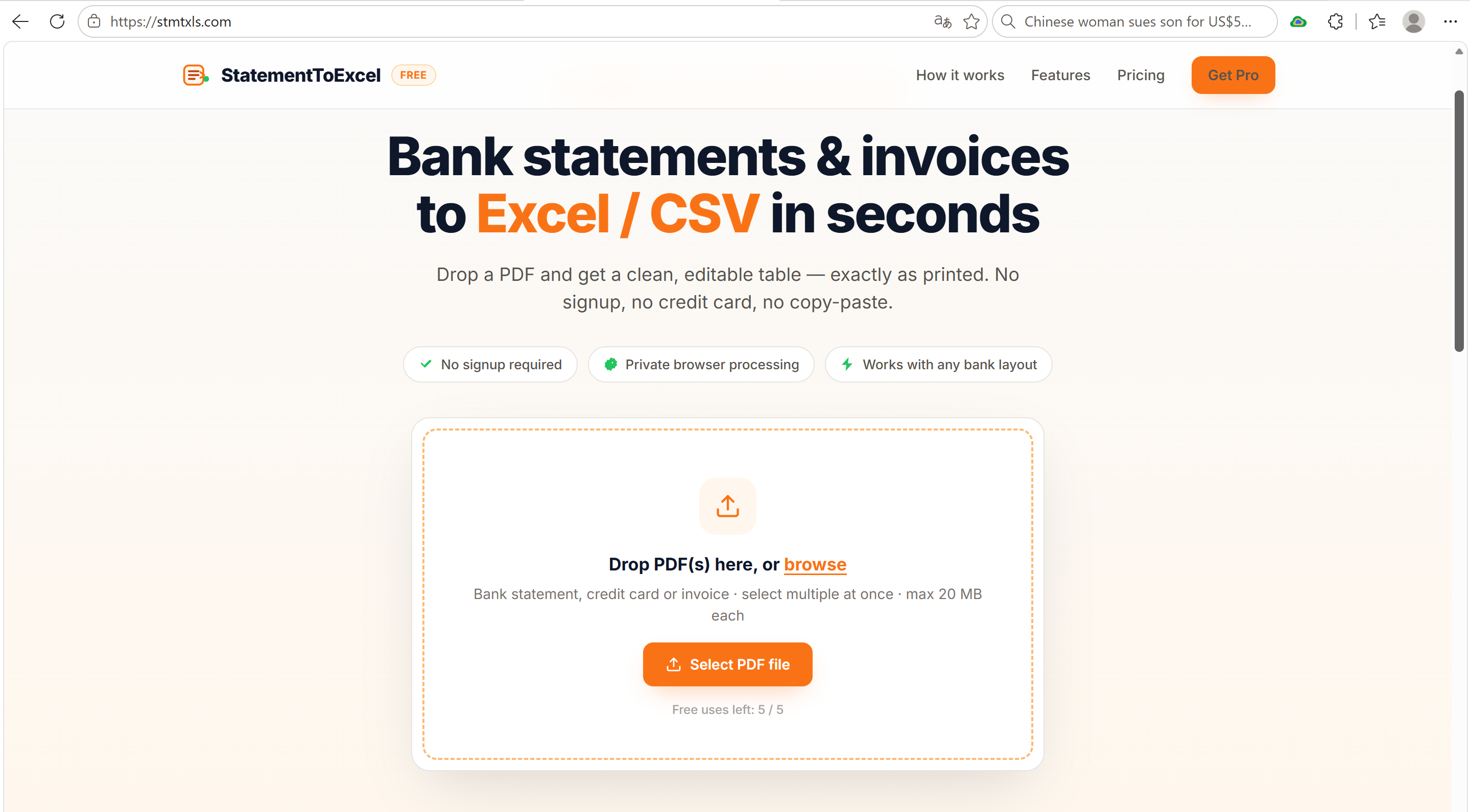
StatementToExcel extracts transactions from bank statements, credit card bills and invoices, then exports them as clean Excel or CSV files. No signup, no upload — text-based PDFs are parsed locally in your browser. Optional AI mode handles scanned documents.
Features
- Convert bank statements, credit cards & invoices from PDF to Excel/CSV
- No signup required, free tier for everyday use
- Local browser processing for text-based PDFs
- Optional AI-powered extraction for scanned statements
- Editable table preview before export
- Works with US, UK, EU and international layouts
Use Cases
- Accountants reconciling client bank statements
- Freelancers organizing invoices for tax season
- Small businesses importing transactions into QuickBooks or Excel
- Anyone who needs to stop copy-pasting from PDFs

Comments


I built StatementToExcel because I kept wasting time copying bank-statement and invoice PDFs into spreadsheets by hand. The existing tools were either paid, required uploading sensitive files, or missed the exact rows I needed. So I made a browser-based converter that keeps files local, exports clean Excel/CSV, and uses a tiny AI vision model only when the PDF is a scan.

Parsing text-based PDFs locally and only falling back to AI for scans is a sensible privacy split for bank data. Statements often wrap long merchant descriptions onto a second line and print running balances. Does the parser merge those wrapped lines into a single row, and can it validate the extracted rows against the running balance to flag missed transactions?


Ambiguous dates are the classic trap here: a UK statement with 03/04 can silently become 4 March instead of 3 April. Do you detect the locale per statement, and do you validate extracted rows against the opening/closing balance so users get a warning when a transaction was missed? An OFX or QBO export option would also save accountants a conversion step.
Premium Products


















































Sponsors
Buy
Makers
Makers
Comments
I built StatementToExcel because I kept wasting time copying bank-statement and invoice PDFs into spreadsheets by hand. The existing tools were either paid, required uploading sensitive files, or missed the exact rows I needed. So I made a browser-based converter that keeps files local, exports clean Excel/CSV, and uses a tiny AI vision model only when the PDF is a scan.
Parsing text-based PDFs locally and only falling back to AI for scans is a sensible privacy split for bank data. Statements often wrap long merchant descriptions onto a second line and print running balances. Does the parser merge those wrapped lines into a single row, and can it validate the extracted rows against the running balance to flag missed transactions?
Ambiguous dates are the classic trap here: a UK statement with 03/04 can silently become 4 March instead of 3 April. Do you detect the locale per statement, and do you validate extracted rows against the opening/closing balance so users get a warning when a transaction was missed? An OFX or QBO export option would also save accountants a conversion step.
Premium Products
New to Fazier?

Find your next favorite product or submit your own. Made by @FalakDigital.
Copyright ©2026. All Rights Reserved