
square image
Create square photos in seconds. Blur, crop, resize. free
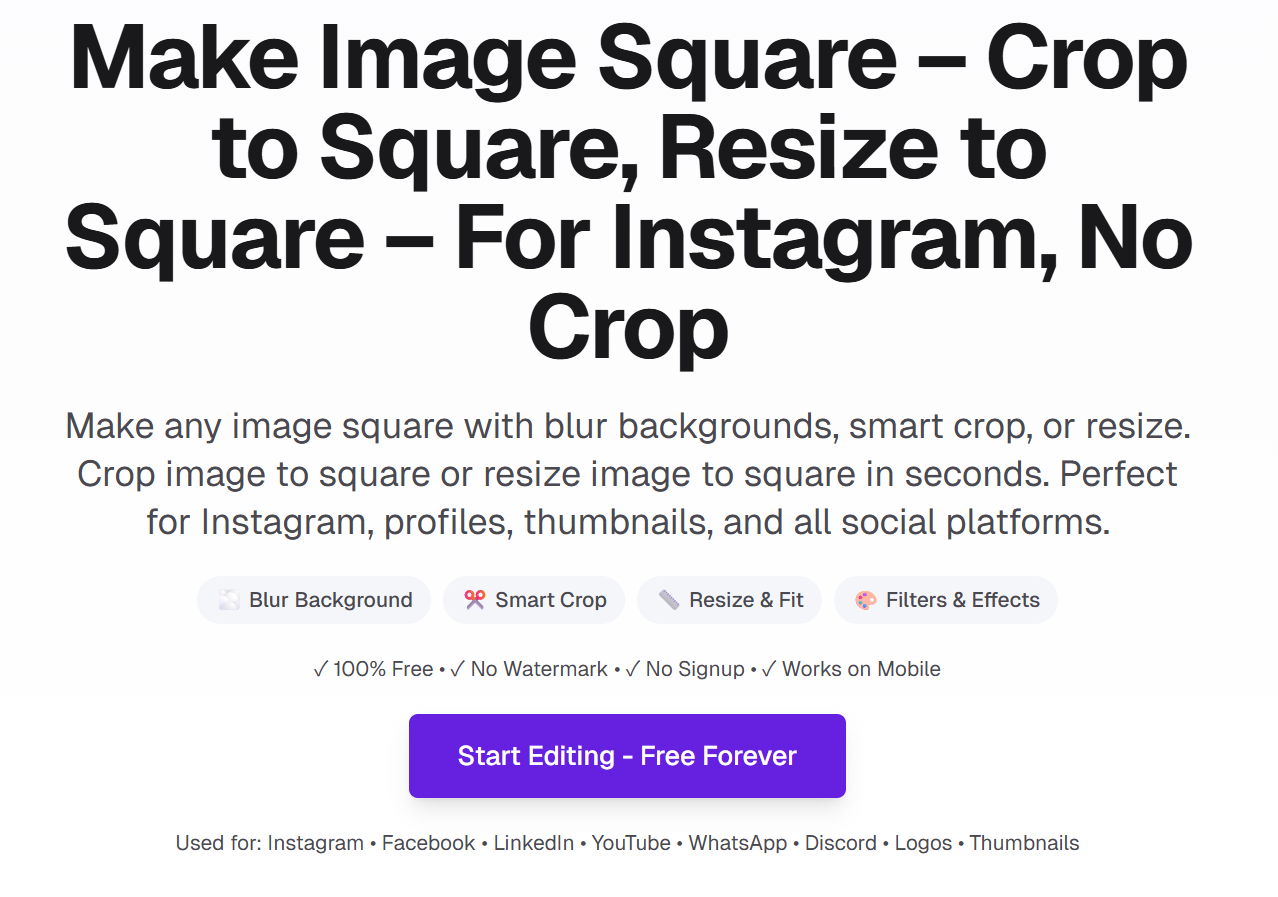
Square Image is a free online tool that turns any photo into a 1:1 square in seconds. Instead of cropping and losing content, you can use blur background or solid color to keep your entire image visible—ideal for Instagram posts, profile pictures, and thumbnails. Supports smart crop and resize, plus 16+ filters, stickers, and text overlays. No signup, no watermark. Everything runs in your browser—your images never leave your device.
Features
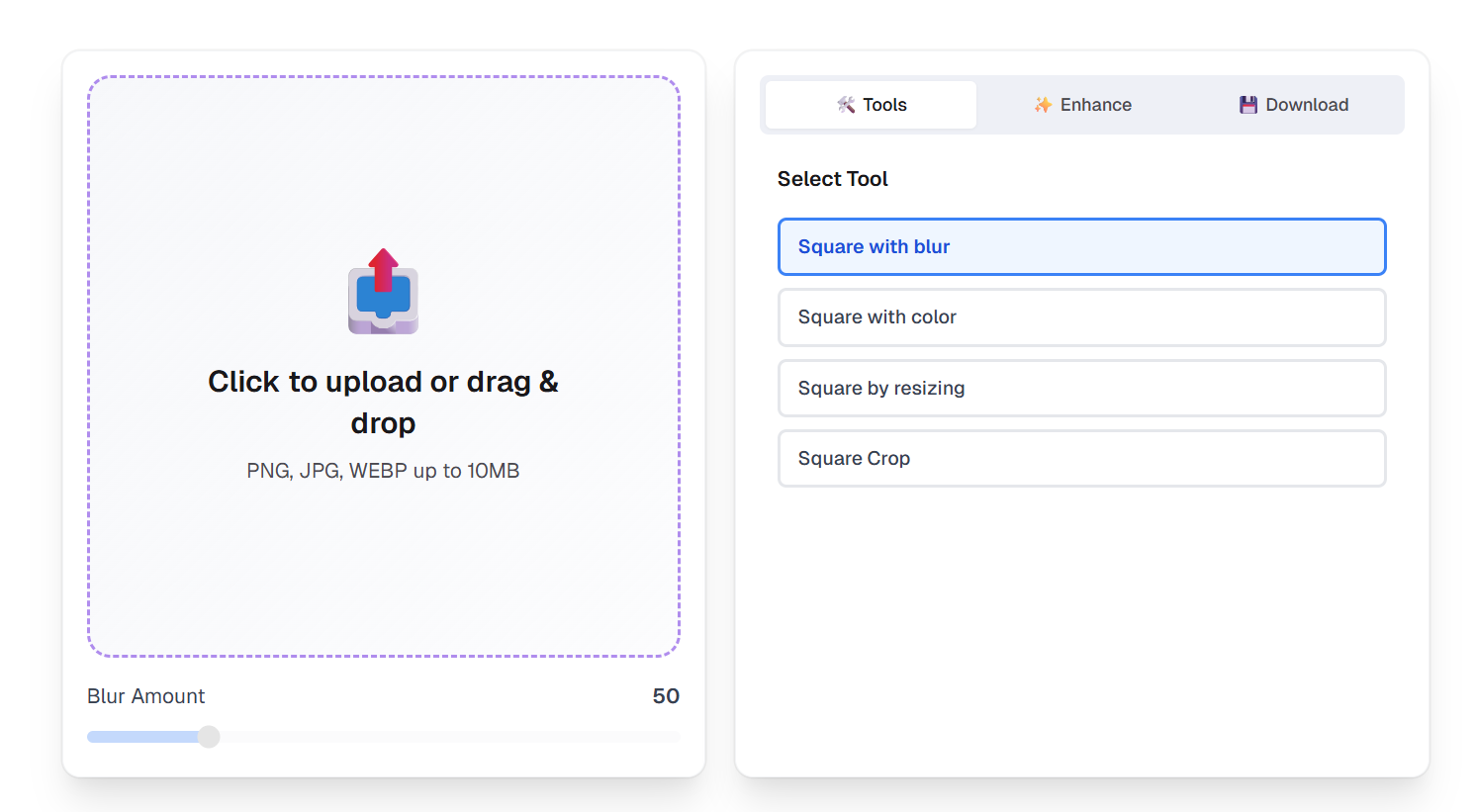
- Blur background mode—preserve your full photo with an artistic blur frame
- Solid color borders—match brand colors or add clean borders
- Smart crop—select the exact 1:1 area to keep with zoom control
- Resize to fit—scale to square with borders, no content loss
- 16+ professional filters (B&W, Vintage, Warm, Cool, etc.)
- Stickers and emoji overlays—position anywhere on your image
- Custom text overlays—adjustable size, color, and position
- Export 256px–4096px—presets for Instagram (1080×1080, 1200×1200)
- No signup, no watermark, unlimited use
- Privacy-first—all processing in your browser, no server upload
Use Cases
- Create square photos for Instagram posts and stories
- Make profile pictures for LinkedIn, Facebook, Discord
- Prepare thumbnails for YouTube and blogs
- Convert product photos to 1:1 for e‑commerce listings
- Turn landscape/portrait photos square without cropping
- Add blur backgrounds for professional headshots
- Batch square images for social media campaigns
- Edit on mobile—works on iPhone and Android, no app needed

Comments


I built Square Image because I kept cropping photos for Instagram and losing important parts—faces, edges, context. Most tools default to crop. I wanted a way to keep the full image and still get a 1:1 square: blur background, solid color, or resize. So I made it. It runs entirely in the browser. No uploads, no signup, no watermark. Blur, crop, resize, plus filters and stickers—all free. If you've ever struggled with square photos for social or profiles, I hope this helps. Would love your feedback.
Premium Products




Comments
I built Square Image because I kept cropping photos for Instagram and losing important parts—faces, edges, context. Most tools default to crop. I wanted a way to keep the full image and still get a 1:1 square: blur background, solid color, or resize. So I made it. It runs entirely in the browser. No uploads, no signup, no watermark. Blur, crop, resize, plus filters and stickers—all free. If you've ever struggled with square photos for social or profiles, I hope this helps. Would love your feedback.
Premium Products
New to Fazier?

Find your next favorite product or submit your own. Made by @FalakDigital.
Copyright ©2025. All Rights Reserved