Speech Notes
AI speech to text that becomes useful, editable notes
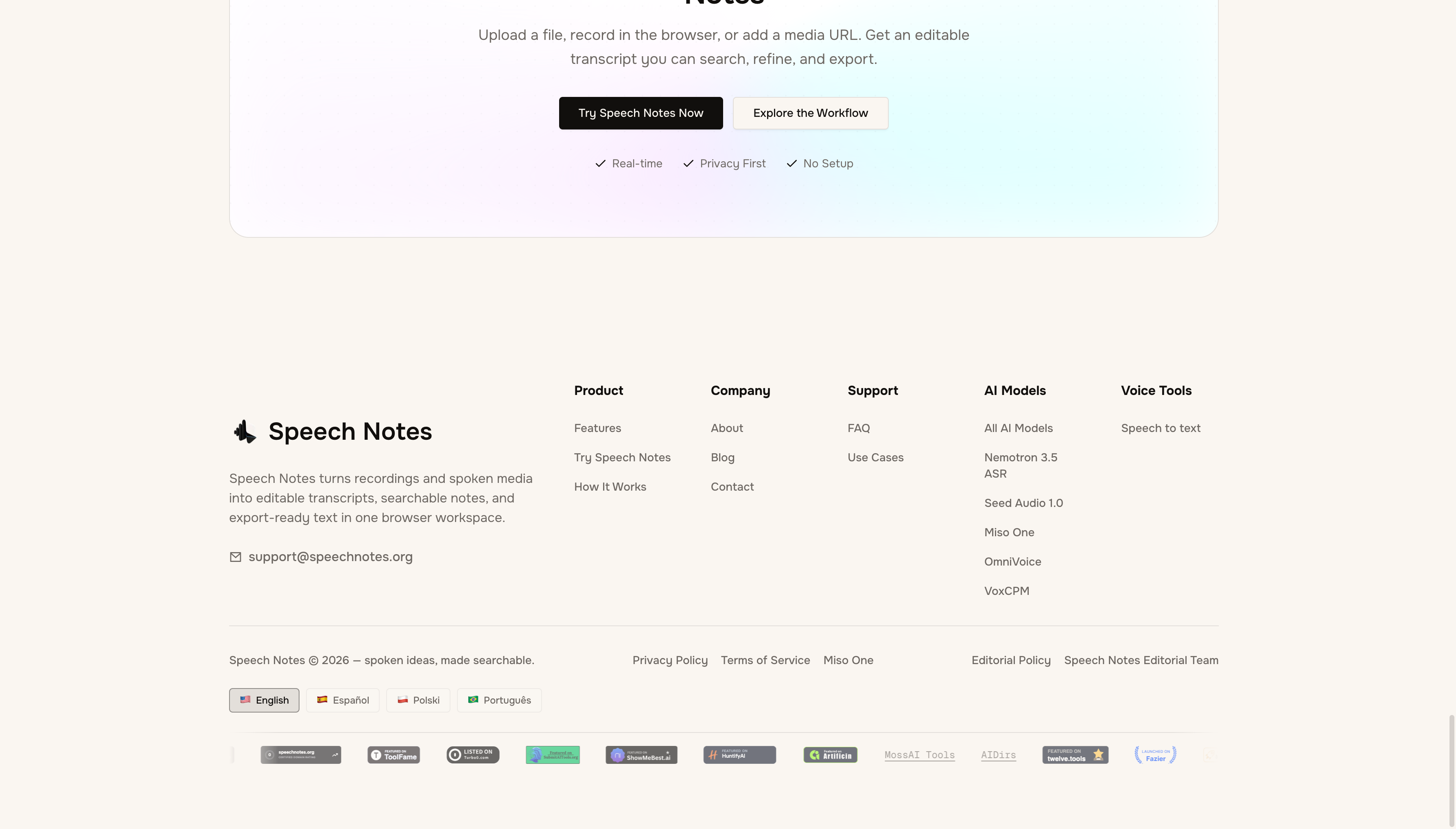
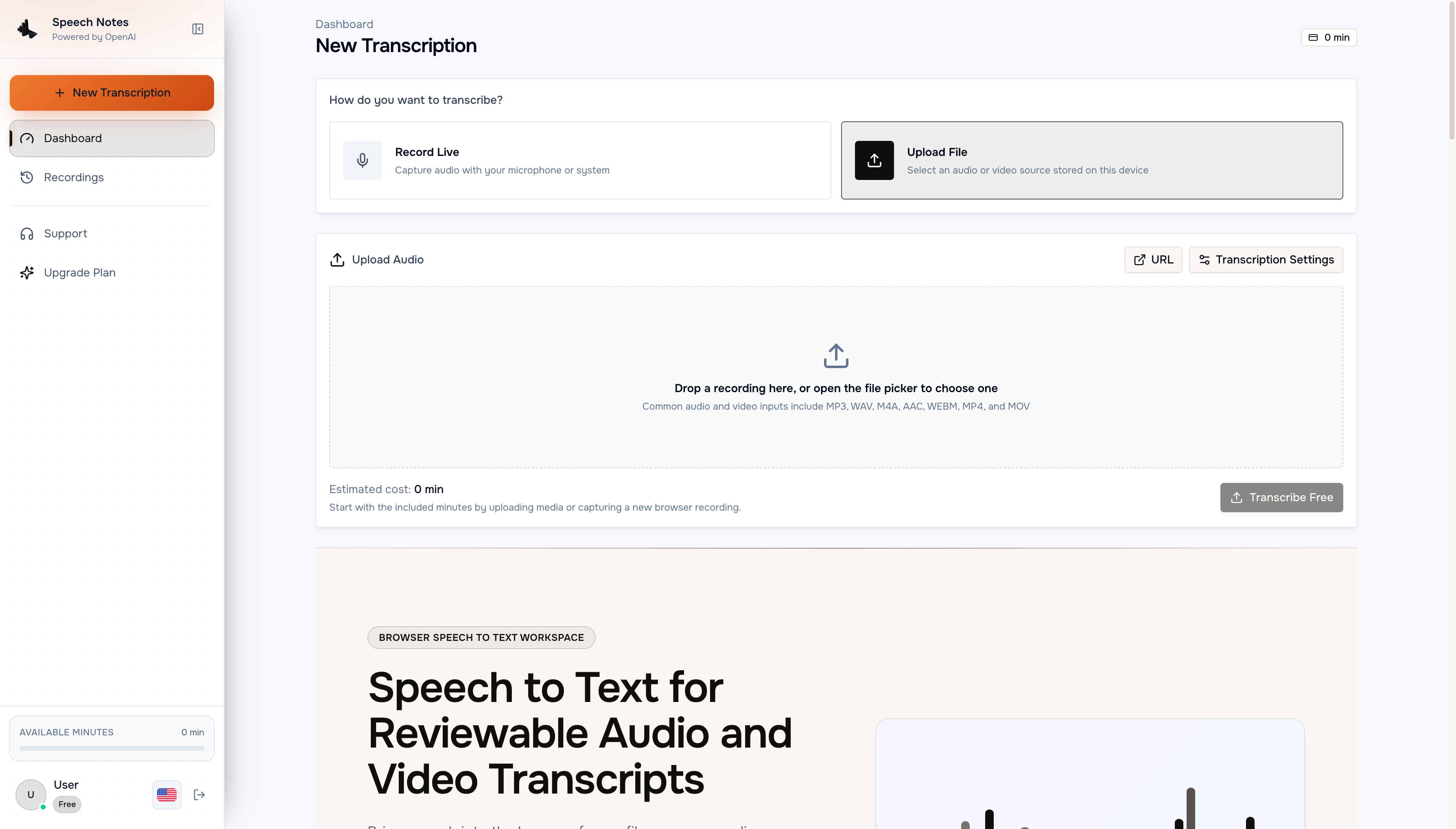
Speech Notes is a browser-based AI speech to text workspace that turns recordings, media files and live conversations into editable, searchable transcripts. Speech Notes accepts MP3, WAV, M4A, MP4 and MOV files up to 1GB, records fresh audio in the browser, or imports a supported media URL. Transcription runs on OpenAI Whisper across 100+ languages with automatic language detection. Users then correct the wording, search for a decision or quotation, add speaker labels, and export TXT, SRT, VTT, DOCX, PDF or JSON. Speech Notes keeps intake, recognition, review and export in one place, so spoken material reaches a finished deliverable without a chain of separate tools.
Features
Three intake paths: upload a local file, record live in the browser, or import a supported media URL
Accepts MP3, WAV, M4A, AAC, WEBM, MP4 and MOV files up to 1GB per upload
Transcription across 100+ languages powered by OpenAI Whisper, with automatic language detection
Speaker labels for multi-person recordings, renameable during the editorial pass
A transcript editor with search, so names, figures and specialist terms can be corrected before reuse
Exports to TXT, SRT, VTT, DOCX, PDF and JSON for documents, captions and data workflows
AI Summary, AI Analytics and Chat with AI for reviewing recognized content on paid plans
Transcript translation across 100+ languages and email delivery of finished output
Use Cases
Meetings and calls: preserve the discussion, then extract owners, decisions and unresolved questions
Interviews and research: retain speaker context and verify any quotation that will appear in published work
Podcasts and creator media: work from the final cut to prepare searchable copy and caption files
Lectures and lessons: convert a spoken explanation into reviewable notes with terminology intact
Video captions: generate timed SRT or VTT drafts, then check reading speed, line breaks and synchronization
Operational records: make customer calls, project updates and discovery sessions searchable after the event

Comments


We built Speech Notes because a raw transcript is rarely the finish line. Recognition gets you a first draft, but names, figures and overlapping voices still need a human pass before the text can be quoted, captioned or filed. So we put intake, the transcript editor, search, speaker labels and exports in one browser workspace instead of a chain of separate tools. Whisper handles 100+ languages, you fix what matters, and you leave with TXT, SRT, VTT, DOCX, PDF or JSON. Would love feedback on the review step in particular.


Building the product around the review pass is the right call - recognition output is a first draft, and what breaks reuse is always names, figures and overlapping speech, not the general prose. Two questions on that step, since they decide whether the export is a finished deliverable or something you still fix elsewhere: when a speaker label gets renamed during the editorial pass, does that propagate into the SRT/VTT exports or only the on-screen transcript? And when someone edits wording in the editor, do the word-level timestamps re-align, or can the caption drift against the audio? Those two answers are what I would want on the page before uploading an hour-long file.

The review and editing workflow is what stands out to me here. Turning raw recordings into searchable, editable notes and then exporting them in multiple formats could save a lot of time compared with switching between different tools. I’d be especially interested in how well the speaker labels and timestamps hold up with longer recordings.

Speech Notes Your product has strong potential, but I found a few key improvements that could make it even better. I'd love to share my feedback and suggestions—please contact me at [email protected]
Premium Products












































Sponsors
Buy

Makers
Makers
Comments
We built Speech Notes because a raw transcript is rarely the finish line. Recognition gets you a first draft, but names, figures and overlapping voices still need a human pass before the text can be quoted, captioned or filed. So we put intake, the transcript editor, search, speaker labels and exports in one browser workspace instead of a chain of separate tools. Whisper handles 100+ languages, you fix what matters, and you leave with TXT, SRT, VTT, DOCX, PDF or JSON. Would love feedback on the review step in particular.
Building the product around the review pass is the right call - recognition output is a first draft, and what breaks reuse is always names, figures and overlapping speech, not the general prose. Two questions on that step, since they decide whether the export is a finished deliverable or something you still fix elsewhere: when a speaker label gets renamed during the editorial pass, does that propagate into the SRT/VTT exports or only the on-screen transcript? And when someone edits wording in the editor, do the word-level timestamps re-align, or can the caption drift against the audio? Those two answers are what I would want on the page before uploading an hour-long file.
The review and editing workflow is what stands out to me here. Turning raw recordings into searchable, editable notes and then exporting them in multiple formats could save a lot of time compared with switching between different tools. I’d be especially interested in how well the speaker labels and timestamps hold up with longer recordings.
Speech Notes Your product has strong potential, but I found a few key improvements that could make it even better. I'd love to share my feedback and suggestions—please contact me at [email protected]
Premium Products
New to Fazier?

Find your next favorite product or submit your own. Made by @FalakDigital.
Copyright ©2026. All Rights Reserved