SovasUA Free Developer Tools
Professional Web Tools for Developers and System Administrat
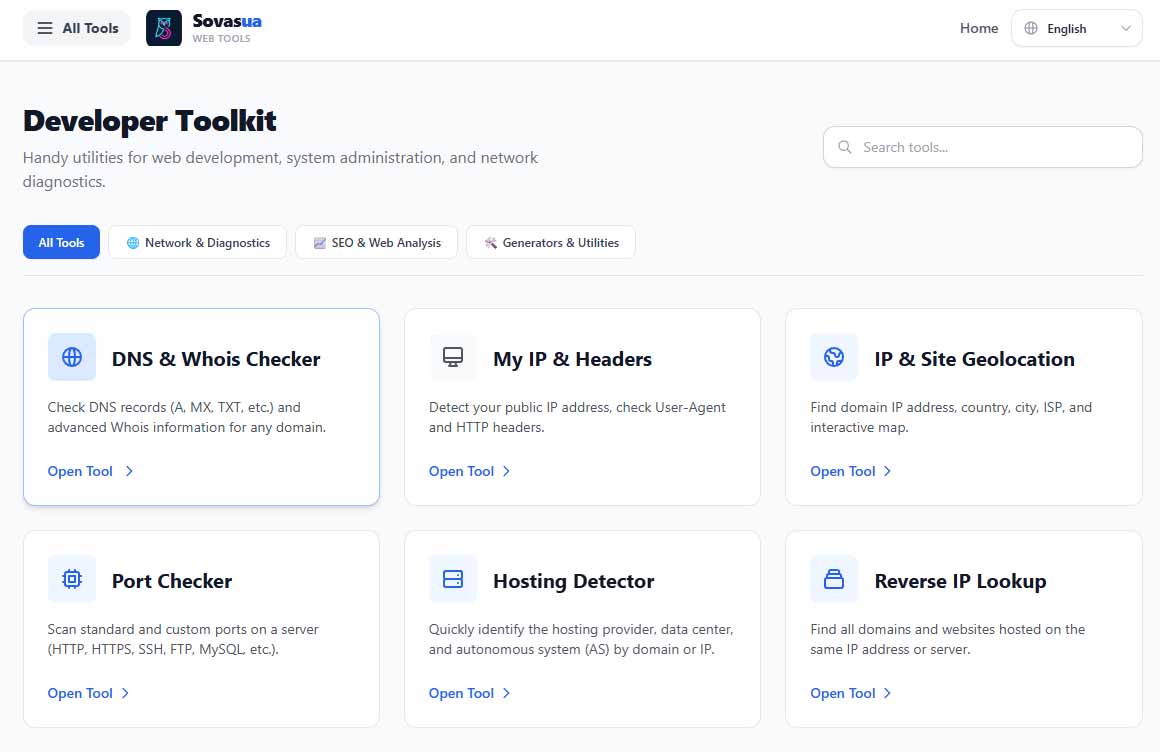
SovasUA is a comprehensive, free online toolkit designed for webmasters, developers, SEO specialists, and system administrators. It provides instant access to essential web and network diagnostics utilities—such as DNS & Whois checkers, SSL/TLS verifiers, advanced port scanners, IP geolocation, reverse IP lookup, and a terminal-friendly "My IP & Device" info tool—all in a clean, fast, and multilingual interface with PWA support.
Features
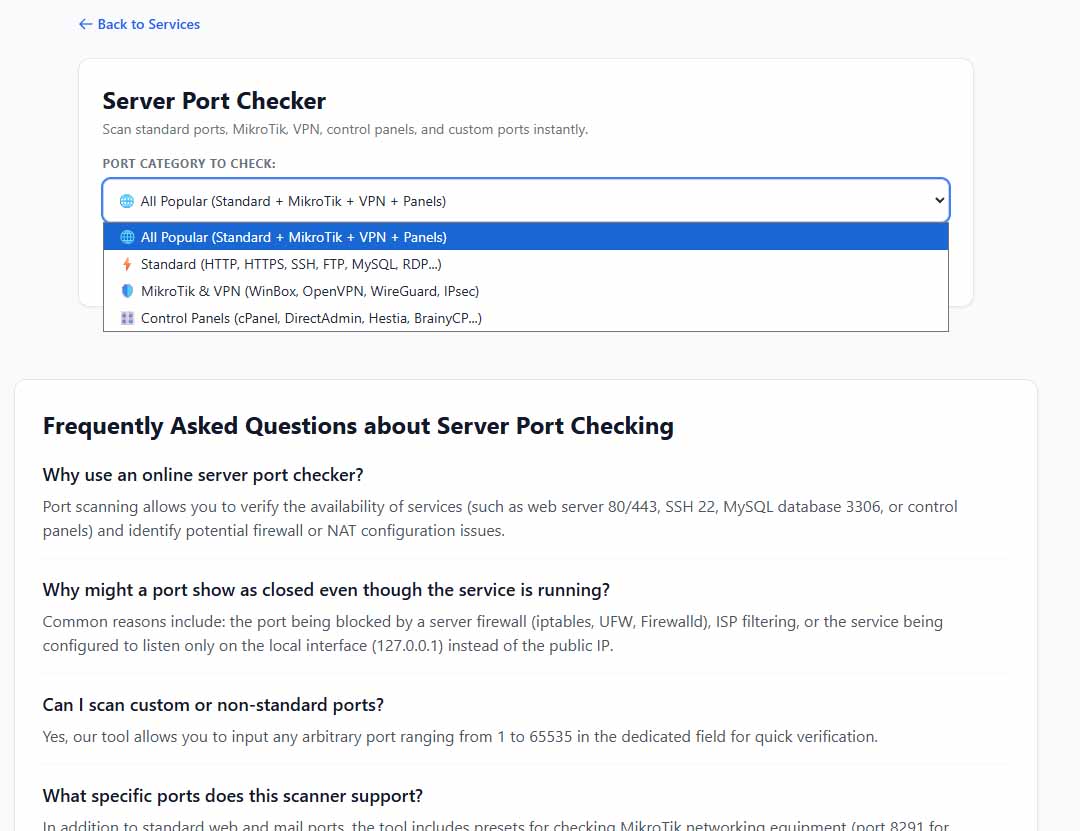
Network & Server Diagnostics: Fast port scanning (standard services, MikroTik, VPN protocols, control panels), DNS & Whois lookup, and SSL/TLS certificate verification.
IP & Geolocation Tools: Detailed public IP analysis, server geolocation mapping via interactive maps, and Reverse IP lookup to discover websites hosted on the same server.
CLI-Friendly (Terminal Support): Instantly check your connection data directly from the command line using simple curl [sovasua.com/ip](https://sovasua.com/ip) commands.
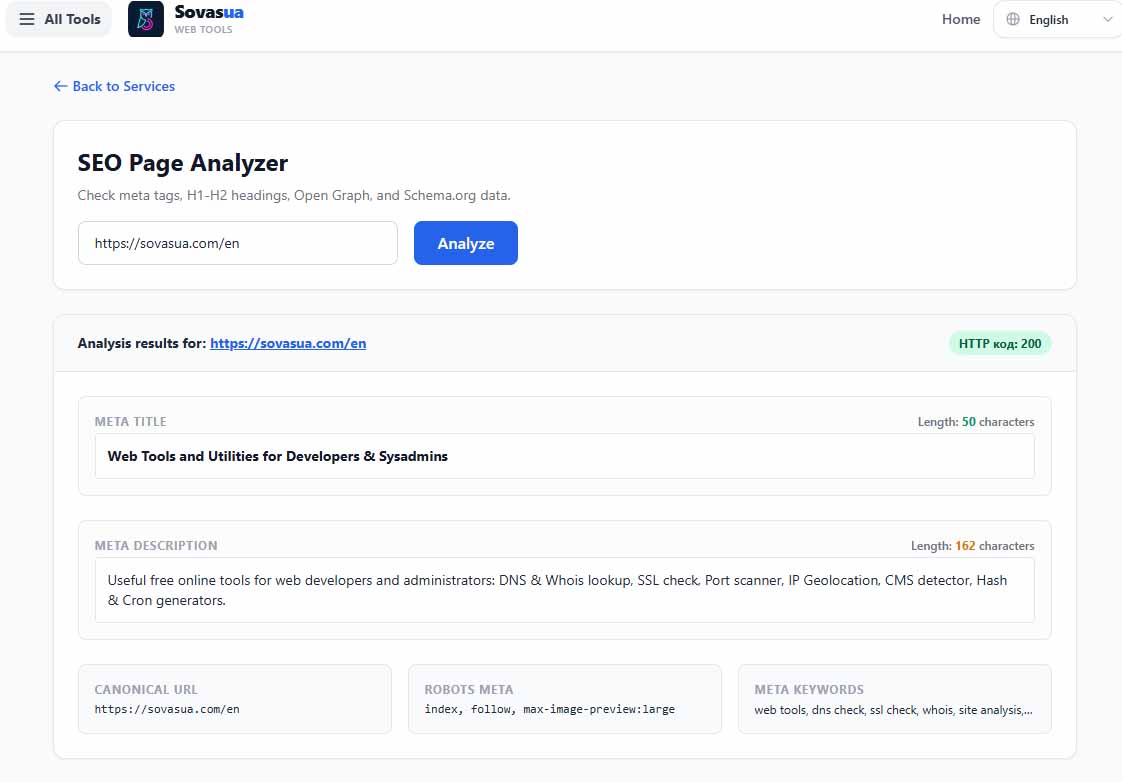
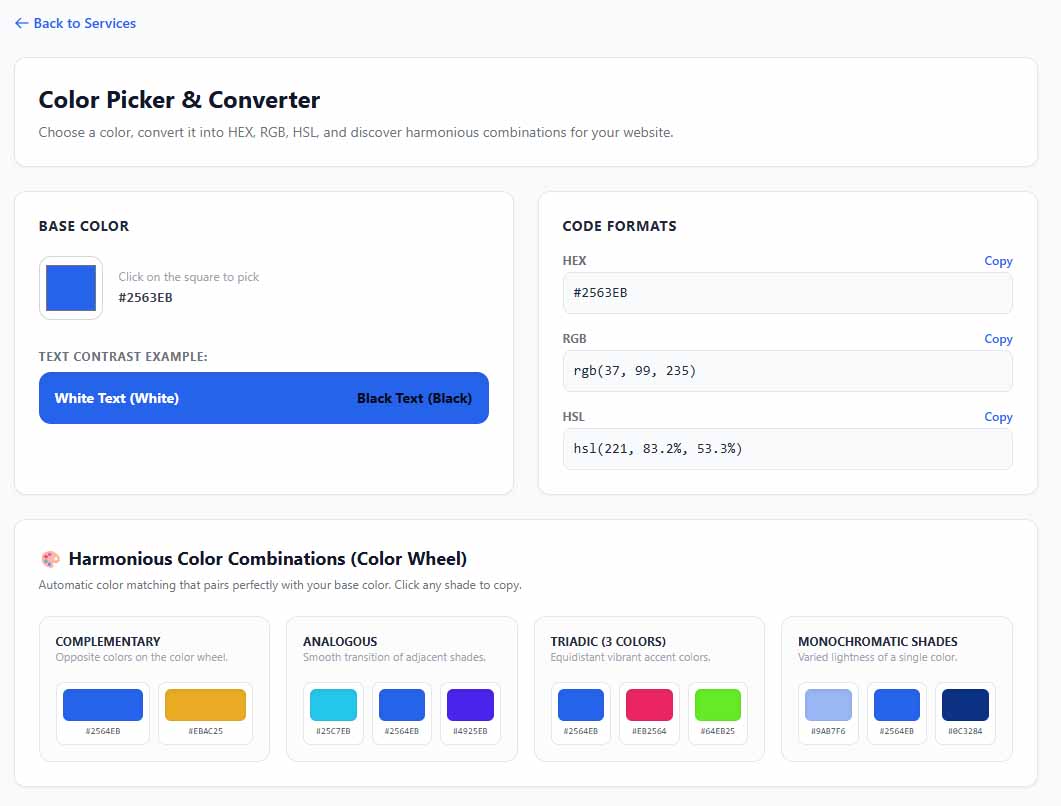
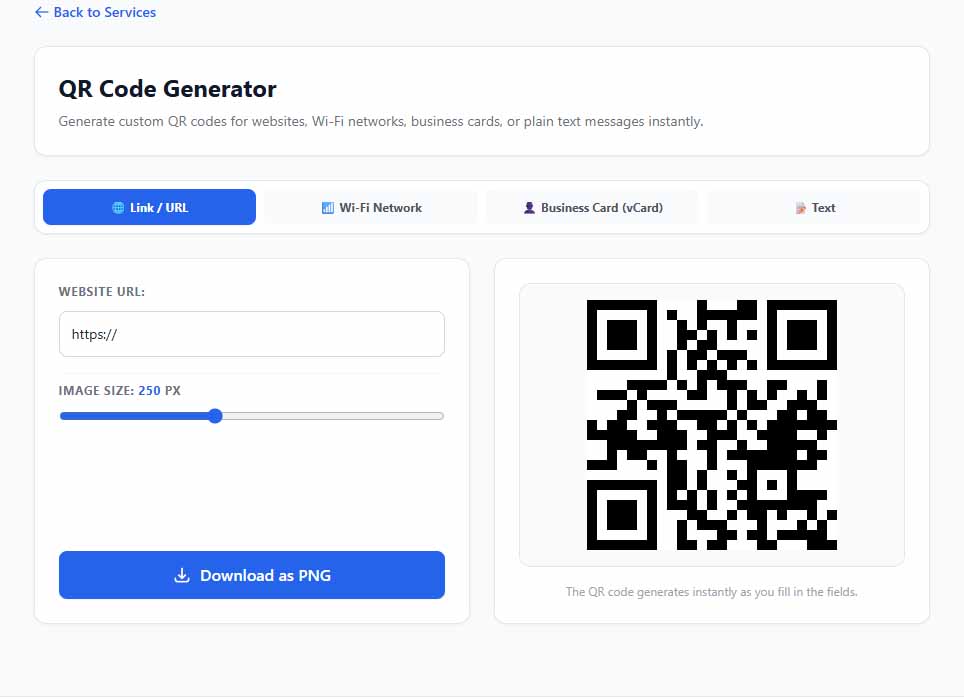
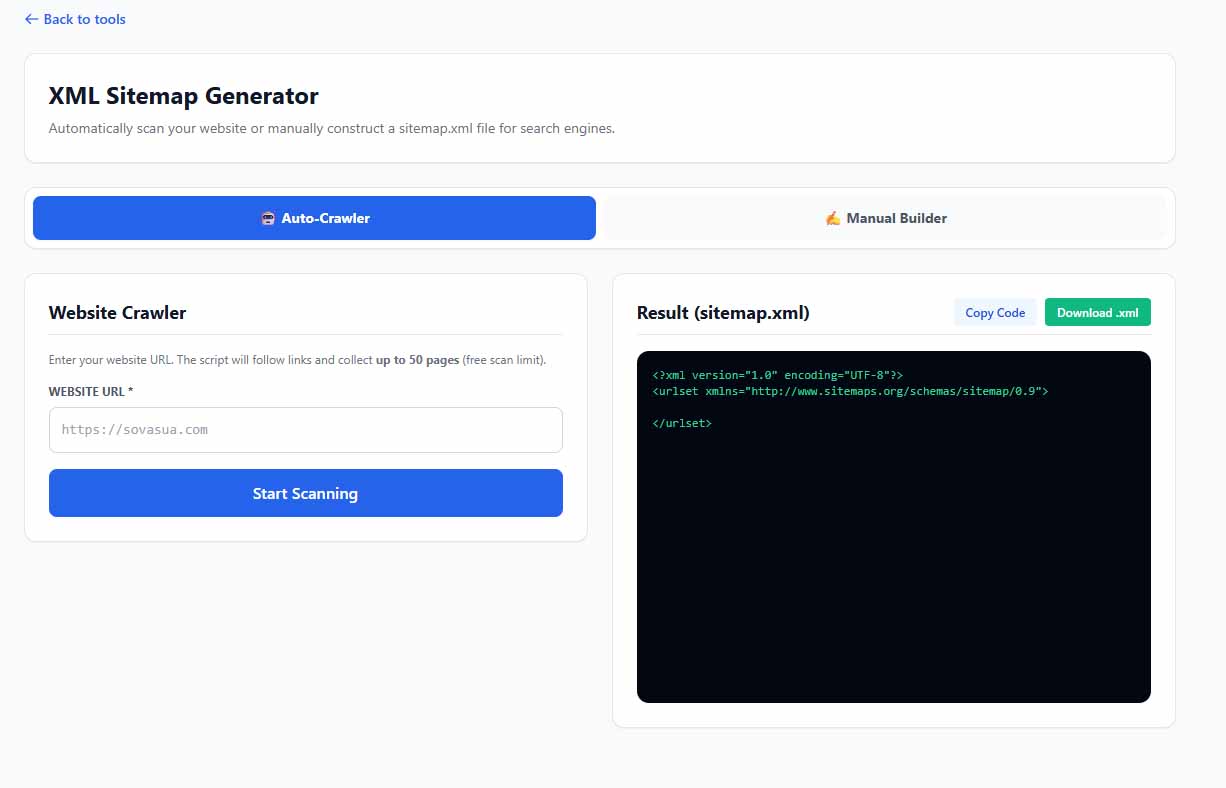
SEO & Web Utilities: Built-in SEO analyzer, meta tags audit tools, and quick generators.
Multilingual Interface: Fully localized in English, Ukrainian, German, Polish, Spanish, Portuguese, and Russian.
PWA Ready: Progressive Web App support for instant mobile and desktop installation.
Use Cases
System Administration & Troubleshooting: Quickly check if crucial server ports are open (e.g., SSH, RDP, WireGuard, OpenVPN, WinBox), verify SSL certificate validity, or inspect DNS records on the go.
SEO & Competitor Research: Use Reverse IP Lookup to find other websites sharing the same server infrastructure and run technical checks to improve site health.
Quick Dev & Network Checks: Instantly retrieve public IP, ISP details, and User-Agent data, or integrate curl commands into bash scripts for automated network monitoring.

Comments


Nice set. The "My IP & Device" output being terminal-friendly is the detail I'd have missed and the one I'd actually use. One suggestion: the port scanner would be a lot more useful with a "copy as nmap command" button, so the result is reproducible from a shell. Do you cache DNS lookups per session, or hit resolvers every time?
The curl sovasua.com/ip option is a nice touch for checking connection details straight from a terminal, and keeping the tools free and fast in one place is useful. One suggestion: a short note on the port scanner page about which targets are allowed and whether there are rate limits, so people know what to expect before scanning a host they don't own.
The port presets for services like WireGuard, OpenVPN and WinBox are a practical detail for quick sysadmin checks. One question: does the scanner limit how often or how many ports one visitor can scan, or ask for any confirmation about owning the target? A short note about that near the tool would be useful, since public port scanners can easily be misused.
The curl-friendly IP endpoint is a really handy touch for checking connectivity from headless servers. The port scanner presets for MikroTik/WinBox and WireGuard are a nice niche detail most generic tools miss. Do you plan to add a simple API or JSON output for the SSL and DNS checks so they can be used in monitoring scripts?

Found a small mismatch while testing: for my IP, the IP & Site Geolocation tool shows the correct country and city, but My IP & Headers and the curl output (curl https://sovasua.com/ip) both print "location : Ukraine (UA)", even though the ISP hostname is clearly outside Ukraine. Looks like the My IP page uses a different lookup or falls back to UA. The plain-text curl output itself is very handy for scripts.

Premium Products


















































Sponsors
Buy
Makers

Makers
Comments
Nice set. The "My IP & Device" output being terminal-friendly is the detail I'd have missed and the one I'd actually use. One suggestion: the port scanner would be a lot more useful with a "copy as nmap command" button, so the result is reproducible from a shell. Do you cache DNS lookups per session, or hit resolvers every time?
The curl sovasua.com/ip option is a nice touch for checking connection details straight from a terminal, and keeping the tools free and fast in one place is useful. One suggestion: a short note on the port scanner page about which targets are allowed and whether there are rate limits, so people know what to expect before scanning a host they don't own.
The port presets for services like WireGuard, OpenVPN and WinBox are a practical detail for quick sysadmin checks. One question: does the scanner limit how often or how many ports one visitor can scan, or ask for any confirmation about owning the target? A short note about that near the tool would be useful, since public port scanners can easily be misused.
The curl-friendly IP endpoint is a really handy touch for checking connectivity from headless servers. The port scanner presets for MikroTik/WinBox and WireGuard are a nice niche detail most generic tools miss. Do you plan to add a simple API or JSON output for the SSL and DNS checks so they can be used in monitoring scripts?
Found a small mismatch while testing: for my IP, the IP & Site Geolocation tool shows the correct country and city, but My IP & Headers and the curl output (curl https://sovasua.com/ip) both print "location : Ukraine (UA)", even though the ISP hostname is clearly outside Ukraine. Looks like the My IP page uses a different lookup or falls back to UA. The plain-text curl output itself is very handy for scripts.
Premium Products
New to Fazier?

Find your next favorite product or submit your own. Made by @FalakDigital.
Copyright ©2026. All Rights Reserved