
SoniqTools
Free browser-based tools to analyze and edit audio
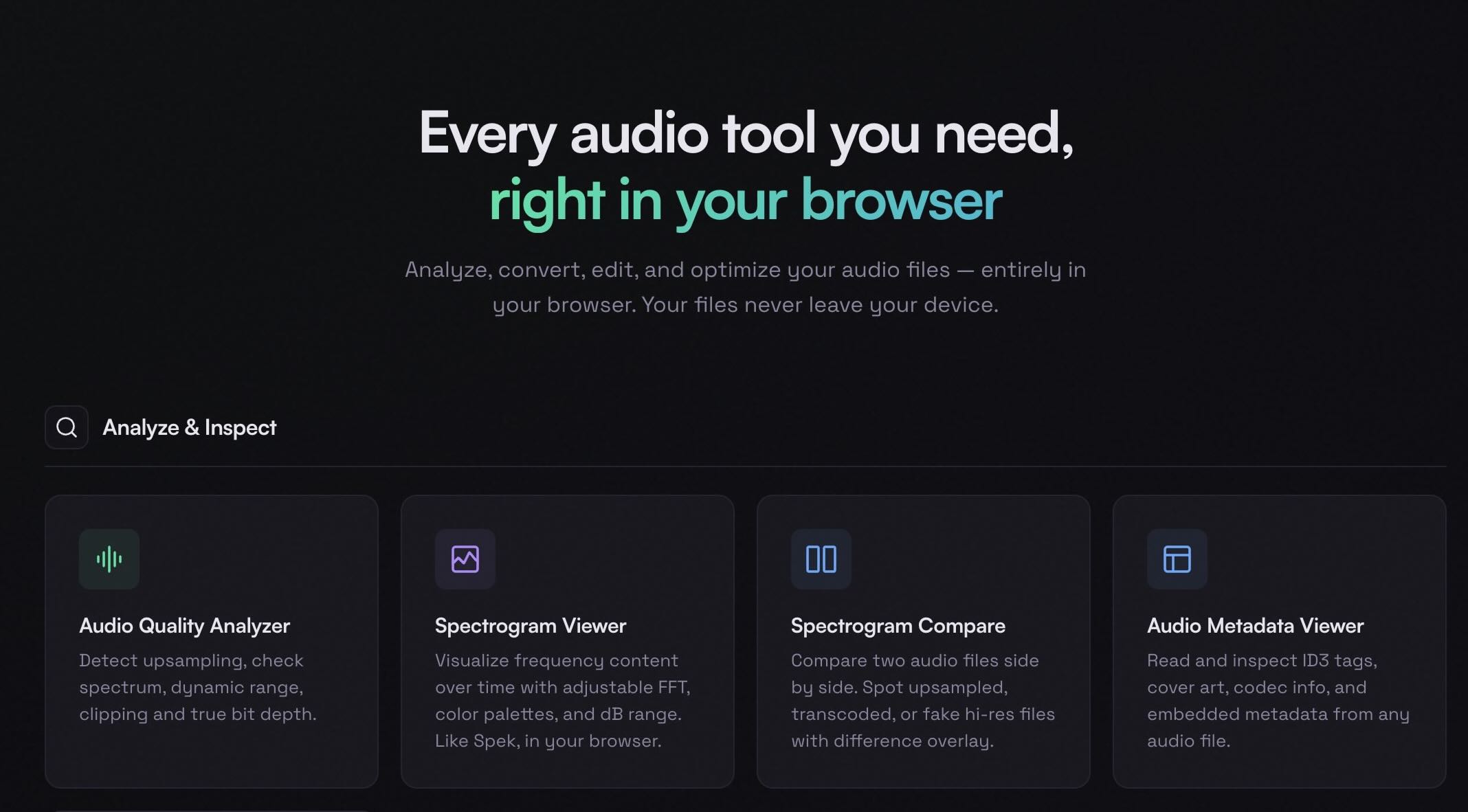
SoniqTools is a free suite of 18 browser-based audio tools designed for anyone who works with audio files. Whether you're a DJ preparing for a set, a music producer working on a project, an audiophile curating a lossless music library, or just someone who needs to quickly convert or trim an audio file, SoniqTools has you covered.
Features
The suite includes 18 specialized tools organized into four categories. For analysis, there's an Audio Quality Analyzer that tells you whether your files are truly lossless, a Spectrogram Viewer for visual frequency inspection, a Spectrogram Compare tool for side-by-side analysis, and a Metadata Viewer for reading file tags. For conversion, there's a Format Converter supporting all major audio formats, a Video to Audio extractor, a Sample Rate Converter, and a Bit Depth Converter. For editing, you get a Trimmer, Splitter, Looper, Merger, and Fade In/Out tool. And for processing, there's a Volume and Loudness Normalizer, an Audio Compressor, and a Mono/Stereo Converter. On top of that, there are utility tools like a Tone Generator and Silence Generator.
Use Cases
SoniqTools is a free tool with no accounts, so there are no traditional "customers." It's used by thousands of people every month — DJs checking file quality before gigs, producers converting stems between formats, audiophiles verifying their music libraries, and students working on audio projects. The site is available in 9 languages and attracts users from all over the world. Anyone who needs a quick, private, and reliable audio utility without installing software or paying for a subscription.

Comments


This is a fantastic suite of tools. The 'Audio Quality Analyzer' that detects true lossless versus upscaled files caught my eye immediately. Dealing with various audio inputs in my own projects, spotting fake FLAC files is always a pain. How exactly does your analyzer determine this—is it looking at high-frequency cutoffs in the spectrogram? Really clean UI and a great contribution to the community!





Replayability of https://pokepathtd.io/ is amazing as I continuously play with old levels using totally new tactics. It’s just great comparing outcomes and seeing the progress my team has made when new units were unlocked.
Premium Products



































Sponsors
Buy

Makers

Makers
Comments
This is a fantastic suite of tools. The 'Audio Quality Analyzer' that detects true lossless versus upscaled files caught my eye immediately. Dealing with various audio inputs in my own projects, spotting fake FLAC files is always a pain. How exactly does your analyzer determine this—is it looking at high-frequency cutoffs in the spectrogram? Really clean UI and a great contribution to the community!
Replayability of https://pokepathtd.io/ is amazing as I continuously play with old levels using totally new tactics. It’s just great comparing outcomes and seeing the progress my team has made when new units were unlocked.
Premium Products
New to Fazier?

Find your next favorite product or submit your own. Made by @FalakDigital.
Copyright ©2026. All Rights Reserved