SoCaptions
Word-level AI captions, styled and burned into video.
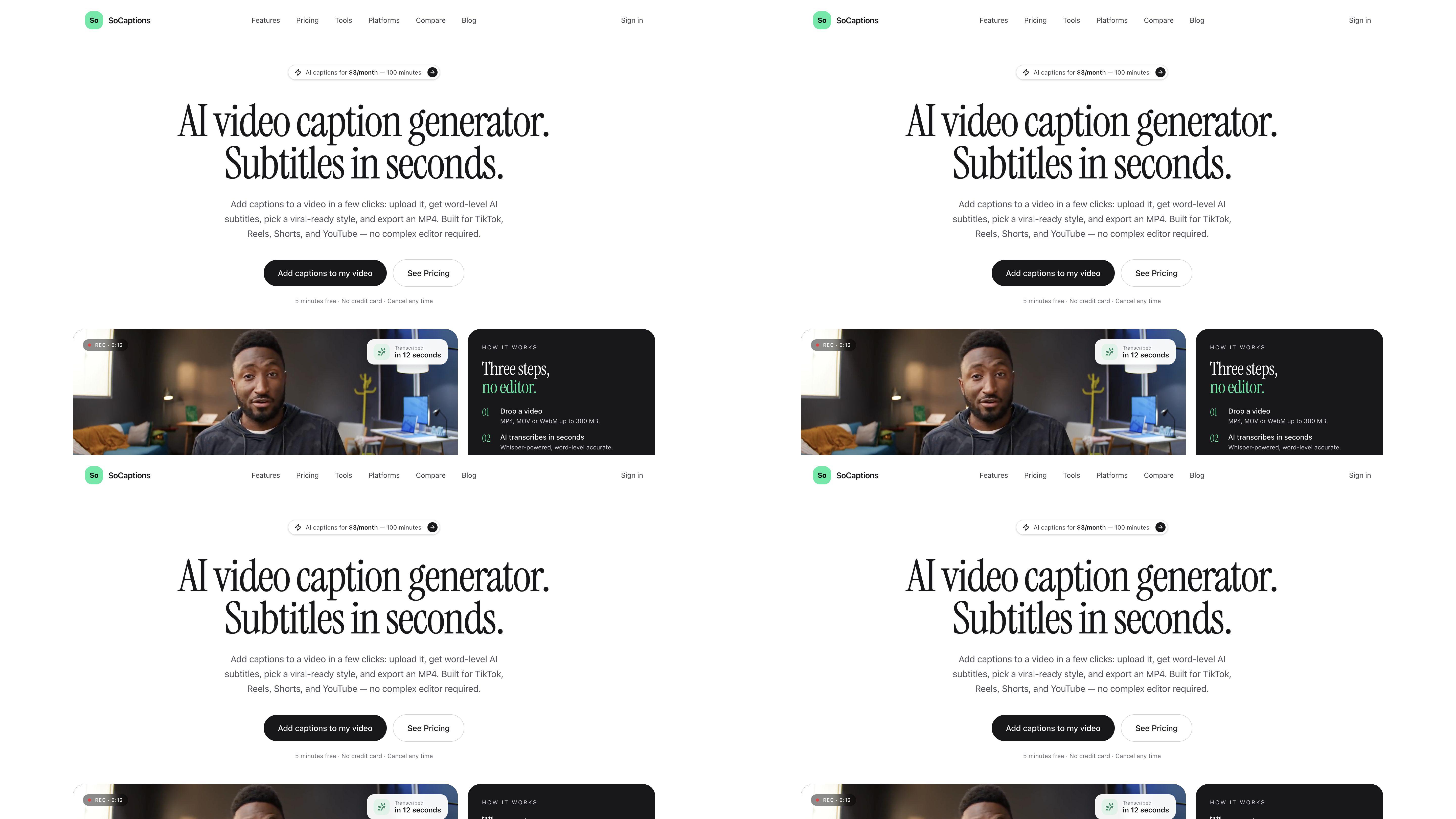
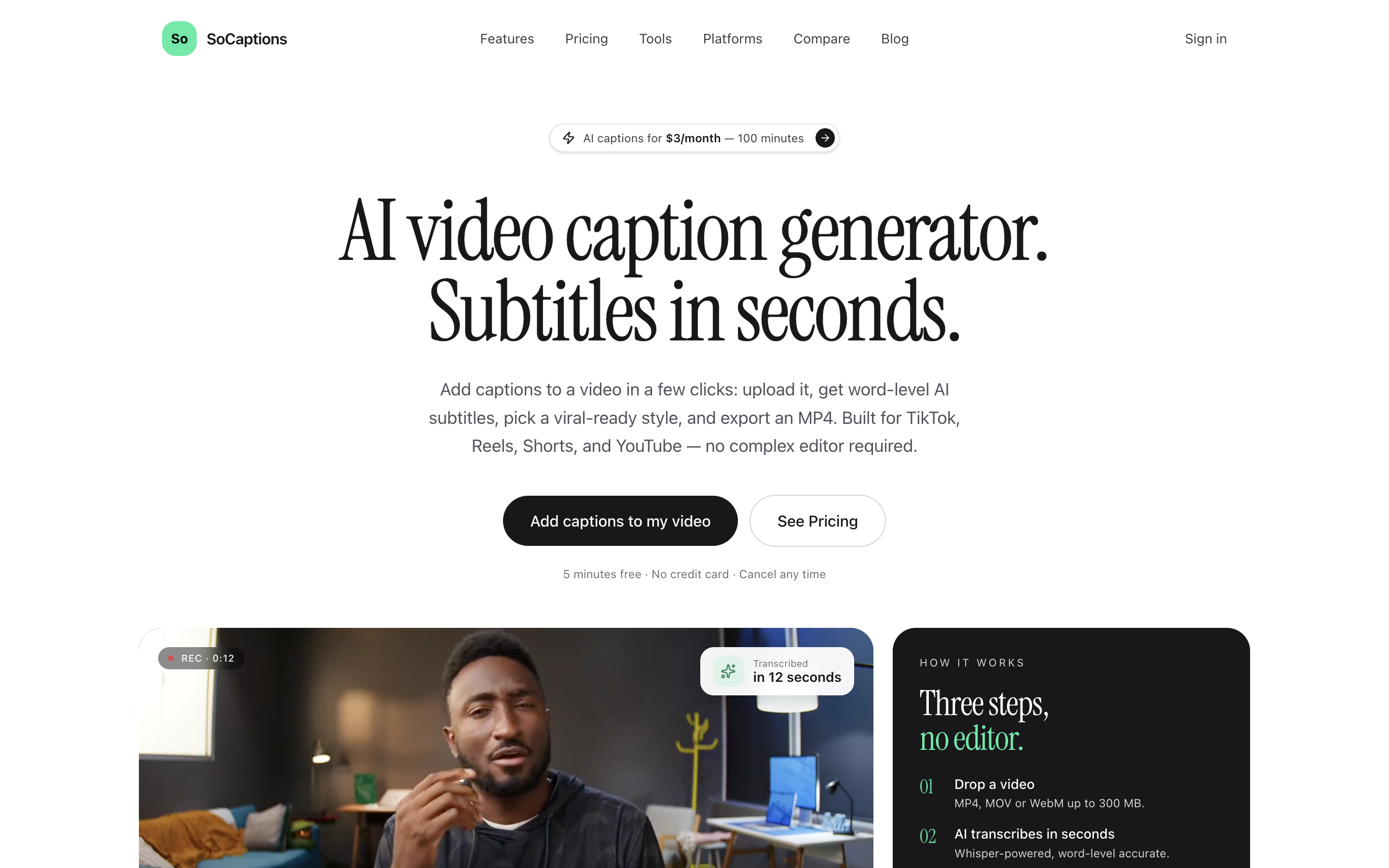
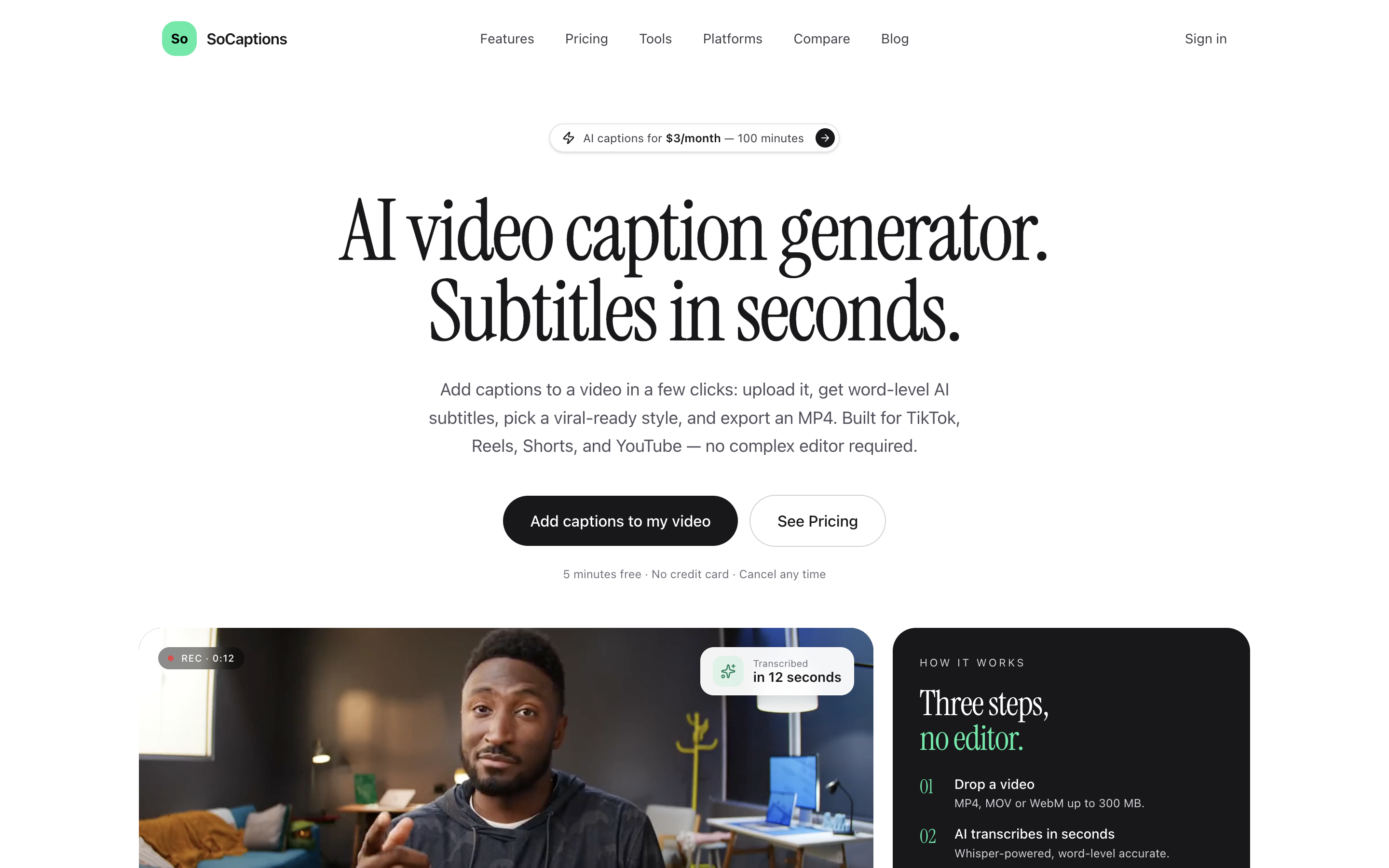
Add word-synchronized captions to MP4, MOV, and WebM clips. SoCaptions uses Whisper-based transcription, offers editable word-level timing and visual styles, and exports a burned-in MP4 for TikTok, Instagram Reels, YouTube Shorts, YouTube, and LinkedIn. A public REST API and free subtitle utilities are also available.
Features
- Word-level Whisper transcription for uploaded clips
- Style presets including Karaoke, Bold Outline, Box, Cinematic, and Minimal
- Edit individual words, timing, fonts, position, and animation on a timeline
- Export burned-in MP4s for TikTok, Reels, Shorts, YouTube, and LinkedIn
- Free subtitle utilities and a public REST API
Use Cases
Useful for creators captioning short videos, social teams preparing Reels, Shorts, and TikTok clips, educators and marketers making videos accessible without sound, and developers automating captions with the REST API.

Comments


The Karaoke and Bold Outline presets plus per-word timing edits on a timeline are a nice combination, since auto-transcription usually mangles names or slang. When I correct a single word, does the burned-in export re-time the surrounding words automatically, or do I need to nudge them manually? Also curious whether the REST API returns the word-level timestamps separately from the rendered MP4.
Burning in word-level captions instead of relying on each platform's auto-captions is the right call — the styling becomes part of the video's identity on TikTok and Reels, and it survives reposts. The preset range (Karaoke, Bold Outline, Box, Cinematic, Minimal) plus being able to edit individual words, timing, fonts and animation on a timeline covers both quick posts and polished work. The public REST API is a smart addition for teams producing clips at volume. One question: how well does the Whisper transcription hold up on videos with background music or multiple speakers, where word-level timing usually starts to drift?

We edit short vertical reels every week, and what eats the time is re-timing after cutting a repeated word or a restart: Whisper often merges repeated words, so the cut lands in the wrong place. Does SoCaptions keep the word timings in sync when you trim inside the editor, or do you re-transcribe after each cut? Also curious how it handles Italian and Spanish.

Word-level timing you can actually edit on a timeline is the key detail here — auto-captions are easy to find, but fixing one wrong word or re-timing a phrase without starting over is what creators really need. The presets (Karaoke, Bold Outline, Cinematic) plus burned-in exports for TikTok, Reels and Shorts cover the main use cases well. Question: can you save your own style as a preset, so a series of videos keeps the same caption look every time?

On Shorts and TikTok the bottom of the frame and the right edge are covered by the caption bar and the like/comment buttons, and the covered area isn't the same on each platform. Do the presets have a safe area per export target, so the burned-in captions don't end up under the buttons when the same clip goes to Shorts and to Reels?

Word-level timing you can edit by hand is the part most auto-caption tools skip, so that's a good call. Two questions: how does the Whisper step handle mixed-language clips (we make videos in Italian and English), and can the REST API take a style preset so a batch of clips comes out with the same look?
Premium Products






















































Sponsors
Buy

Makers

Makers
Comments
The Karaoke and Bold Outline presets plus per-word timing edits on a timeline are a nice combination, since auto-transcription usually mangles names or slang. When I correct a single word, does the burned-in export re-time the surrounding words automatically, or do I need to nudge them manually? Also curious whether the REST API returns the word-level timestamps separately from the rendered MP4.
Burning in word-level captions instead of relying on each platform's auto-captions is the right call — the styling becomes part of the video's identity on TikTok and Reels, and it survives reposts. The preset range (Karaoke, Bold Outline, Box, Cinematic, Minimal) plus being able to edit individual words, timing, fonts and animation on a timeline covers both quick posts and polished work. The public REST API is a smart addition for teams producing clips at volume. One question: how well does the Whisper transcription hold up on videos with background music or multiple speakers, where word-level timing usually starts to drift?
We edit short vertical reels every week, and what eats the time is re-timing after cutting a repeated word or a restart: Whisper often merges repeated words, so the cut lands in the wrong place. Does SoCaptions keep the word timings in sync when you trim inside the editor, or do you re-transcribe after each cut? Also curious how it handles Italian and Spanish.
Word-level timing you can actually edit on a timeline is the key detail here — auto-captions are easy to find, but fixing one wrong word or re-timing a phrase without starting over is what creators really need. The presets (Karaoke, Bold Outline, Cinematic) plus burned-in exports for TikTok, Reels and Shorts cover the main use cases well. Question: can you save your own style as a preset, so a series of videos keeps the same caption look every time?
On Shorts and TikTok the bottom of the frame and the right edge are covered by the caption bar and the like/comment buttons, and the covered area isn't the same on each platform. Do the presets have a safe area per export target, so the burned-in captions don't end up under the buttons when the same clip goes to Shorts and to Reels?
Word-level timing you can edit by hand is the part most auto-caption tools skip, so that's a good call. Two questions: how does the Whisper step handle mixed-language clips (we make videos in Italian and English), and can the REST API take a style preset so a batch of clips comes out with the same look?
Premium Products
New to Fazier?

Find your next favorite product or submit your own. Made by @FalakDigital.
Copyright ©2026. All Rights Reserved