SnapState
Put your Mac windows back after sleep or a monitor reconnect
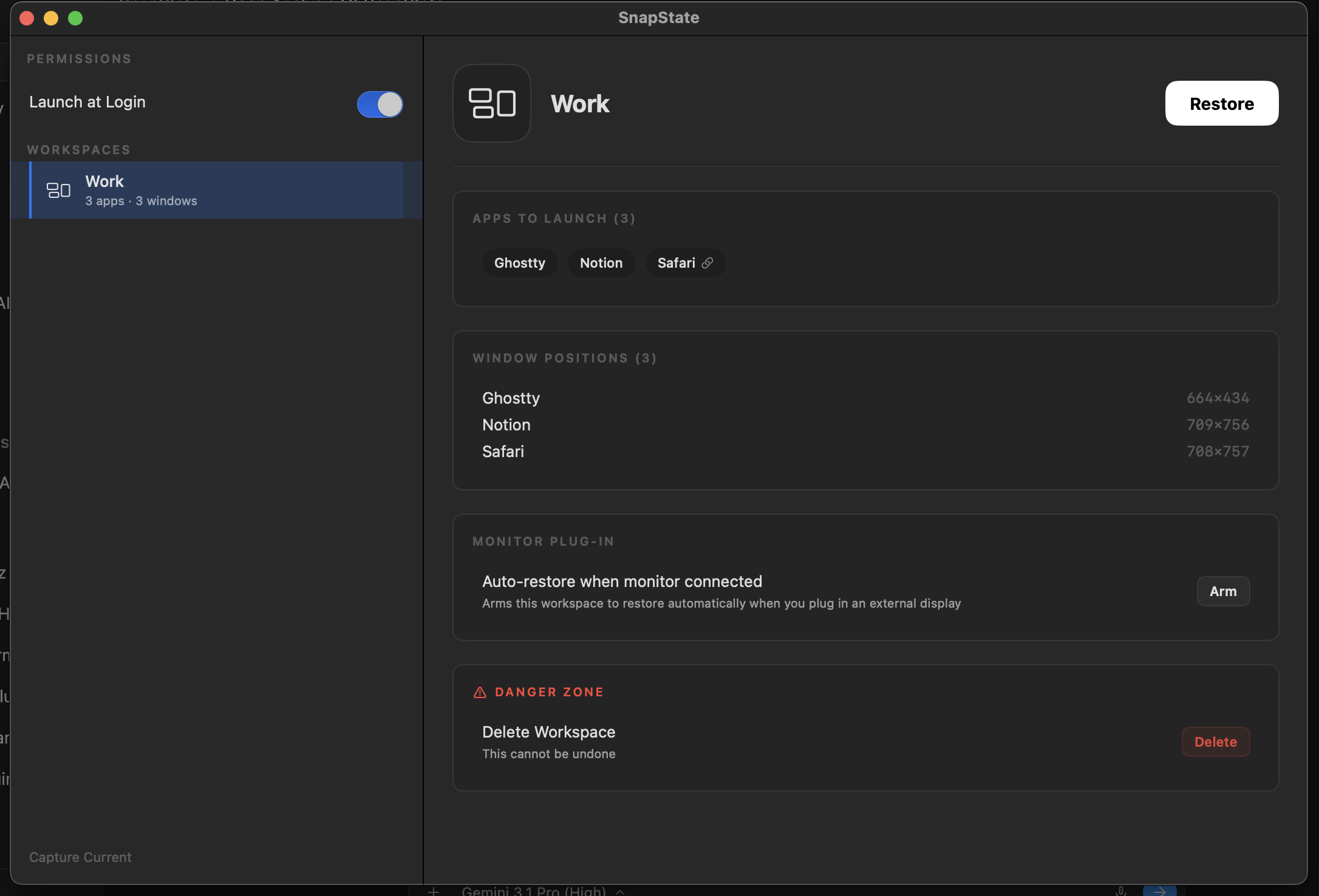
SnapState is a native macOS menu bar app that saves your window layouts and puts them back. Capture a workspace once (window positions, which display each window was on, the apps that were open, and the active tab in Safari, Chrome, Edge, Brave, Arc, or Chromium), then restore it in one click or a shortcut. It can restore automatically when a monitor connects or disconnects, or when your Mac wakes, so windows stop piling onto the laptop screen after sleep. Layouts saved at one desk map sensibly onto a different monitor setup. Everything stays local. $9.99 one-time for up to 3 Macs, with a 14-day refund.
Features
Save window positions, displays, open apps, and the active browser tab
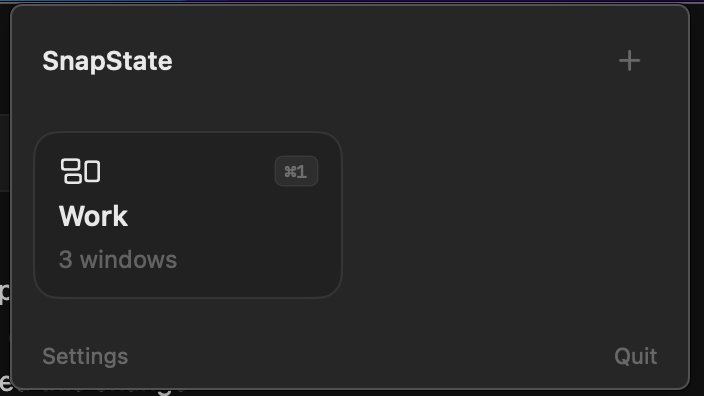
One-click or shortcut restore from the menu bar
Auto-restore on monitor connect/disconnect or wake from sleep
Layouts adapt to a different monitor setup
Fully local, no account
Use Cases
Get windows back after your Mac wakes from sleep
Dock and undock a laptop without rearranging everything
Switch between home and office desk setups

Comments

Hi Fazier! We built SnapState because our Mac kept dumping every window onto the laptop screen after sleep or unplugging a monitor. Save a layout once and it puts windows, apps, displays, and the active browser tab back, automatically on wake or monitor reconnect if you want. Short demo: https://getsnapstate.com/demo.mp4. Would love feedback on which setups you'd want it to handle.
Premium Products















































Sponsors
Buy

Makers
Makers
Comments
Hi Fazier! We built SnapState because our Mac kept dumping every window onto the laptop screen after sleep or unplugging a monitor. Save a layout once and it puts windows, apps, displays, and the active browser tab back, automatically on wake or monitor reconnect if you want. Short demo: https://getsnapstate.com/demo.mp4. Would love feedback on which setups you'd want it to handle.
Premium Products
New to Fazier?

Find your next favorite product or submit your own. Made by @FalakDigital.
Copyright ©2026. All Rights Reserved