
SnapDoc
Scanned Arabic PDFs and images to editable Word files
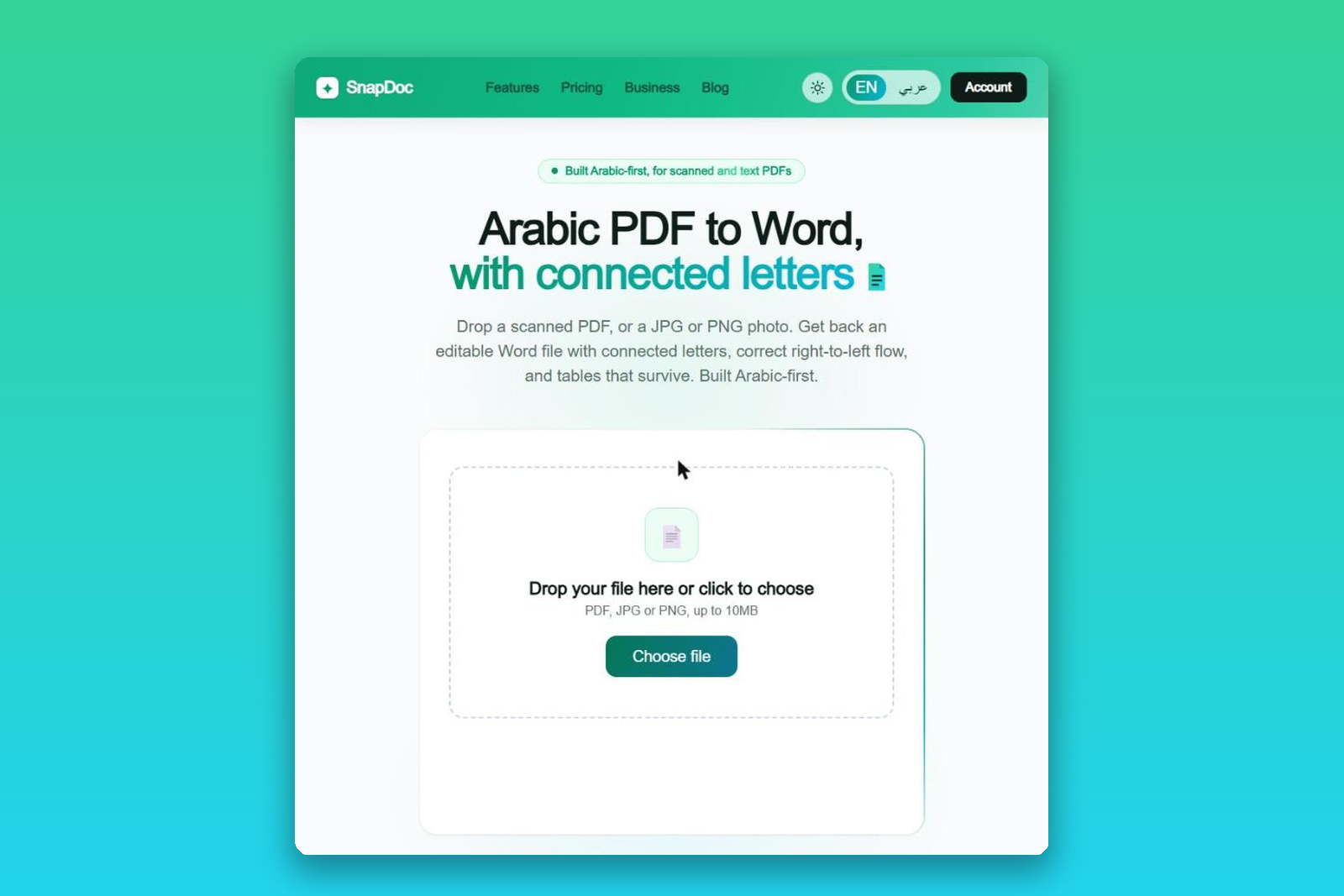
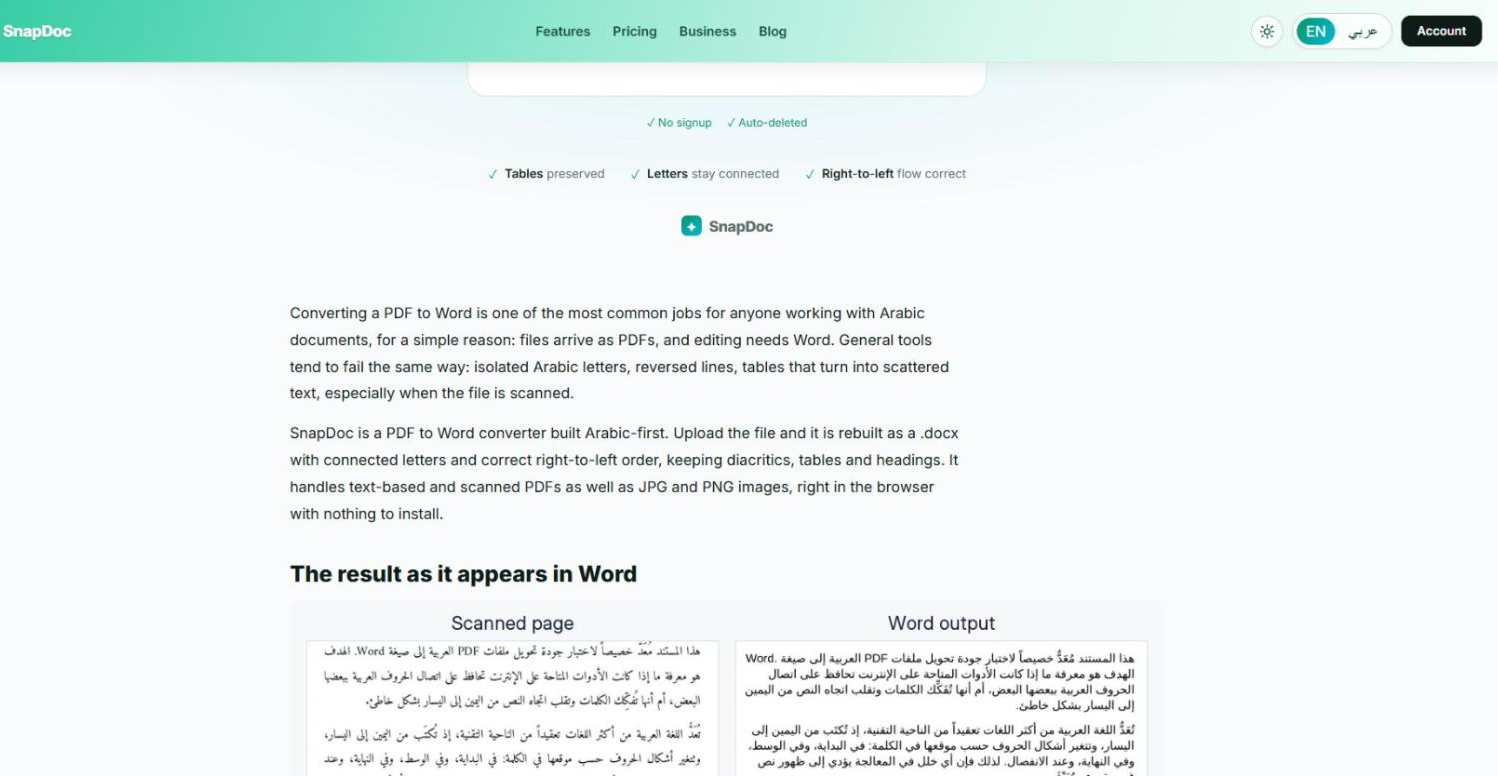
Arabic documents are tricky to convert because the letters connect and the text runs right to left. SnapDoc is built for Arabic first. It converts scanned or digital Arabic PDFs, JPGs and PNGs into editable Word (.docx) files, keeping letters connected, the right-to-left direction and tables. It runs in your web browser, so you do not need to install anything. Try it free with 1 page per day, no signup, files up to 10MB. Paid plans and page packs cover larger volumes, and the Business plan adds API access. Best results on printed and typed text; handwriting is not guaranteed.
Features
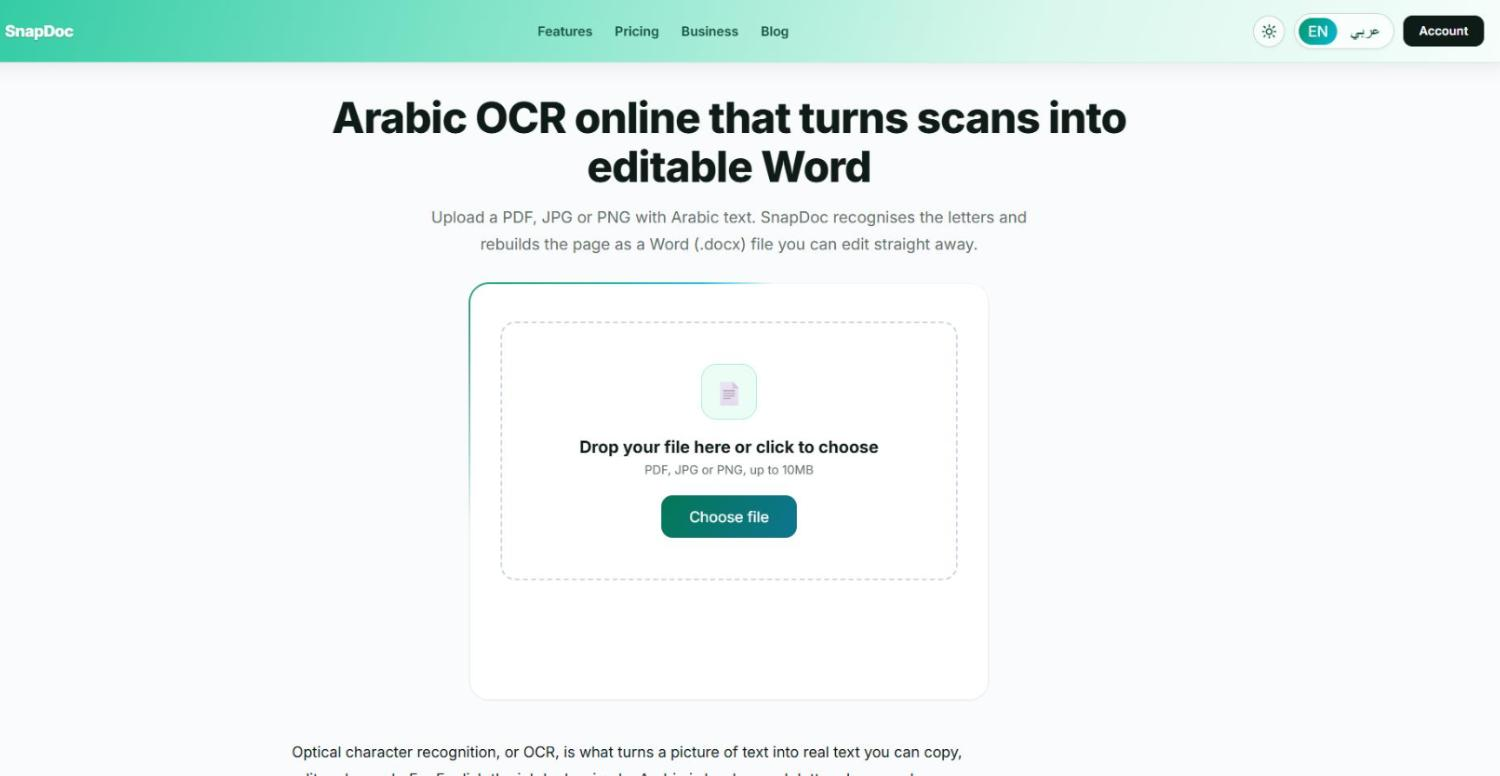
Converts scanned or digital Arabic PDFs, JPGs and PNGs into editable Word (.docx) files
Keeps Arabic letters connected, the right-to-left direction and tables
Runs in the web browser, nothing to install
Free: 1 page per day, no signup, files up to 10MB
Paid plans and page packs for larger volumes; the Business plan adds API access
Use Cases
Turning scanned Arabic contracts, letters and reports into editable Word files
Editing Arabic PDFs that arrived as scans or images
Reusing text from printed Arabic documents for study or office work
Adding Arabic document conversion to your own product through the API (Business plan)

Comments


Hi Fazier. SnapDoc started from a simple frustration: scanned Arabic PDFs that come out of general converters with separated letters, reversed lines and broken tables. So this tool is built for Arabic first. Upload a scanned or digital Arabic PDF, JPG or PNG and you get an editable Word file with letters connected, right-to-left direction and tables kept. It runs in the browser, and you can try 1 page per day free with no signup. It works best on printed and typed text; handwriting is not guaranteed. Feedback is welcome, especially from anyone working with Arabic documents: which page layouts give you the most trouble?
Premium Products
















































Sponsors
Buy

Makers
Makers
Comments
Hi Fazier. SnapDoc started from a simple frustration: scanned Arabic PDFs that come out of general converters with separated letters, reversed lines and broken tables. So this tool is built for Arabic first. Upload a scanned or digital Arabic PDF, JPG or PNG and you get an editable Word file with letters connected, right-to-left direction and tables kept. It runs in the browser, and you can try 1 page per day free with no signup. It works best on printed and typed text; handwriting is not guaranteed. Feedback is welcome, especially from anyone working with Arabic documents: which page layouts give you the most trouble?
Premium Products
New to Fazier?

Find your next favorite product or submit your own. Made by @FalakDigital.
Copyright ©2026. All Rights Reserved