skpconvert
Convert SketchUp files between versions and 3D formats
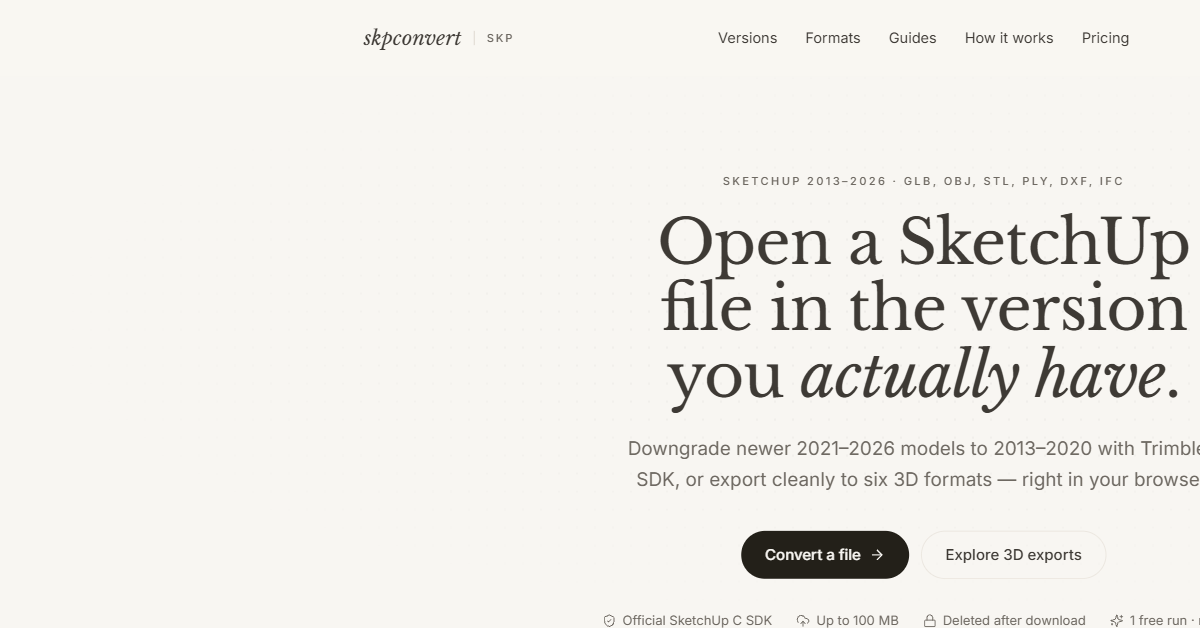
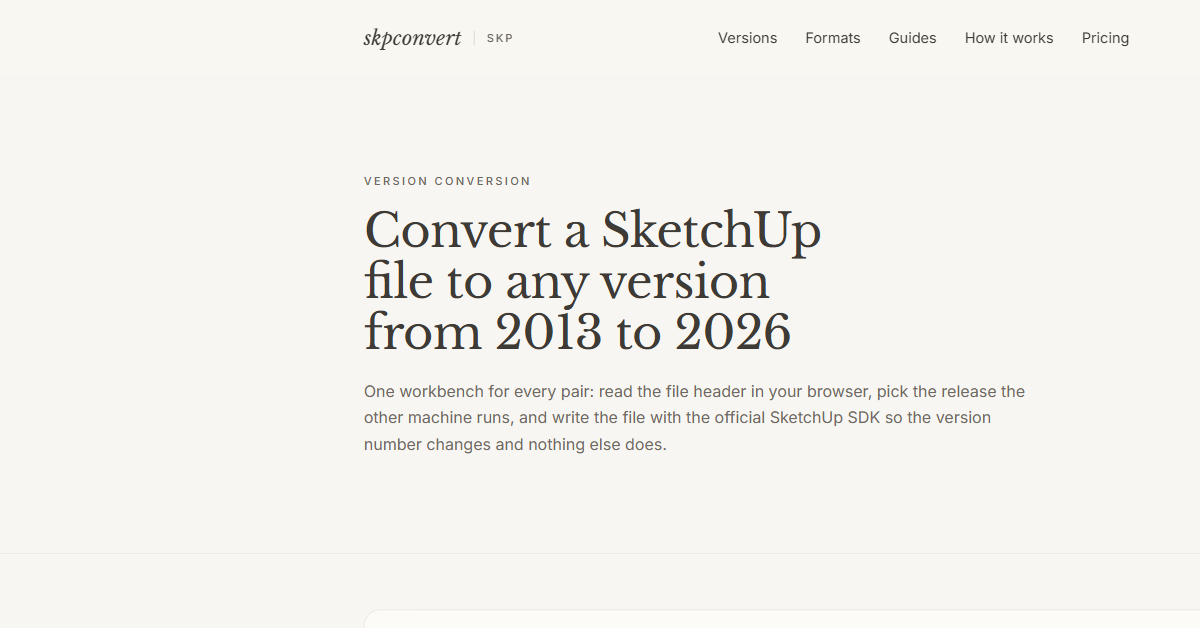
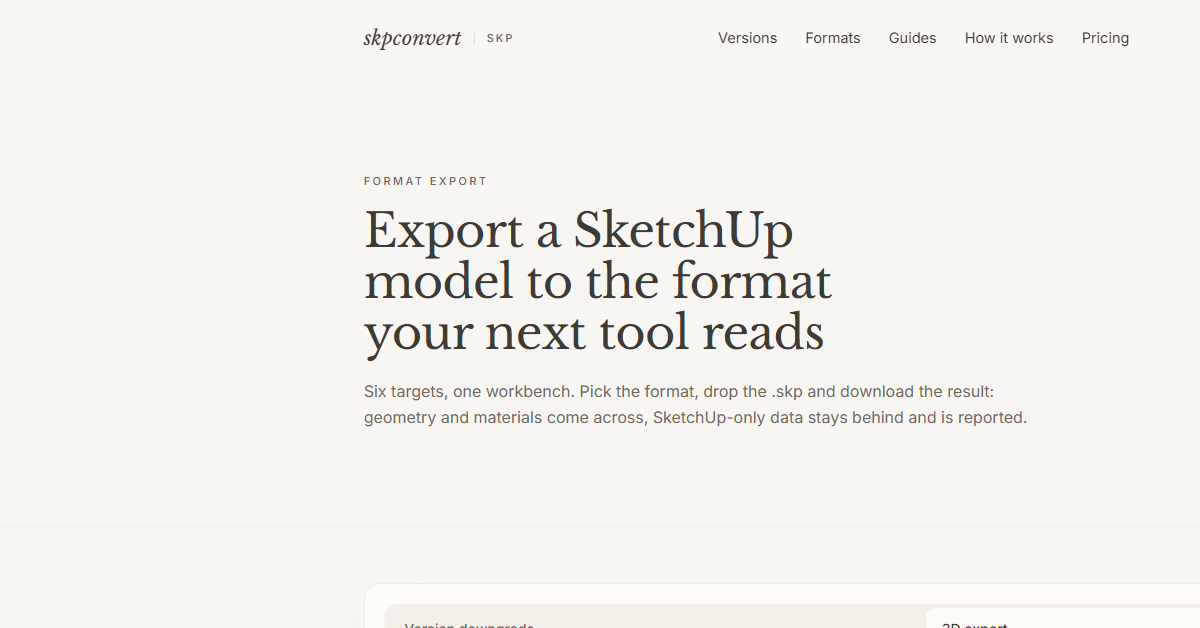
Downgrade a SketchUp .skp to 2013-2020 or export it to GLB, OBJ, STL, PLY, DXF and IFC - version-exact SDK conversion in the browser, up to 100 MB. skpconvert solves the most annoying SketchUp problem there is: the file was saved in 2024, the colleague is still on 2019, and SketchUp refuses to open it. Drop the .skp into the browser, pick a target version between 2013 and 2020 or the current release, and get a file that opens natively. Conversion runs through Trimble's official SketchUp C SDK, so geometry, groups, components, layers and materials come through unchanged. The same file can also be exported to GLB, OBJ with MTL, STL, PLY, DXF or IFC when the next stop is Blender, a slicer or a CAD tool. Files up to 100 MB are streamed in chunks, deleted 30 minutes after the job, and the first conversion is free without an account.
Features
Downgrade .skp files to SketchUp 2013-2020 or the current release
Export to GLB, OBJ with MTL, STL, PLY, DXF or IFC
Version-exact conversion through Trimble's official SketchUp C SDK - geometry, groups, components and materials preserved
Built-in version checker tells you which SketchUp release wrote a file before you upload
Up to 100 MB per file, streamed in chunks and deleted 30 minutes after the job
First conversion free, no account needed
Use Cases
Open a file saved in 2024 in SketchUp 2019 or 2021
Send a model back to a client or colleague on an older SketchUp release
Move a SketchUp model into Blender, a slicer or a CAD tool without re-modelling
Check why a downloaded .skp refuses to open

Comments

Premium Products










































Find your next favorite product or submit your own. Made by @FalakDigital.
Copyright ©2026. All Rights Reserved