
Simplyfly task
Time tracking and billing, simplified
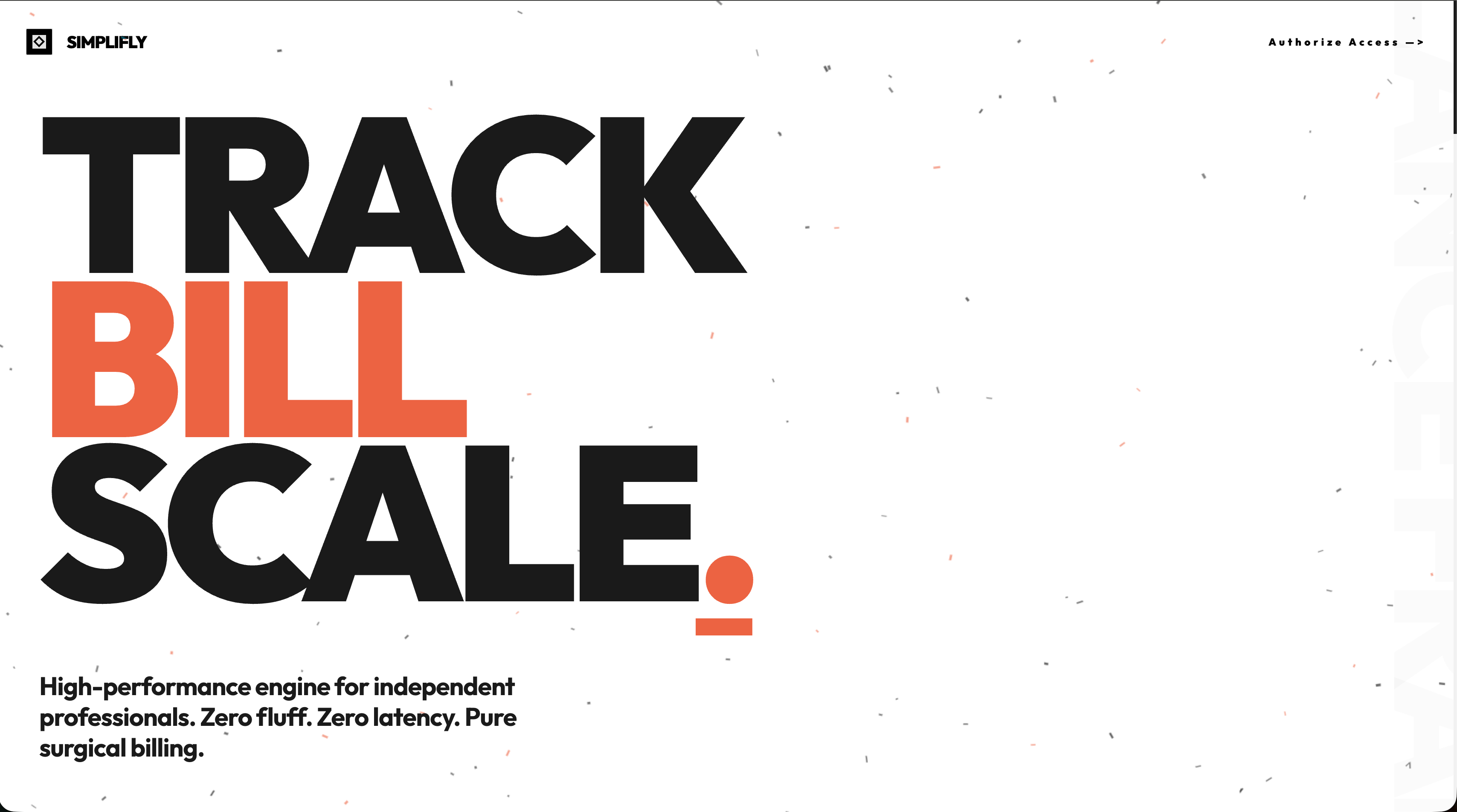
Simplifly is a free time tracking and billing app for freelancers. Log hours on tasks and tickets, manage workspaces and teams, and generate professional invoices in one place—no subscriptions, no complexity.
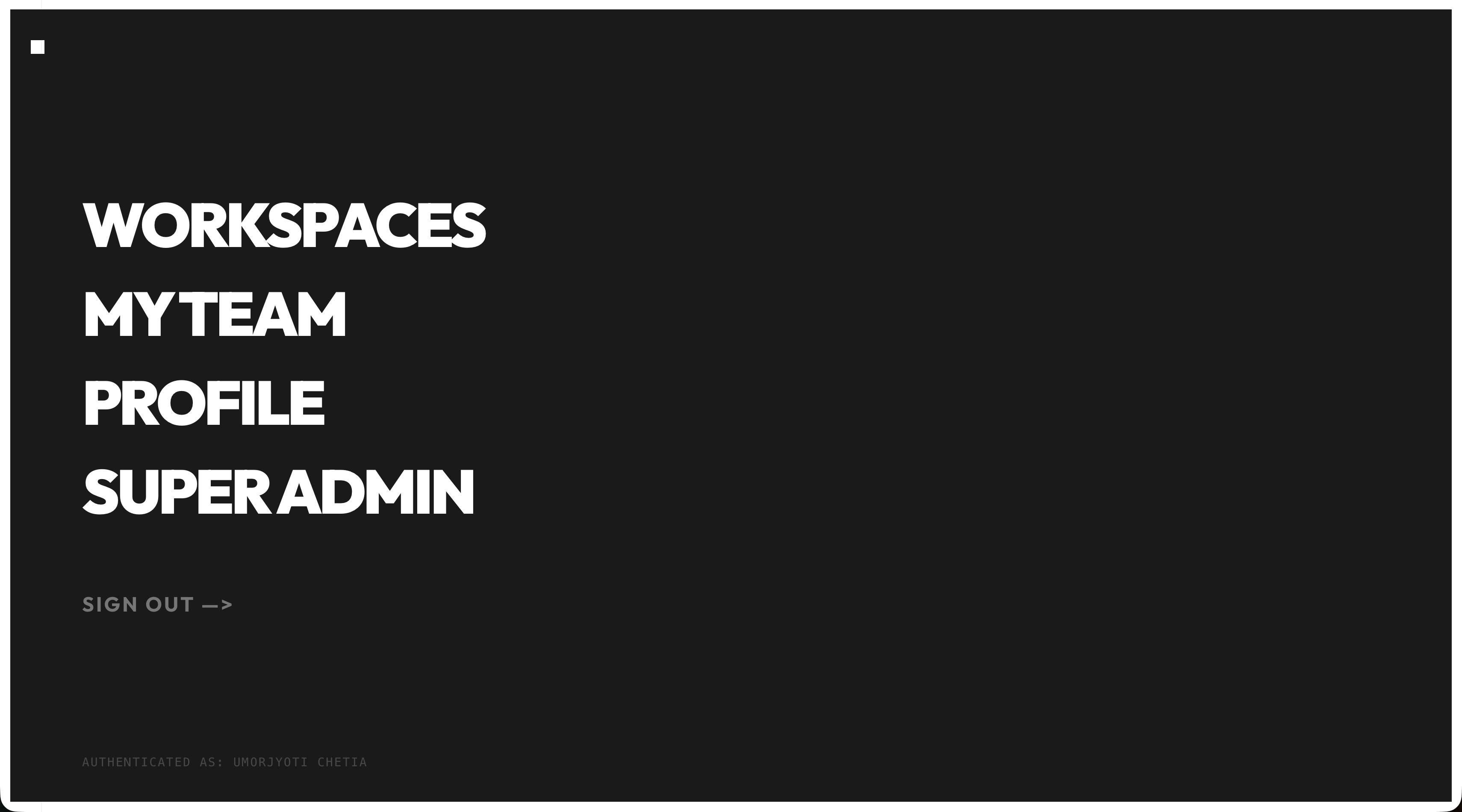
Features
Time tracking
- Log hours on tasks and projects as you work.
Workspaces
- Create separate workspaces for different clients or projects.
Team collaboration
- Add team members and work together inside workspaces.
Ticket management
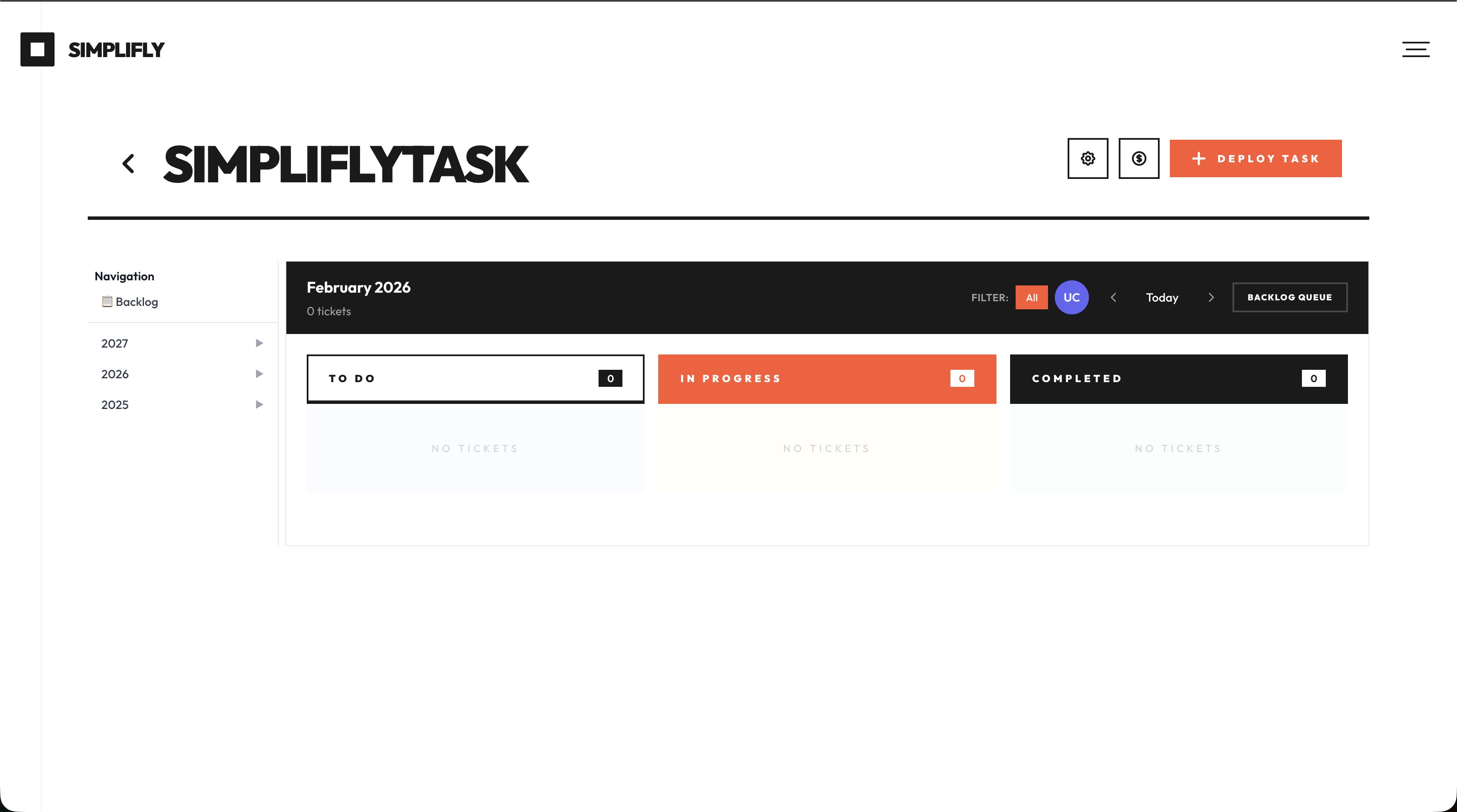
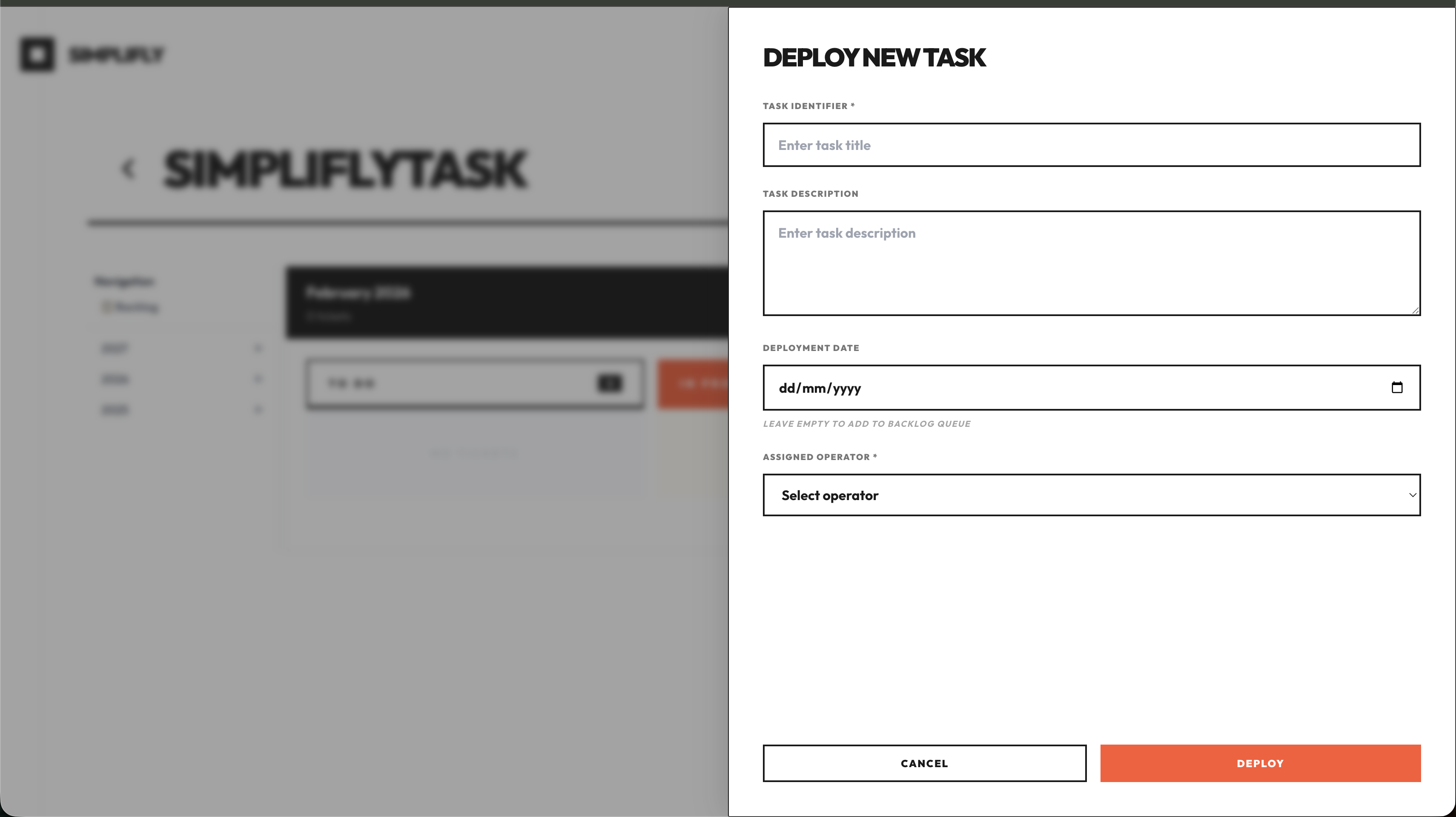
- Create tickets with title, description, go-live date, and assignee
- Status flow: open → in-progress → closed
- Hours worked required before closing a ticket
- Payment status: pending-pay, billed
- Billing
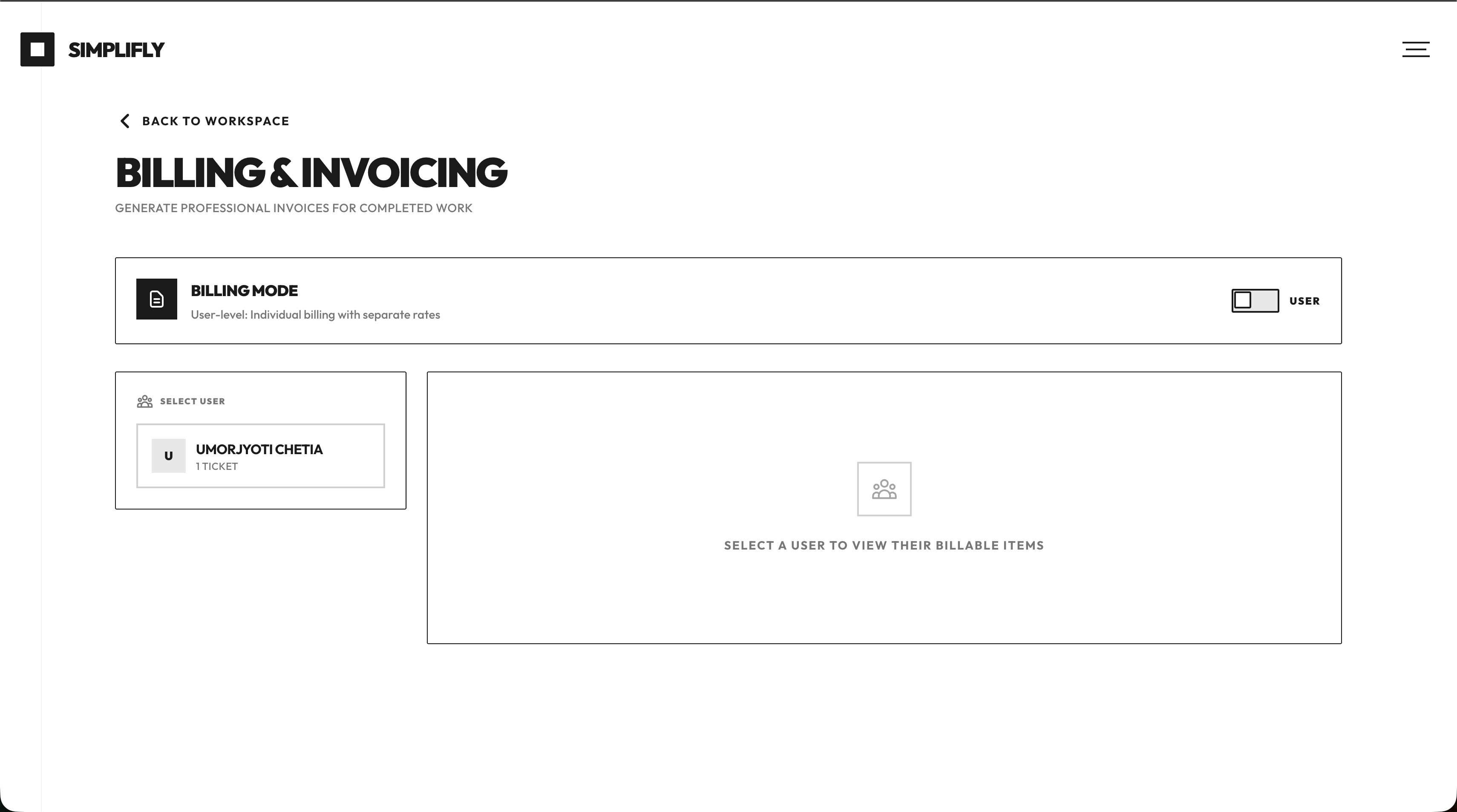
- Choose completed tasks to bill
- Set hourly rates and generate professional bills
- Mark tickets as billed after payment
Use Cases
Solo freelancer
- Single client: One workspace, track time per task, close tickets with hours, generate one invoice at month-end.
- Multiple clients: One workspace per client, separate tickets and time, generate client-specific bills with different hourly rates.
- Tax/records: Use time logs and generated bills as proof of work and income for accounting or tax time.
Freelance team / small agency
- Owner: Create workspaces per client, add contractors, assign tickets, review hours, set rates, generate and send invoices.
- Contractor: See assigned tickets, log time, close tickets with hours; owner handles billing.
- Handoff: Owner sees who did what and for how long before creating a single client invoice.
Project-based work
- Fixed scope, hourly billing: Create tickets for deliverables (e.g. “Homepage design”, “API integration”), track time per ticket, bill by actual hours at agreed rate.
- Retainers: Track hours across tickets within a monthly cap; use billing to show hours used and generate the retainer invoice.
- Go-live tracking: Use ticket go-live dates to plan and see what’s due when; tie time and billing to specific deliverables.
Client communication & payment
- Transparency: Share or attach generated bills that list tasks and hours so clients see what they’re paying for.
- Payment status: Mark tickets as “billed” after sending the invoice and “pending-pay” until paid, so you know what’s still outstanding.
- Disputes: Point to specific tickets and time entries if a client questions an invoice.
Personal productivity
- Where time goes: See time per ticket/workspace to understand which clients or project types take the most time.
- Closing the loop: Requiring hours before closing tickets keeps time logging consistent and avoids missing billable work.

Comments

Sarah had just closed her laptop after another long day when she remembered: the invoice. She’d been putting it off. Again. She opened a spreadsheet, tried to match scribbled notes to calendar notes to random timers, and guessed at hours for “that bug fix” and “the quick design tweak.” An hour later she had something that looked like an invoice, but she didn’t fully trust the numbers. She sent it anyway and went to bed at 2 a.m. The next morning she promised herself she’d track time properly. She never did. Spreadsheets felt heavy. Timers felt like a chore. So she kept working, kept forgetting, and kept dreading invoice day. Then she tried Simplifly. One workspace per client. Tickets for each piece of work. She logged time as she went—a few minutes here and there. When a ticket was done, she added the hours and closed it. No guessing. No 2 a.m. archaeology. At the end of the month she opened Billing, picked the tickets, entered her rate, and hit generate. A clean invoice appeared. She sent it in under five minutes and went to bed at a normal hour. She still works late sometimes. But she doesn’t lose sleep over invoices anymore.
Really appreciate the zero-subscription model for freelancers who just need clean time tracking without the bloat. The ticket-to-billing pipeline is well thought out — requiring logged hours before closing a ticket enforces consistent tracking that most freelancers forget about until invoice day. The workspace-per-client structure also makes sense for separating billable contexts without juggling multiple accounts.
Premium Products










































Sponsors
Buy

Awards
View all
Awards
View allMakers
Makers
Comments
Sarah had just closed her laptop after another long day when she remembered: the invoice. She’d been putting it off. Again. She opened a spreadsheet, tried to match scribbled notes to calendar notes to random timers, and guessed at hours for “that bug fix” and “the quick design tweak.” An hour later she had something that looked like an invoice, but she didn’t fully trust the numbers. She sent it anyway and went to bed at 2 a.m. The next morning she promised herself she’d track time properly. She never did. Spreadsheets felt heavy. Timers felt like a chore. So she kept working, kept forgetting, and kept dreading invoice day. Then she tried Simplifly. One workspace per client. Tickets for each piece of work. She logged time as she went—a few minutes here and there. When a ticket was done, she added the hours and closed it. No guessing. No 2 a.m. archaeology. At the end of the month she opened Billing, picked the tickets, entered her rate, and hit generate. A clean invoice appeared. She sent it in under five minutes and went to bed at a normal hour. She still works late sometimes. But she doesn’t lose sleep over invoices anymore.
Really appreciate the zero-subscription model for freelancers who just need clean time tracking without the bloat. The ticket-to-billing pipeline is well thought out — requiring logged hours before closing a ticket enforces consistent tracking that most freelancers forget about until invoice day. The workspace-per-client structure also makes sense for separating billable contexts without juggling multiple accounts.
Premium Products
New to Fazier?

Find your next favorite product or submit your own. Made by @FalakDigital.
Copyright ©2026. All Rights Reserved