SignStamp
Signstamp — one signature template, your whole team deployed
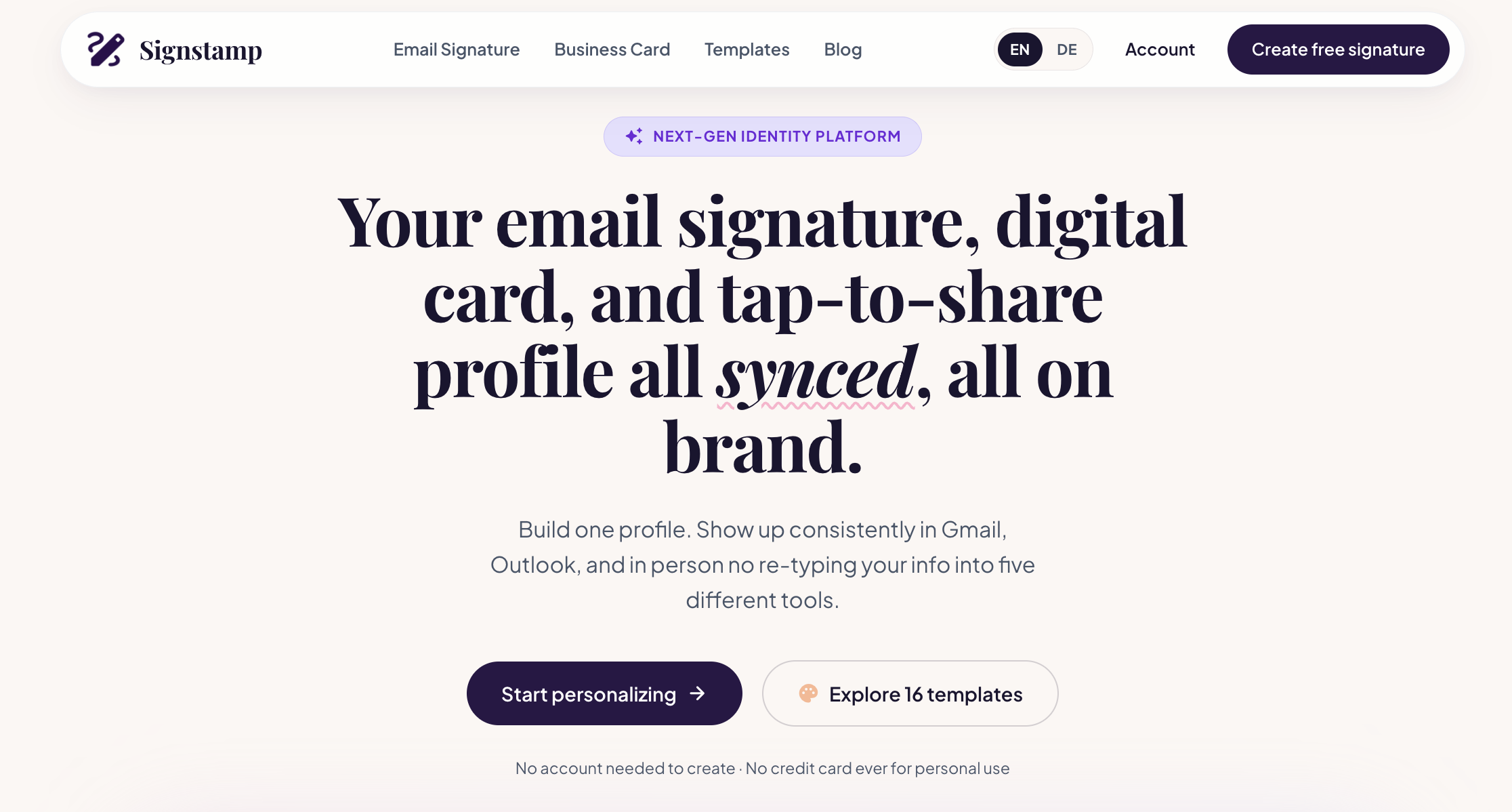
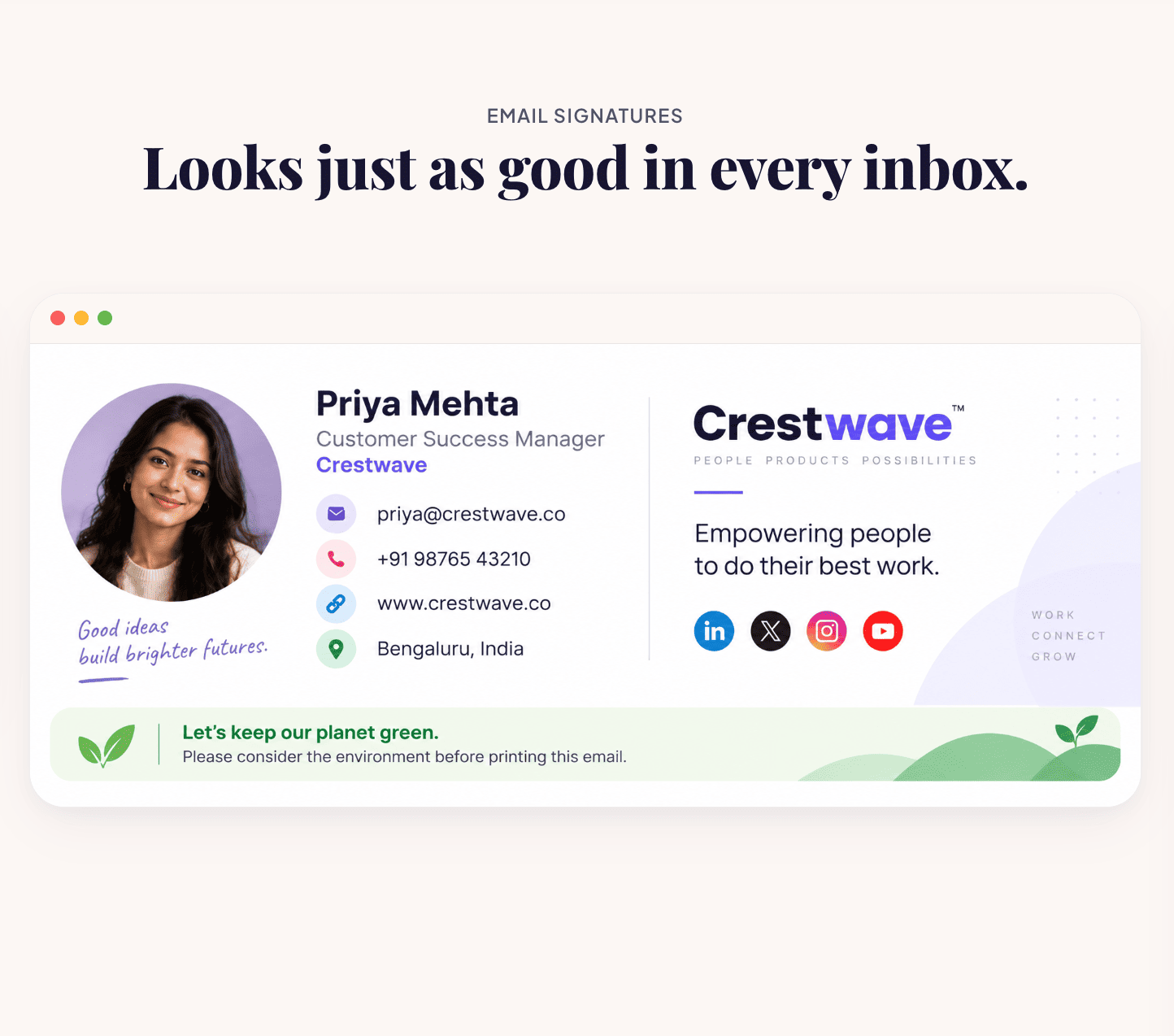
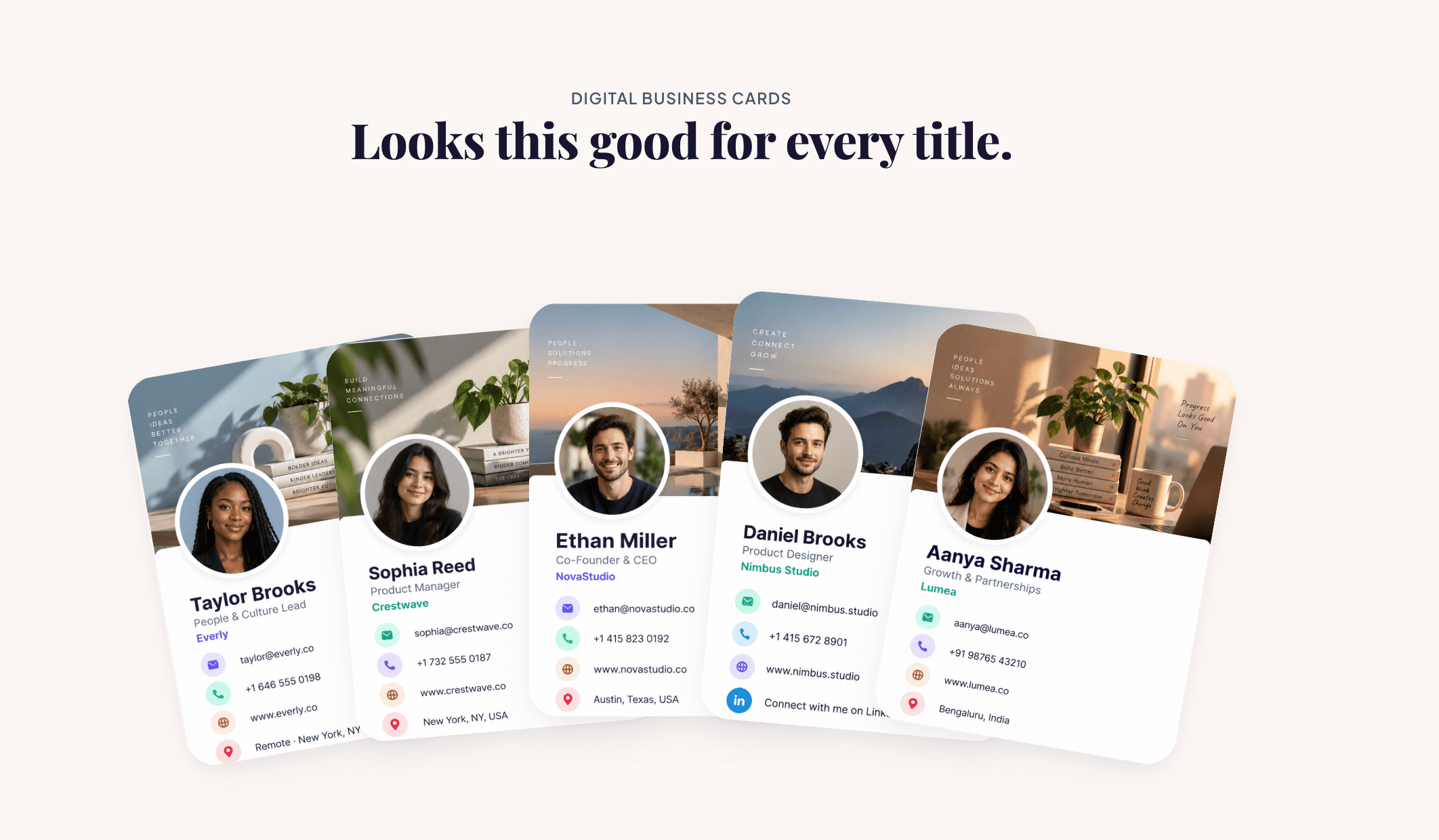
Signstamp makes it easy to create a polished, professional email signature in seconds — completely free, with no watermark and no account required. Pick a template, add your details and logo, and copy it straight into Gmail, Outlook, or Apple Mail.
For growing teams, Signstamp goes further. Connect your Google Workspace to sync your employee directory, lock your logo, colors, and fonts at the company level, and deploy a consistent, on-brand signature to everyone's inbox in one click — no more employees hand-editing their own signatures or forgetting to update them. Roll out scheduled banner campaigns, track link clicks by department, and add legally required disclaimer blocks for compliance-sensitive markets like Germany and the UK.
Built for small and mid-sized companies that outgrew copy-pasting signature HTML but don't need (or want to pay for) an enterprise-grade platform. Plans start at $2/user/month for teams of 5+, with transparent pricing, no long-term contracts, and self-service cancellation.

Comments

If you do QA or dev work, you know the pain of needing realistic phone numbers for testing. Random Mobile Number is a free in-browser tool that generates valid, correctly formatted mobile numbers for 200+ countries — complete with carrier networks, area codes, and proper E.164 formatting. What sets it apart is that everything runs locally in your browser: no sign-up, nothing stored on any server. You can generate single numbers, line-by-line lists, or bulk batches up to 5,000 with full metadata, and export straight to Excel or CSV. It covers country-specific numbering rules, US state area codes, and major cities worldwide. Check it out here: https://www.randommobilenumber.com For teams doing form validation, CRM demos, or Cypress/Selenium automation, it removes the "we ran out of test numbers" bottleneck entirely. The numbers follow real telecom formatting rules, so they behave like real ones in validation flows without being tied to real people. Simple, fast, and free — a solid addition to any tester's toolkit.


Locking logo, colors and fonts at the company level while syncing the Google Workspace directory solves the classic problem of everyone's signature drifting over time. The built-in legal disclaimer blocks for Germany and the UK are a thoughtful detail most free generators skip. Do you plan to support Microsoft 365 directory sync too, and how do the signatures render in Outlook desktop's dark mode?

Syncing the Google Workspace directory and locking logo/colors/fonts at the company level solves the real problem — signatures drifting as people hand-edit them or forget to update titles. The built-in legal disclaimer blocks for Germany and the UK are a thoughtful detail most free generators skip. Does the scheduled banner campaign support targeting by department, so e.g. sales gets a webinar banner while support gets a help-center link?

The team rollout workflow would be easier to assess with a demo of a small pilot group before an organization-wide change. Keeping the previous signature as a rollback version would also be useful when a scheduled banner campaign ends. A before-and-after preview covering Gmail, Outlook and mobile mail would help teams evaluate the deployment before connecting their directory.
Premium Products























































Sponsors
Buy

Makers

Makers
Comments
If you do QA or dev work, you know the pain of needing realistic phone numbers for testing. Random Mobile Number is a free in-browser tool that generates valid, correctly formatted mobile numbers for 200+ countries — complete with carrier networks, area codes, and proper E.164 formatting. What sets it apart is that everything runs locally in your browser: no sign-up, nothing stored on any server. You can generate single numbers, line-by-line lists, or bulk batches up to 5,000 with full metadata, and export straight to Excel or CSV. It covers country-specific numbering rules, US state area codes, and major cities worldwide. Check it out here: https://www.randommobilenumber.com For teams doing form validation, CRM demos, or Cypress/Selenium automation, it removes the "we ran out of test numbers" bottleneck entirely. The numbers follow real telecom formatting rules, so they behave like real ones in validation flows without being tied to real people. Simple, fast, and free — a solid addition to any tester's toolkit.
Locking logo, colors and fonts at the company level while syncing the Google Workspace directory solves the classic problem of everyone's signature drifting over time. The built-in legal disclaimer blocks for Germany and the UK are a thoughtful detail most free generators skip. Do you plan to support Microsoft 365 directory sync too, and how do the signatures render in Outlook desktop's dark mode?
Syncing the Google Workspace directory and locking logo/colors/fonts at the company level solves the real problem — signatures drifting as people hand-edit them or forget to update titles. The built-in legal disclaimer blocks for Germany and the UK are a thoughtful detail most free generators skip. Does the scheduled banner campaign support targeting by department, so e.g. sales gets a webinar banner while support gets a help-center link?
The team rollout workflow would be easier to assess with a demo of a small pilot group before an organization-wide change. Keeping the previous signature as a rollback version would also be useful when a scheduled banner campaign ends. A before-and-after preview covering Gmail, Outlook and mobile mail would help teams evaluate the deployment before connecting their directory.
Premium Products
New to Fazier?

Find your next favorite product or submit your own. Made by @FalakDigital.
Copyright ©2026. All Rights Reserved