
Shycut
Private video editor that runs in your browser
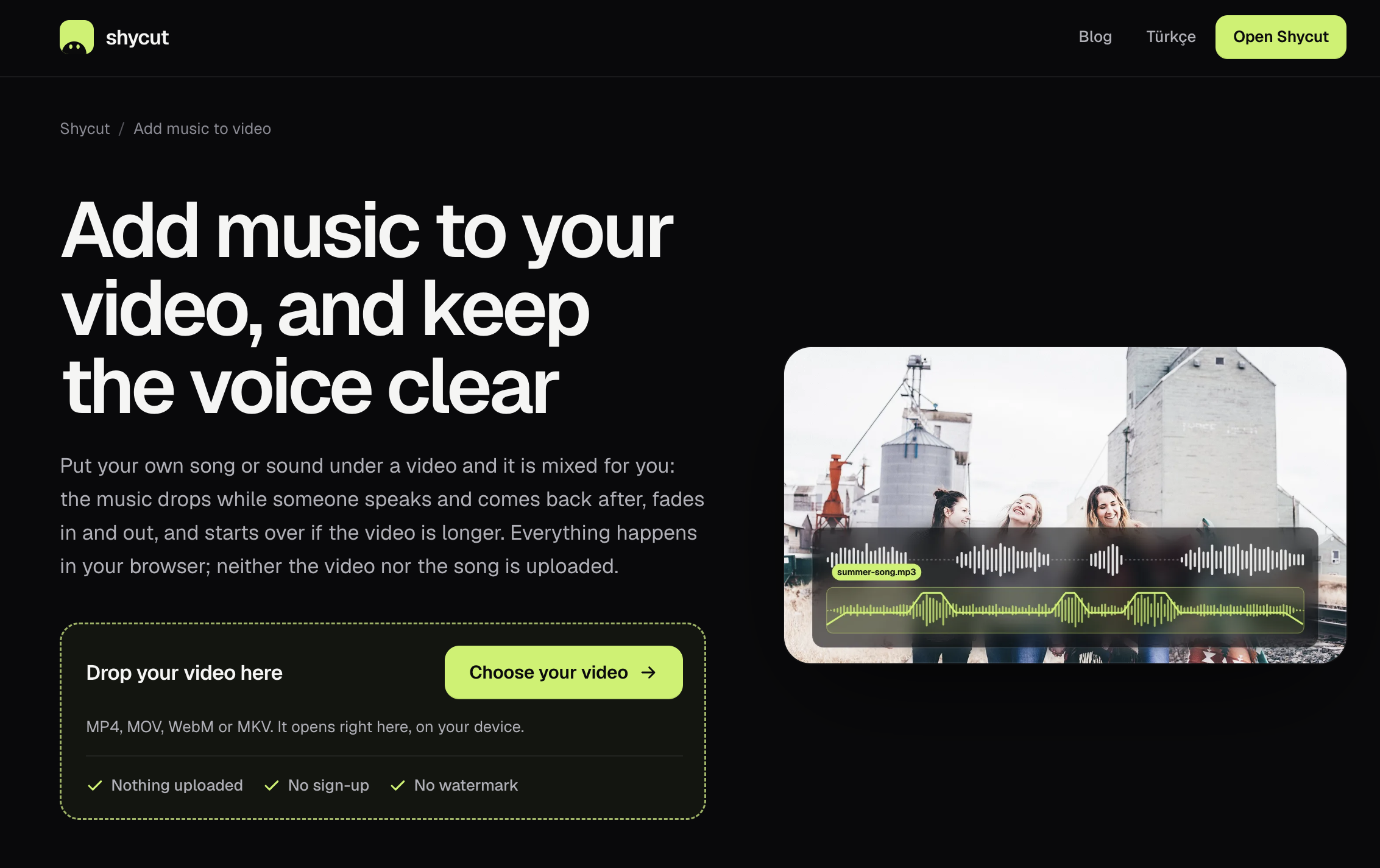
Shycut is a free, private video editor that runs entirely in your browser. Your video is never uploaded: your device decodes, analyses and encodes everything locally, and a counter in the header shows that zero bytes leave the page. Pick what the video is for and Shycut handles the tedious parts. No sign-up, no watermark.
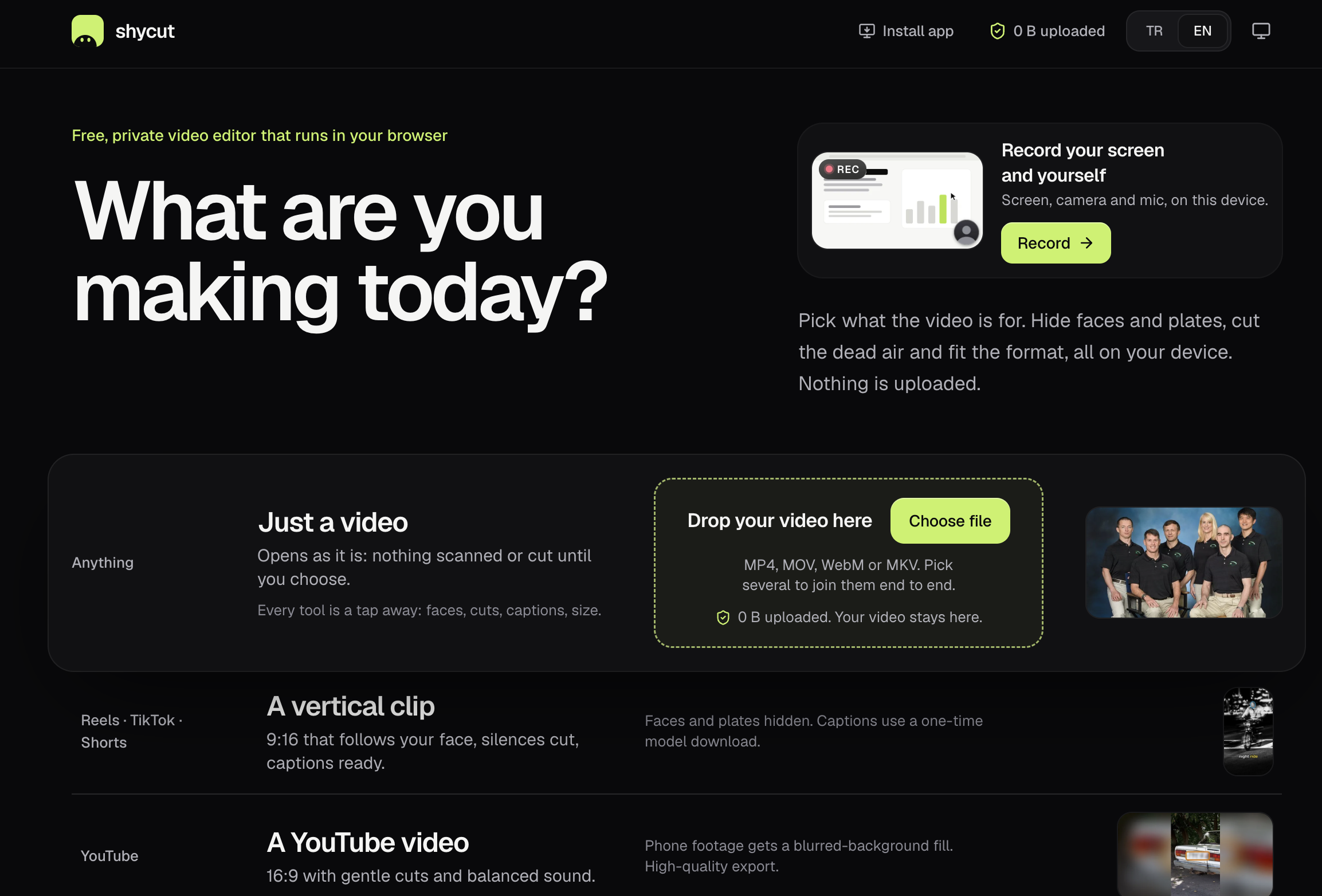
Features
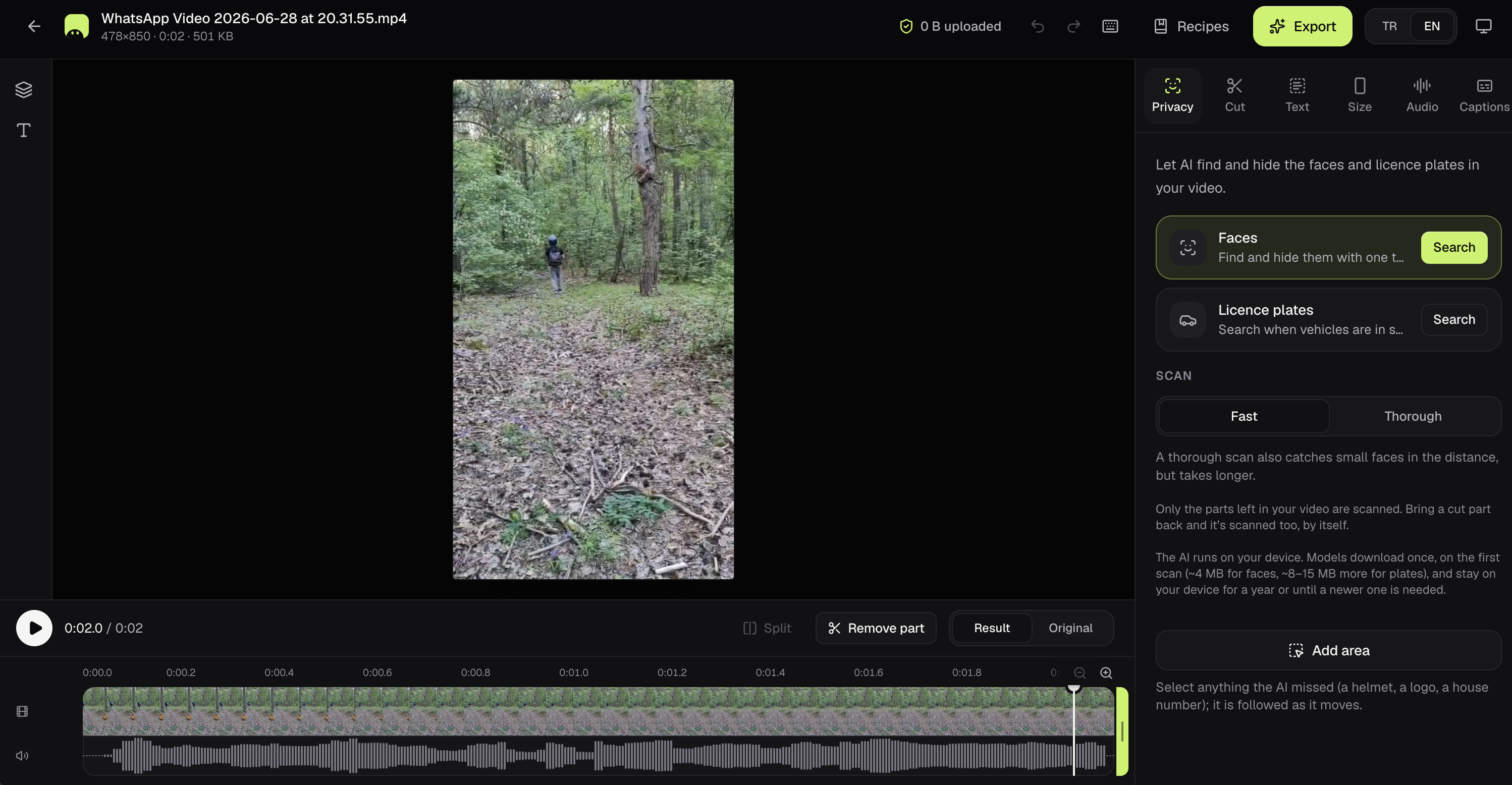
Automatic face and licence plate blur
Silence and filler-word (um/uh) cutting
Automatic captions
9:16 vertical framing that follows your face
Wind noise removal for ride footage
GPS location wiped from every export
Use Cases
Turn a talking-head recording into a captioned Reel, TikTok or Short
Clean up a YouTube video with gentle cuts and balanced sound
Hide licence plates and passers-by in motovlogs
Share a family or street video without exposing faces or your location

Comments


Hi Fazier! Shycut started from a simple annoyance: blurring a stranger's face or cutting dead air from a clip usually meant uploading private footage to a cloud editor, making an account and living with a watermark. So we built an editor that does all of it in the browser. Your video never leaves your device; the counter in the header shows zero bytes sent. Pick what the video is for (a vertical clip, a YouTube video, a motovlog) and it handles framing, silence cuts, captions and blurring. It's free, with no sign-up. We'd love your feedback, especially on what to automate next.
Premium Products





















































Sponsors
Buy

Makers
Makers
Comments
Hi Fazier! Shycut started from a simple annoyance: blurring a stranger's face or cutting dead air from a clip usually meant uploading private footage to a cloud editor, making an account and living with a watermark. So we built an editor that does all of it in the browser. Your video never leaves your device; the counter in the header shows zero bytes sent. Pick what the video is for (a vertical clip, a YouTube video, a motovlog) and it handles framing, silence cuts, captions and blurring. It's free, with no sign-up. We'd love your feedback, especially on what to automate next.
Premium Products
New to Fazier?

Find your next favorite product or submit your own. Made by @FalakDigital.
Copyright ©2026. All Rights Reserved