Shotari
Free online AI photo editor, edit images with text prompts
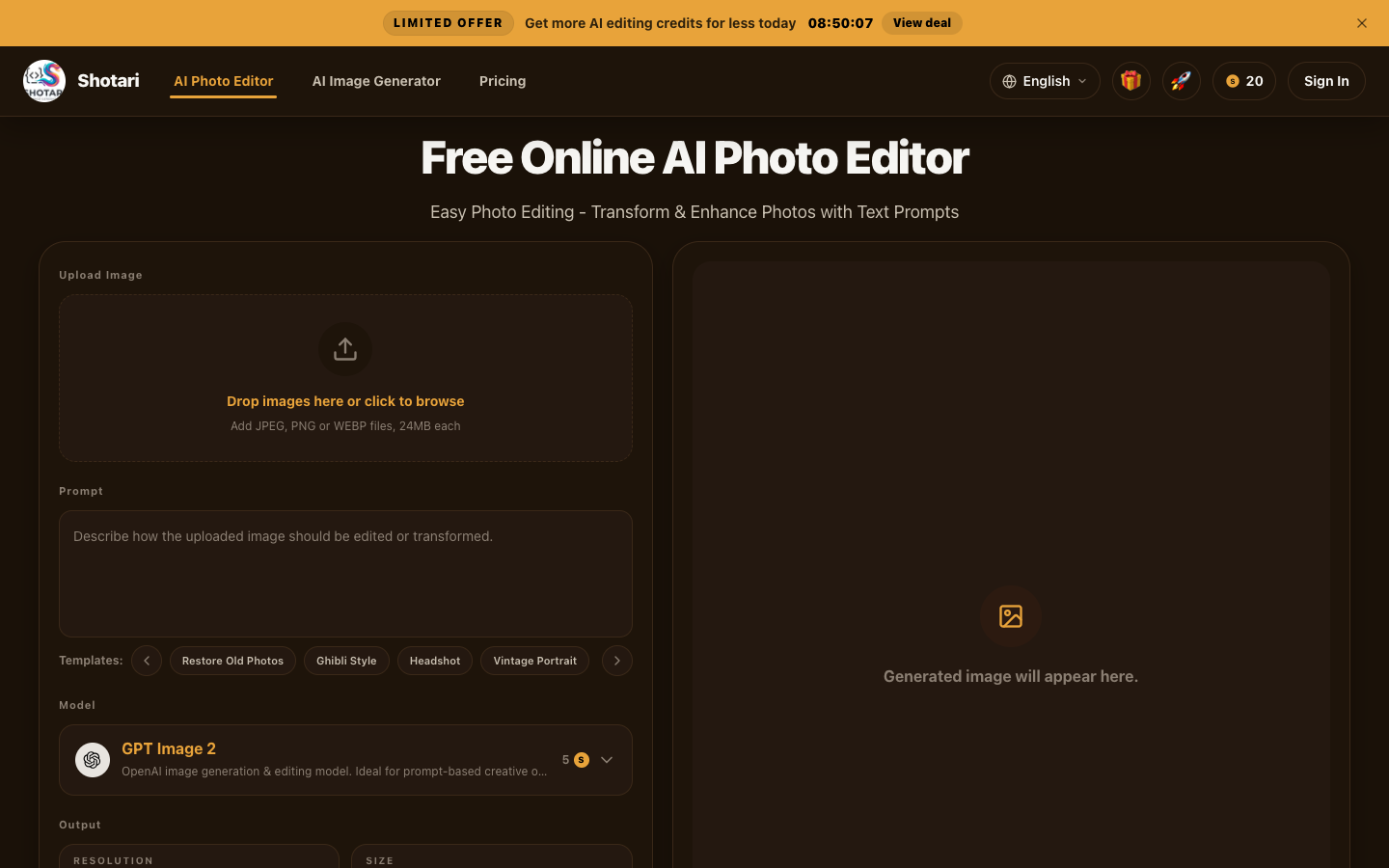
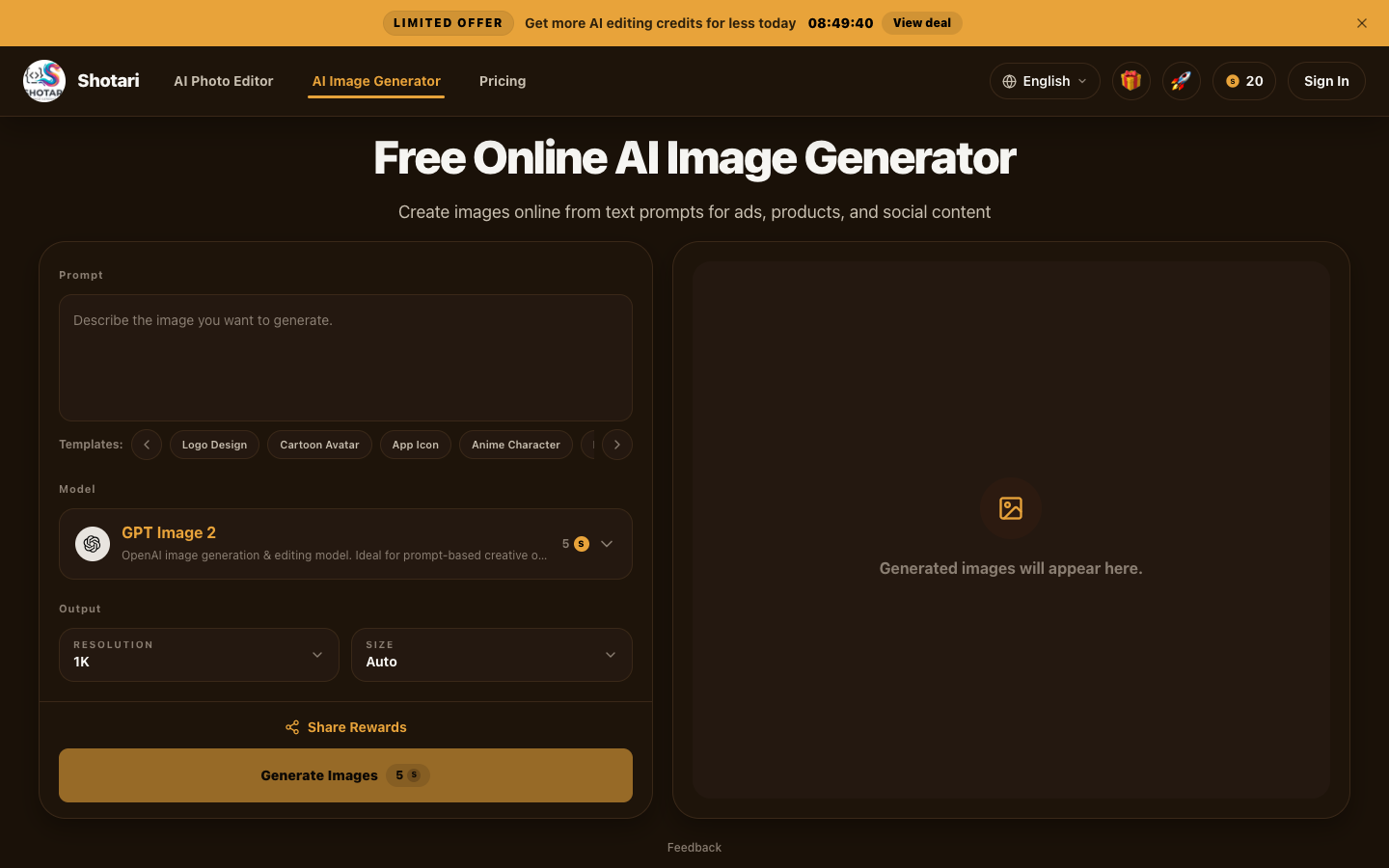
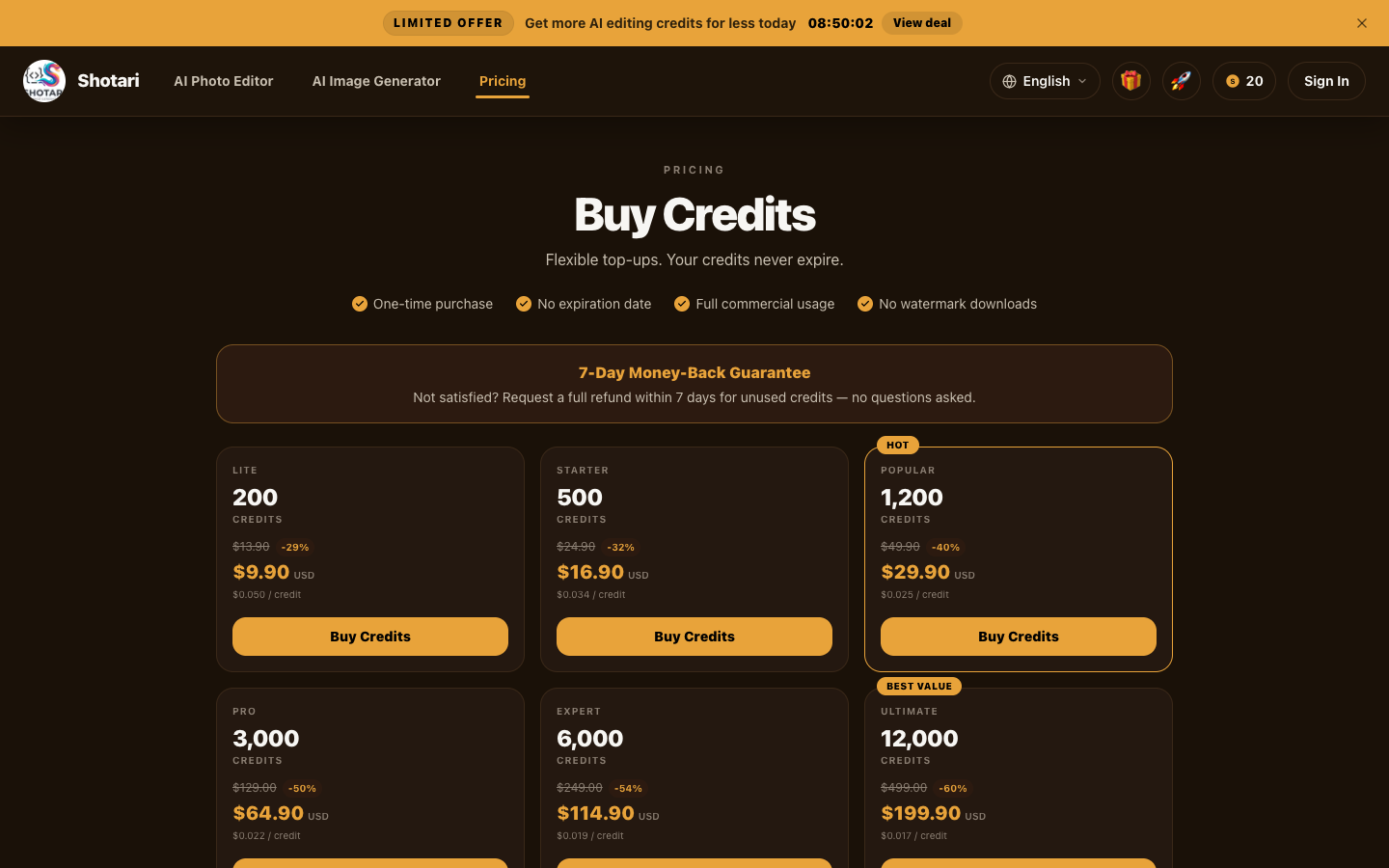
Shotari is a free online AI photo editor. Edit, transform, and enhance any photo in seconds using plain-text prompts - no Photoshop skills needed. Swap backgrounds, restore old photos, generate product shots, and create thumbnails, all in the browser. It supports 11 languages and runs on GPT Image 2, Nano Banana, and Nano Banana Pro. The first generation needs no signup.
Features
Text-prompt editing: describe the change in plain English and get the result
Background removal and one-click background replacement
Old and damaged photo restoration and colorization
Product photo and e-commerce shot generation
YouTube thumbnail maker with ready-made sizes
11-language interface, no signup required for the first generation
Use Cases
E-commerce sellers create clean, consistent product images without a designer
Creators design scroll-stopping YouTube and social thumbnails
Anyone restores and revives old family photos
Marketers produce on-brand visuals fast from a text prompt

Comments


I built Shotari because every "AI photo editor" I tried either locked the good stuff behind a signup wall or made me fight a dozen sliders to do something simple. I wanted one box where you describe the change in plain English - "remove the background", "restore this old photo", "make it a clean product shot" - and get it in seconds. It runs on GPT Image 2, Nano Banana, and Nano Banana Pro, works in 11 languages, and the first generation needs no signup. Would genuinely love feedback on where it breaks or what's missing.

Premium Products


































Sponsors
Buy

Awards
View all
Awards
View allMakers
Makers
Comments
I built Shotari because every "AI photo editor" I tried either locked the good stuff behind a signup wall or made me fight a dozen sliders to do something simple. I wanted one box where you describe the change in plain English - "remove the background", "restore this old photo", "make it a clean product shot" - and get it in seconds. It runs on GPT Image 2, Nano Banana, and Nano Banana Pro, works in 11 languages, and the first generation needs no signup. Would genuinely love feedback on where it breaks or what's missing.
Premium Products
New to Fazier?

Find your next favorite product or submit your own. Made by @FalakDigital.
Copyright ©2026. All Rights Reserved