ShipCheck
Free security check for vibe-coded GitHub repos
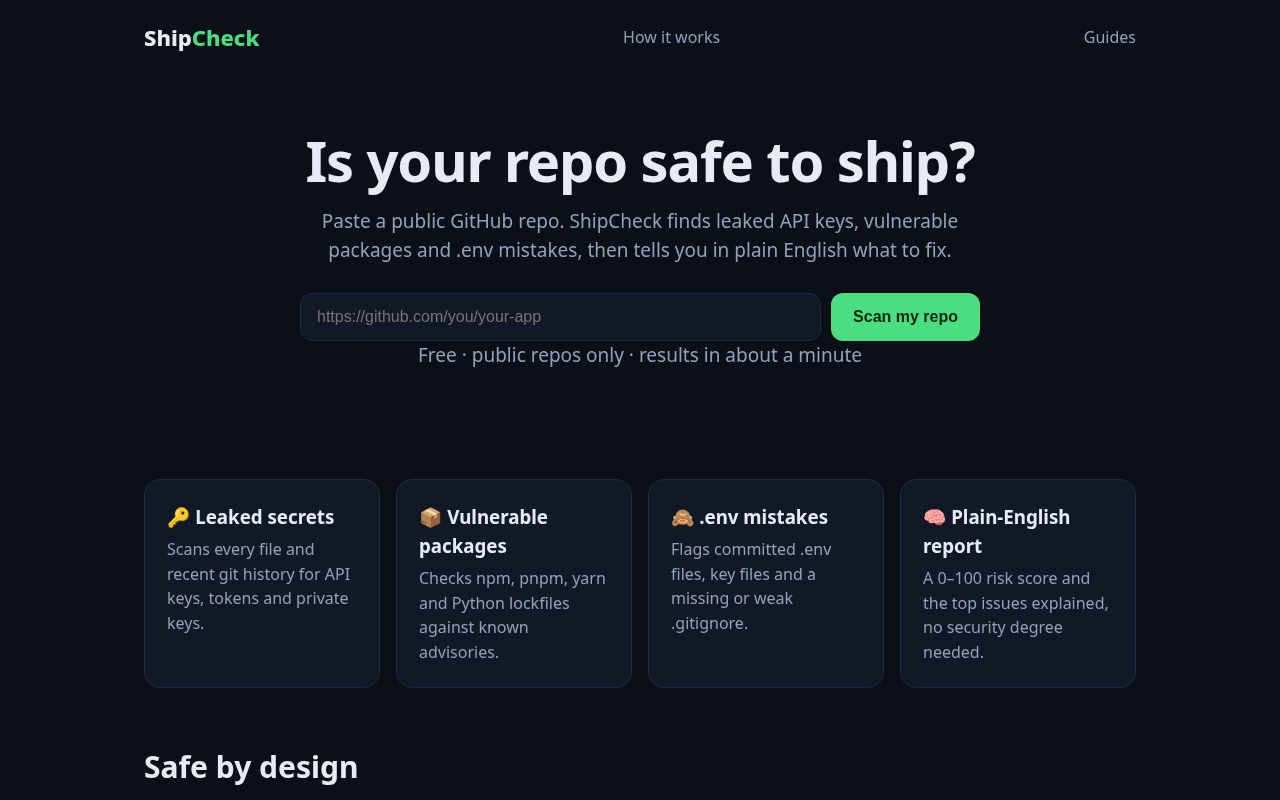
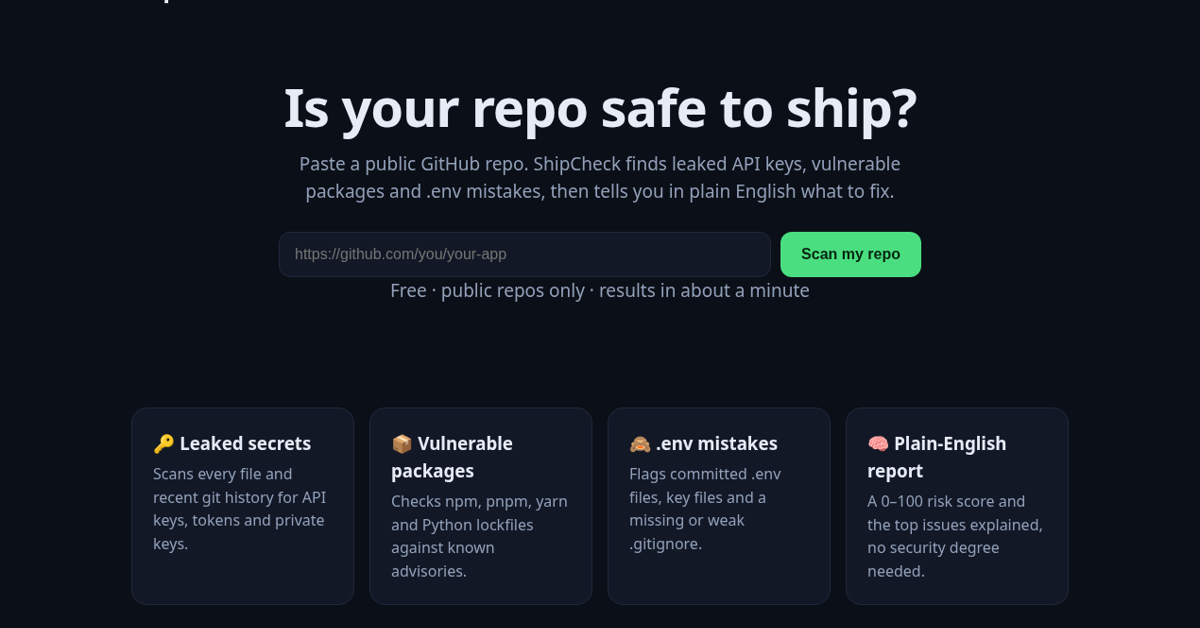
Paste a public GitHub repo and get a 0-100 risk score for leaked API keys, vulnerable packages and .env mistakes, explained in plain English. Free scan, no signup.
Features
0-100 risk score for any public GitHub repo
Detects leaked API keys and secrets
Flags vulnerable packages
Catches .env mistakes
Plain-English explanations, no signup
Use Cases
Checking a vibe-coded app before launch
Auditing an AI-generated repo for leaked keys
Quick security sanity check for indie hackers

Comments


Useful idea for AI-generated repos. Does the scan look at git history too, or only the current files? A key that was committed and later deleted is still in the history, so it's still leaked, and that's one of the most common mistakes. It would also help if the report said to rotate any key it finds, since removing it from the repo isn't enough.

Scanning the last 100 commits and not just the current tree is the important part. Most leaked keys in vibe-coded repos were committed once and "removed" later, but they are still in history. The GitHub Action that fails the PR on critical secrets is a nice next step after the one-off scan. Suggestion: when a key is found in history, link straight to the provider's rotate page. Rotating is the real fix, and rewriting git history alone does not help once the repo was public.

Does it also catch secrets that were never committed but still ship to the browser? In Next.js and Vite apps, a key named with NEXT_PUBLIC_ or VITE_ gets bundled into the client JS. A Supabase service-role key named like that is a full database leak, even if the repo itself looks clean. Checking .env.example and the build config for that prefix would cover a lot of AI-generated apps.

Secrets and dependencies are covered well in the other comments, so one more area worth adding: the .github/workflows folder. In AI-generated repos we often see pull_request_target jobs that check out untrusted code, third-party actions pinned to a branch instead of a commit SHA, and workflows with write-all permissions. Flagging those three would catch a whole class of leaks that never show up as a key in the files.


How does the score treat test-mode keys like Stripe's sk_test_ or obvious placeholders such as "your-api-key-here" in a README? If those weigh the same as a live production key, people may chase things that aren't a real risk. Showing live secrets separately from test or placeholder values would make the 0-100 number easier to trust.

A 0-100 risk score explained in plain English is a good fit for people who aren't security specialists. One thing I'd find useful is how the score is weighted: does a single live-looking API key outweigh several low-severity vulnerable packages? Also, how does it treat obvious placeholders like example keys in a README or test fixtures, so they don't inflate the score?

Beyond keys in code, does it look for files that shouldn't be in a repo at all? In quick AI-built projects we often see a database dump (.sql), a SQLite file, server logs, or a docker-compose.yml with the database password written inline. None of those look like an API key to a pattern scanner, but each one can hand over the whole user table. A simple "this file type shouldn't be committed" check would catch them.
Premium Products












































Sponsors
Buy
Makers
Makers
Comments
Useful idea for AI-generated repos. Does the scan look at git history too, or only the current files? A key that was committed and later deleted is still in the history, so it's still leaked, and that's one of the most common mistakes. It would also help if the report said to rotate any key it finds, since removing it from the repo isn't enough.
Scanning the last 100 commits and not just the current tree is the important part. Most leaked keys in vibe-coded repos were committed once and "removed" later, but they are still in history. The GitHub Action that fails the PR on critical secrets is a nice next step after the one-off scan. Suggestion: when a key is found in history, link straight to the provider's rotate page. Rotating is the real fix, and rewriting git history alone does not help once the repo was public.
Does it also catch secrets that were never committed but still ship to the browser? In Next.js and Vite apps, a key named with NEXT_PUBLIC_ or VITE_ gets bundled into the client JS. A Supabase service-role key named like that is a full database leak, even if the repo itself looks clean. Checking .env.example and the build config for that prefix would cover a lot of AI-generated apps.
Secrets and dependencies are covered well in the other comments, so one more area worth adding: the .github/workflows folder. In AI-generated repos we often see pull_request_target jobs that check out untrusted code, third-party actions pinned to a branch instead of a commit SHA, and workflows with write-all permissions. Flagging those three would catch a whole class of leaks that never show up as a key in the files.
How does the score treat test-mode keys like Stripe's sk_test_ or obvious placeholders such as "your-api-key-here" in a README? If those weigh the same as a live production key, people may chase things that aren't a real risk. Showing live secrets separately from test or placeholder values would make the 0-100 number easier to trust.
A 0-100 risk score explained in plain English is a good fit for people who aren't security specialists. One thing I'd find useful is how the score is weighted: does a single live-looking API key outweigh several low-severity vulnerable packages? Also, how does it treat obvious placeholders like example keys in a README or test fixtures, so they don't inflate the score?
Beyond keys in code, does it look for files that shouldn't be in a repo at all? In quick AI-built projects we often see a database dump (.sql), a SQLite file, server logs, or a docker-compose.yml with the database password written inline. None of those look like an API key to a pattern scanner, but each one can hand over the whole user table. A simple "this file type shouldn't be committed" check would catch them.
Premium Products
New to Fazier?

Find your next favorite product or submit your own. Made by @FalakDigital.
Copyright ©2026. All Rights Reserved