
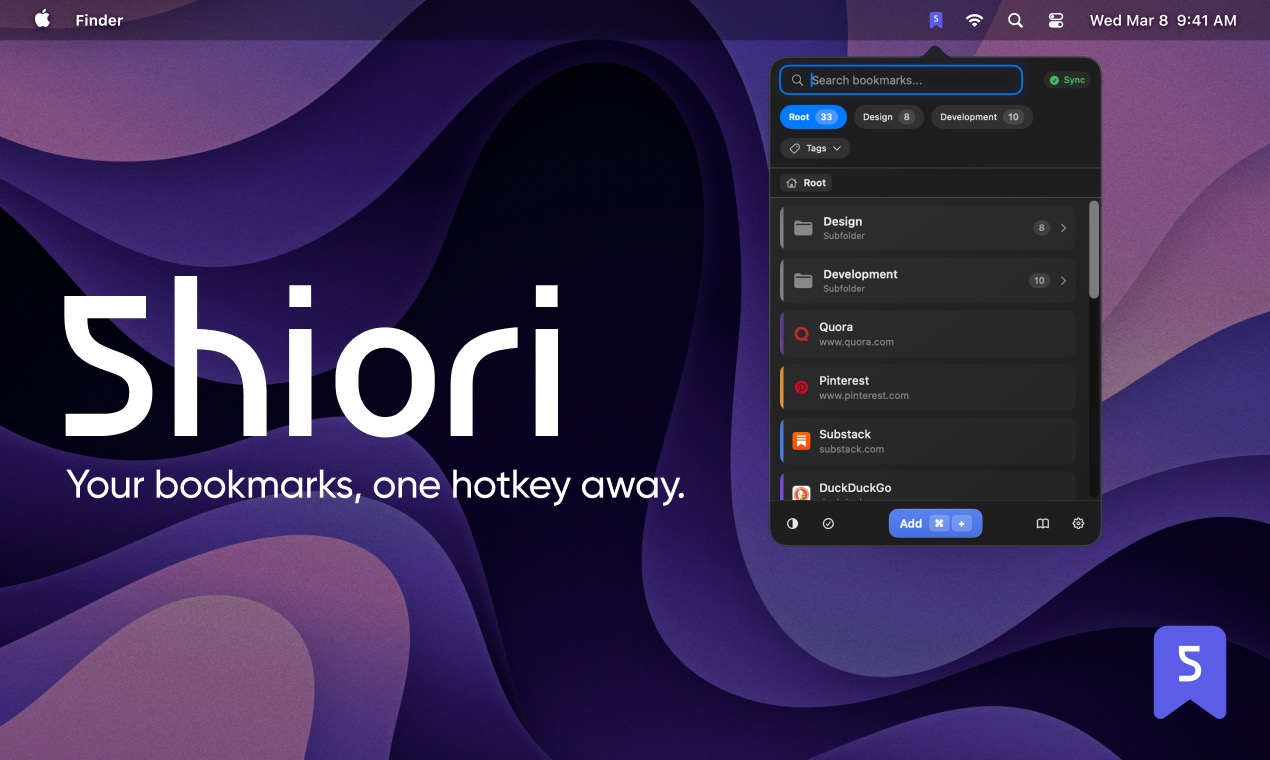
Shiori is a bookmark manager that lives in your macOS menu bar. Save, organize, and open your bookmarks without switching apps or opening a browser.
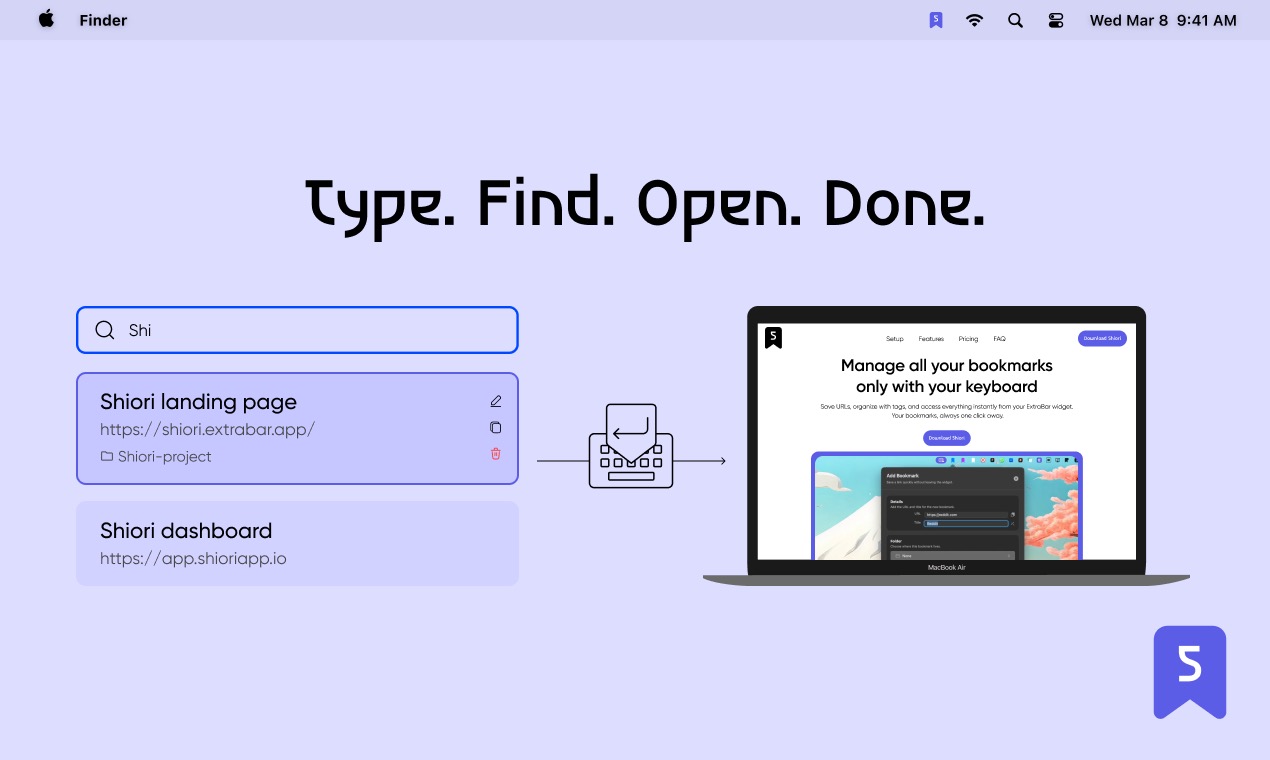
You save links with tags, folders, and descriptions. Full-text search finds anything instantly — by title, URL, tag, or description. Saved Filters let you create custom views for specific combinations of tags and folders, so the right bookmarks are always in front of you.
Keyboard-driven from the ground up. Open Shiori with a hotkey, navigate with arrow keys, and launch, copy or edit any link without touching the mouse.
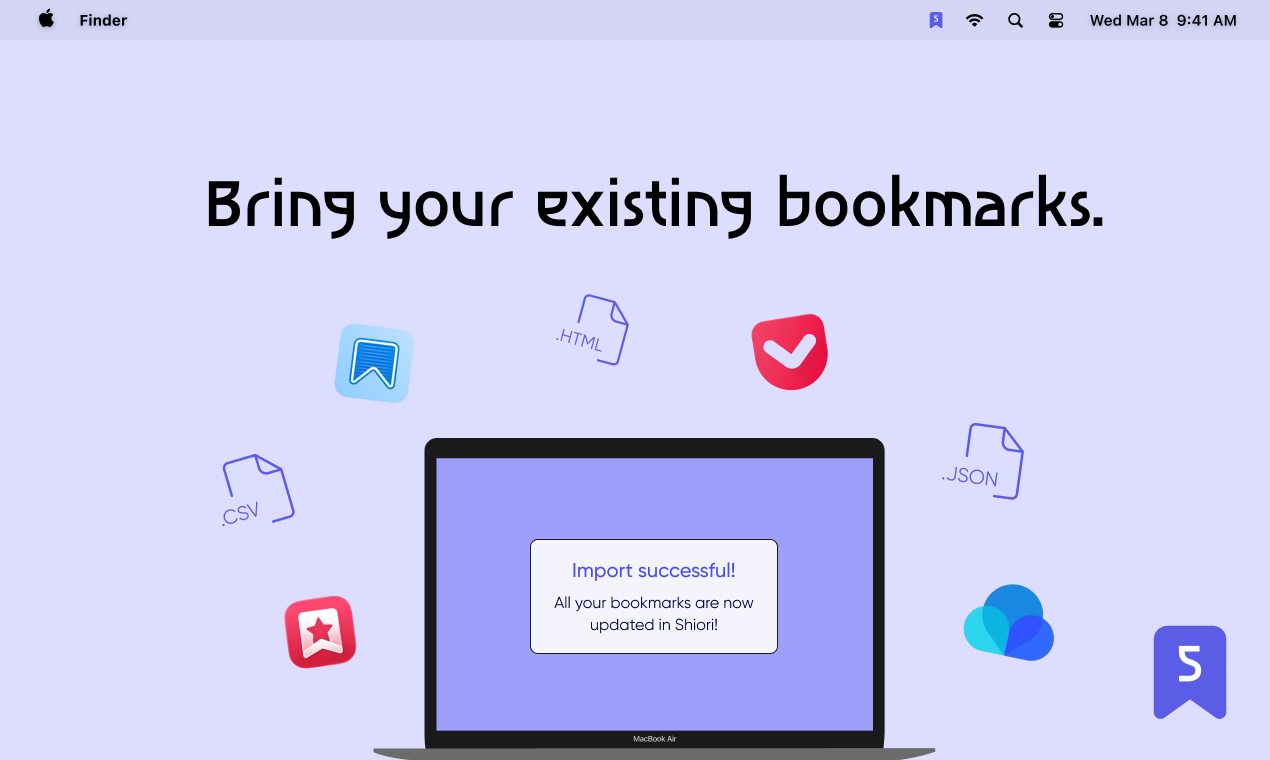
Import your existing bookmarks from any browser or bookmark manager — JSON, CSV, or HTML. Your entire library migrates in minutes.
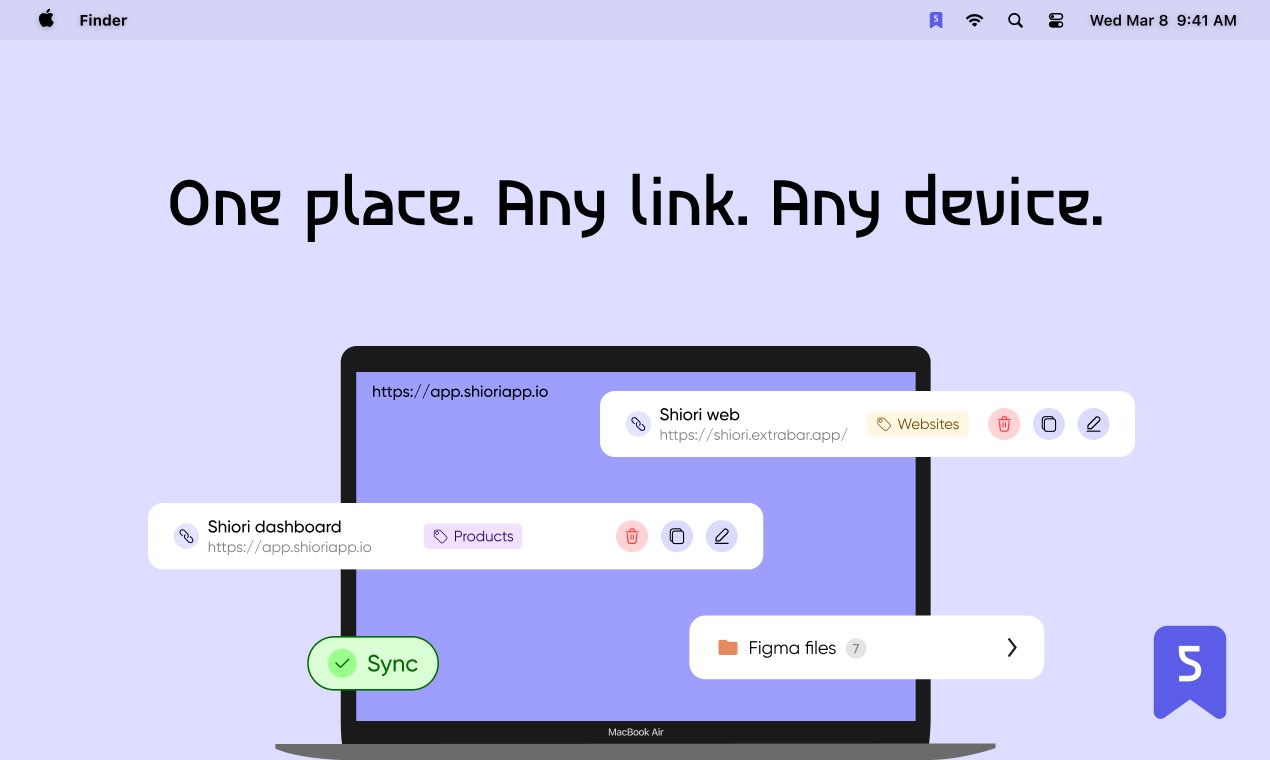
Shiori syncs across all your Macs instantly. A web dashboard is available for managing bookmarks from any browser. iOS, Android, and browser extensions are in progress.
Features
Features:
- Save bookmarks directly from the macOS menu bar.
- Organize with tags, folders, and custom colors.
- Full-text search across titles, URLs, tags, and descriptions.
- Saved Filters for custom bookmark views.
- Import from any browser or bookmark manager (JSON, CSV, HTML).
- Instant sync across all your Macs.
- Web dashboard for browser-based management.
- Keyboard-driven navigation — hotkey access, arrow keys, no mouse needed.
- Lifetime Professional plan — no subscriptions.
Use Cases
- Bookmark heavy users
- Users who need access to their bookmarks from everywhere, including multiple platforms
- Users who hate moving their hands from their keyboards to their mouse, even to open a bookmark.

Comments


Hey everybody, Shiori started as a widget inside ExtraBar, but the demand for a standalone bookmark manager was clear — not everyone needs ExtraBar's full toolkit, some people just want their bookmarks done right. So Shiori is now its own app. A bookmark manager that sits in your macOS menu bar. One hotkey and you're in. Save a link, tag it, search your entire library — all without leaving what you're working on. What makes Shiori different from browser bookmarks or other managers is where it lives. It's not a tab, not a sidebar, not a separate app window. It's in the menu bar, always one hotkey away. You build your system with tags, folders, and Saved Filters, and it just works. Once you get used to opening bookmarks with your keyboard, you’ll never go back.

Shiori nails the core problem with browser bookmarks — they're buried in an interface you have to actively open. Keeping it in the macOS menu bar with full keyboard navigation is the right call for power users who want to stay in their workflow. The full-text search across titles, URLs, tags, and descriptions is a standout feature. Would love to know if Saved Filters can be triggered via hotkeys too, or only accessed from the menu bar UI?
Premium Products










































Sponsors
Buy

Makers
Makers
Comments
Hey everybody, Shiori started as a widget inside ExtraBar, but the demand for a standalone bookmark manager was clear — not everyone needs ExtraBar's full toolkit, some people just want their bookmarks done right. So Shiori is now its own app. A bookmark manager that sits in your macOS menu bar. One hotkey and you're in. Save a link, tag it, search your entire library — all without leaving what you're working on. What makes Shiori different from browser bookmarks or other managers is where it lives. It's not a tab, not a sidebar, not a separate app window. It's in the menu bar, always one hotkey away. You build your system with tags, folders, and Saved Filters, and it just works. Once you get used to opening bookmarks with your keyboard, you’ll never go back.
Shiori nails the core problem with browser bookmarks — they're buried in an interface you have to actively open. Keeping it in the macOS menu bar with full keyboard navigation is the right call for power users who want to stay in their workflow. The full-text search across titles, URLs, tags, and descriptions is a standout feature. Would love to know if Saved Filters can be triggered via hotkeys too, or only accessed from the menu bar UI?
Premium Products
New to Fazier?

Find your next favorite product or submit your own. Made by @FalakDigital.
Copyright ©2026. All Rights Reserved