
Free Seedance AI video generator with daily generations. Explore AI video creations, copy prompts for inspiration, and create cinematic videos online.


Features
Free Browser-Based Creation
Create AI videos directly in your browser with available free credits—no software installation or complicated setup required.
Reusable Inspiration Workflows
Explore curated AI video examples, view the prompts and reference materials behind them, and apply the same workflow to your own creation.
Use Cases
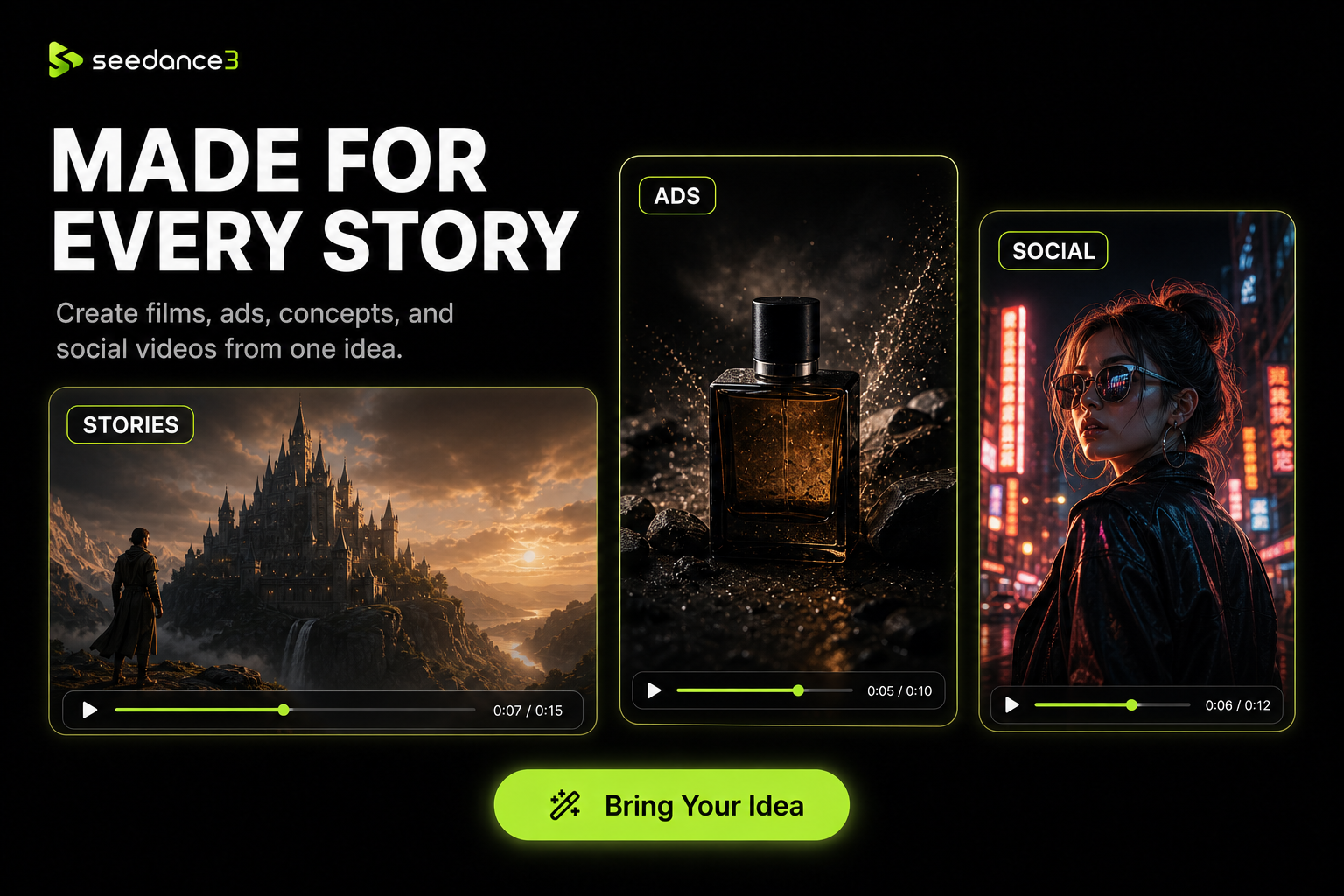
Create short-form social media videos from text prompts.
Produce product demos and marketing ads without traditional filming.
Animate still images with realistic motion and cinematic effects.

Comments


Hey! 👋 I built Seedance3.tools because creating a good AI video still feels more complicated than it should. Creators often have to jump between different tools, learn confusing workflows, and spend too much time rewriting prompts before getting a usable result. My goal was to create a simpler, more focused experience: describe your idea, add a reference image when needed, choose the right settings, and turn it into a polished video without a steep learning curve. The project started as a straightforward AI video generator. While building and testing it, I realized that generation alone wasn’t enough. People also needed inspiration, clearer prompt guidance, transparent credit usage, and an easier way to understand what each setting actually changes. That feedback gradually shaped Seedance3.tools into a more complete creation workflow rather than just another prompt box. This is still an early version, and I’d genuinely love your feedback: What would make AI video creation more useful for your own work? Which models, controls, or workflows should we add next? Thanks for checking it out! 🚀

Seedance AI Video Generator Your product has strong potential, but I found a few key improvements that could make it even better. I'd love to share my feedback and suggestions—please contact me at [email protected].

Honestly, the inspiration gallery is the part I’d use first. Most AI video tools drop you in front of an empty prompt box, which isn’t very helpful if you don’t already know how to describe camera movement. Being able to watch an example and borrow the prompt makes the free daily generations much more useful. A one-click “remix” button that also carries over the aspect ratio, duration, and reference settings would be a lovely next step. Nice launch!

The cheapest way to use a model like Seedance is to lock the first frame before paying for motion: generate a still, approve the composition, then feed it in as the reference. If the gallery entries showed which ones started from an image and which were pure text to video, people would copy the right workflow instead of burning their daily credits on prompt rewrites. One question on the free tier: do the daily generations reset on a fixed clock or 24 hours after the last render? That detail decides whether someone plans a batch or gives up halfway.
Seedance AI Video Generator Your product has strong potential, but I found a few key improvements that could make it even better. I'd love to share my feedback and suggestions—please contact me at [email protected].
Premium Products










































Sponsors
Buy

Makers
Makers
Comments
Hey! 👋 I built Seedance3.tools because creating a good AI video still feels more complicated than it should. Creators often have to jump between different tools, learn confusing workflows, and spend too much time rewriting prompts before getting a usable result. My goal was to create a simpler, more focused experience: describe your idea, add a reference image when needed, choose the right settings, and turn it into a polished video without a steep learning curve. The project started as a straightforward AI video generator. While building and testing it, I realized that generation alone wasn’t enough. People also needed inspiration, clearer prompt guidance, transparent credit usage, and an easier way to understand what each setting actually changes. That feedback gradually shaped Seedance3.tools into a more complete creation workflow rather than just another prompt box. This is still an early version, and I’d genuinely love your feedback: What would make AI video creation more useful for your own work? Which models, controls, or workflows should we add next? Thanks for checking it out! 🚀
Seedance AI Video Generator Your product has strong potential, but I found a few key improvements that could make it even better. I'd love to share my feedback and suggestions—please contact me at [email protected].
Honestly, the inspiration gallery is the part I’d use first. Most AI video tools drop you in front of an empty prompt box, which isn’t very helpful if you don’t already know how to describe camera movement. Being able to watch an example and borrow the prompt makes the free daily generations much more useful. A one-click “remix” button that also carries over the aspect ratio, duration, and reference settings would be a lovely next step. Nice launch!
The cheapest way to use a model like Seedance is to lock the first frame before paying for motion: generate a still, approve the composition, then feed it in as the reference. If the gallery entries showed which ones started from an image and which were pure text to video, people would copy the right workflow instead of burning their daily credits on prompt rewrites. One question on the free tier: do the daily generations reset on a fixed clock or 24 hours after the last render? That detail decides whether someone plans a batch or gives up halfway.
Seedance AI Video Generator Your product has strong potential, but I found a few key improvements that could make it even better. I'd love to share my feedback and suggestions—please contact me at [email protected].
Premium Products
New to Fazier?

Find your next favorite product or submit your own. Made by @FalakDigital.
Copyright ©2026. All Rights Reserved