ScrollBump: Reduce Screen Time
Proudly annoying.
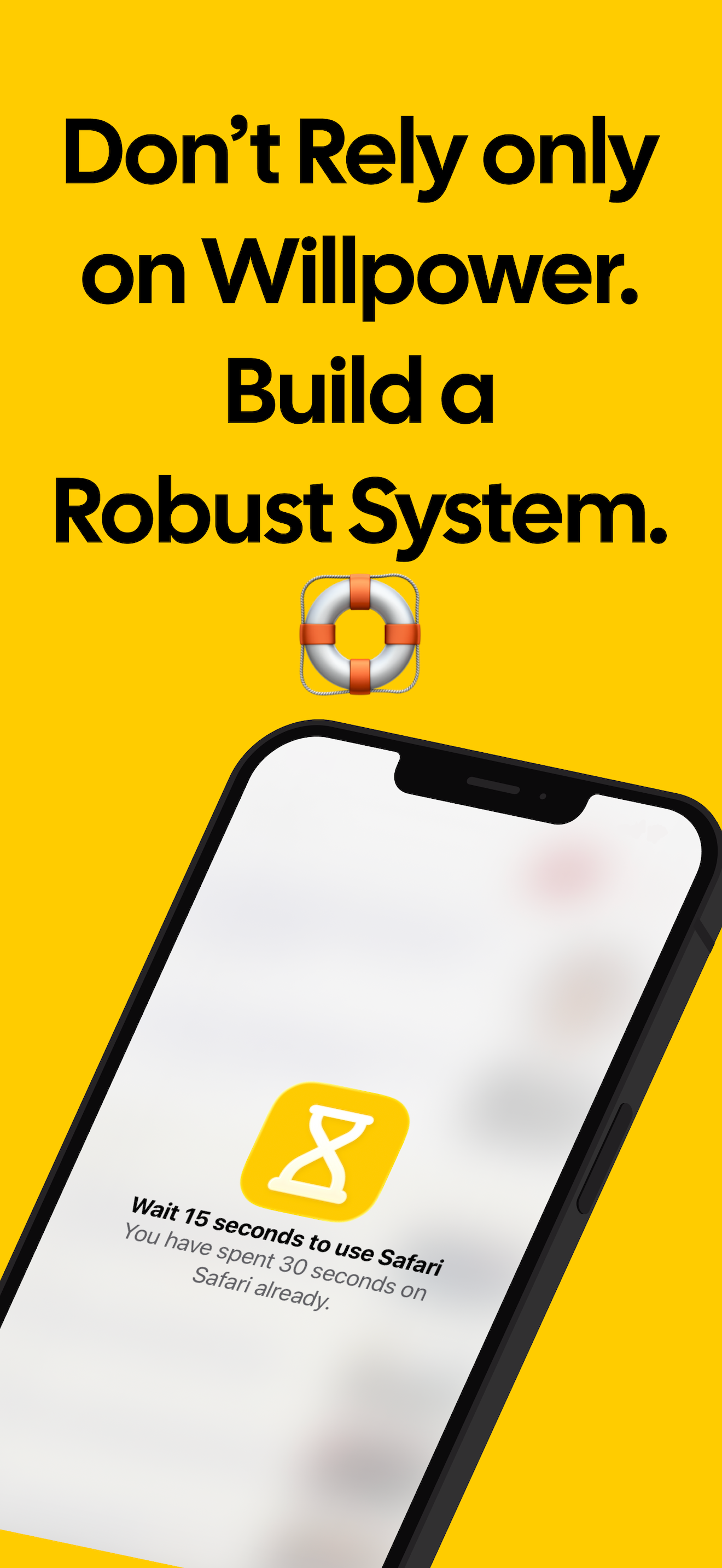
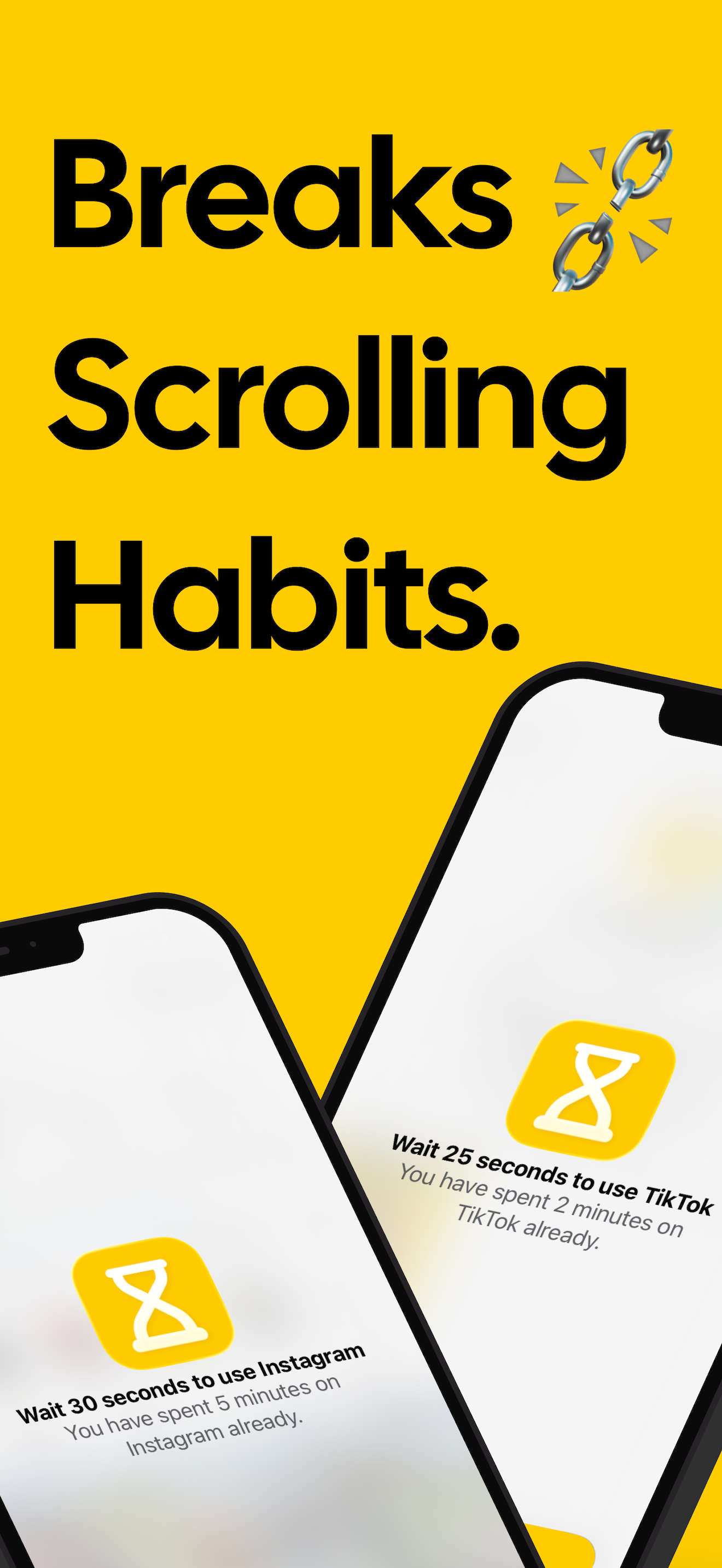
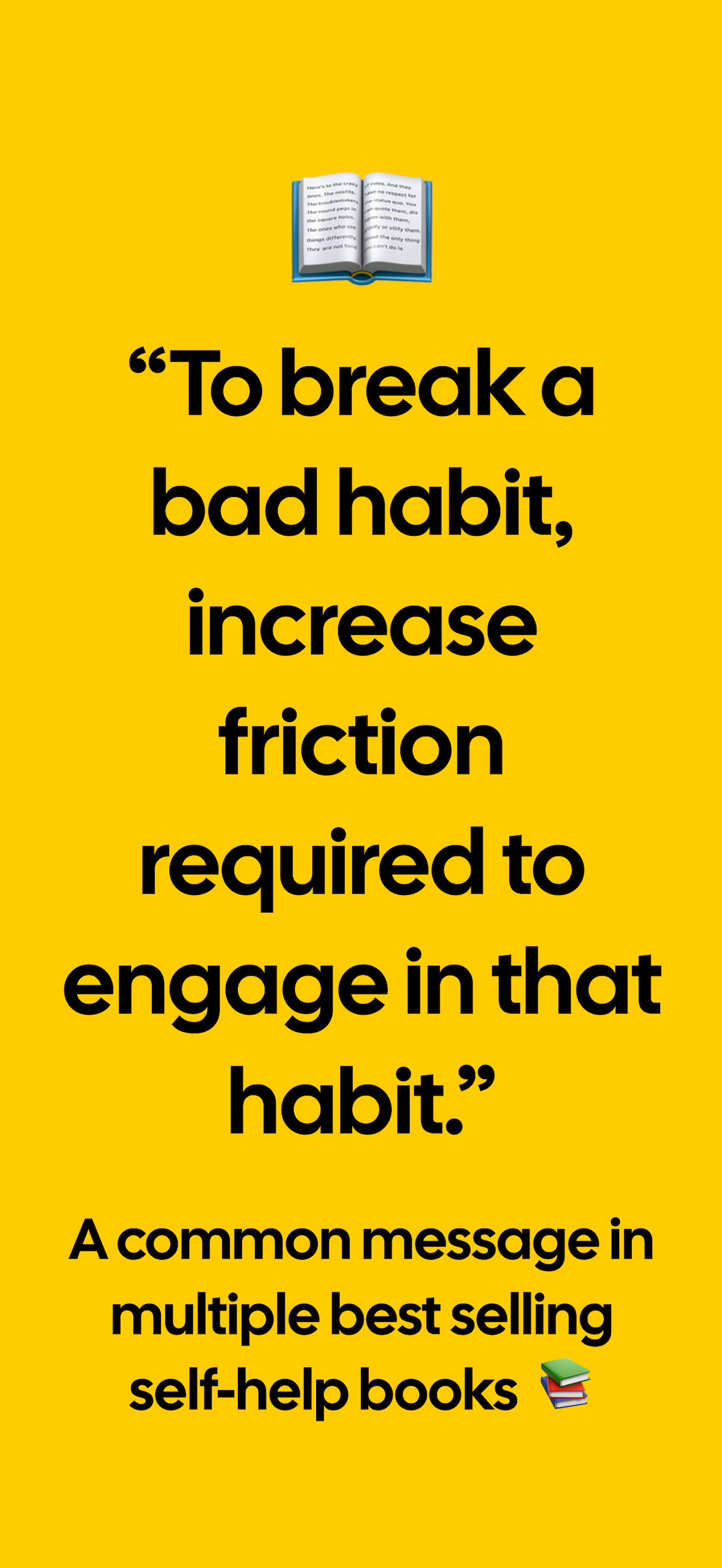
Adds friction to scrolling distractive apps with short breaks, that make doomscrolling not fun, while never completely locking you out.
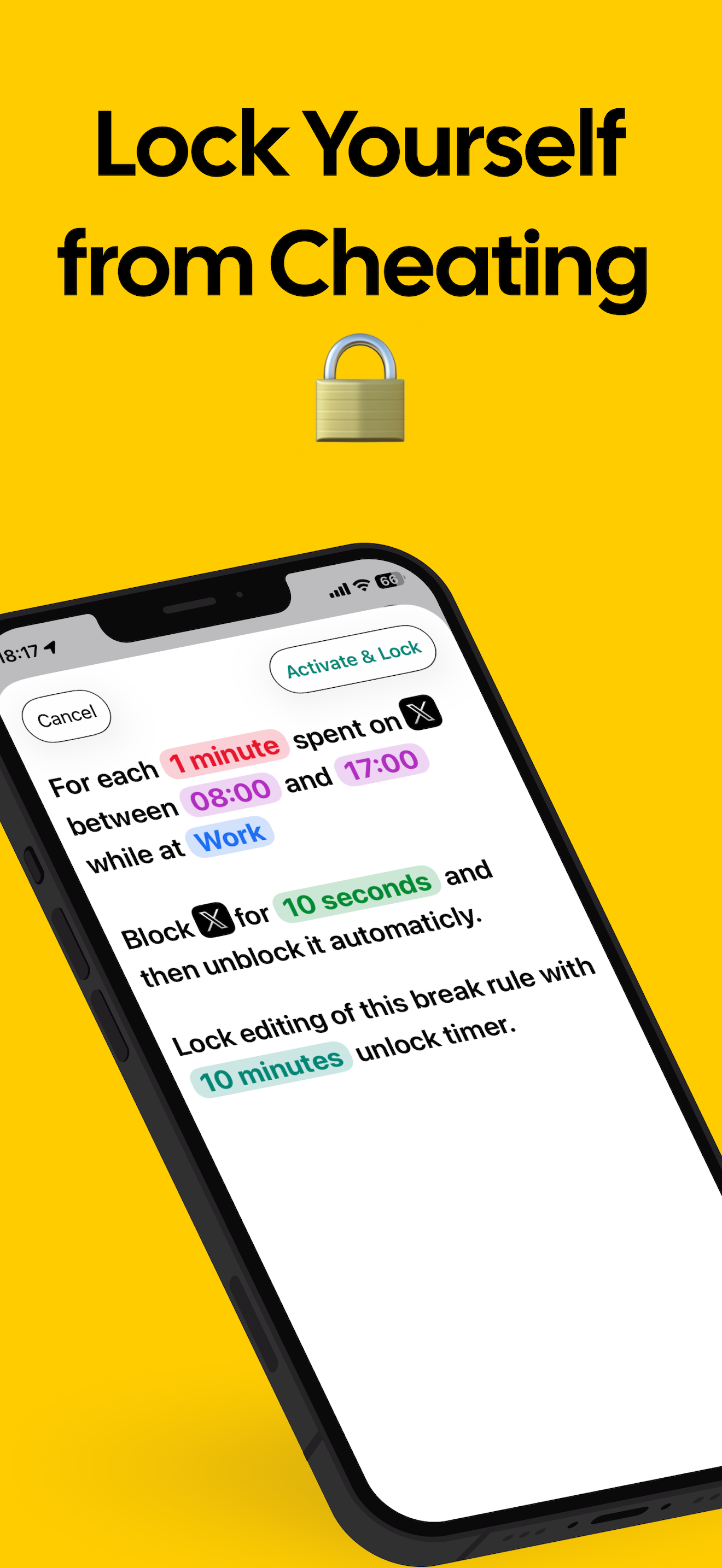
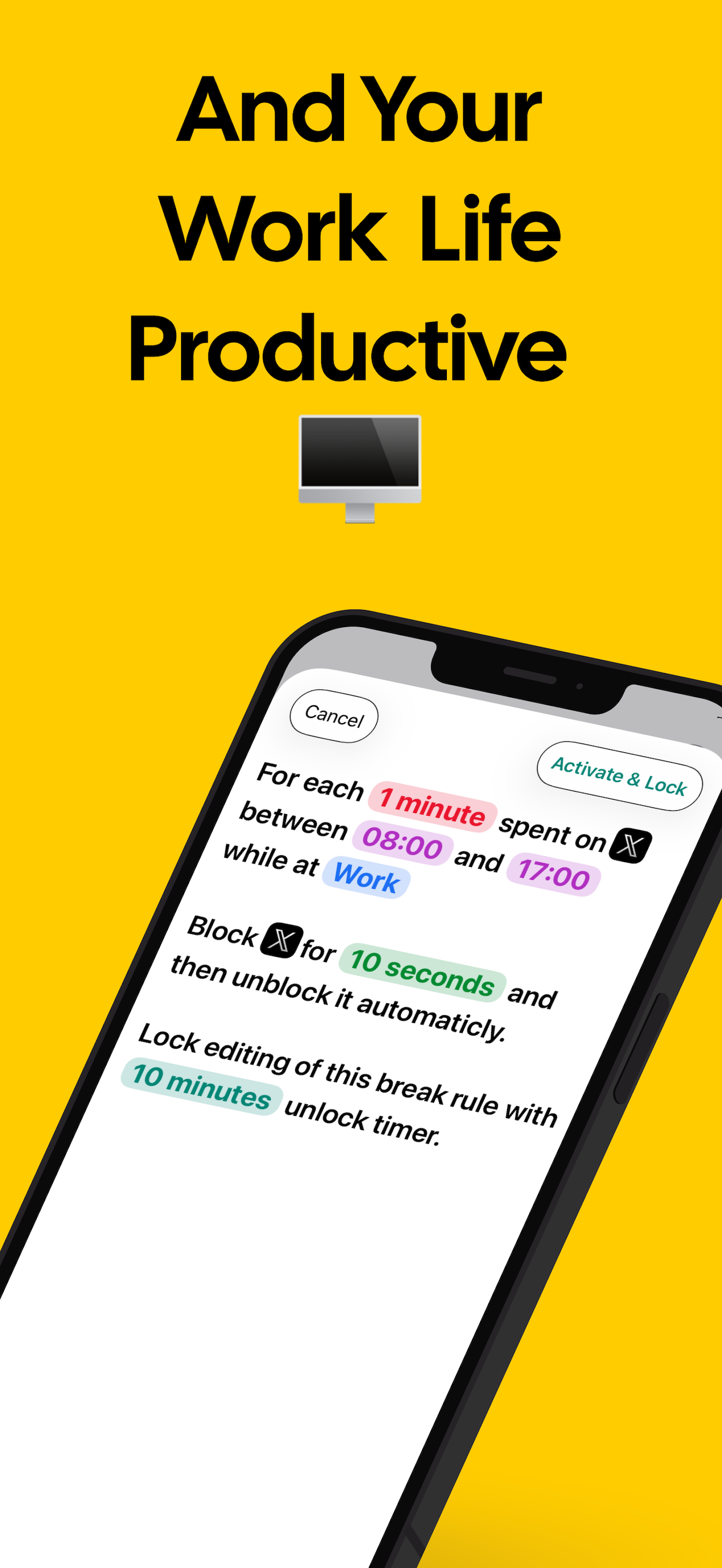
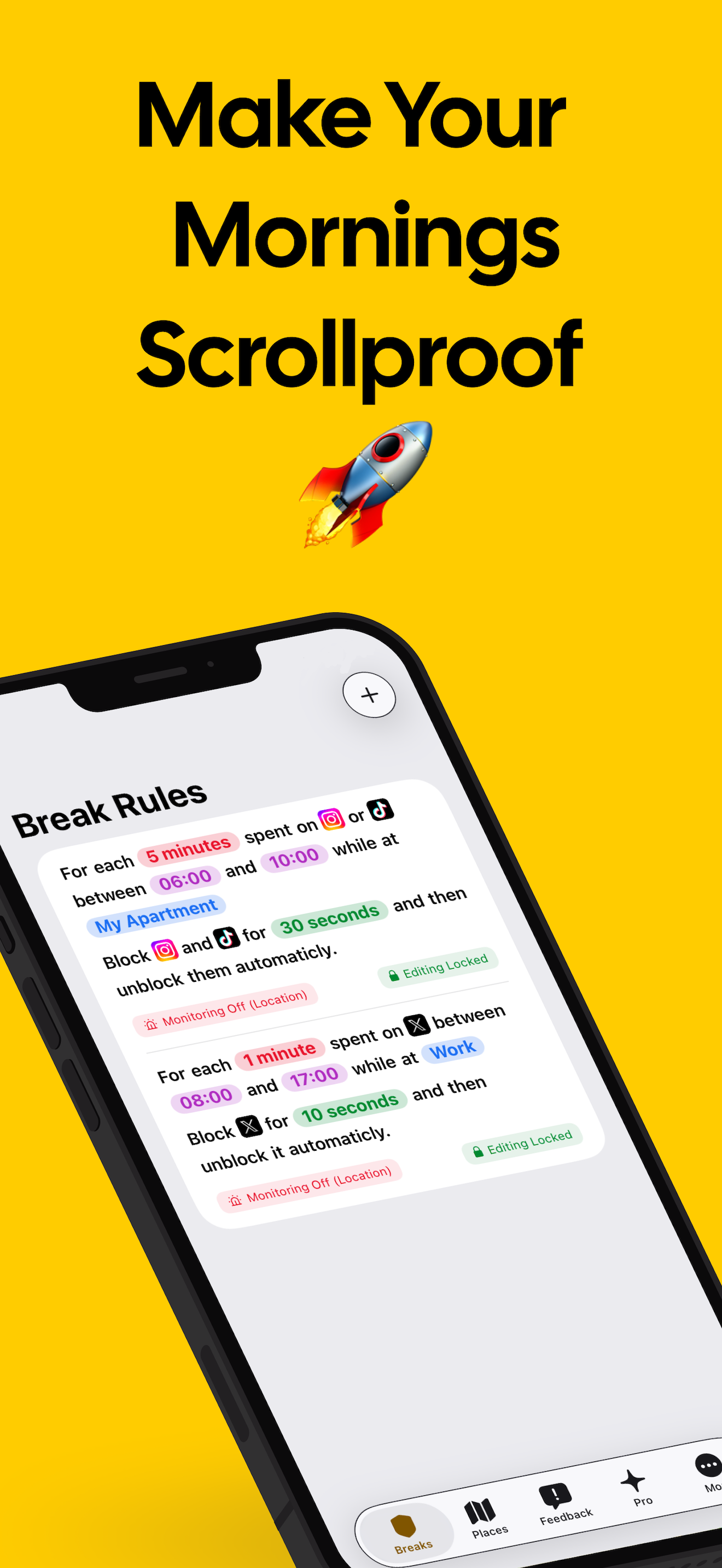
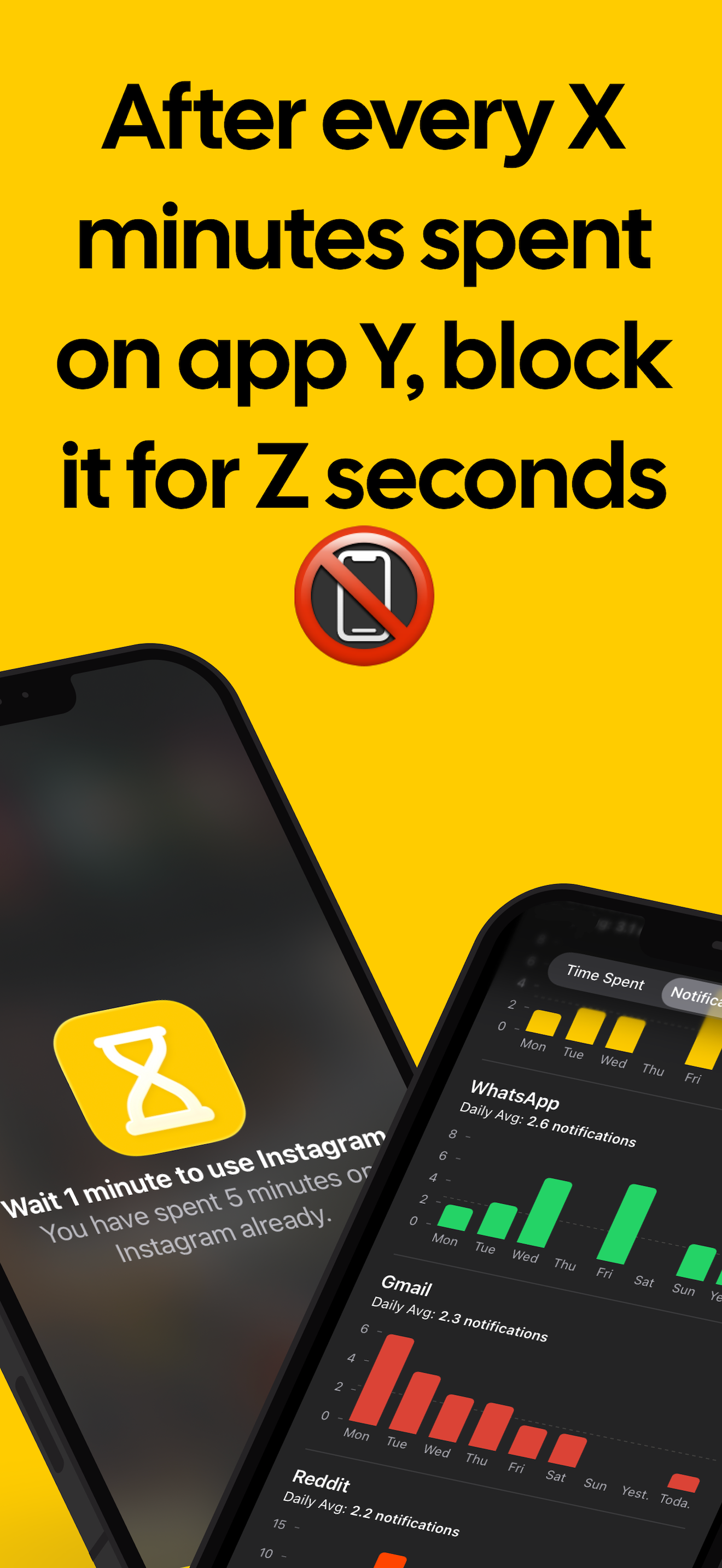
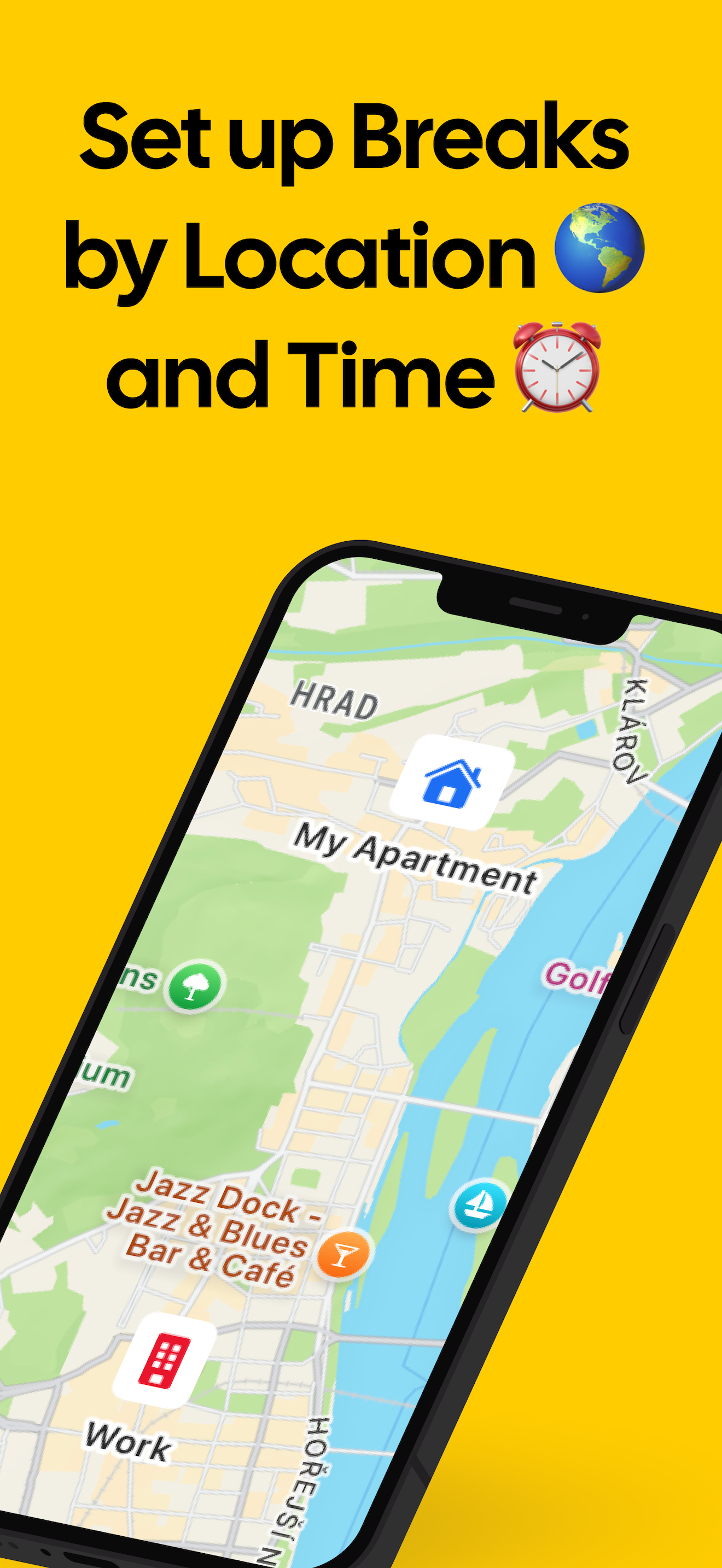
You can set rules like: “For every X minutes spent on “your distracting apps of choice” while at location Y block it for Z minutes.”
This keeps you from doomscrolling at home, work, or the gym, without affecting you when you’re just killing time on a commute.
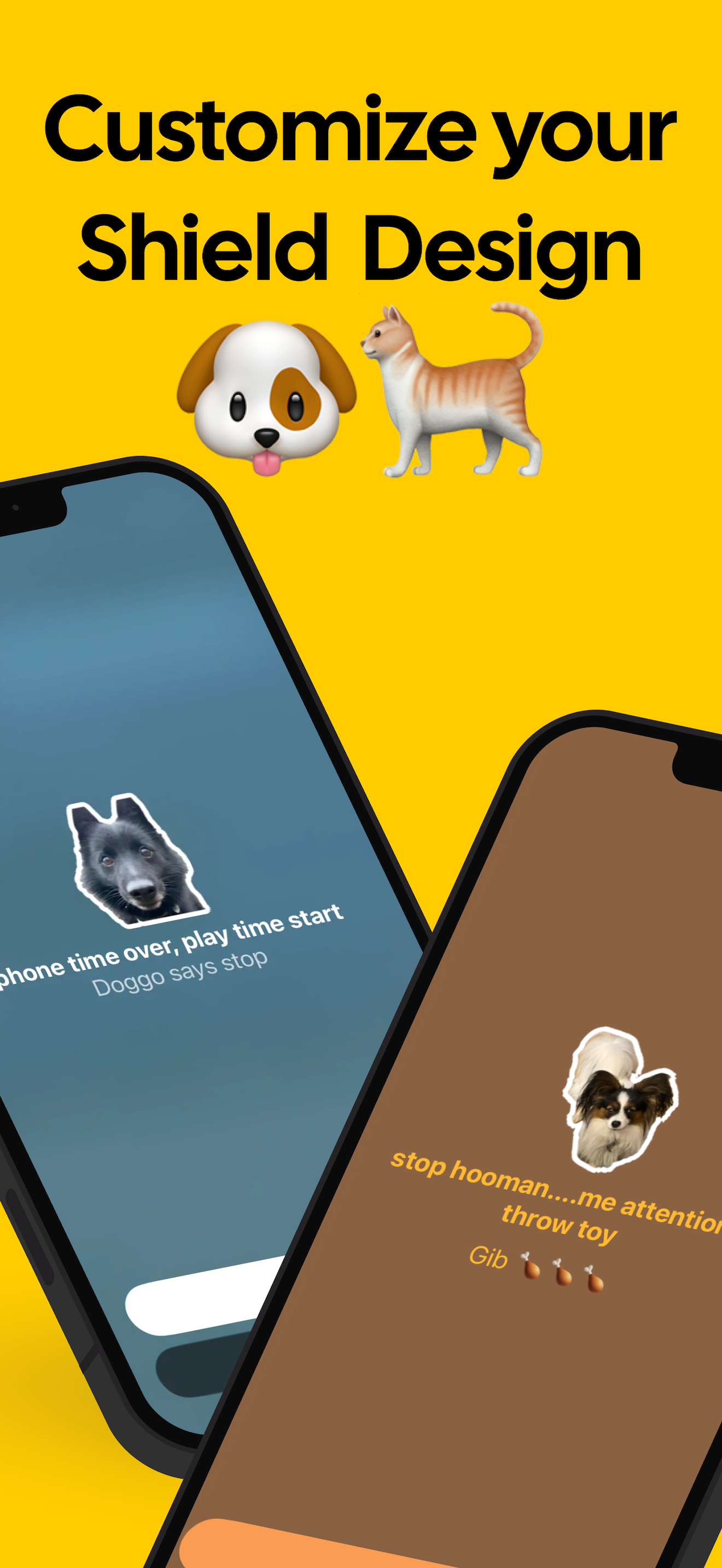
When an app is blocked, it is covered with a customizable “shield” and you can put your dog’s photo and a message on the shield.
Why this works: the short blocks make doomscrolling super annoying, but they don’t lock you out completely—if you really need the app, you can wait a few seconds and continue.
Features
- Short timed blocks that add friction to scrolling without fully locking the user out
- Custom rules: “After X minutes on chosen distracting apps at location Y, block for Z minutes”
- Location-aware behavior so blocking only happens in places where doomscrolling is a problem (home, work, gym)
- No interference during low-stakes contexts like commuting
- Customizable blocking “shield” overlay with user-chosen photo (e.g., dog) and message
- Blocks are brief enough to allow access if needed but annoying enough to break doomscrolling loops
Use Cases
- Home focus mode: Blocks social media or news apps after a set time to prevent evening doomscrolling.
- Work productivity: Limits distracting apps at the office, allowing only short breaks to maintain focus.
- Gym/fitness sessions: Prevents app use during workouts, encouraging exercise without full lockout.
- Commute flexibility: Allows app use while traveling, avoiding unnecessary friction.
- Habit interruption: Short blocks create annoying pauses that break compulsive scrolling loops.
- Custom motivation: Personalized shield images and messages provide gentle reminders or encouragement.
- Time budgeting: Helps users manage daily app usage without fully removing access.
- Mindful use reinforcement: Encourages conscious decision-making before reopening a blocked app.

Comments


ScrollBump is a smart and lightweight app that helps reduce mindless scrolling without aggressively blocking apps. Instead of hard limits, it adds small, intentional pauses while you scroll—just enough to break the habit and make you more aware of how you’re using your phone. What stands out is its gentle, behavior-focused approach. The interruptions feel intentional rather than frustrating, making it easier to stick with long term. Custom rules based on time, location, or apps also make it flexible for real-life use. Overall, ScrollBump is a thoughtful tool for anyone who wants to cut down screen time in a sustainable way—especially if you prefer mindful nudges over strict restrictions.


Premium Products




































Awards
View all
Awards
View allMakers

Makers
Comments
ScrollBump is a smart and lightweight app that helps reduce mindless scrolling without aggressively blocking apps. Instead of hard limits, it adds small, intentional pauses while you scroll—just enough to break the habit and make you more aware of how you’re using your phone. What stands out is its gentle, behavior-focused approach. The interruptions feel intentional rather than frustrating, making it easier to stick with long term. Custom rules based on time, location, or apps also make it flexible for real-life use. Overall, ScrollBump is a thoughtful tool for anyone who wants to cut down screen time in a sustainable way—especially if you prefer mindful nudges over strict restrictions.
Premium Products
New to Fazier?

Find your next favorite product or submit your own. Made by @FalakDigital.
Copyright ©2026. All Rights Reserved