
Screentest
Screentest
Screen Test – Free Dead Pixel, FPS & Display Testing Tools
Screen Test is a free online toolkit for testing monitors, laptops, and other displays. It offers Dead Pixel, Refresh Rate, FPS, Backlight Bleed, Screen Size & Resolution, Monitor Color, Color Calibration, Greyscale, HDR, sRGB, Color Accuracy, Color Gamut, Color Depth, and Burn-in tests. No downloads are required. Ideal for gamers, designers, developers, photographers, monitor buyers, and everyday users.
Features
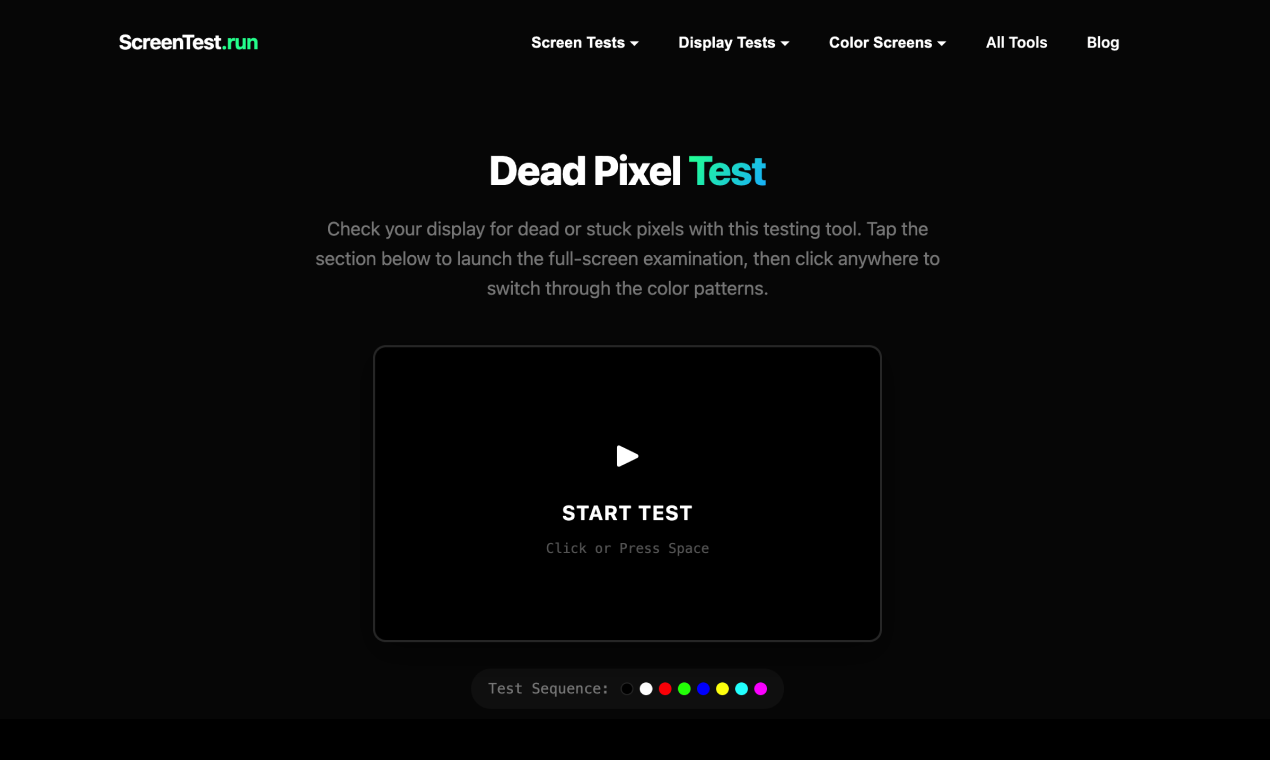
- Dead Pixel Testing — Detect dead, stuck, or defective pixels using full-screen color patterns.
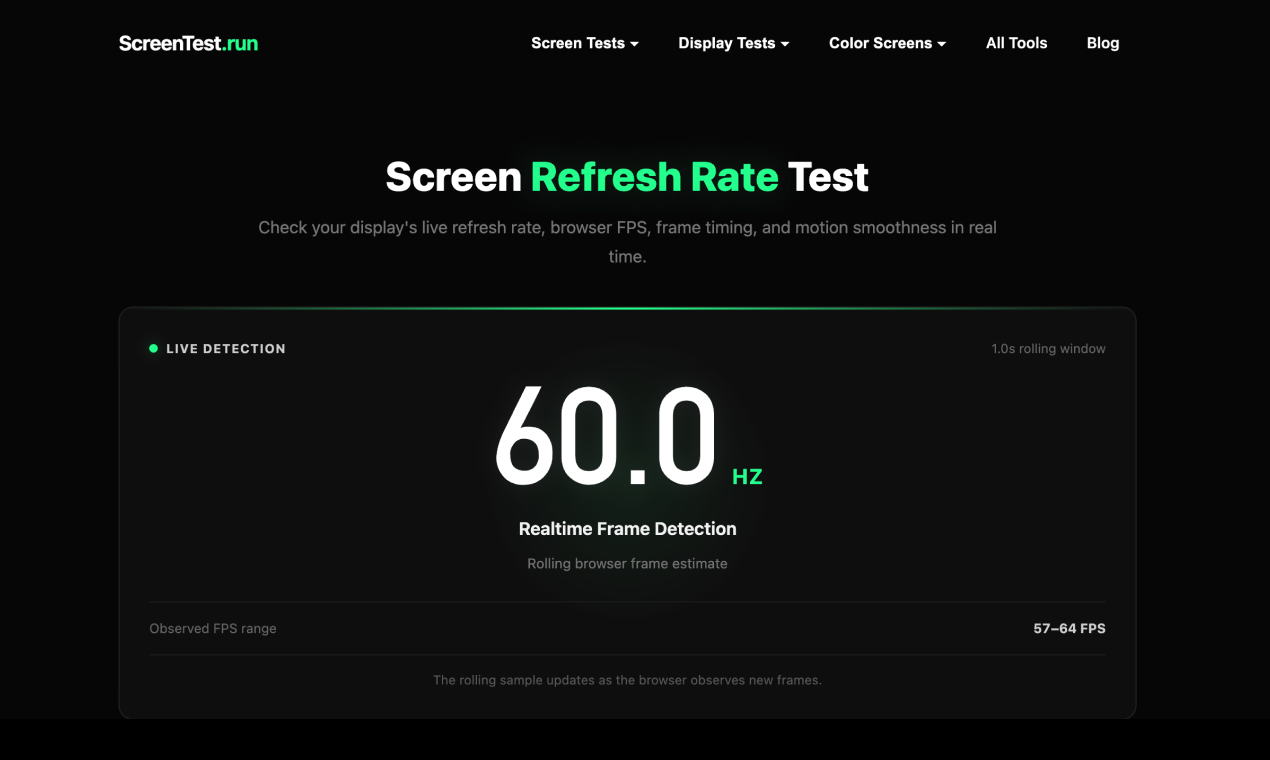
- Refresh Rate Testing — Check the actual refresh rate and verify whether a display is running at its expected Hz.
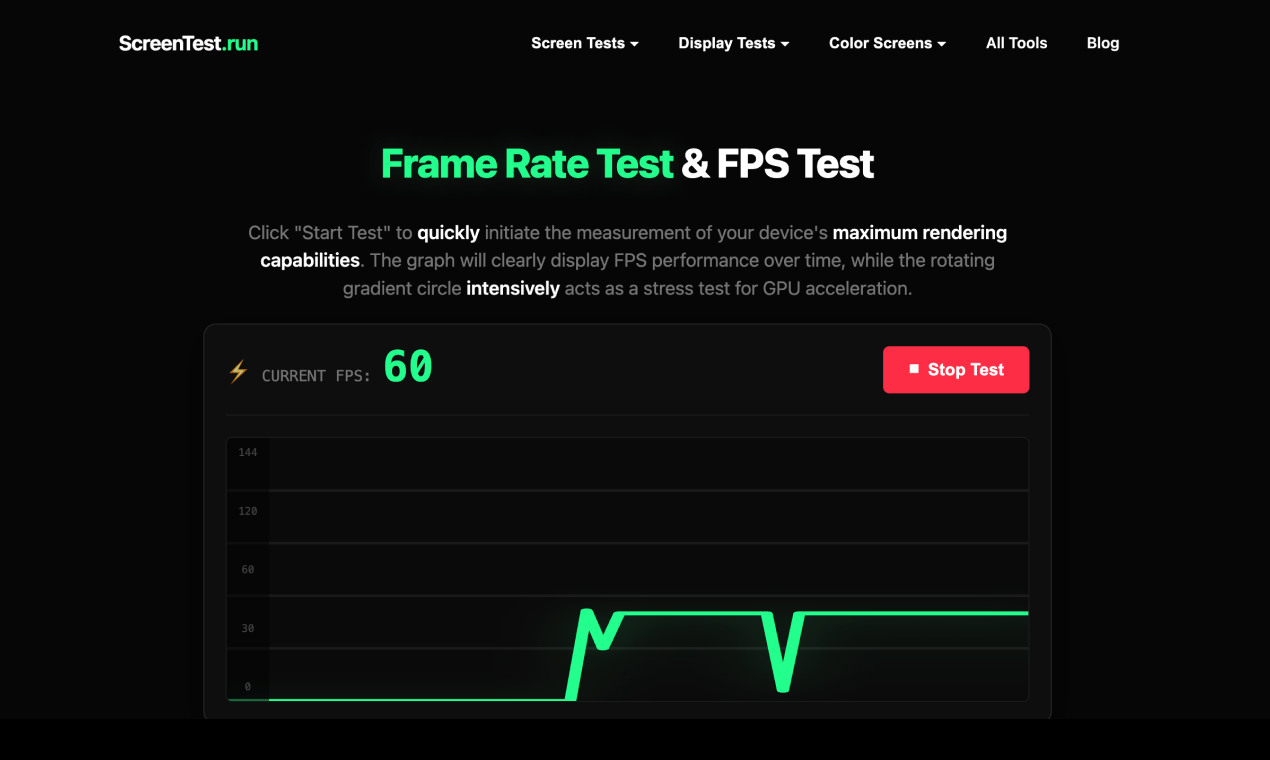
- FPS Testing — Measure real-time frame rate performance directly in the browser.
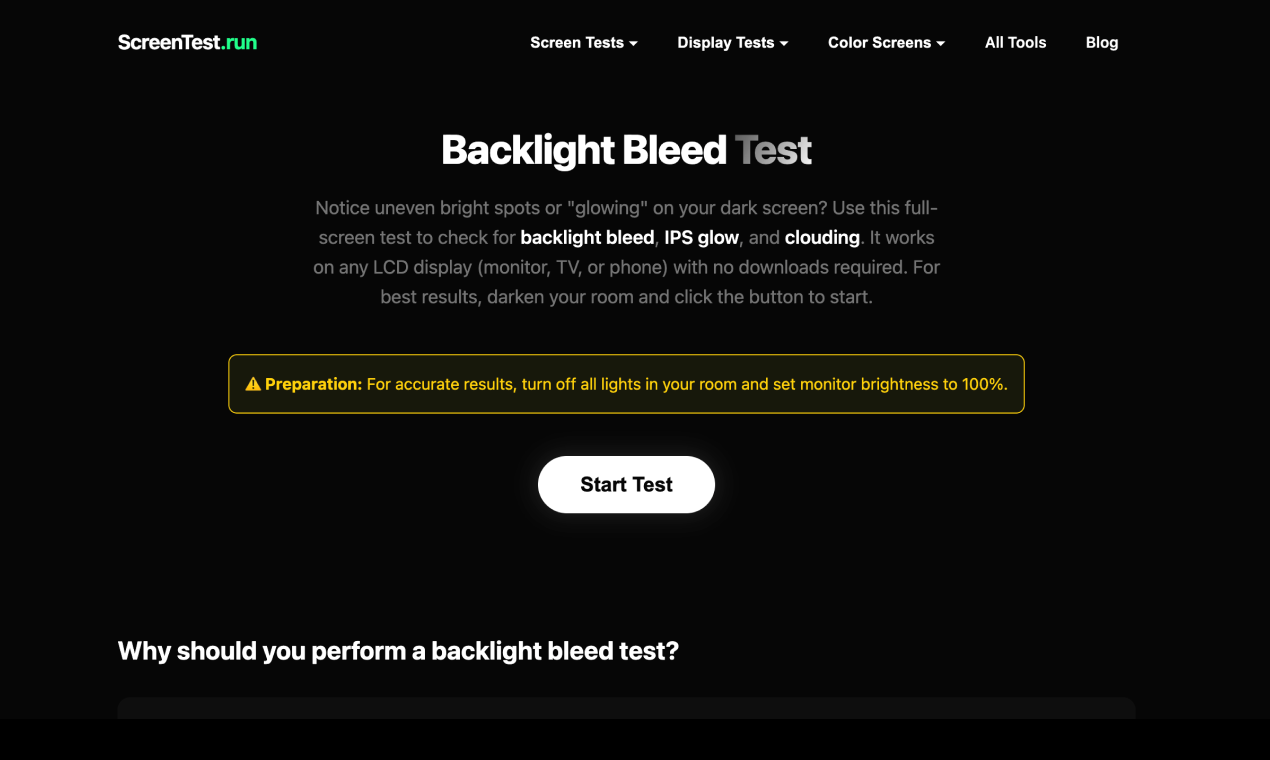
- Backlight Bleed Testing — Inspect dark-screen uniformity and identify visible backlight bleed or clouding.
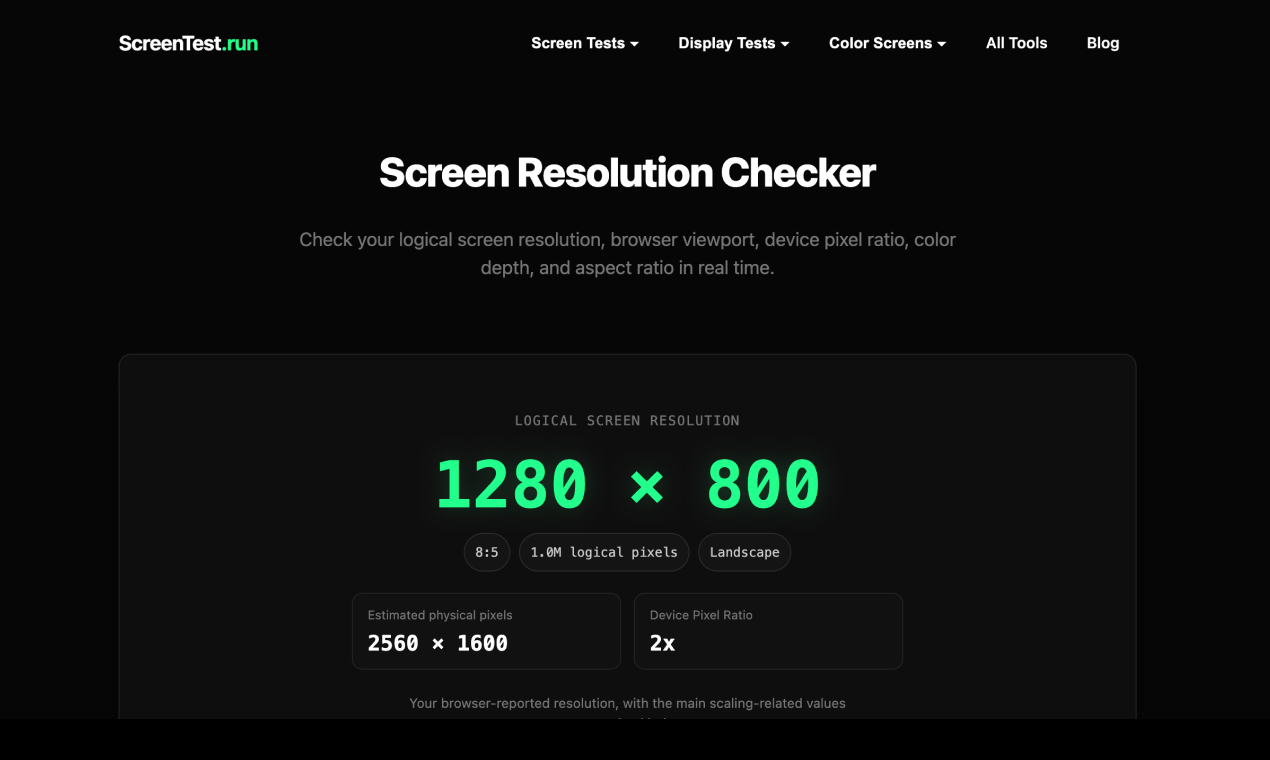
- Screen Size & Resolution Testing — Check basic display dimensions, resolution, and screen properties.
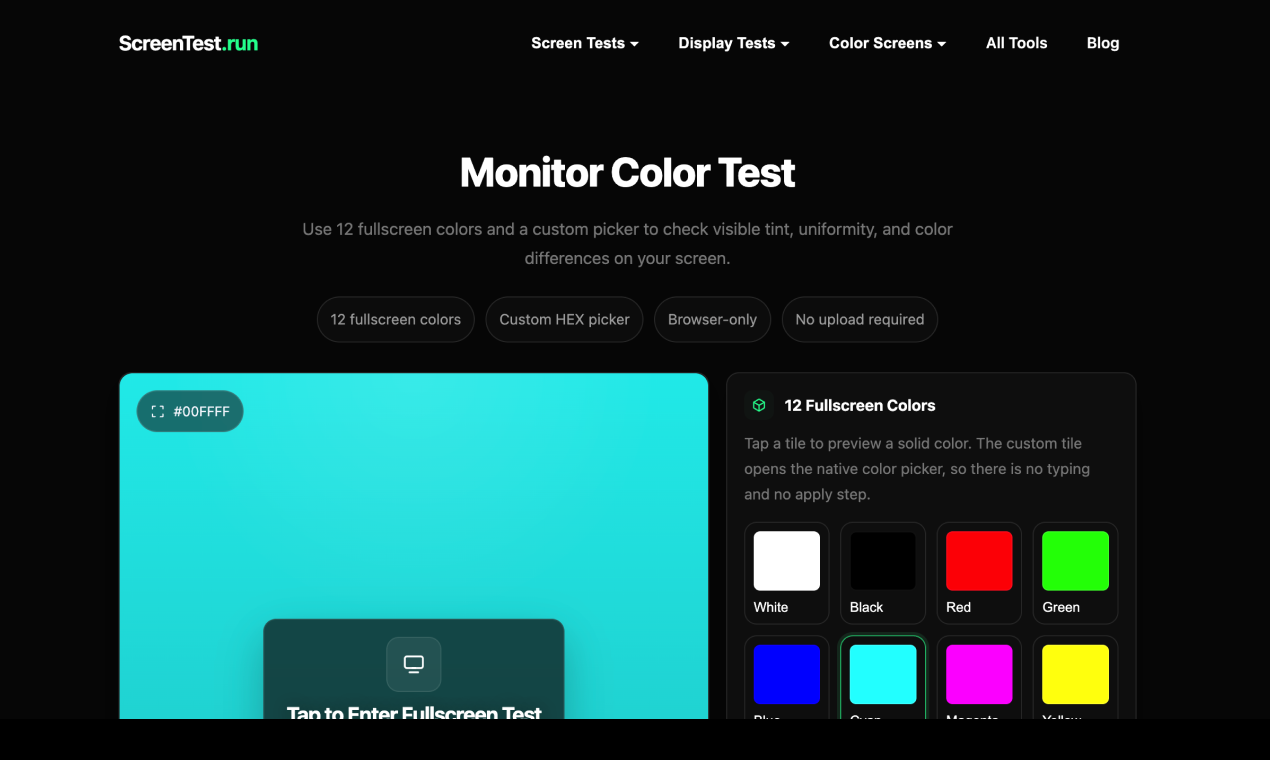
- Monitor Color Testing — Test primary colors, grayscale, brightness, uniformity, and visible color differences.
- Color Calibration — Use dedicated patterns to adjust and inspect brightness, contrast, gamma, grayscale, and color reproduction.
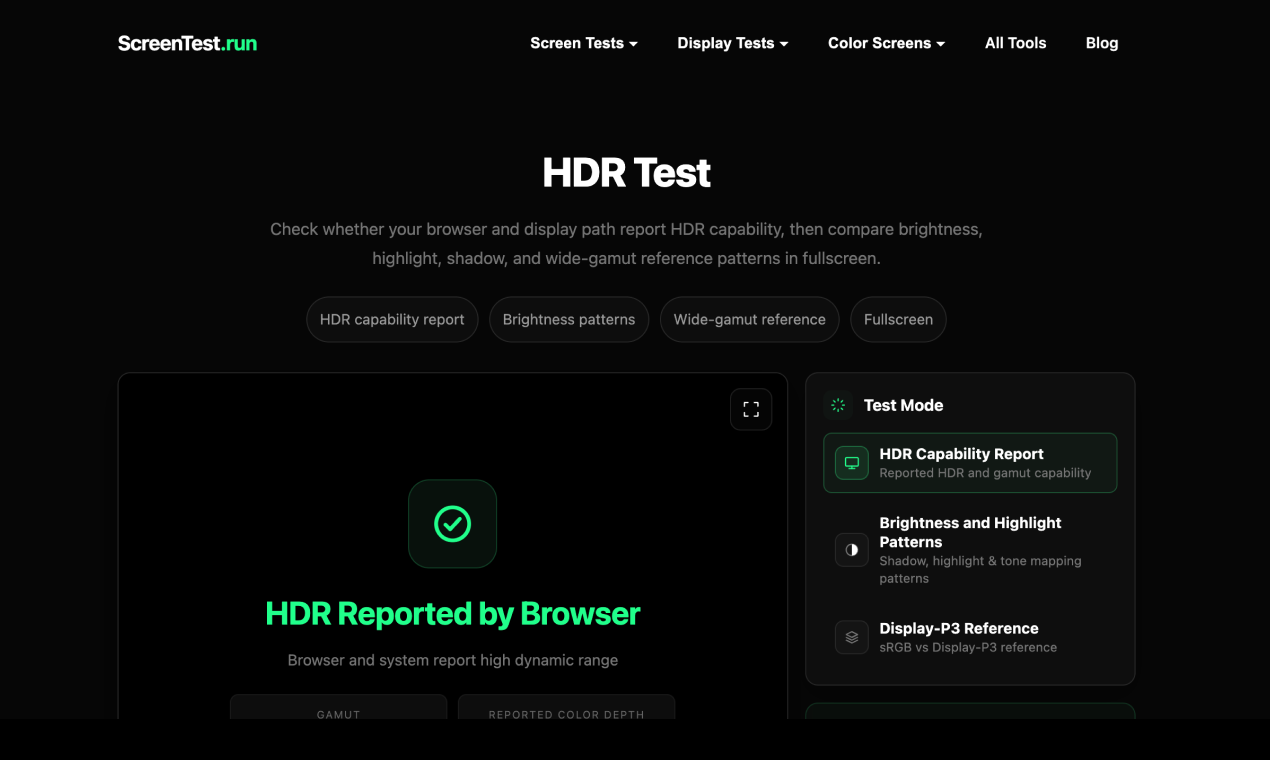
- HDR & sRGB Testing — Check HDR behavior and inspect display performance against common color standards.
- Color Accuracy, Gamut & Depth Tests — Examine color reproduction, color coverage, and supported color depth.
- Burn-in Testing — Inspect displays for persistent image retention and visible burn-in issues.
- Full-Screen Color Screens — Display solid colors and grayscale patterns for pixel inspection, cleaning, uniformity checks, and visual testing.
- Browser-Based & Free — Run the tests directly in a modern web browser without downloading or installing software.
Use Cases
- Buying a New Monitor — Check a new monitor for dead pixels, backlight bleed, color issues, and other display defects before or after purchase.
- Testing a Used Display — Quickly inspect second-hand monitors and laptops for pixel problems, burn-in, uneven colors, and other visible issues.
- Gaming Performance Testing — Verify refresh rate and FPS performance and check whether a gaming display is operating as expected.
- Color & Display Calibration — Inspect grayscale, color accuracy, gamut, HDR, and overall display consistency when setting up a monitor.
- Troubleshooting Display Problems — Identify common visual defects such as dead pixels, image retention, uneven backlighting, and color inconsistencies.
- Monitor Maintenance & Cleaning — Use full-screen colors to inspect the display and make dust or surface contamination easier to identify while cleaning.
- Design & Photography Work — Check color reproduction, grayscale, gamut, and display consistency when working with visual content.
- Everyday Screen Checks — Quickly test a monitor, laptop, or other display without installing dedicated diagnostic software.

Comments

Premium Products























































Find your next favorite product or submit your own. Made by @FalakDigital.
Copyright ©2026. All Rights Reserved