
ScreenBuddy
Polished screen recordings. Built for Windows.
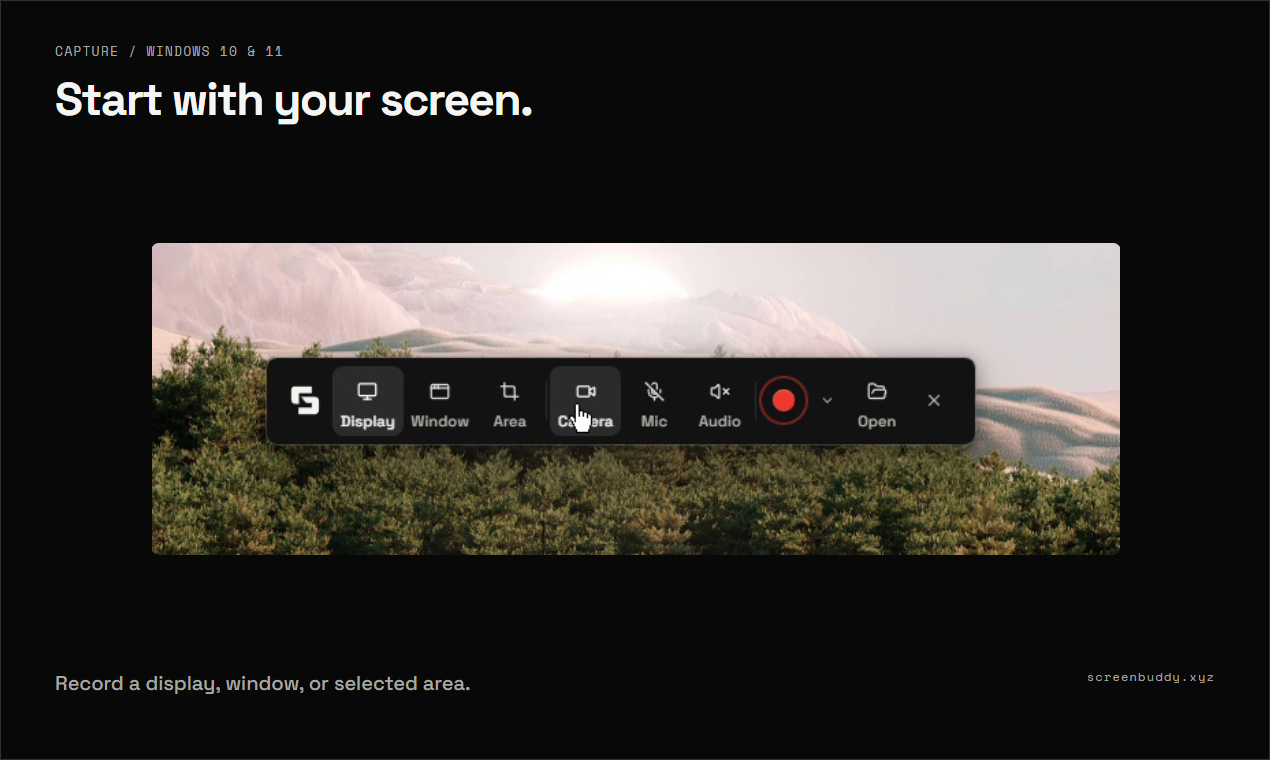
ScreenBuddy is a Windows screen recorder and editor for product demos, tutorials, and walkthroughs. Record your screen, a window, or a selected area, then turn the recording into a clear, polished video.
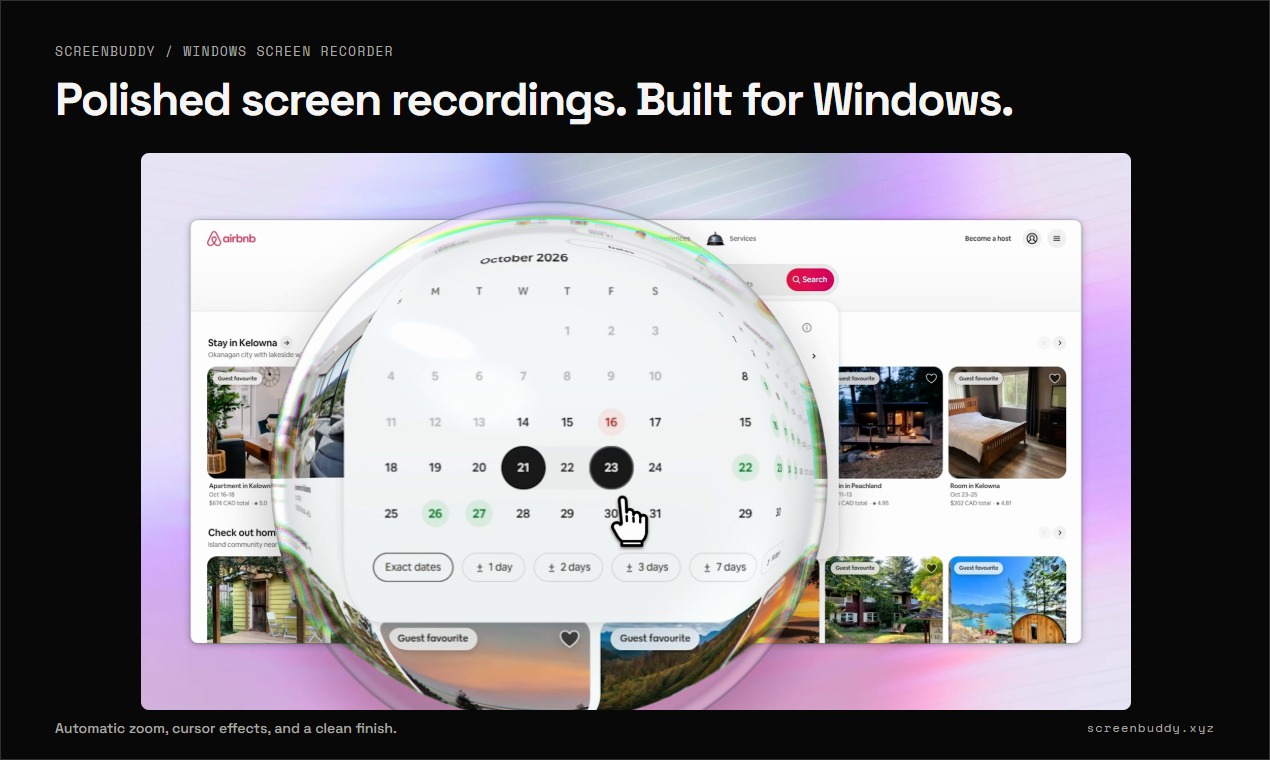
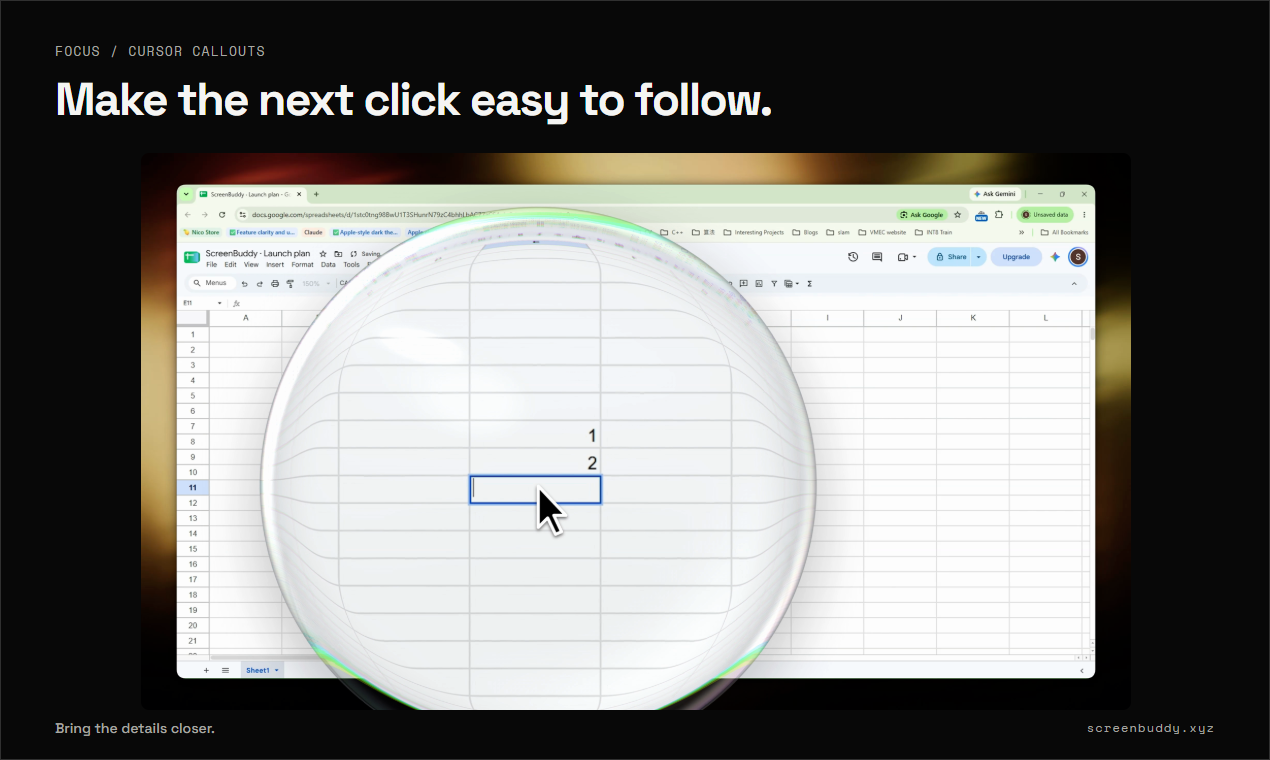
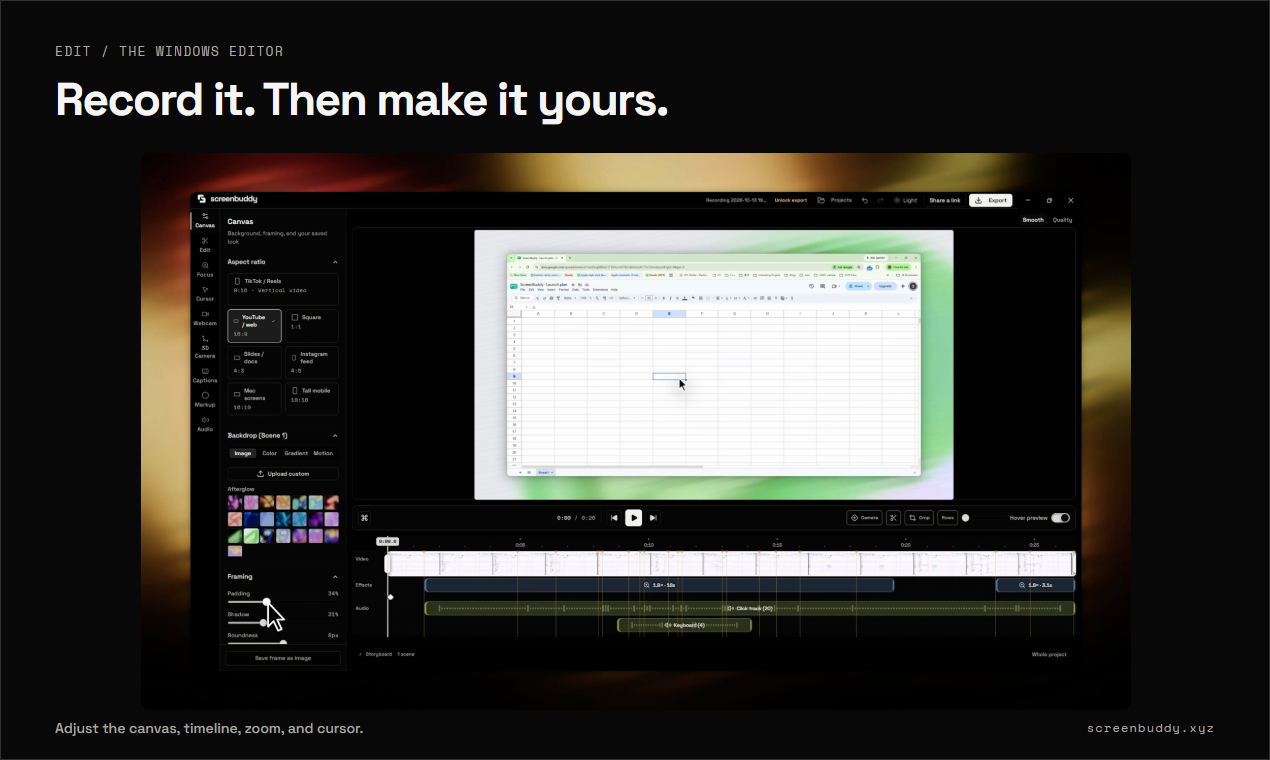
Bring details into focus with automatic zoom and callout bubbles. Add AI captions, remove your webcam background with AI (Beta), and mask sensitive information with blur or solid covers. Create depth with 3D camera movements, adjust your cursor and canvas, and trim pauses.
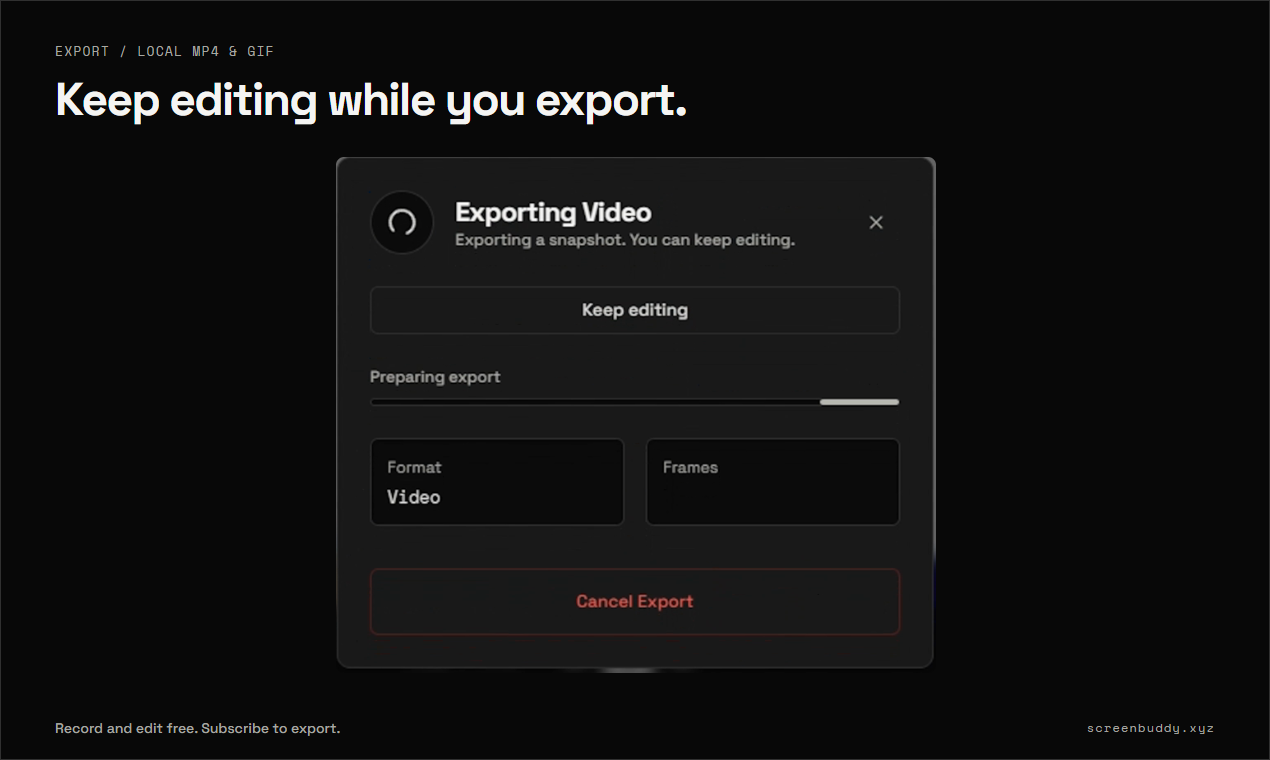
Keep editing while an export renders. Export MP4 or GIF locally, or publish a shareable link so viewers can watch in their browser.
Built for Windows 10/11 (64-bit). Also available for Apple silicon Mac. Free to try.
Features
• Callout bubbles
• AI webcam background removal (Beta)
• AI captions
• Sensitive information masks
• 3D camera movements
• Edit while exporting
• Shareable links
Use Cases
Product demos
Tutorials and walkthroughs
Customer onboarding
Bug reports and team updates

Comments


Hi everyone — I’m Jiabin, the maker of ScreenBuddy. I built it to make Windows product demos and tutorials easier to record, polish, and share. Callout bubbles bring small details into focus. AI captions, AI webcam background removal (Beta), sensitive information masks, and 3D camera movements help you shape the final video. You can keep editing while an export renders, then export MP4/GIF locally or share a link that plays in a browser. Free to try. I’d love to hear which part of your recording workflow you’d improve first.
Premium Products
























































Sponsors
Buy

Makers
Makers
Comments
Hi everyone — I’m Jiabin, the maker of ScreenBuddy. I built it to make Windows product demos and tutorials easier to record, polish, and share. Callout bubbles bring small details into focus. AI captions, AI webcam background removal (Beta), sensitive information masks, and 3D camera movements help you shape the final video. You can keep editing while an export renders, then export MP4/GIF locally or share a link that plays in a browser. Free to try. I’d love to hear which part of your recording workflow you’d improve first.
Premium Products
New to Fazier?

Find your next favorite product or submit your own. Made by @FalakDigital.
Copyright ©2026. All Rights Reserved