Screen Flowy
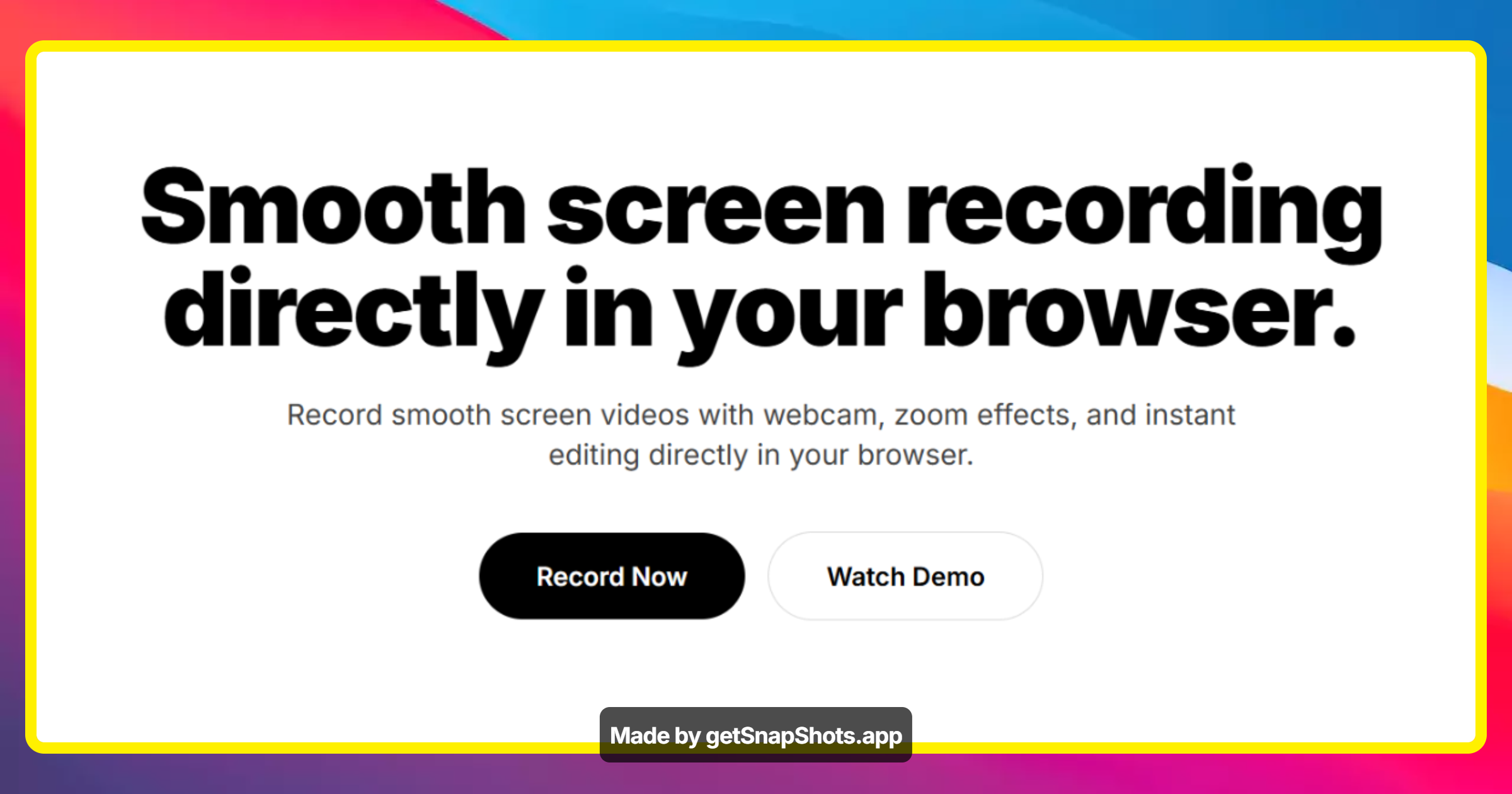
Smooth screen recording directly in your browser.
ScreenFlowy offers a seamless and professional solution for screen recording directly within your browser. It empowers users to capture smooth screen videos, incorporate webcam footage, apply zoom effects, and perform instant editing without any downloads or watermarks. The platform is designed for creators, teams, and individuals needing to produce tutorials, demos, or quick shareable content.
Features
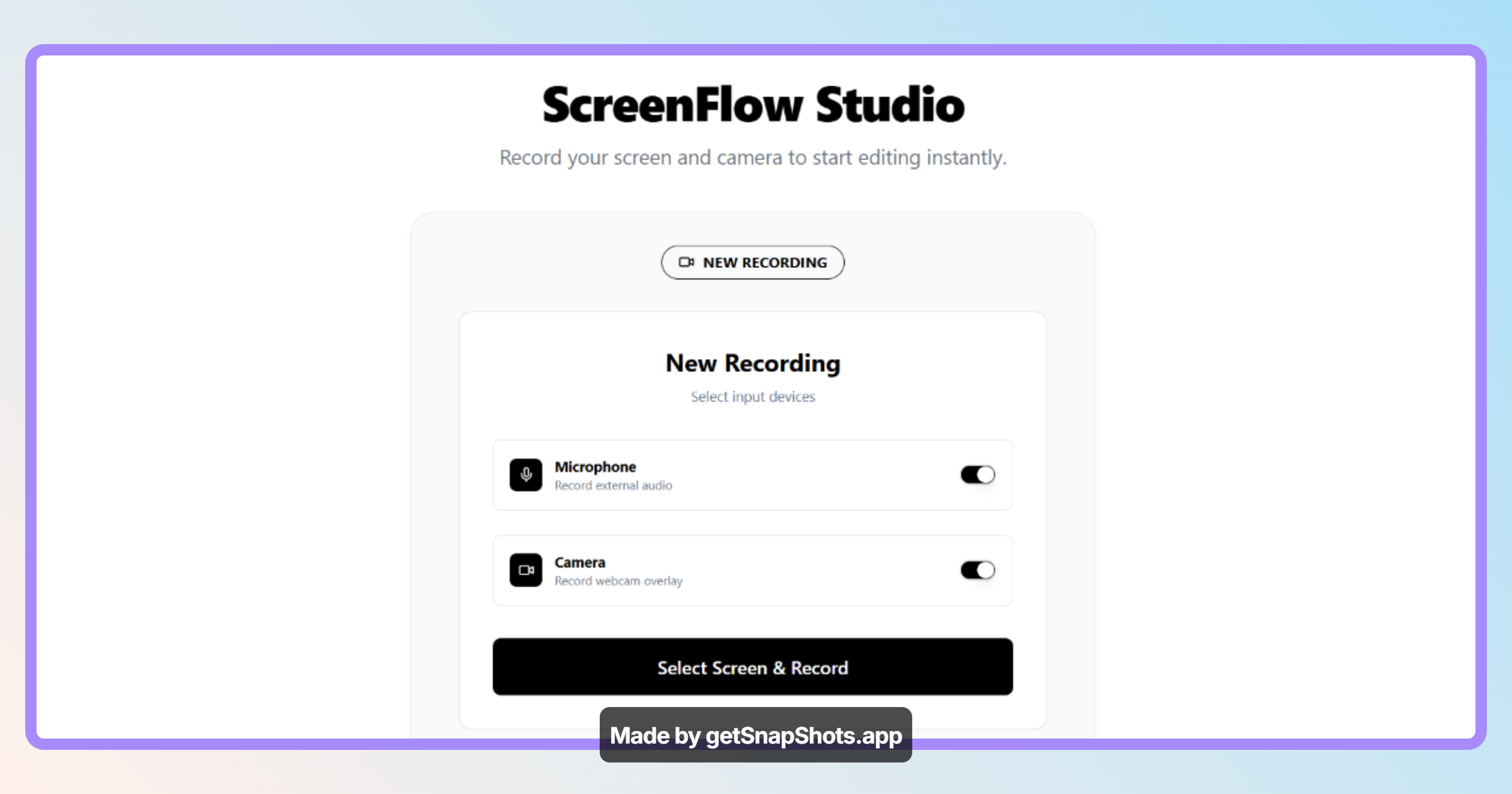
- Browser-based recorder: Start recording instantly without any software installation.
- Webcam integration: Record your screen and webcam simultaneously.
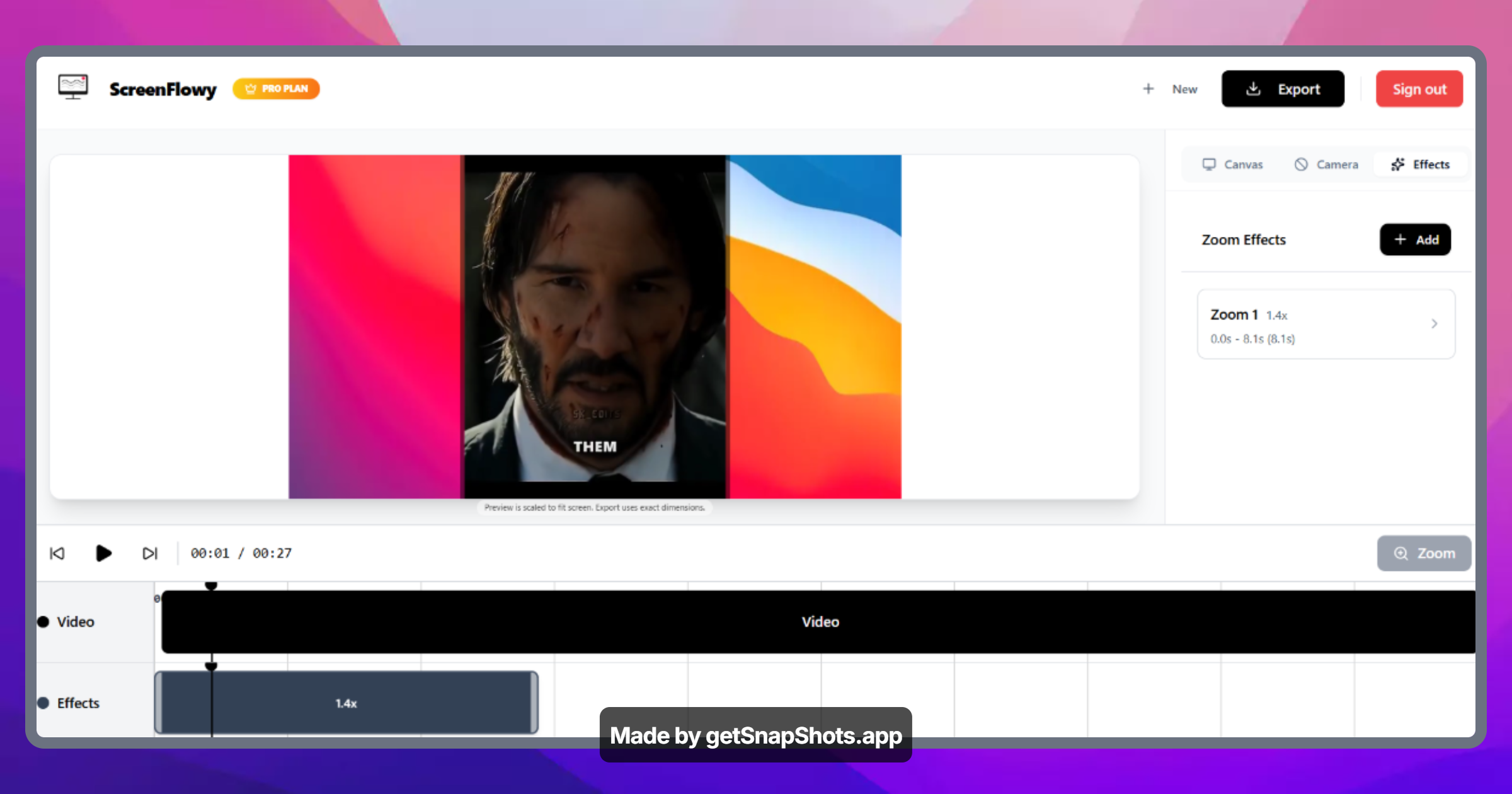
- Zoom effects: Highlight important areas with dynamic zoom capabilities.
- Instant editing: Make quick edits directly in the browser.
- High-quality exports: Supports up to 1080P exports.
- No downloads, no watermarks: Enjoy a clean recording experience.
Use Cases
The platform is designed for creators, teams, and individuals needing to produce tutorials, demos, or quick shareable content.

Comments


The zoom effects being built into a browser recorder is the standout for me — that's usually the one thing people jump into a separate editor for, so keeping it inline removes the whole export/re-import round trip. For tutorial and demo creators the make-or-break is almost always audio: are you capturing system audio and mic on separate tracks, and is there any noise cleanup? And since it runs in-browser with no install, what's the practical recording-length limit before memory or performance starts to degrade on longer walkthroughs?

Screen recording directly in the browser solves a real pain point — no downloads, no permissions dialogs, no context switching. The ability to capture specific tabs or the full screen without installing anything is genuinely useful for product walkthroughs and async team communication. Would be interested to see annotation features added so you can highlight key areas during the recording.
Premium Products












































Sponsors
Buy

Awards
View all
Awards
View allMakers

Makers
Comments
The zoom effects being built into a browser recorder is the standout for me — that's usually the one thing people jump into a separate editor for, so keeping it inline removes the whole export/re-import round trip. For tutorial and demo creators the make-or-break is almost always audio: are you capturing system audio and mic on separate tracks, and is there any noise cleanup? And since it runs in-browser with no install, what's the practical recording-length limit before memory or performance starts to degrade on longer walkthroughs?
Screen recording directly in the browser solves a real pain point — no downloads, no permissions dialogs, no context switching. The ability to capture specific tabs or the full screen without installing anything is genuinely useful for product walkthroughs and async team communication. Would be interested to see annotation features added so you can highlight key areas during the recording.
Premium Products
New to Fazier?

Find your next favorite product or submit your own. Made by @FalakDigital.
Copyright ©2026. All Rights Reserved