
SceneStudio
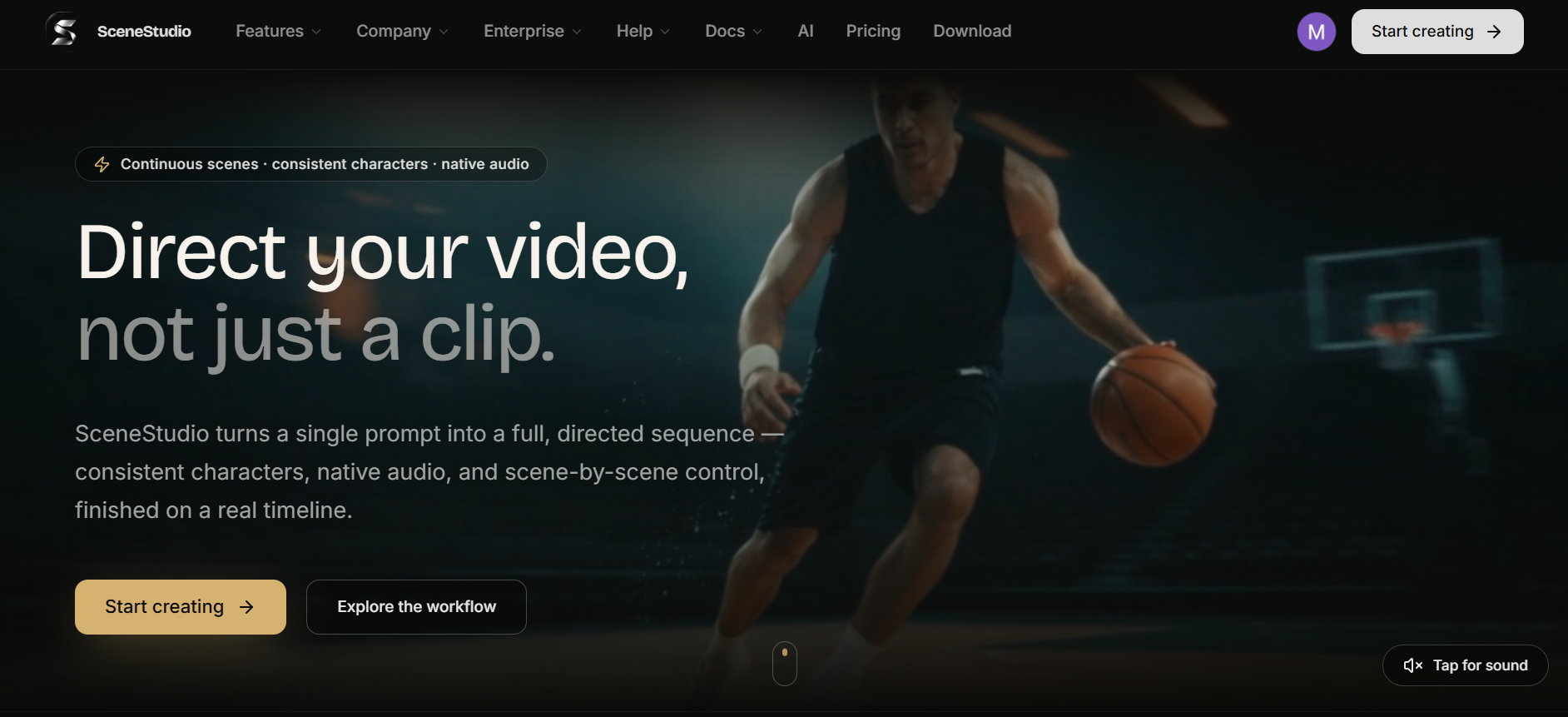
Direct your video, not just a clip.
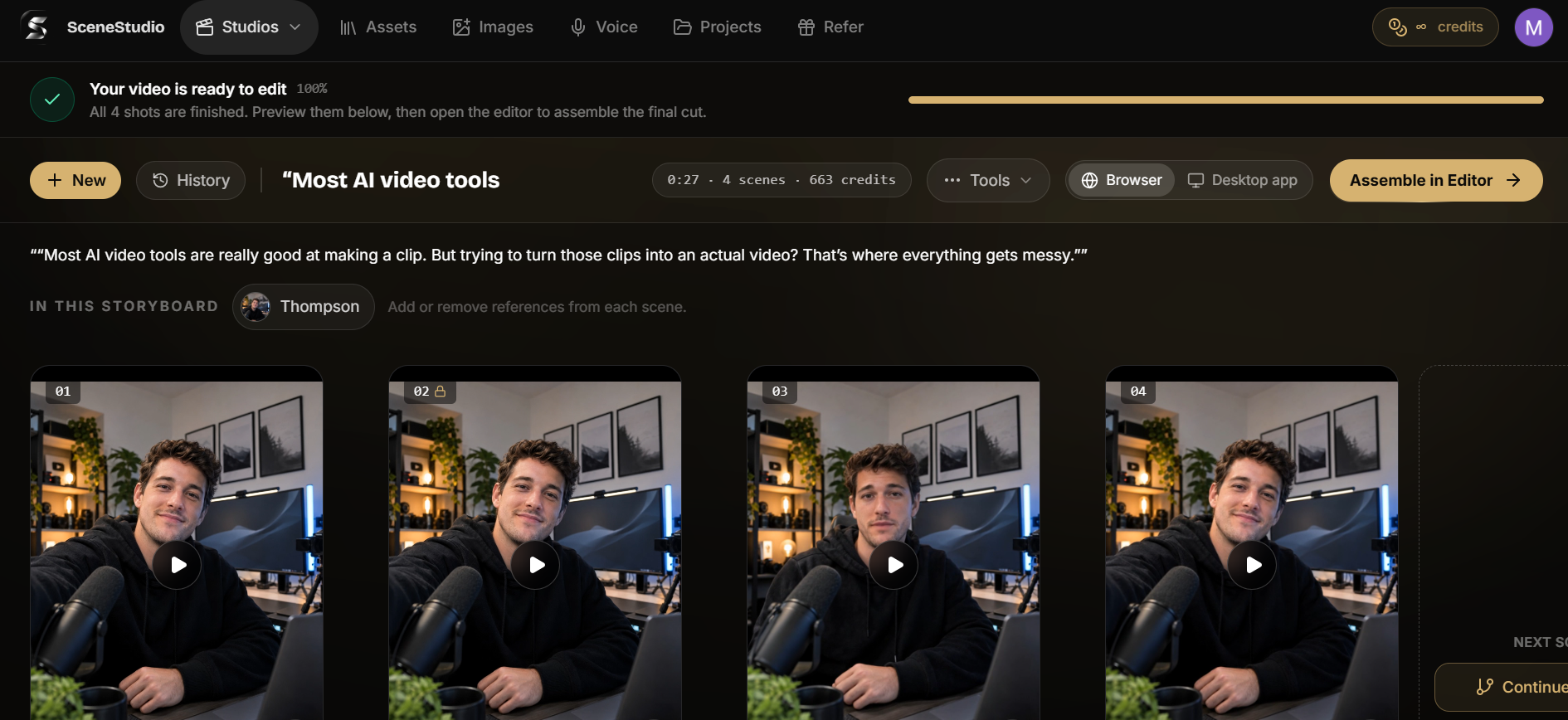
SceneStudio turns one prompt into a full multi-scene video, not just a clip. It plans your story as a storyboard, keeps the same characters and products consistent in every shot, and lets you regenerate any single scene. Then you finish on a real timeline.
From the founder: Hi, I'm Michael Desmond, founder of SceneStudio. I've spent 11 years building products in fintech, health and AI, including VenlyApp and Heracue. I built SceneStudio because AI video tools give you pretty clips, not finished videos: characters change between shots, and one bad scene means starting over. SceneStudio plans your video as a storyboard, keeps the cast and products consistent in every scene, and lets you redo a single shot. I'd love your feedback. What would you make with it?
Features
- Prompt to multi-scene storyboard, with planning and edits free on every plan
- Characters, products and places stay consistent from shot to shot
- Regenerate or edit one scene without redoing the whole video
- Native audio on every scene
- Image Studio for reference stills
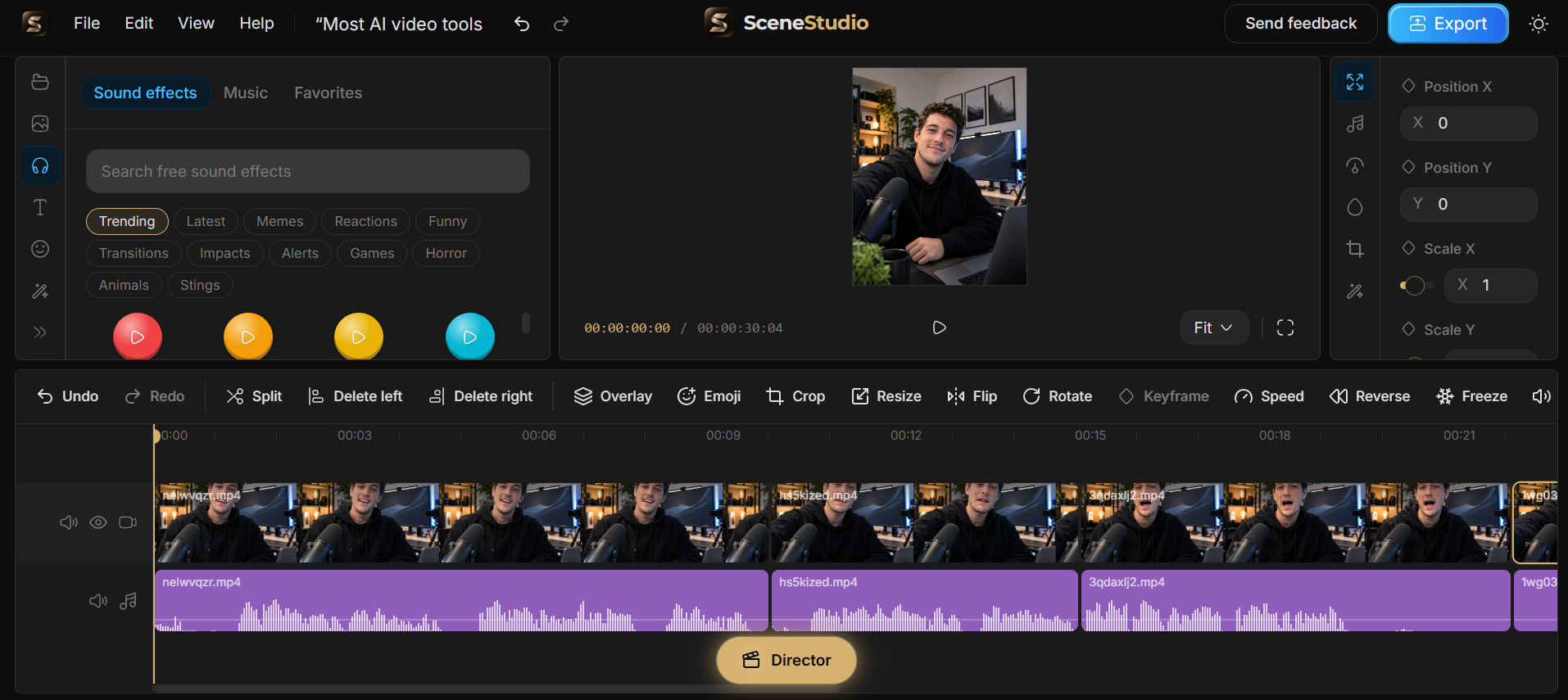
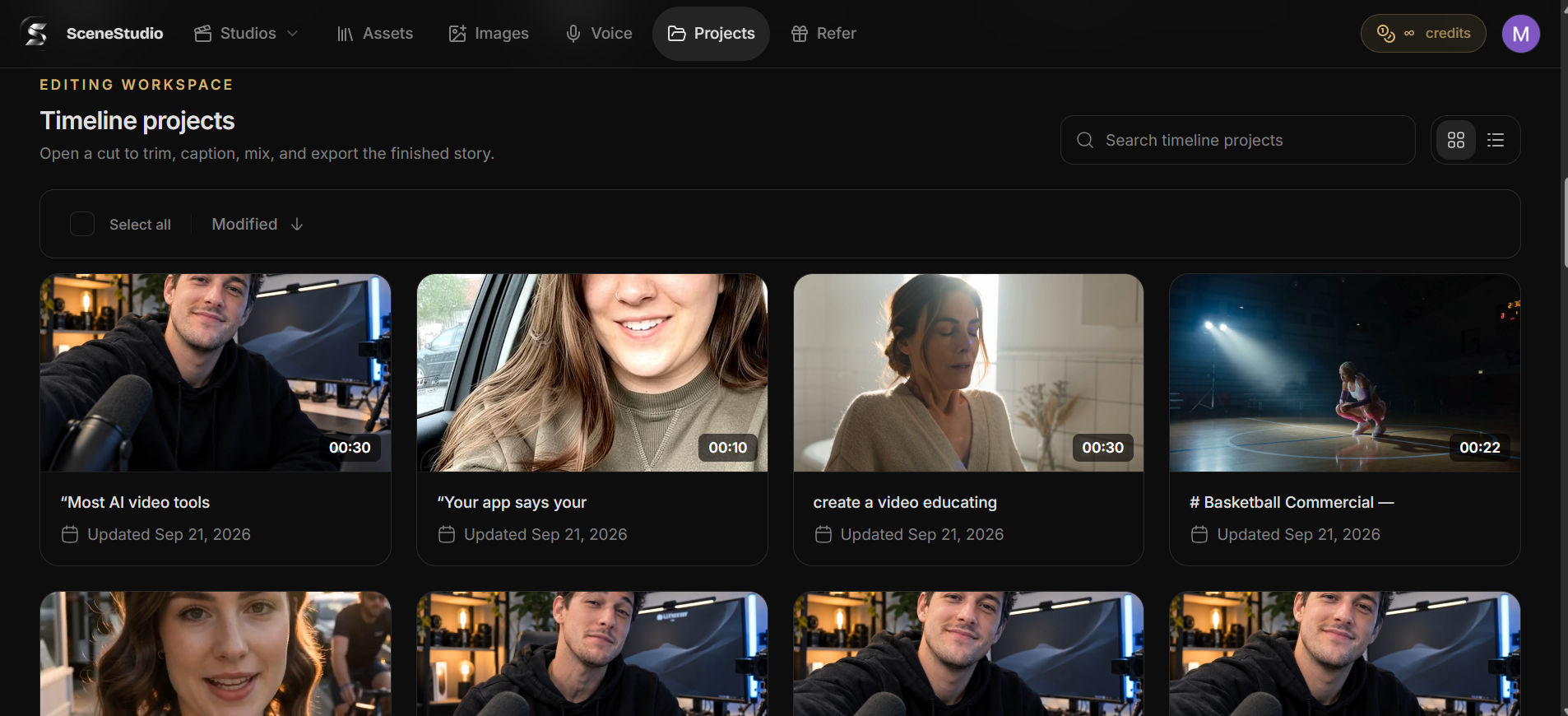
- Timeline editor for Mac and Windows
Use Cases
- UGC-style product ads without hiring actors
- Product trailers and launch videos
- AI music videos, scene by scene
- Explainer videos from a script
- Cinematic short films and story sequences

Comments


Hi, I'm Michael Desmond, founder of SceneStudio. I've spent 11 years building products in fintech, health and AI, including VenlyApp and Heracue. I built SceneStudio because AI video tools give you pretty clips, not finished videos: characters change between shots, and one bad scene means starting over. SceneStudio plans your video as a storyboard, keeps the cast and products consistent in every scene, and lets you redo a single shot. I'd love your feedback. What would you make with it?
Planning the video as a storyboard first is the right fix for the usual AI-video frustration, where characters change between shots and one bad scene ruins the whole clip. Being able to regenerate a single scene without redoing everything should save a lot of time on product trailers. Does the native audio stay in sync when you replace just one scene?
"Maintaining character and product consistency across multiple shots is usually the hardest part of AI video generation. The ability to regenerate a single scene without redoing the entire video is a huge time saver! Quick question: does the desktop timeline editor support multi-track audio editing for voiceovers and background music?"


Being able to regenerate one scene without redoing the whole video is the part that would save me the most time. How do you keep a character consistent when a re-rolled shot changes the lighting or camera angle? Do you pin a reference still per character, or carry over something from the neighbouring scenes?
Generate a 25-second vertical 9:16 polished 3D animated children's short. Feature a cute little green baby dragon with tiny wings, rounded horns, big expressive eyes, and a friendly face. In a colorful fantasy meadow, the baby dragon watches other friendly dragons breathe small harmless cartoon flames. It tries to imitate them but blows shimmering rainbow bubbles instead. The dragon looks surprised, then happily plays with the bubbles as adorable woodland animals join in. Smooth animation, funny expressions, iridescent bubbles, colorful lighting, playful sound effects, and consistent character design.”



Premium Products




















































Sponsors
Buy

Awards
View all
Awards
View allMakers
Makers
Comments
Hi, I'm Michael Desmond, founder of SceneStudio. I've spent 11 years building products in fintech, health and AI, including VenlyApp and Heracue. I built SceneStudio because AI video tools give you pretty clips, not finished videos: characters change between shots, and one bad scene means starting over. SceneStudio plans your video as a storyboard, keeps the cast and products consistent in every scene, and lets you redo a single shot. I'd love your feedback. What would you make with it?
Planning the video as a storyboard first is the right fix for the usual AI-video frustration, where characters change between shots and one bad scene ruins the whole clip. Being able to regenerate a single scene without redoing everything should save a lot of time on product trailers. Does the native audio stay in sync when you replace just one scene?
"Maintaining character and product consistency across multiple shots is usually the hardest part of AI video generation. The ability to regenerate a single scene without redoing the entire video is a huge time saver! Quick question: does the desktop timeline editor support multi-track audio editing for voiceovers and background music?"
Being able to regenerate one scene without redoing the whole video is the part that would save me the most time. How do you keep a character consistent when a re-rolled shot changes the lighting or camera angle? Do you pin a reference still per character, or carry over something from the neighbouring scenes?
Generate a 25-second vertical 9:16 polished 3D animated children's short. Feature a cute little green baby dragon with tiny wings, rounded horns, big expressive eyes, and a friendly face. In a colorful fantasy meadow, the baby dragon watches other friendly dragons breathe small harmless cartoon flames. It tries to imitate them but blows shimmering rainbow bubbles instead. The dragon looks surprised, then happily plays with the bubbles as adorable woodland animals join in. Smooth animation, funny expressions, iridescent bubbles, colorful lighting, playful sound effects, and consistent character design.”
Premium Products
New to Fazier?

Find your next favorite product or submit your own. Made by @FalakDigital.
Copyright ©2026. All Rights Reserved