Save & Do
Everything you save, finally in one place
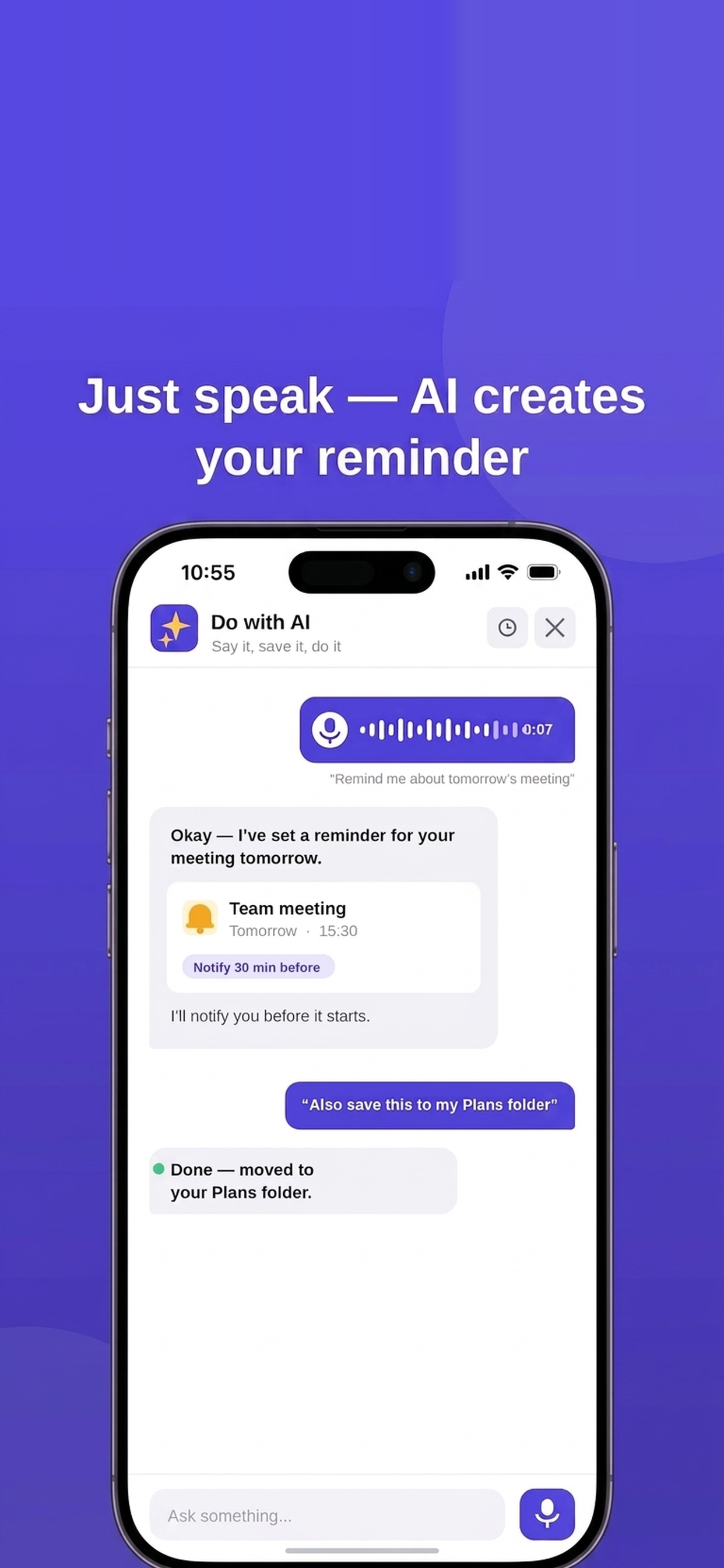
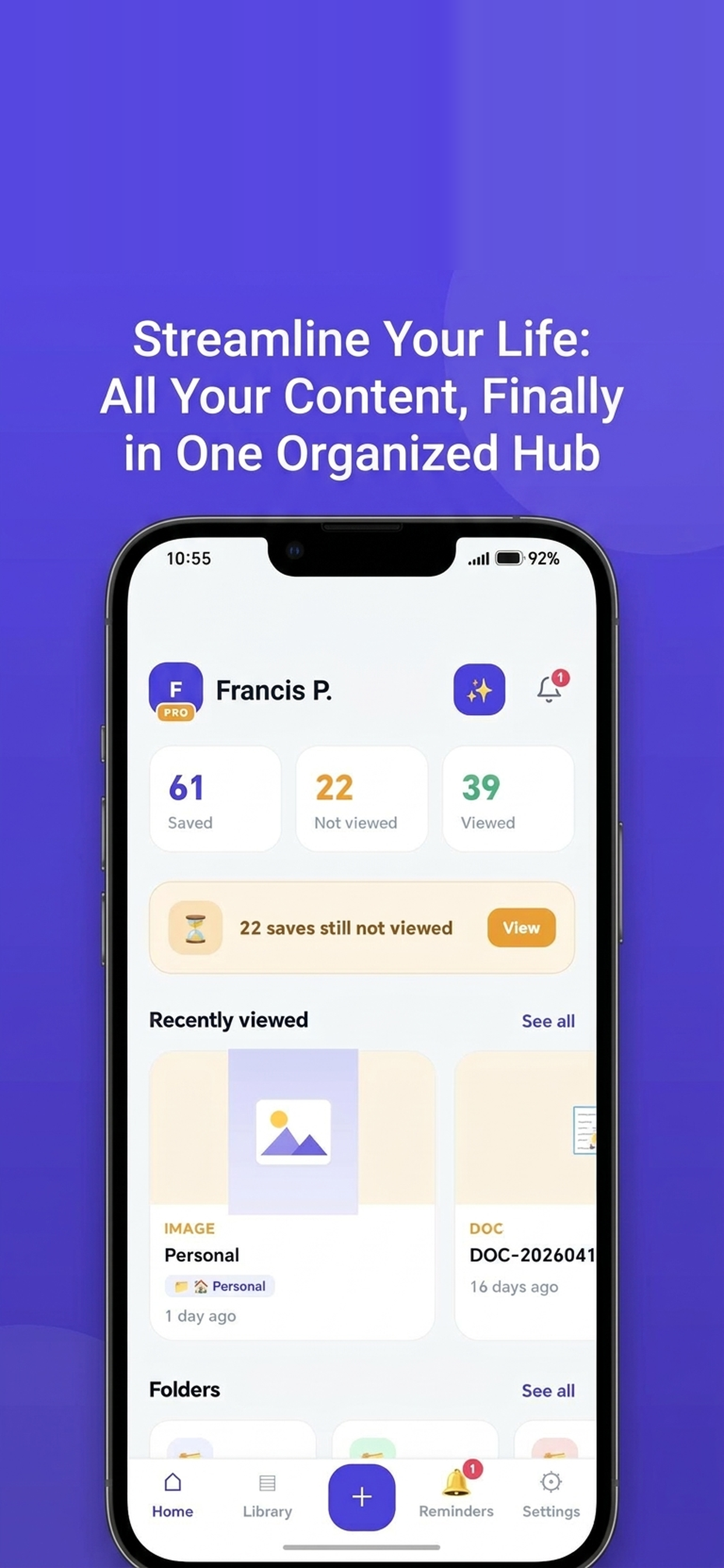
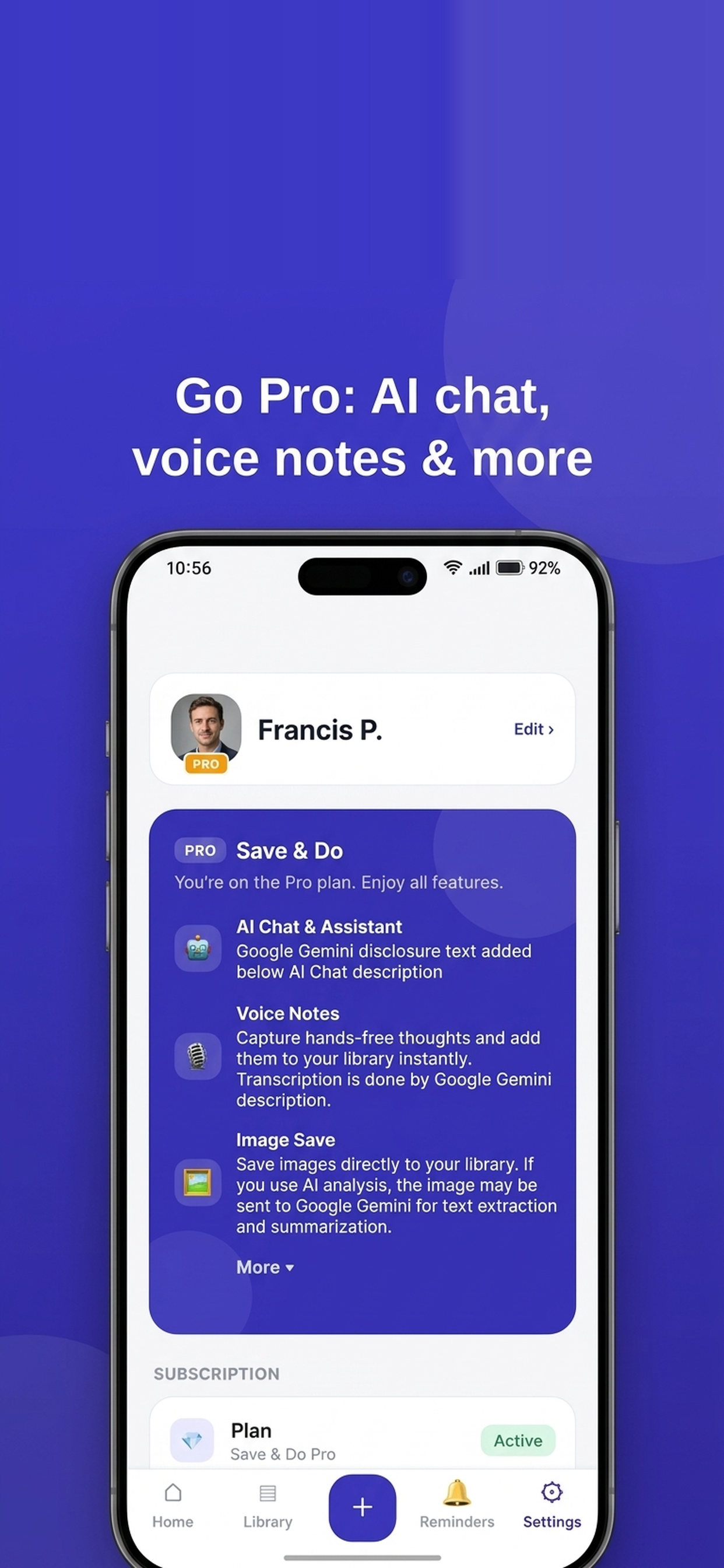
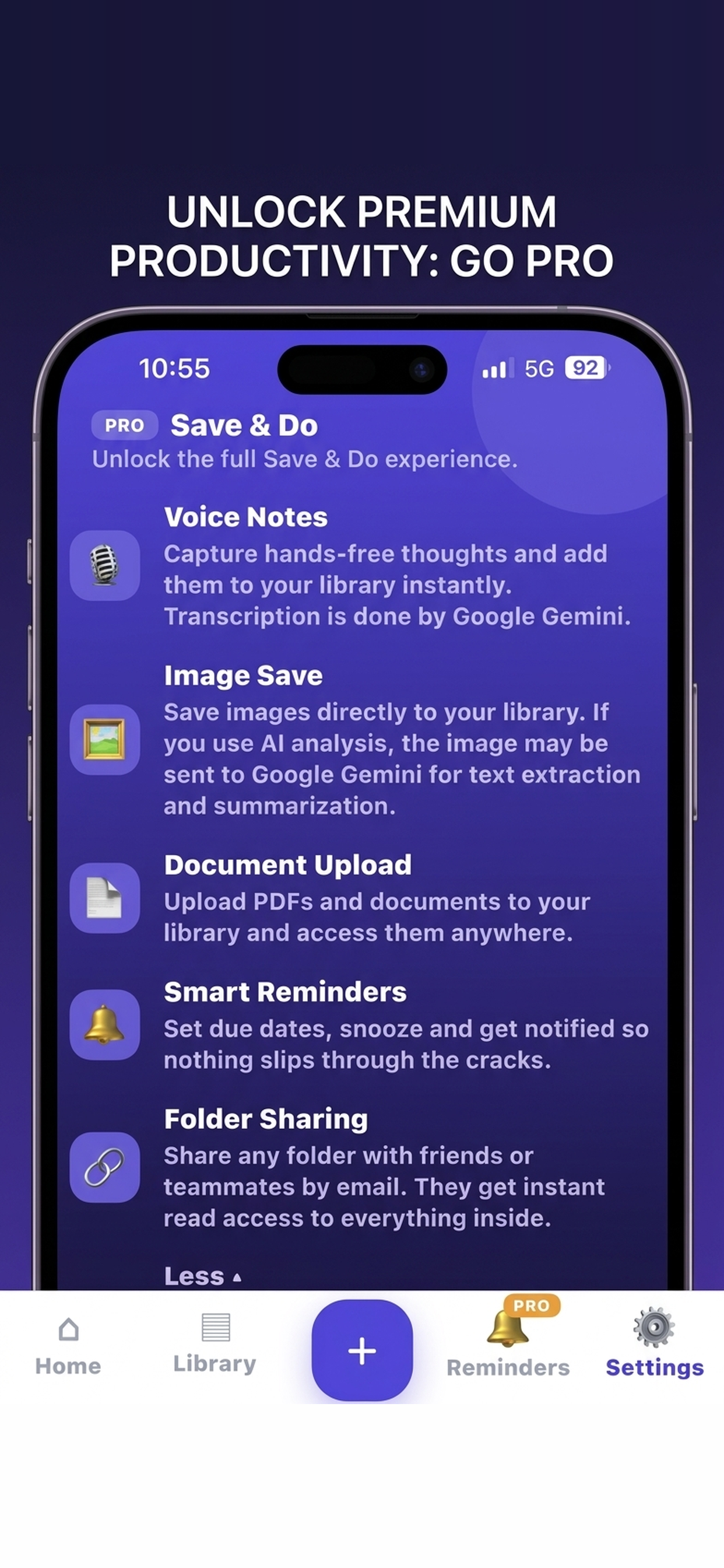
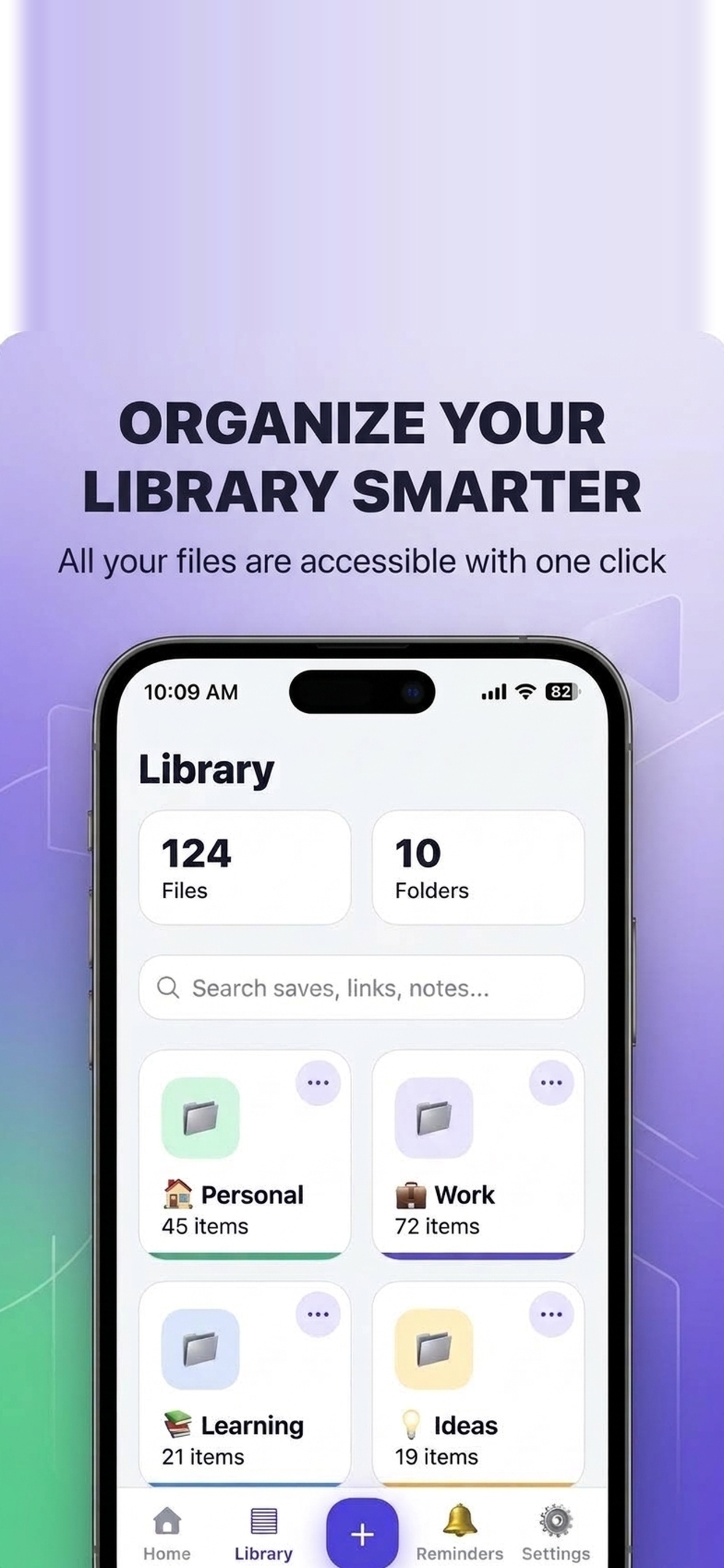
Save & Do brings your links, videos, files, notes and voice notes into one place. Save anything in seconds, sort it into color-coded folders, and turn any save into a reminder that actually reaches you — so you never lose track of the things you meant to get back to. It works across the mobile app and the web with the same account, and includes a built-in AI assistant that can summarize what you saved or set reminders in plain words.
Features
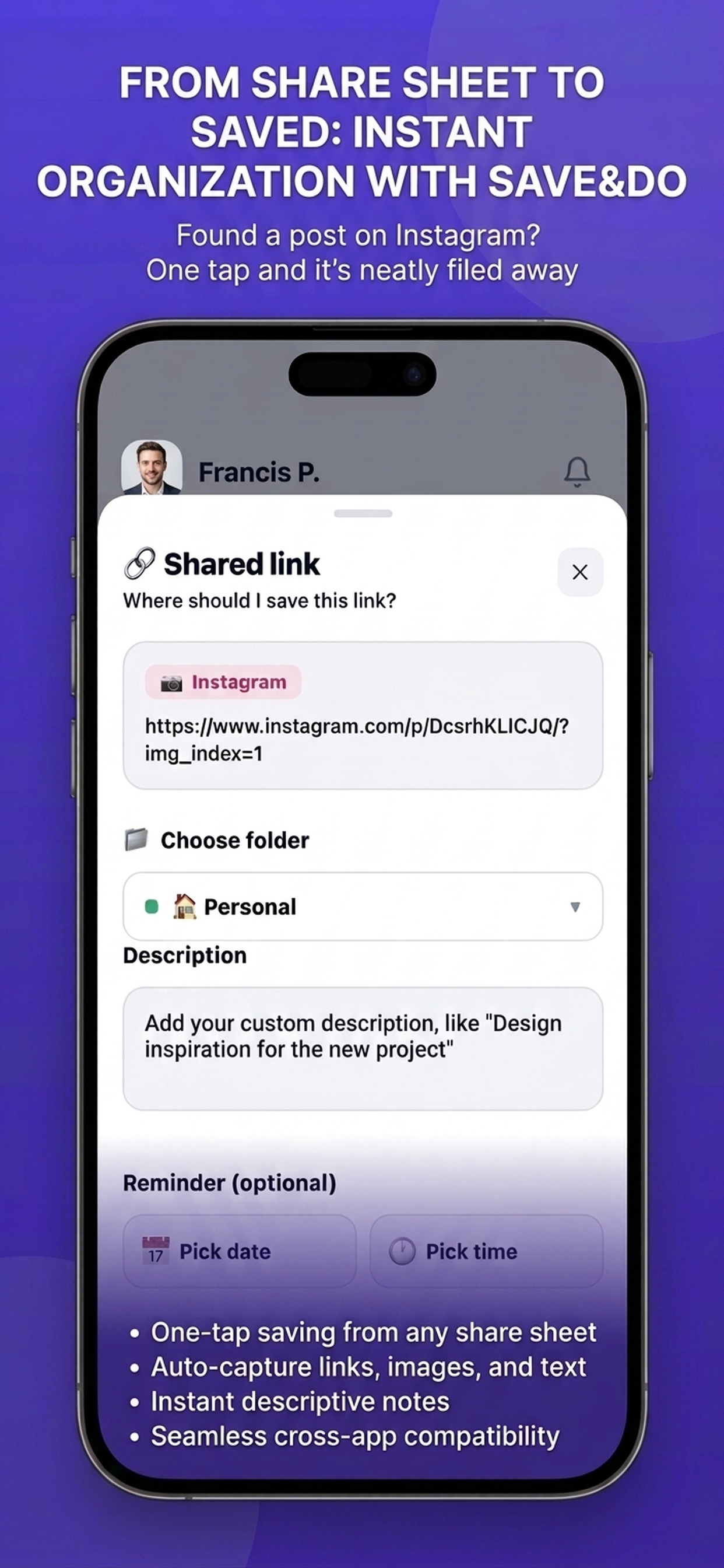
- Save links, videos, files, notes and voice notes in seconds
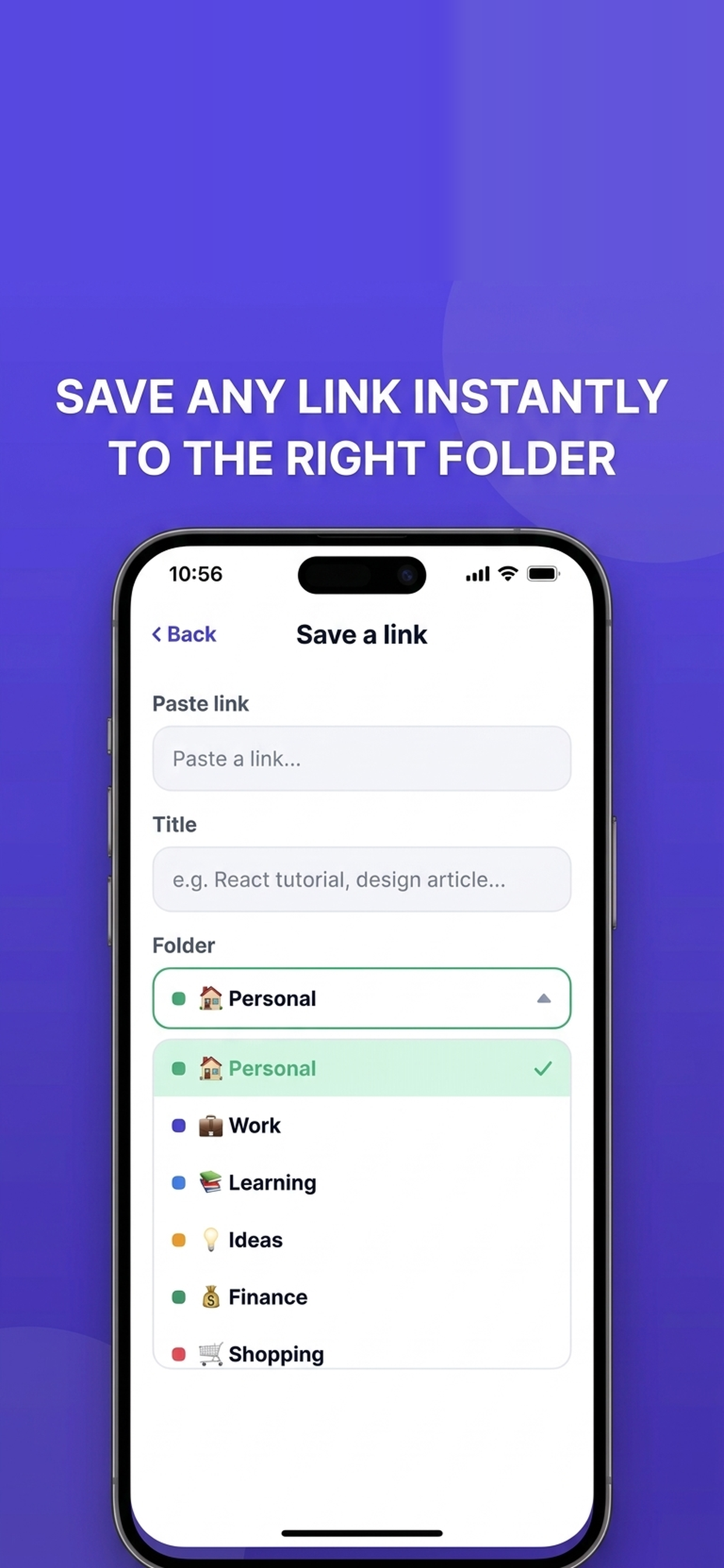
- Organize saves into color-coded folders and subfolders
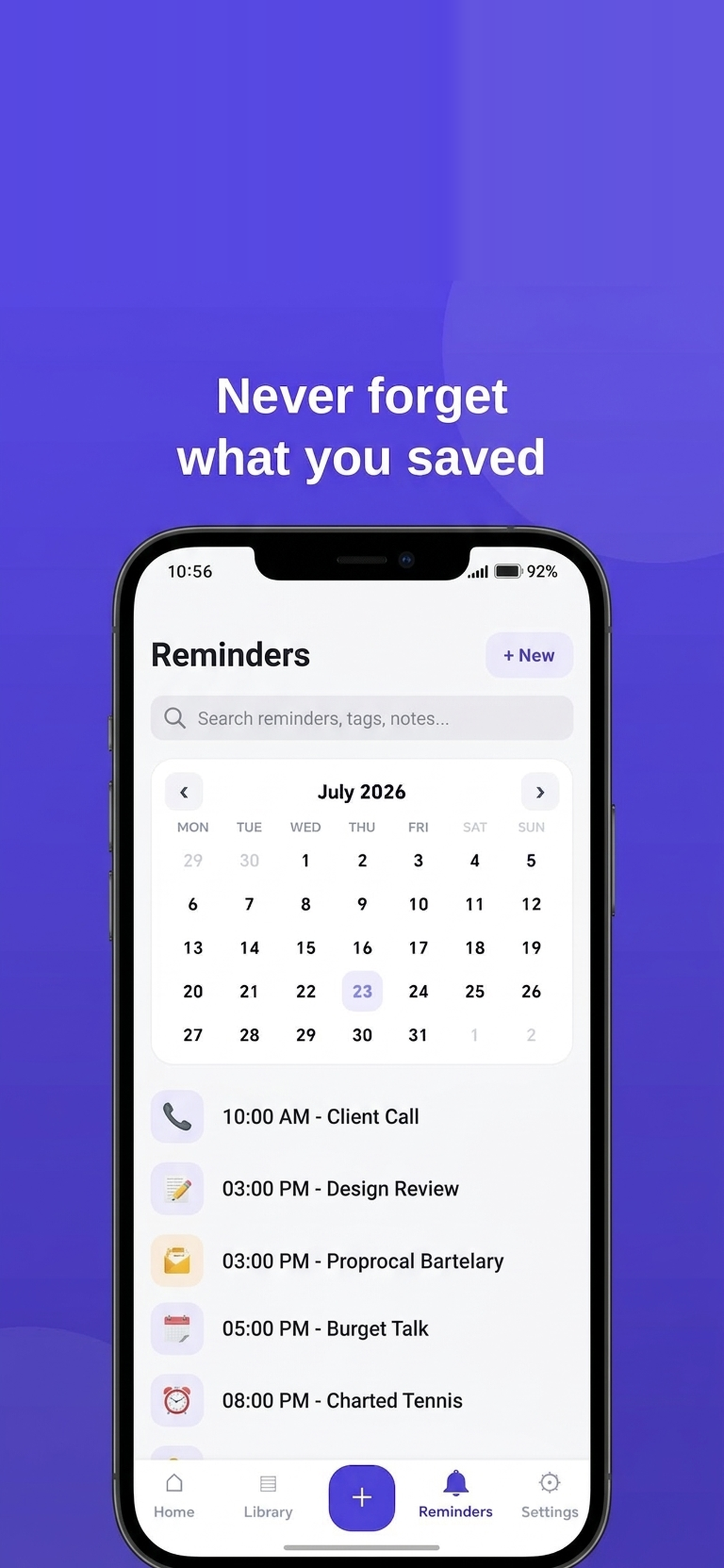
- Turn any save into a reminder with date, time and Google Calendar sync
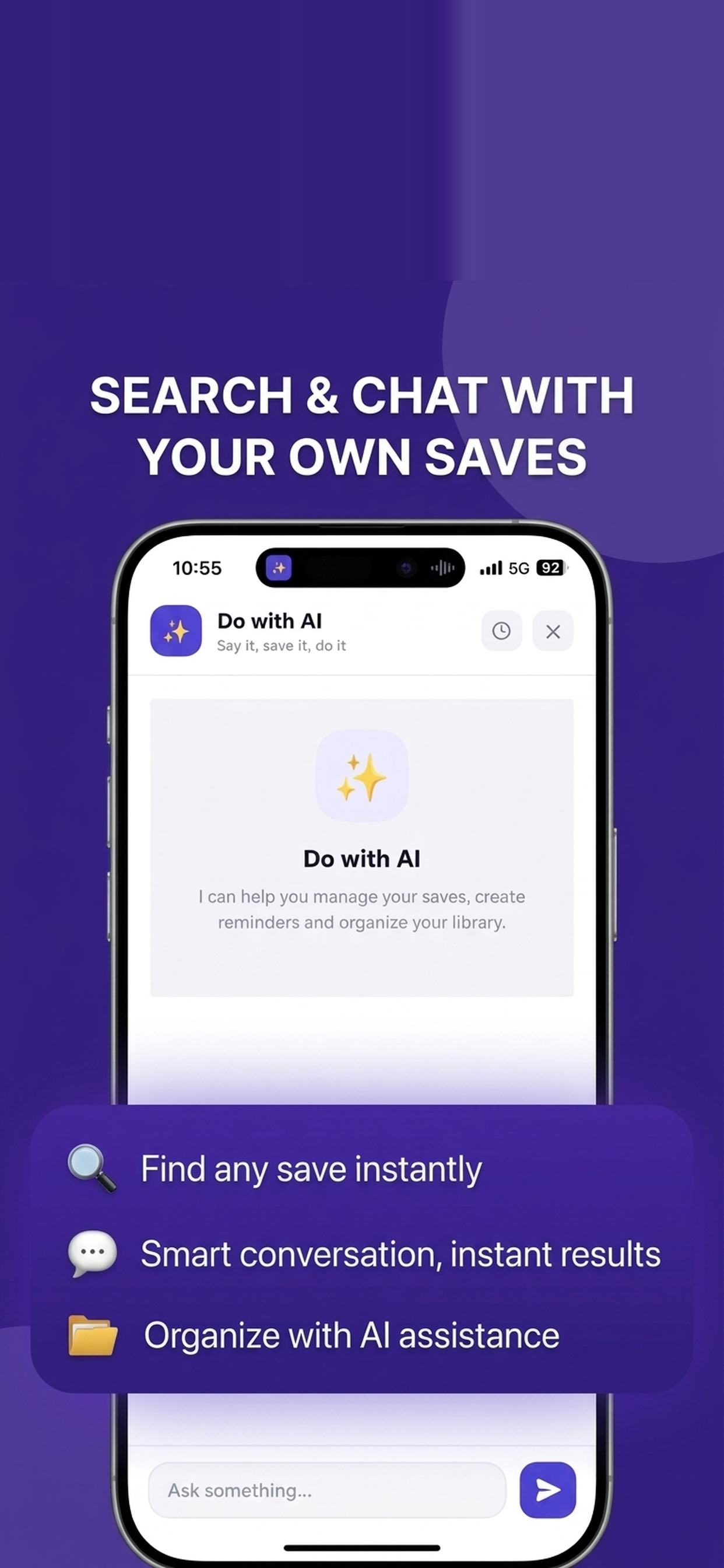
- Built-in AI assistant to summarize saves and add notes or reminders by voice
- Share folders with others to collect ideas and plan together
- Syncs across the mobile app and web on the same account
Use Cases
- Save an article you don't have time for now and get reminded to read it later
- Collect research links and files into a shared folder with teammates
- Record a voice note on the go and turn it into a task or reminder
- Keep track of videos, screenshots and documents you keep meaning to revisit
- Set time-based reminders for saves and sync them to Google Calendar

Comments


Turning a save into a reminder that resurfaces is the piece most read-later tools miss, so the Google Calendar sync is a good angle. Question: is voice-note transcription handled on the device or sent to the built-in AI assistant? For personal notes that affects how I'd feel about saving sensitive stuff.

The save-to-reminder loop is the part most bookmark tools never finish — my saved folders are where links go to be forgotten, so tying a save directly to a reminder that actually fires is the right problem to solve. The voice-note flow looks especially low-friction: just speak and the reminder exists. One question: when the instruction is vague, like "remind me next week" in plain words, does the assistant ask for a time, pick a sensible default, or learn from how I usually schedule? That detail decides whether it feels smart or just automated.
Turning a save into a reminder that reaches you is the part most read-later apps miss. Saving is easy, coming back is the hard part. Does the reminder open the saved item directly (the video at the right timestamp, the article itself), or the app's folder view? And for the AI summaries, can I see the summary in the reminder notification? That would let me decide on the spot whether it's still worth reading.
The piece that is different from a bookmarks bar or Pocket is color-coded folders with subfolders, plus sharing a folder so other people can drop research into the same place, synced on one account across the mobile app and the web. The comments above already cover who a reminder notifies and whether it deep-links the saved item. The open question for me is the AI summary: if a teammate opens a shared folder, do they see a summary already stored on the save, or does the assistant only answer inside the chat of the person who asked? That decides whether this is a personal inbox or a small shared research box.




The save-to-reminder loop is the part most read-later tools never finish — Pocket's shutdown left a real gap, and a reminder that resurfaces the save at the right time is exactly what makes this stick. One thing I'm curious about: when a reminder fires in a shared folder, does it notify the whole folder or just the person who set it?

The save-to-reminder loop is what separates this from every read-later app I've abandoned — Pocket and Raindrop both let me hoard links, but nothing ever resurfaced them, so the pile just grew. Two questions: when a reminder is set on a save inside a shared folder, does it notify everyone in the folder or only the person who set it? And does the AI summary run on-device or in the cloud? If I'm saving client work, I'd want to know where the content is processed.
The save-to-reminder loop is what separates this from every read-later app I've abandoned — Pocket and Raindrop both let me hoard links, but nothing ever resurfaced them, so the pile just grew. Two questions: when a reminder is set on a save inside a shared folder, does it notify everyone in the folder or only the person who set it? And does the AI summary run on-device or in the cloud? If I'm saving client work, I'd want to know where the content is processed.


The reminder-on-a-save idea is what separates this from a folder of forgotten links. I would use it for videos and voice notes more than articles. One concrete check: if I save a YouTube link and set a reminder, does the reminder open the video itself, or only the folder? And do voice notes stay attached to that saved item when I sort it into a color-coded subfolder, or do they live in a separate notes list?



Turning a save into a reminder is the bit most bookmark tools miss, since saving is easy and coming back is the hard part. With shared folders, does a reminder go to everyone in the folder or only the person who set it? For a small team collecting supplier links or recipe ideas, a shared reminder would be really handy.
Premium Products


















































Sponsors
Buy

Awards
View all
Awards
View all
Comments
Turning a save into a reminder that resurfaces is the piece most read-later tools miss, so the Google Calendar sync is a good angle. Question: is voice-note transcription handled on the device or sent to the built-in AI assistant? For personal notes that affects how I'd feel about saving sensitive stuff.
The save-to-reminder loop is the part most bookmark tools never finish — my saved folders are where links go to be forgotten, so tying a save directly to a reminder that actually fires is the right problem to solve. The voice-note flow looks especially low-friction: just speak and the reminder exists. One question: when the instruction is vague, like "remind me next week" in plain words, does the assistant ask for a time, pick a sensible default, or learn from how I usually schedule? That detail decides whether it feels smart or just automated.
Turning a save into a reminder that reaches you is the part most read-later apps miss. Saving is easy, coming back is the hard part. Does the reminder open the saved item directly (the video at the right timestamp, the article itself), or the app's folder view? And for the AI summaries, can I see the summary in the reminder notification? That would let me decide on the spot whether it's still worth reading.
The piece that is different from a bookmarks bar or Pocket is color-coded folders with subfolders, plus sharing a folder so other people can drop research into the same place, synced on one account across the mobile app and the web. The comments above already cover who a reminder notifies and whether it deep-links the saved item. The open question for me is the AI summary: if a teammate opens a shared folder, do they see a summary already stored on the save, or does the assistant only answer inside the chat of the person who asked? That decides whether this is a personal inbox or a small shared research box.
The save-to-reminder loop is the part most read-later tools never finish — Pocket's shutdown left a real gap, and a reminder that resurfaces the save at the right time is exactly what makes this stick. One thing I'm curious about: when a reminder fires in a shared folder, does it notify the whole folder or just the person who set it?
The save-to-reminder loop is what separates this from every read-later app I've abandoned — Pocket and Raindrop both let me hoard links, but nothing ever resurfaced them, so the pile just grew. Two questions: when a reminder is set on a save inside a shared folder, does it notify everyone in the folder or only the person who set it? And does the AI summary run on-device or in the cloud? If I'm saving client work, I'd want to know where the content is processed.
The save-to-reminder loop is what separates this from every read-later app I've abandoned — Pocket and Raindrop both let me hoard links, but nothing ever resurfaced them, so the pile just grew. Two questions: when a reminder is set on a save inside a shared folder, does it notify everyone in the folder or only the person who set it? And does the AI summary run on-device or in the cloud? If I'm saving client work, I'd want to know where the content is processed.
The reminder-on-a-save idea is what separates this from a folder of forgotten links. I would use it for videos and voice notes more than articles. One concrete check: if I save a YouTube link and set a reminder, does the reminder open the video itself, or only the folder? And do voice notes stay attached to that saved item when I sort it into a color-coded subfolder, or do they live in a separate notes list?
Turning a save into a reminder is the bit most bookmark tools miss, since saving is easy and coming back is the hard part. With shared folders, does a reminder go to everyone in the folder or only the person who set it? For a small team collecting supplier links or recipe ideas, a shared reminder would be really handy.
Premium Products
New to Fazier?

Find your next favorite product or submit your own. Made by @FalakDigital.
Copyright ©2026. All Rights Reserved