
Saeth
Analytics for your calendar
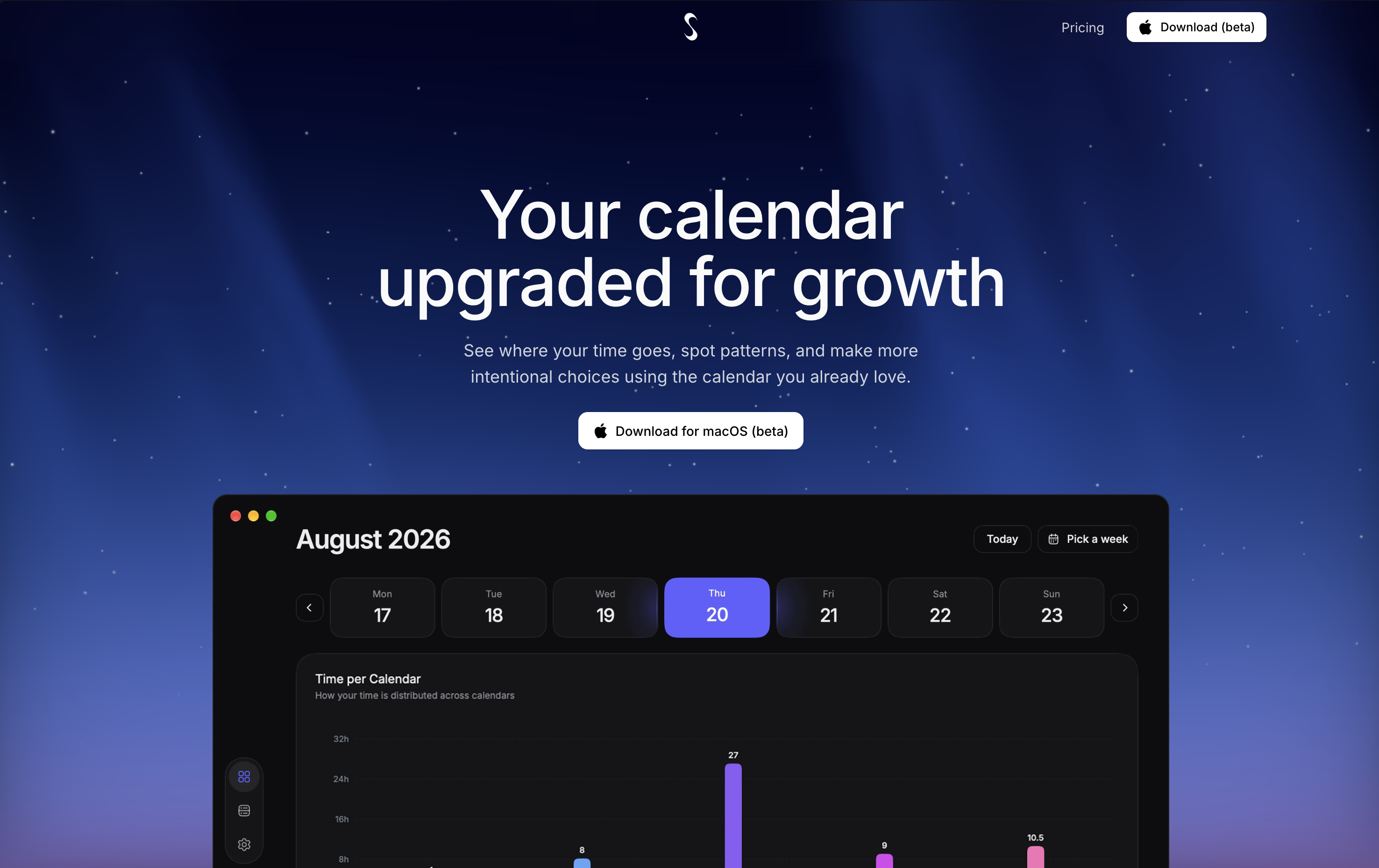
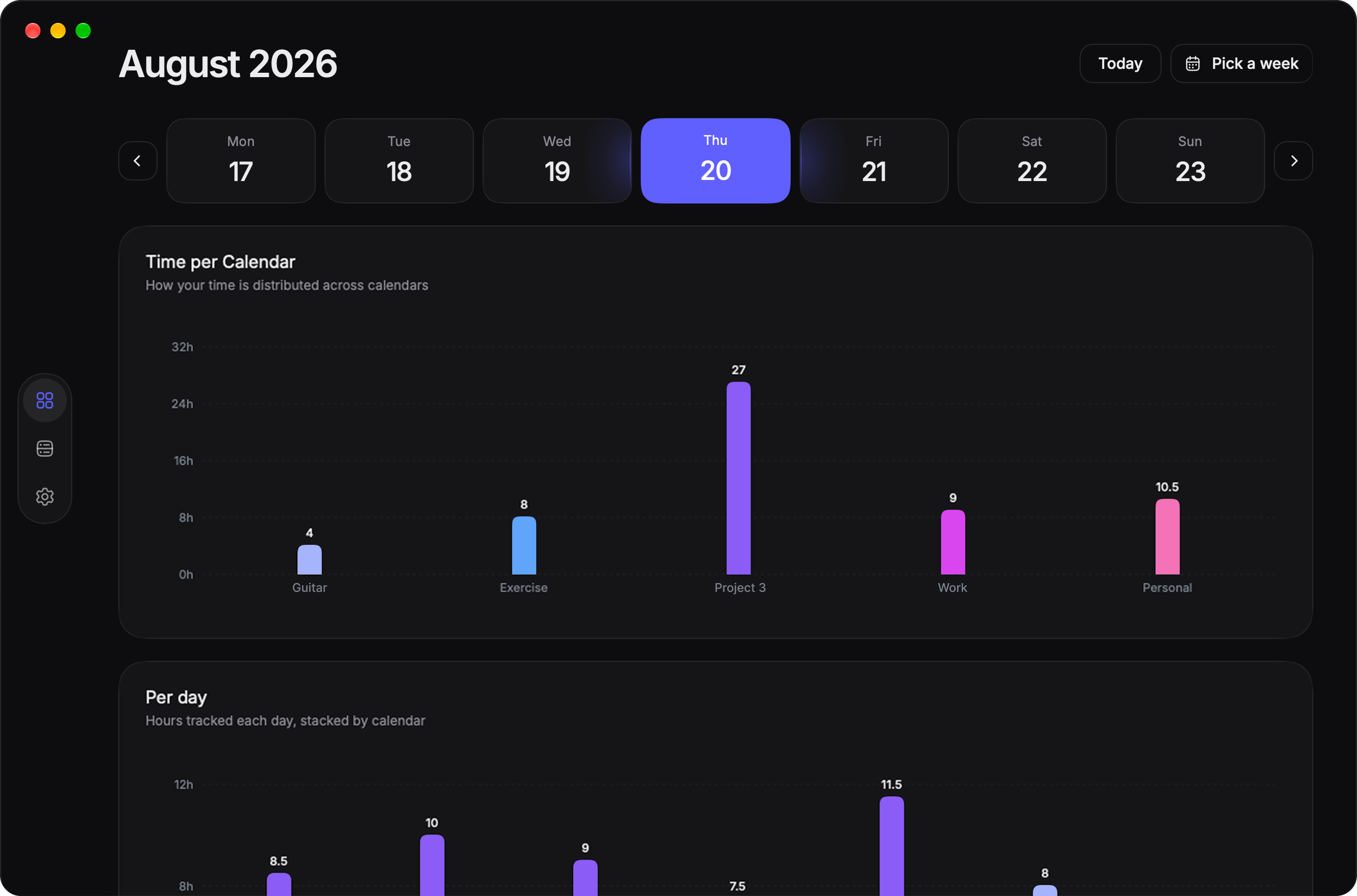
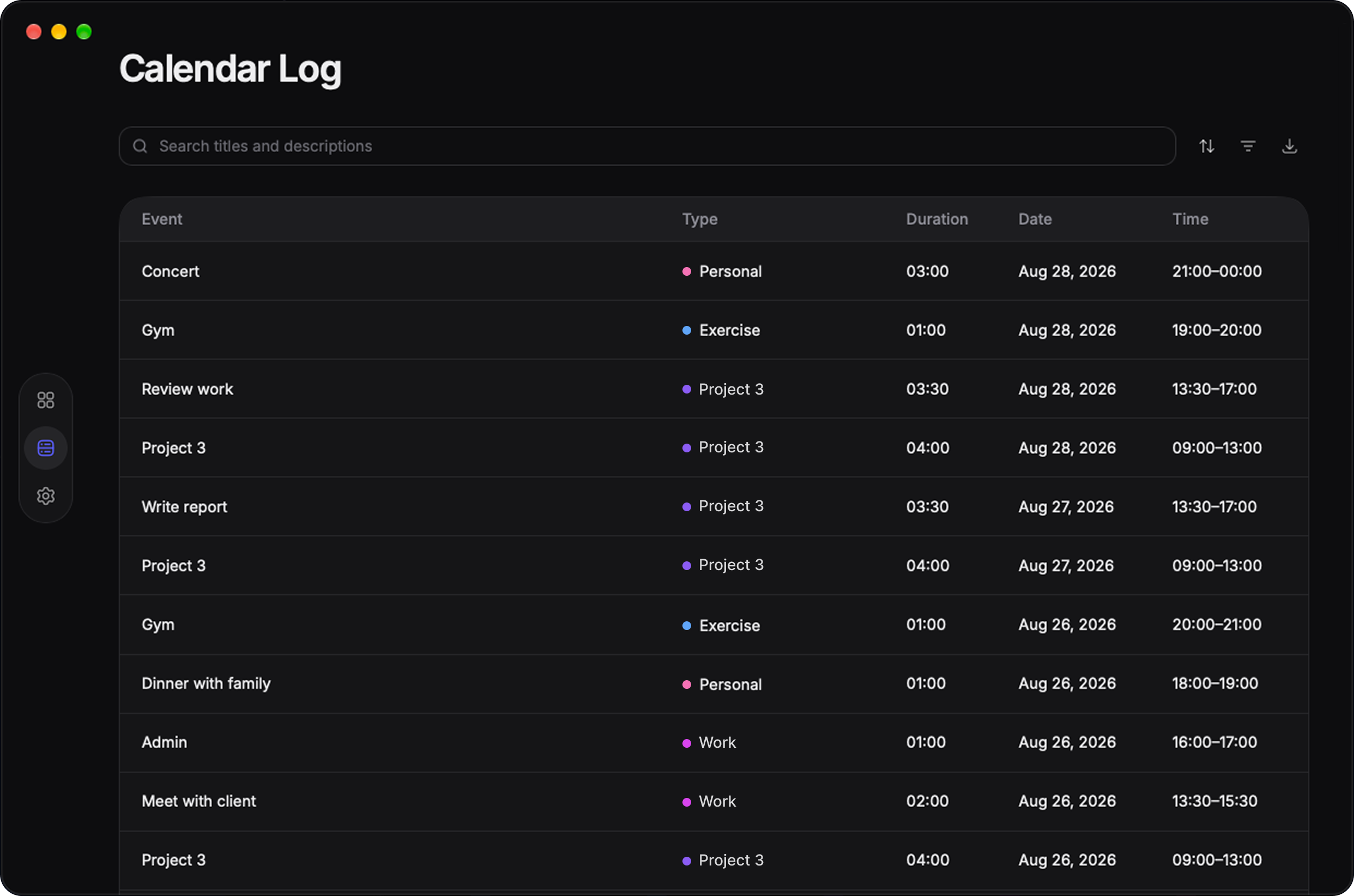
Saeth is a beautifully designed time tracker that works with the calendar you already use. Keep planning your days as usual while Saeth turns your calendar into insights about how you spend your time. Saeth is designed to be a lightweight addition to your workflow. Your calendar data stays on your device, while exports give you the freedom to take your data further. Saeth is a one-time purchase, so you don't have to think about another subscription.

Features
- Charts
- Log
- CSV & XLSX export
- One-time purchase
- 7-day free trial
Use Cases
- Understanding how you spend your time.
- Managing your time.
- Understanding where you waste time.
- Needing to keep or provide a time log.

Comments


Top Free Games is a browser game platform which is created in such a way as to provide instant access and entertainment in variety of forms. Contrary to many of the other platforms we considered above, https://topfreegames.io/ is not a single game featuring particular mechanics; it is a compilation of free online games belonging to various genres.


Here many more tools that is use it https://www.b4sai.in/2026/10/chatgpt-vs-claude-3-7-comparison.html

This fills a gap most productivity tools ignore - most people have no visibility into their actual calendar patterns. Most time-tracking tools force you into logging; letting you analyze existing calendar data is elegant. The insight angle (where time actually goes vs where you think it goes) is where real behavior change lives.

The local-first approach is refreshing for a calendar tool - no account, no sync server holding my schedule. Since it reads the calendar I already use: does it handle events that move around a lot (recurring meetings that get rescheduled), or do those get double-counted in the stats? Also glad to see one-time purchase, that's getting rare.
Reading the calendar people already use instead of asking them to start a new tracker is a smart way to cut friction, and keeping the data on-device with a one-time purchase is refreshing. The CSV and XLSX export is a useful escape hatch. Would you consider letting users tag or group events by calendar or keyword so recurring meetings roll up into categories automatically in the charts?
Keeping the data on-device while still allowing CSV and XLSX export is a sensible balance for people who want insights without adding another cloud account. Since it reads the calendar you already use, how does it handle recurring events or overlapping meetings? That's usually where time-tracking charts start to mislead, so I'd be curious how you treat those cases.

Keeping calendar data on-device and offering CSV and XLSX export is a thoughtful combination for people who need to keep a time log. Do the charts let you group events by calendar or by keyword, so you can see something like meetings versus focus time? A simple tag rule based on event titles would make the insights much more useful without changing how people plan.

Premium Products























































Sponsors
Buy

Comments
Top Free Games is a browser game platform which is created in such a way as to provide instant access and entertainment in variety of forms. Contrary to many of the other platforms we considered above, https://topfreegames.io/ is not a single game featuring particular mechanics; it is a compilation of free online games belonging to various genres.
Here many more tools that is use it https://www.b4sai.in/2026/10/chatgpt-vs-claude-3-7-comparison.html
This fills a gap most productivity tools ignore - most people have no visibility into their actual calendar patterns. Most time-tracking tools force you into logging; letting you analyze existing calendar data is elegant. The insight angle (where time actually goes vs where you think it goes) is where real behavior change lives.
The local-first approach is refreshing for a calendar tool - no account, no sync server holding my schedule. Since it reads the calendar I already use: does it handle events that move around a lot (recurring meetings that get rescheduled), or do those get double-counted in the stats? Also glad to see one-time purchase, that's getting rare.
Reading the calendar people already use instead of asking them to start a new tracker is a smart way to cut friction, and keeping the data on-device with a one-time purchase is refreshing. The CSV and XLSX export is a useful escape hatch. Would you consider letting users tag or group events by calendar or keyword so recurring meetings roll up into categories automatically in the charts?
Keeping the data on-device while still allowing CSV and XLSX export is a sensible balance for people who want insights without adding another cloud account. Since it reads the calendar you already use, how does it handle recurring events or overlapping meetings? That's usually where time-tracking charts start to mislead, so I'd be curious how you treat those cases.
Keeping calendar data on-device and offering CSV and XLSX export is a thoughtful combination for people who need to keep a time log. Do the charts let you group events by calendar or by keyword, so you can see something like meetings versus focus time? A simple tag rule based on event titles would make the insights much more useful without changing how people plan.
Premium Products
New to Fazier?

Find your next favorite product or submit your own. Made by @FalakDigital.
Copyright ©2026. All Rights Reserved