
Rufus Mail
Professional email signatures for Apple Mail on iPhone
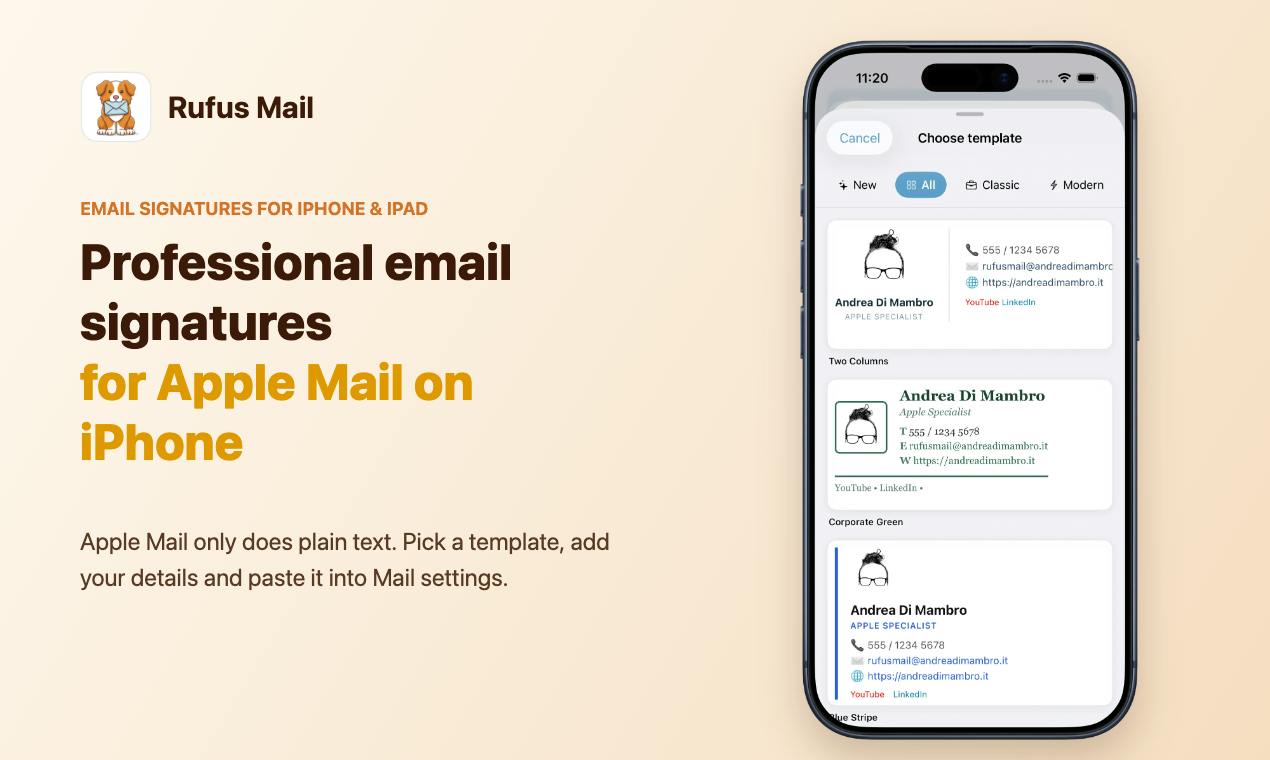
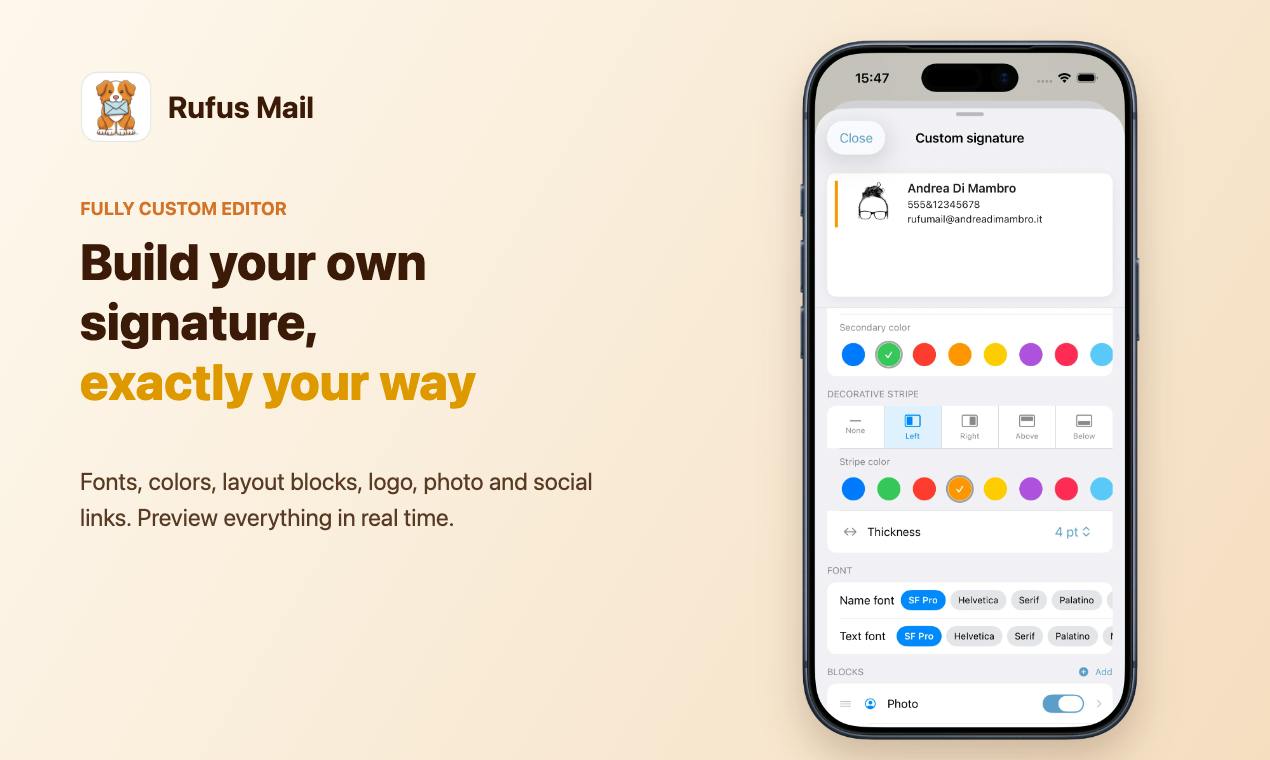
Apple Mail on iPhone and iPad only lets you type a plain-text signature. Rufus Mail lets you build a professional, formatted one in under a minute and paste it into Mail settings. Pick one of dozens of templates or design your own with the custom editor. Add your photo, company logo, social links and even your handwritten signature. Available in 7 languages. Free to try; a yearly subscription unlocks exporting the signature to Mail.
Features
- Dozens of ready-made signature templates
- Custom editor: fonts, colors and layout blocks
- Photo, company logo and social links
- Handwritten signature drawn with your finger
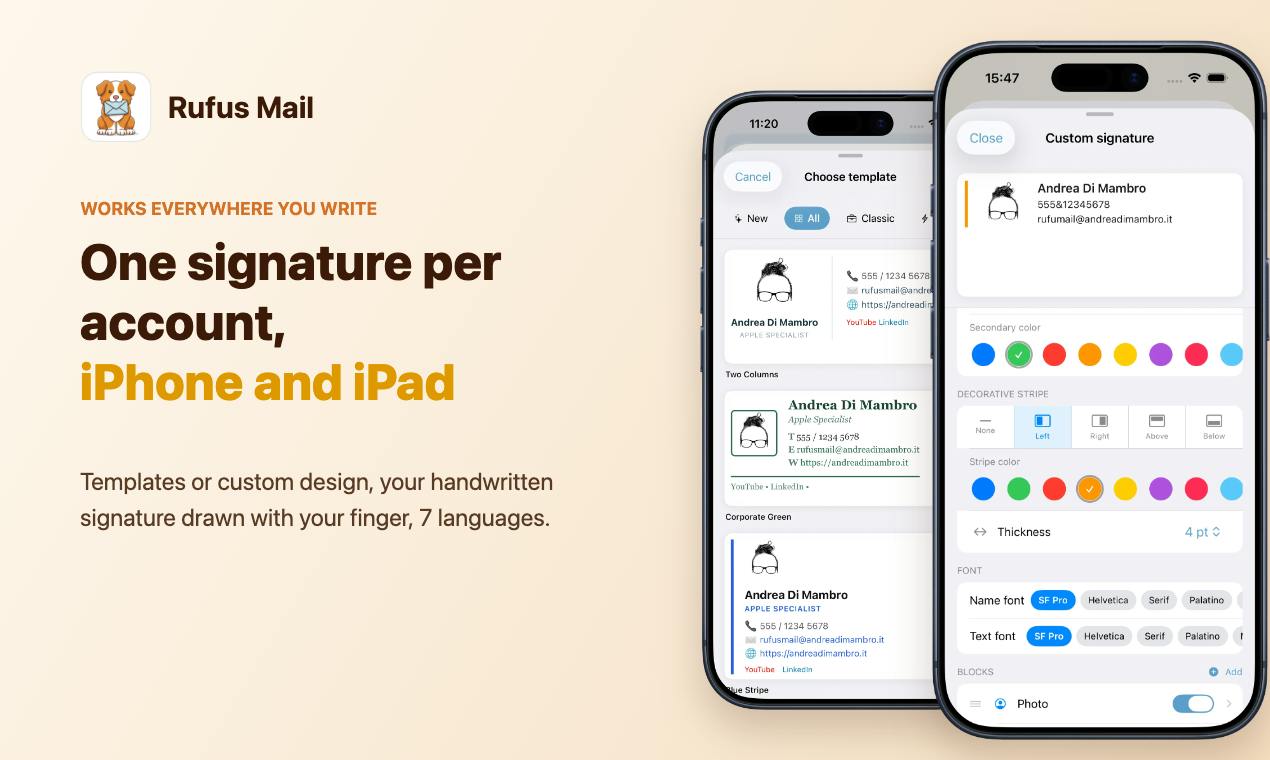
- A different signature for each email account
- iPhone and iPad, 7 languages
Use Cases
- Freelancers and professionals who send email from their iPhone
- Small businesses that want a consistent signature for the whole team
- Anyone tired of "Sent from my iPhone"

Comments


Hi Fazier! I'm Andrea, an Apple specialist from Italy. For more than 30 years I've been helping people get the most out of their Macs, iPhones and iPads. One question kept coming back: "Why does my email signature look so bad when I send from my iPhone?" Apple Mail on iPhone only lets you type plain text. No logo, no links, no formatting. So most people end up with "Sent from my iPhone". So I built Rufus Mail: pick a template or build your own, add your photo, logo, social links and even your handwritten signature, then paste it into Settings > Mail > Signature. A different signature for each account, on iPhone and iPad. I'd love your feedback: what's the one thing your email signature absolutely has to include?
Premium Products








































Sponsors
Buy
Makers
Makers
Comments
Hi Fazier! I'm Andrea, an Apple specialist from Italy. For more than 30 years I've been helping people get the most out of their Macs, iPhones and iPads. One question kept coming back: "Why does my email signature look so bad when I send from my iPhone?" Apple Mail on iPhone only lets you type plain text. No logo, no links, no formatting. So most people end up with "Sent from my iPhone". So I built Rufus Mail: pick a template or build your own, add your photo, logo, social links and even your handwritten signature, then paste it into Settings > Mail > Signature. A different signature for each account, on iPhone and iPad. I'd love your feedback: what's the one thing your email signature absolutely has to include?
Premium Products
New to Fazier?

Find your next favorite product or submit your own. Made by @FalakDigital.
Copyright ©2026. All Rights Reserved