RouteForms
Route Google Forms responses to the right Slack channel
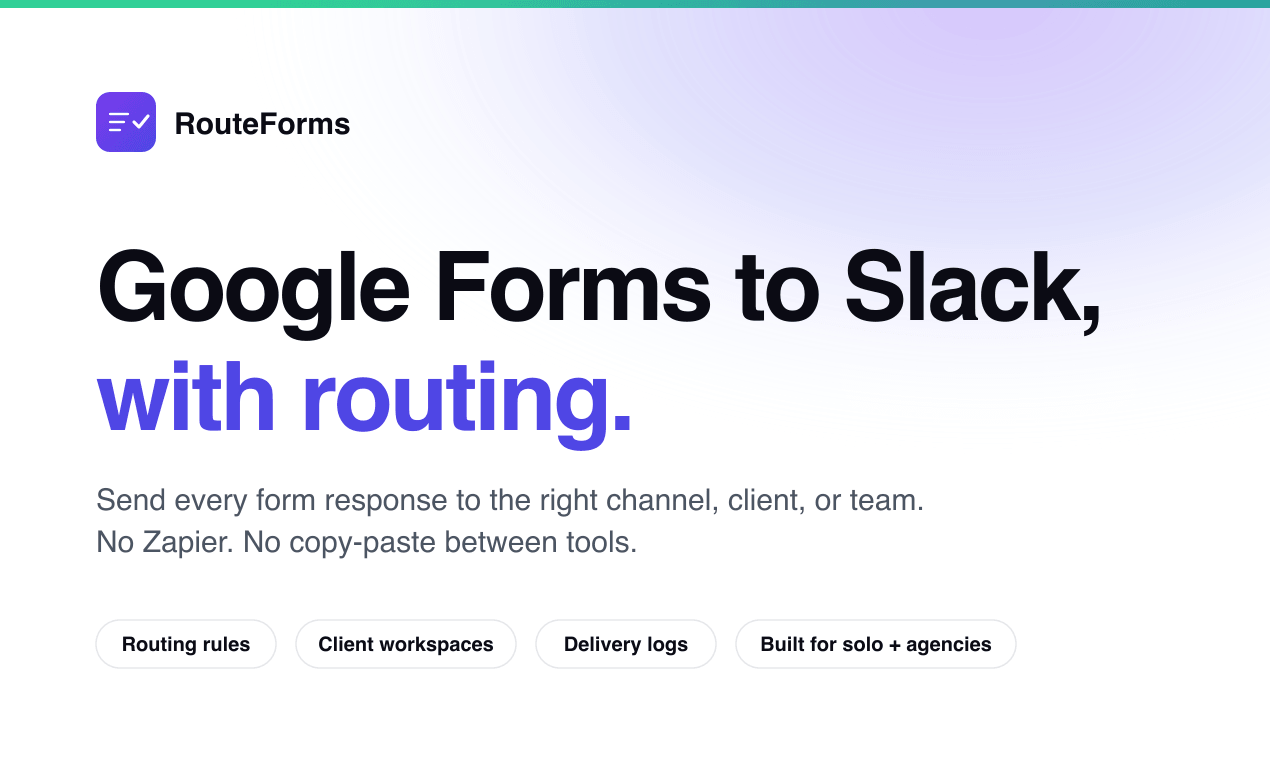
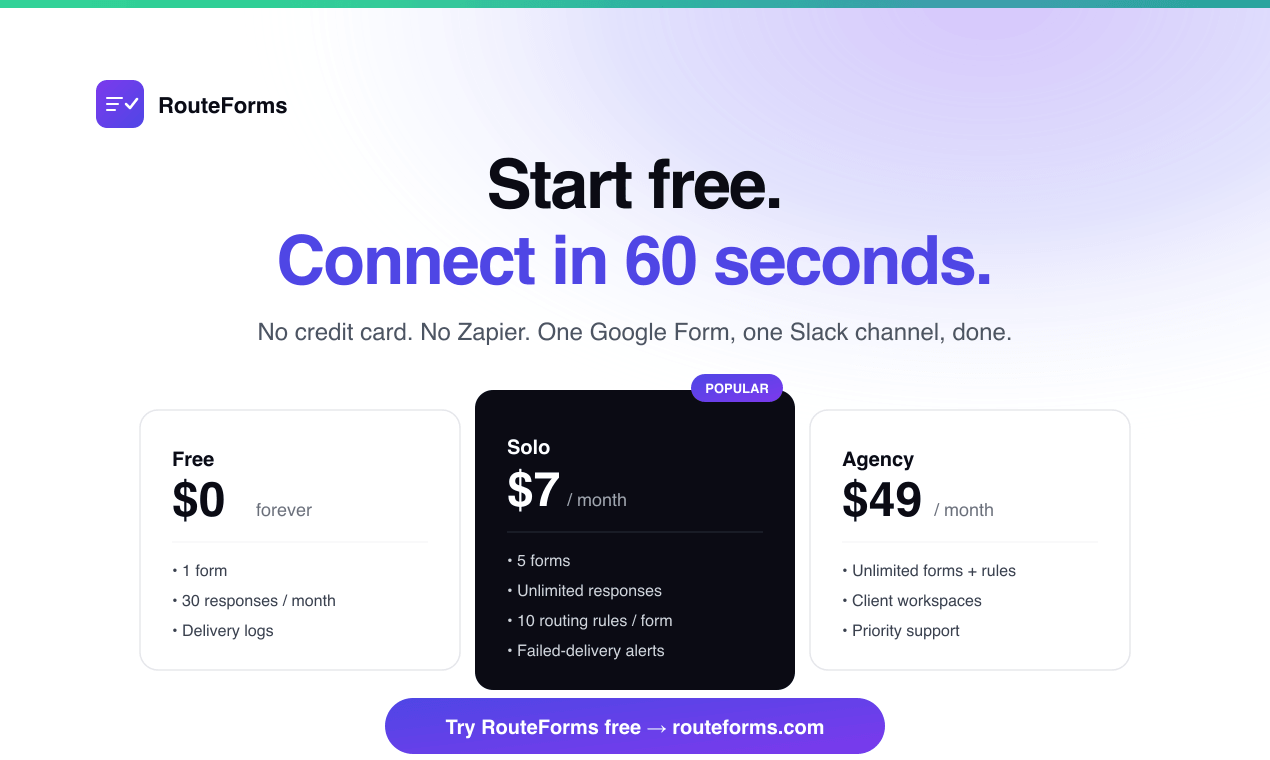
RouteForms sends Google Forms responses to Slack instantly and routes each response to the right channel, client, or team using simple rules. It helps teams avoid checking Sheets manually, missing important responses, or maintaining messy Zapier workflows.
Features
- Send Google Forms responses to Slack instantly
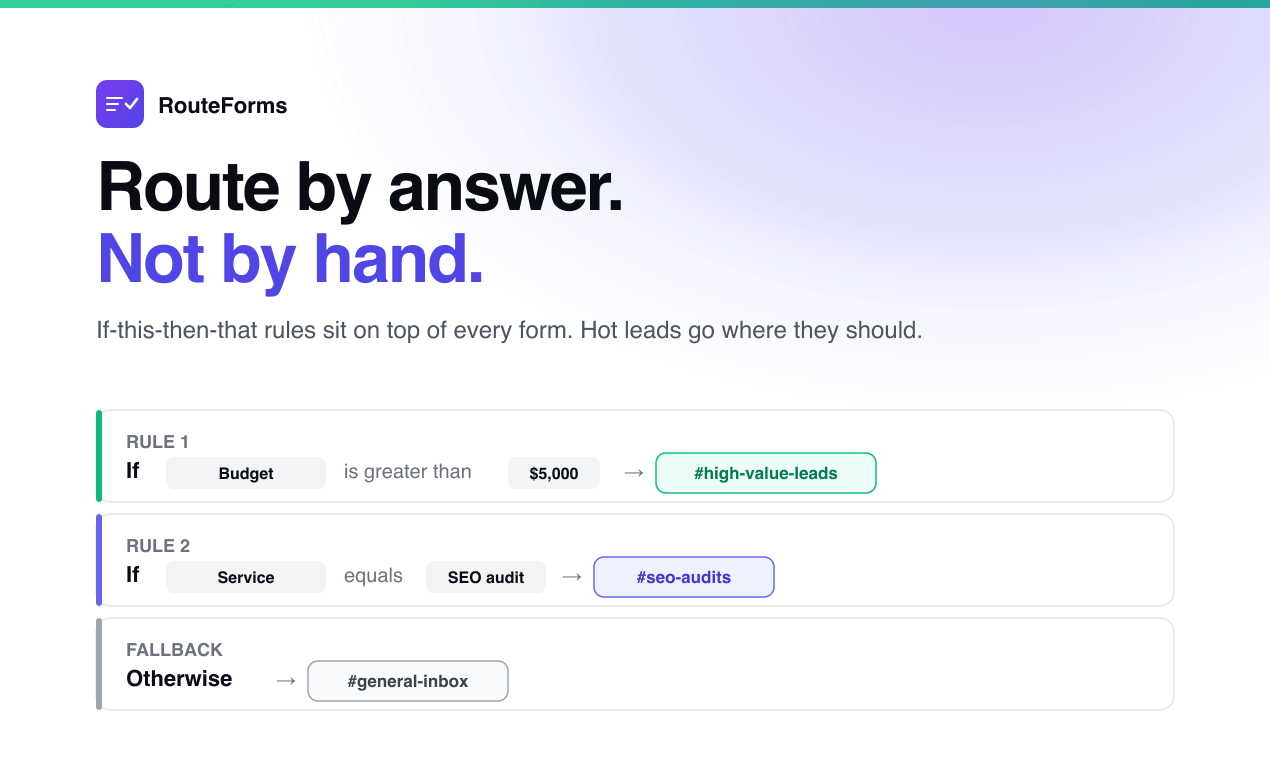
- Route responses based on form answers
- Create simple IF-THEN routing rules
- Send unmatched responses to a default Slack channel
- Auto-detect Google Form fields
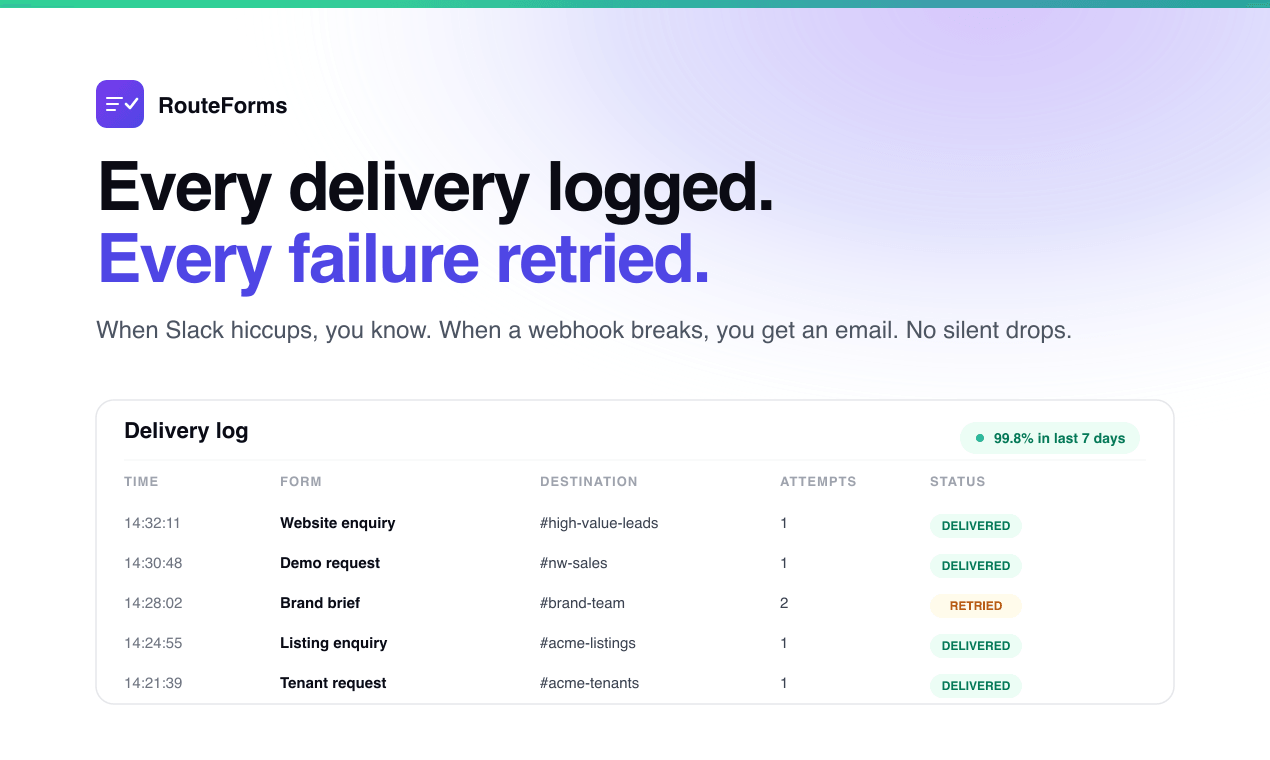
- Track delivery activity
- Retry failed Slack deliveries
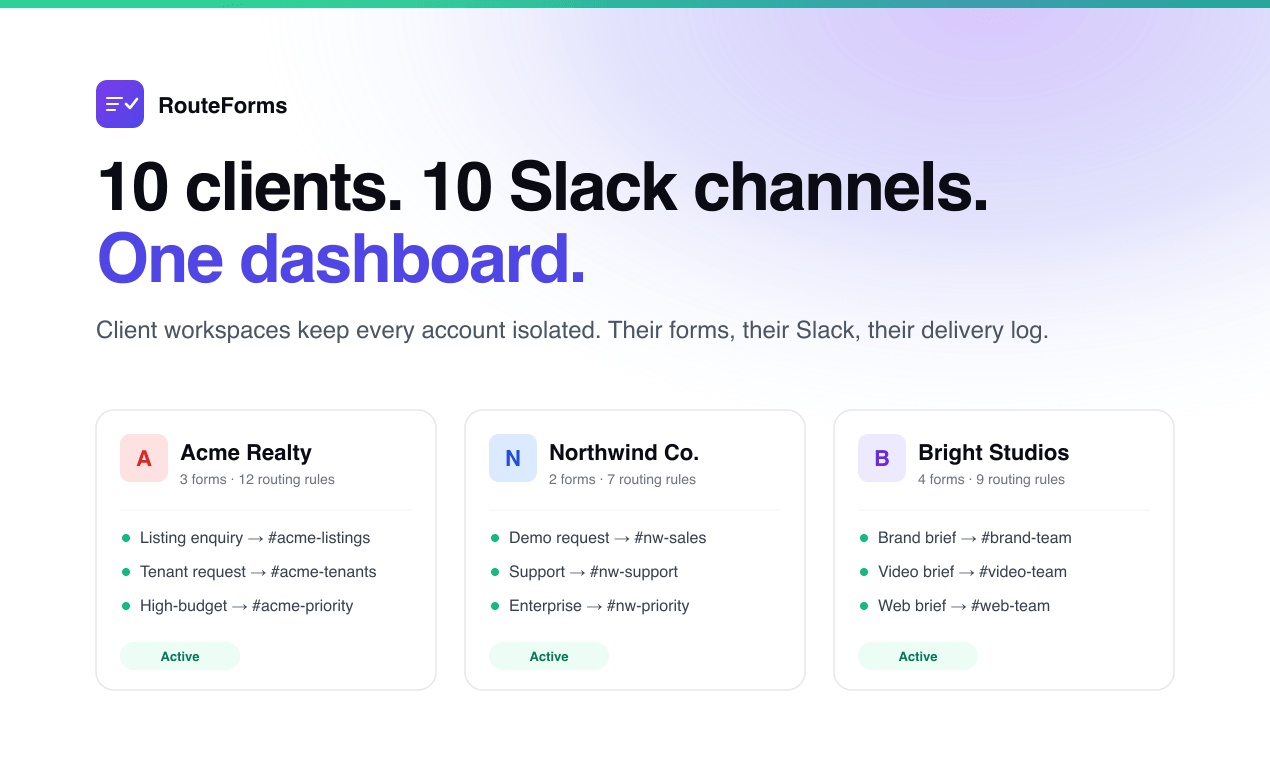
- Manage agency or client workflows
Use Cases
- Send new leads to the sales team
- Route urgent requests to an on-call Slack channel
- Send job applications to a hiring channel
- Route client-specific form responses to the right workspace
- Notify support teams when customers submit requests
- Replace basic Zapier workflows for Google Forms and Slack

Comments


I built RouteForms because I kept seeing teams use Google Forms for serious workflows like leads, support requests, hiring, client intake, and internal requests - but the response handling was still messy. Usually, every form response goes into one Sheet, one inbox, or one generic Slack channel. Then someone has to manually check it, forward it, or build a Zapier workflow just to notify the right person. RouteForms makes this simple: connect a Google Form, connect Slack, then create routing rules like “if budget is above X, send to #hot-leads” or “if priority is urgent, send to #oncall.” The goal is not to replace Google Forms. It is to make Google Forms more useful for teams that already depend on it.
Premium Products





























Sponsors
Buy

Makers
Makers
Comments
I built RouteForms because I kept seeing teams use Google Forms for serious workflows like leads, support requests, hiring, client intake, and internal requests - but the response handling was still messy. Usually, every form response goes into one Sheet, one inbox, or one generic Slack channel. Then someone has to manually check it, forward it, or build a Zapier workflow just to notify the right person. RouteForms makes this simple: connect a Google Form, connect Slack, then create routing rules like “if budget is above X, send to #hot-leads” or “if priority is urgent, send to #oncall.” The goal is not to replace Google Forms. It is to make Google Forms more useful for teams that already depend on it.
Premium Products
New to Fazier?

Find your next favorite product or submit your own. Made by @FalakDigital.
Copyright ©2026. All Rights Reserved