
Rindraw
Drawing and painting on iPad, iPhone and Mac. Pay once.
Rindraw is a drawing, painting and animation app for iPad, iPhone and Mac.
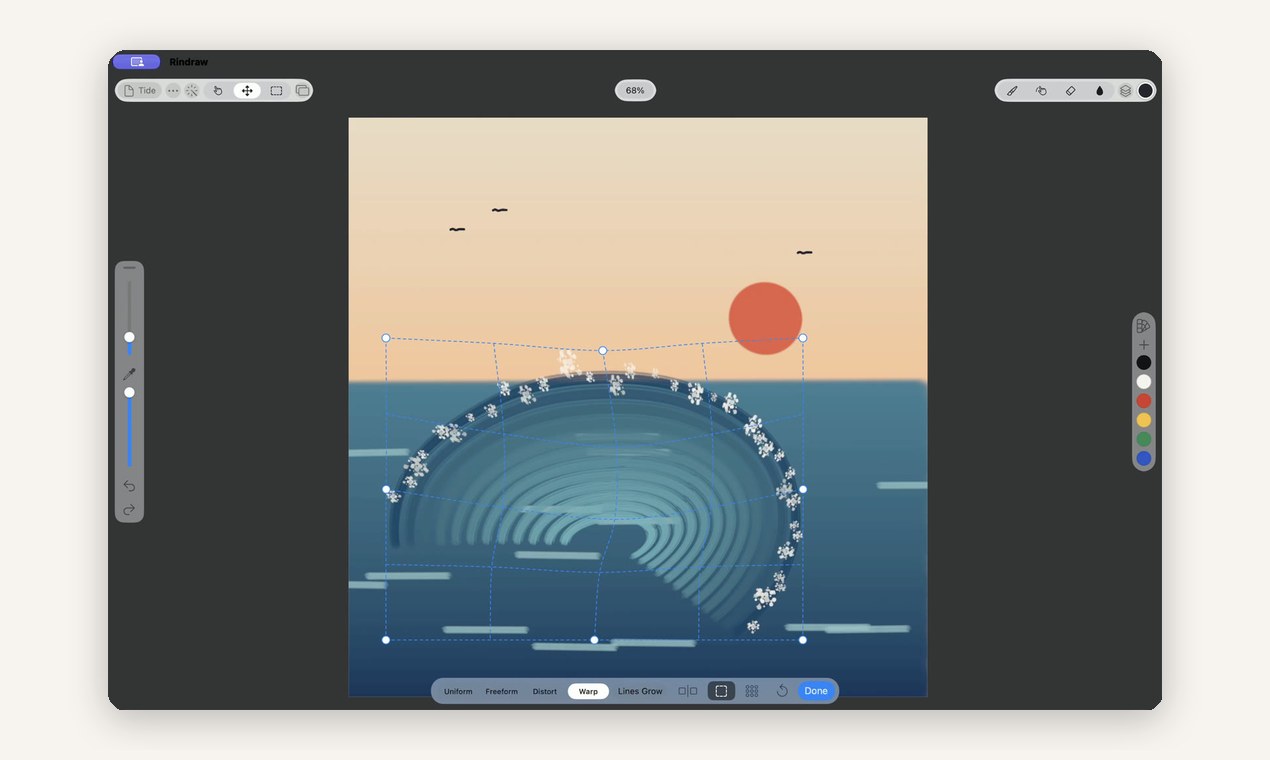
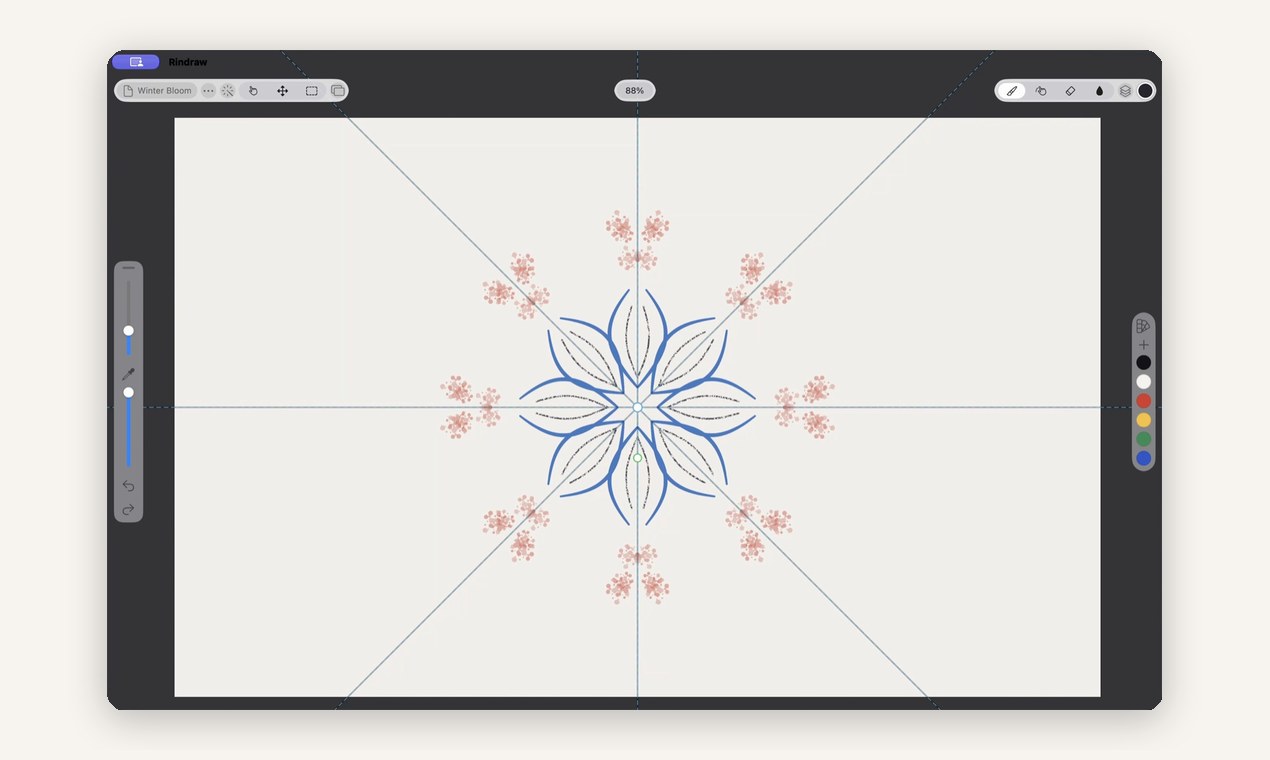
Most painting apps bake each stroke into pixels. Rindraw keeps every stroke as the Apple Pencil input that made it, plus the brush that drew it. So you can recolor or restyle a line a week later, warp and transform it without losing sharpness, and undo survives quitting because the history is saved in the file.
One $12.99 purchase covers iPad, iPhone and Mac, with no account and no subscription. Made by Sawir Studio, a small independent studio.
Features
- Every stroke stays editable: recolor, restyle or warp a line after drawing it
- Undo history saved in the file, so it survives quitting
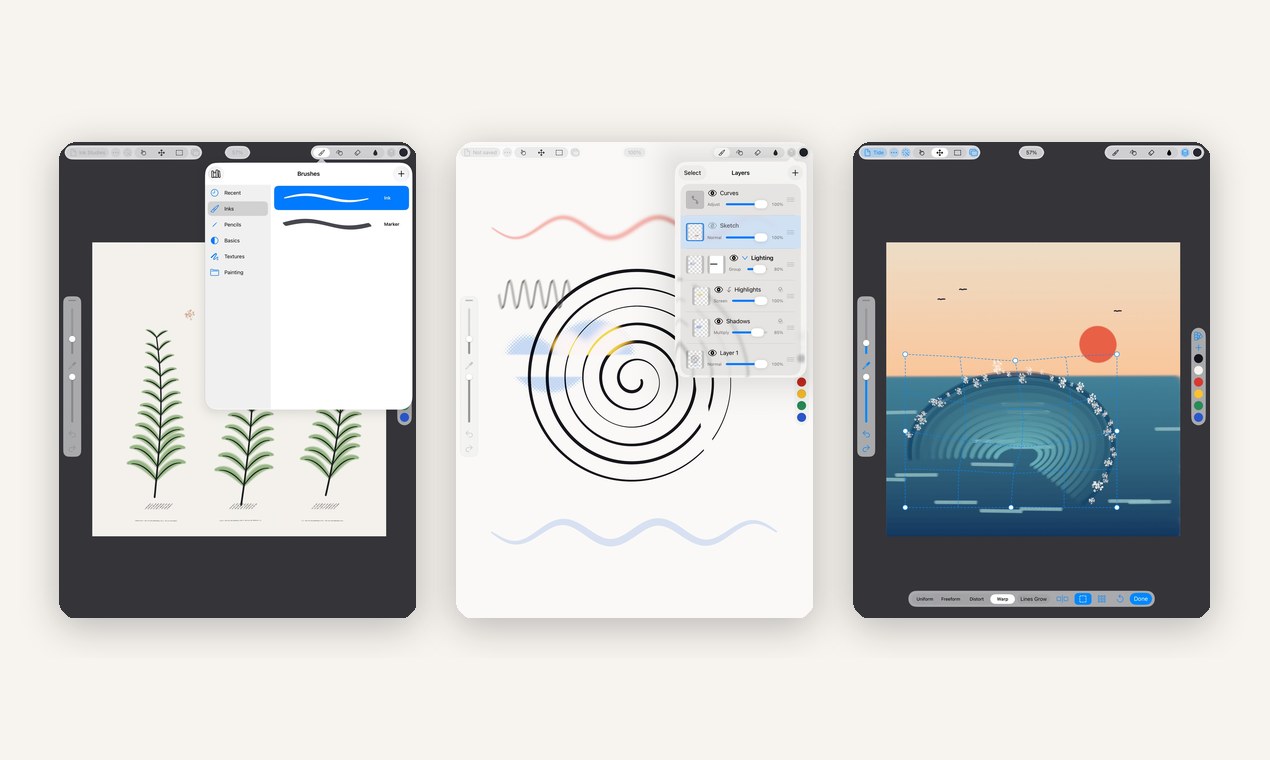
- Opens .procreate and .psd files with their layers
- Imports Procreate and Photoshop brushes
- Over 300 brushes
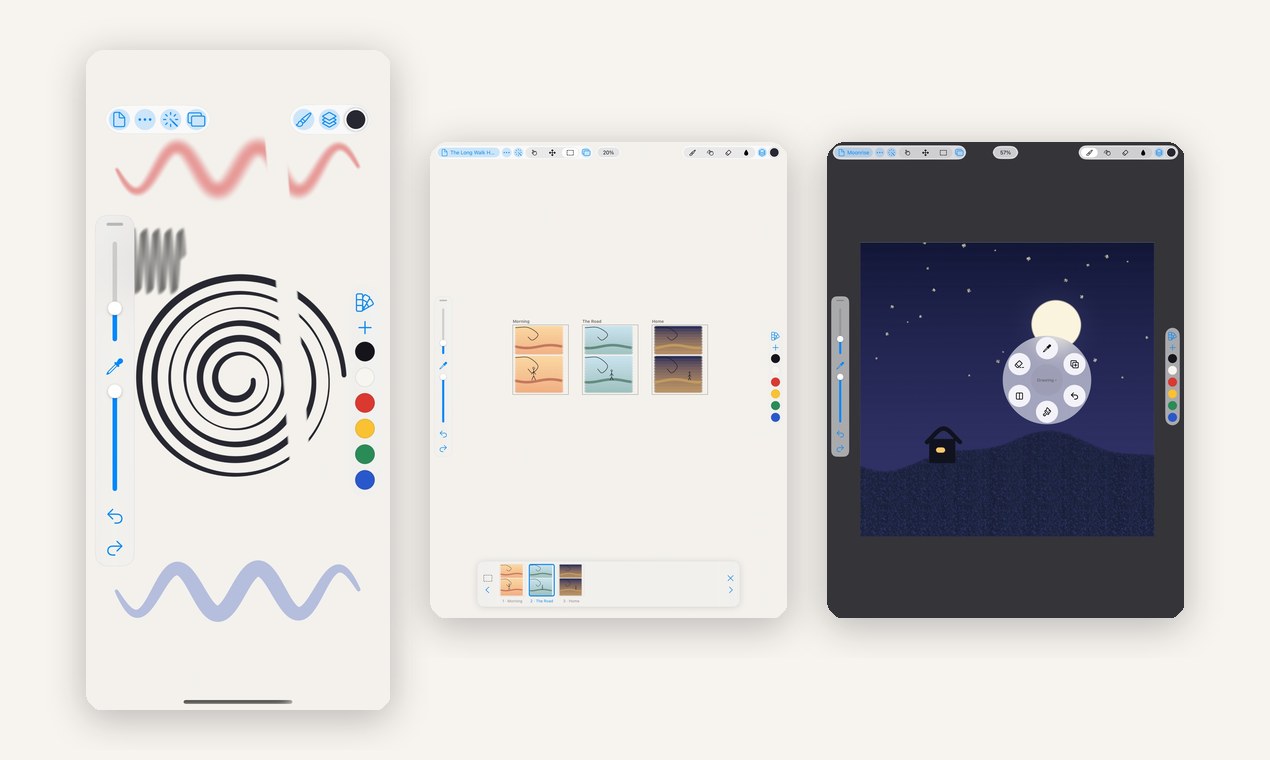
- Animation with onion skins, keyframes and tracks
- Painting on 3D models
- Drawings, brushes and palettes in iCloud Drive
Use Cases
- Illustration and concept art on iPad with Apple Pencil
- Moving from Procreate or Photoshop without losing layered files
- Frame-by-frame animation and short animated loops
- Sketching on iPhone and finishing on Mac with the same files
Fazier Deal

Comments


Hi Fazier, I'm Ricardo, and I make Rindraw. I wanted a painting app where a stroke stays a stroke: it keeps the Pencil input and the brush, not just the pixels, so you can recolor or reshape a line later and it stays sharp. It also opens .procreate and .psd files with their layers, so you can bring your old work along. One purchase covers iPad, iPhone and Mac, with no subscription. I'd love to hear what you'd want from it next.
Premium Products
















































Fazier Deal
Sponsors
Buy

Makers
Makers
Comments
Hi Fazier, I'm Ricardo, and I make Rindraw. I wanted a painting app where a stroke stays a stroke: it keeps the Pencil input and the brush, not just the pixels, so you can recolor or reshape a line later and it stays sharp. It also opens .procreate and .psd files with their layers, so you can bring your old work along. One purchase covers iPad, iPhone and Mac, with no subscription. I'd love to hear what you'd want from it next.
Premium Products
New to Fazier?

Find your next favorite product or submit your own. Made by @FalakDigital.
Copyright ©2026. All Rights Reserved