
reverscan
reverse file search for your mac
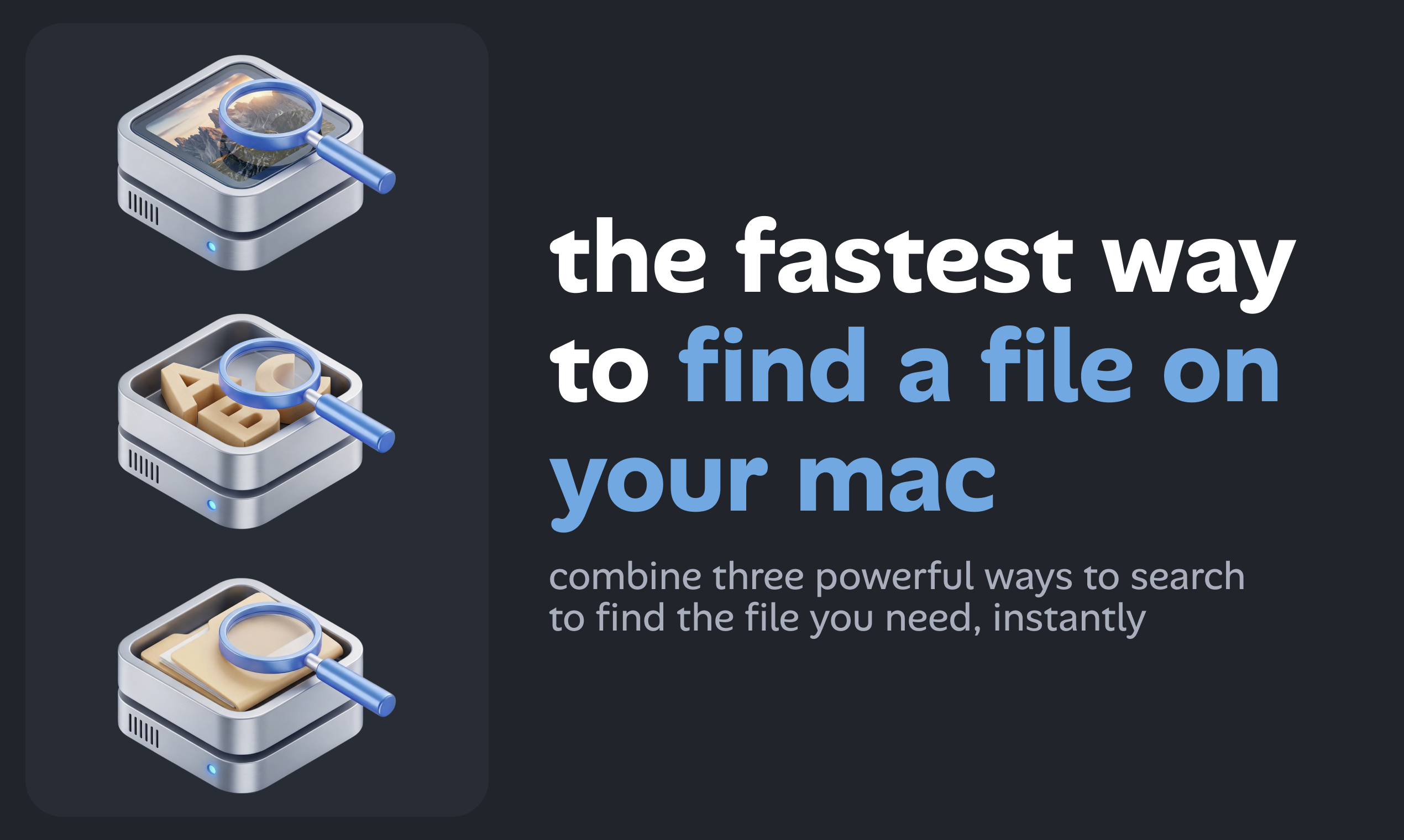
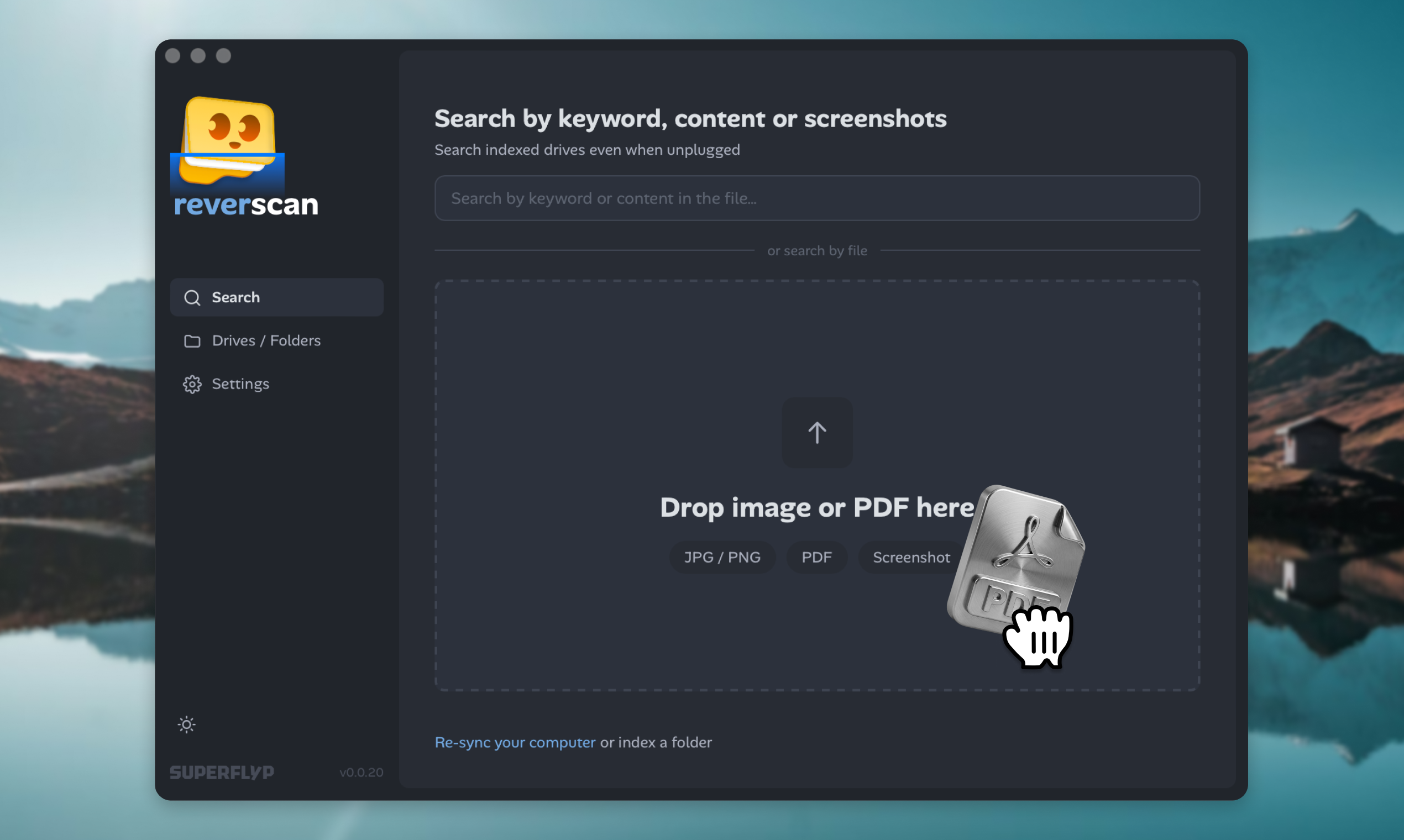
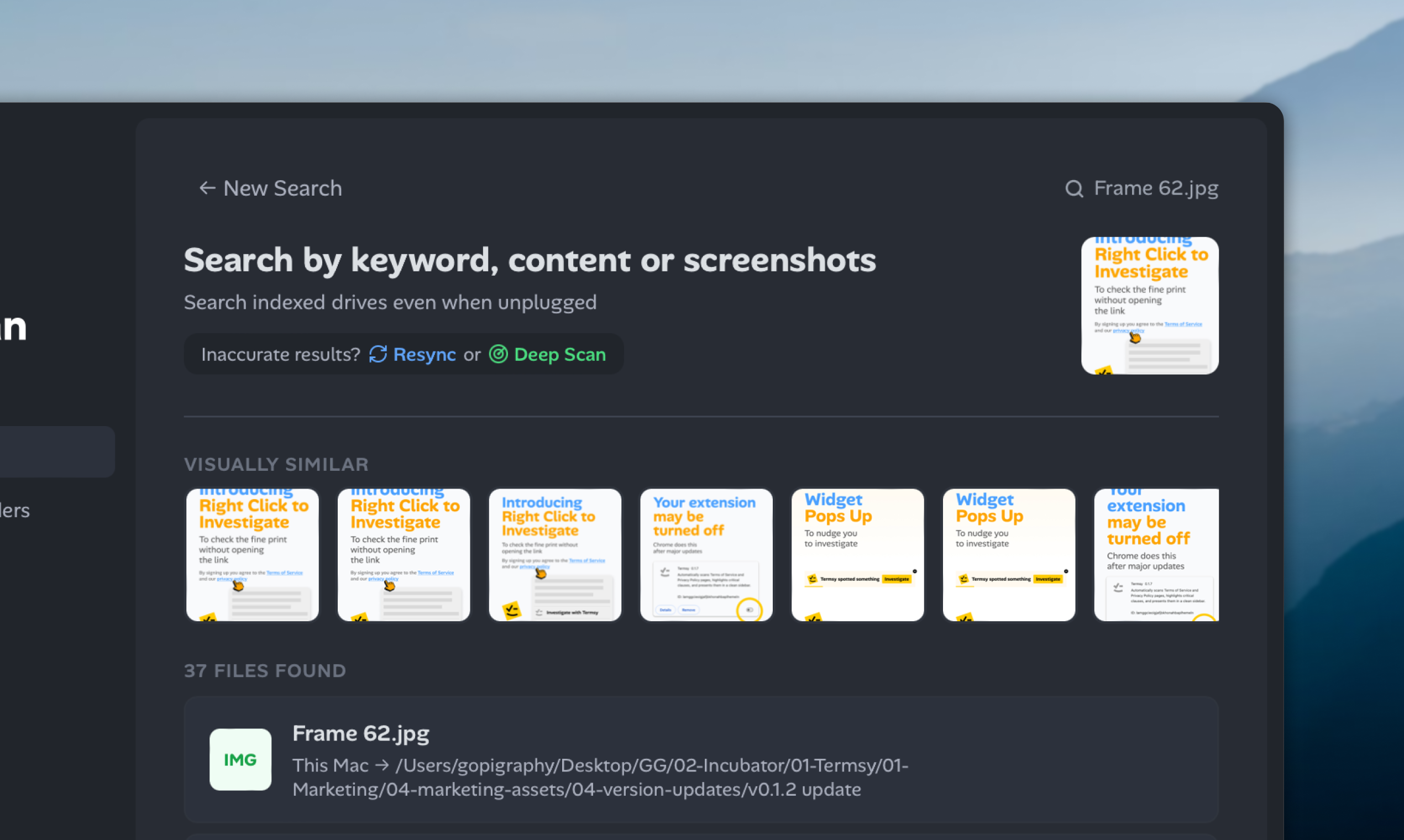
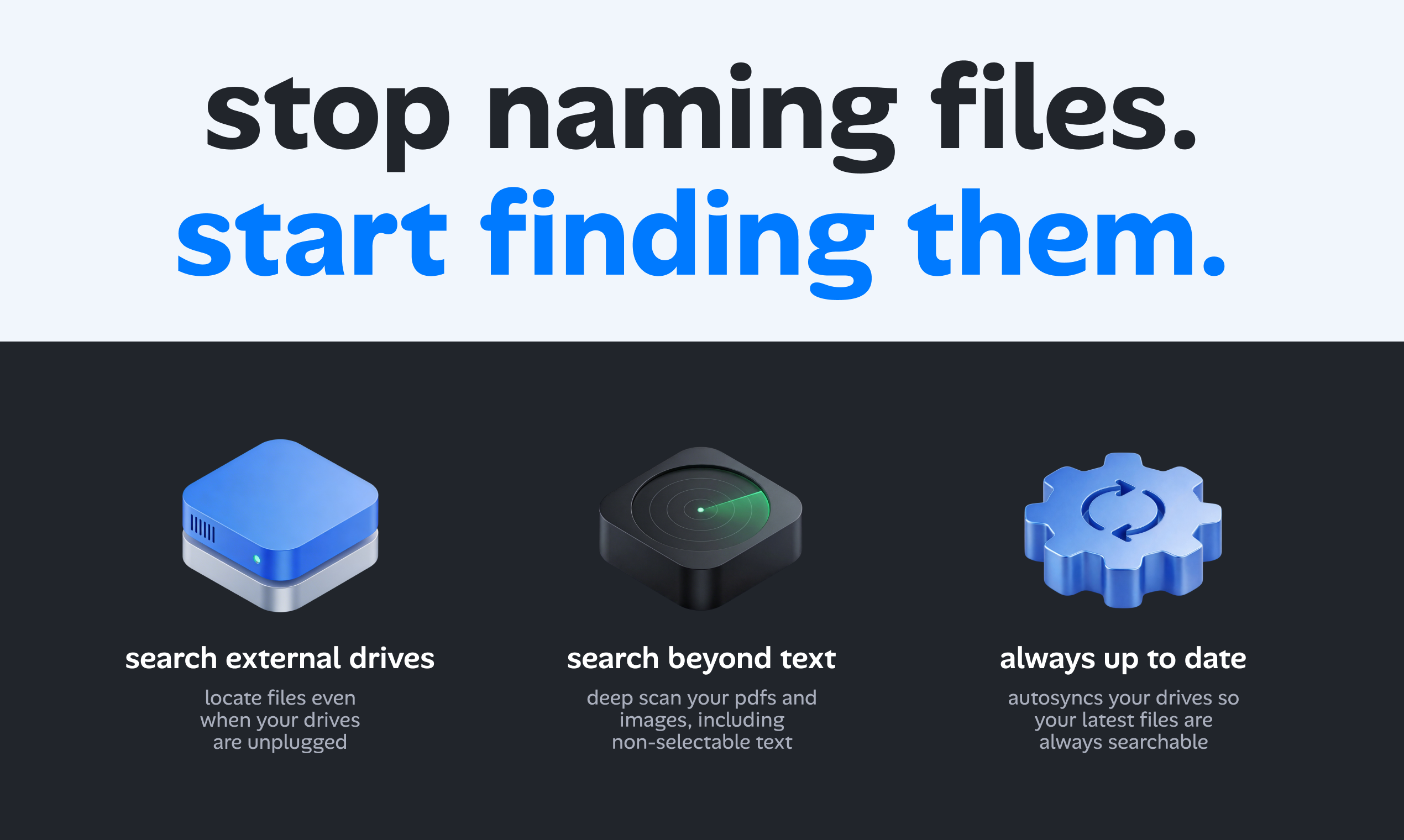
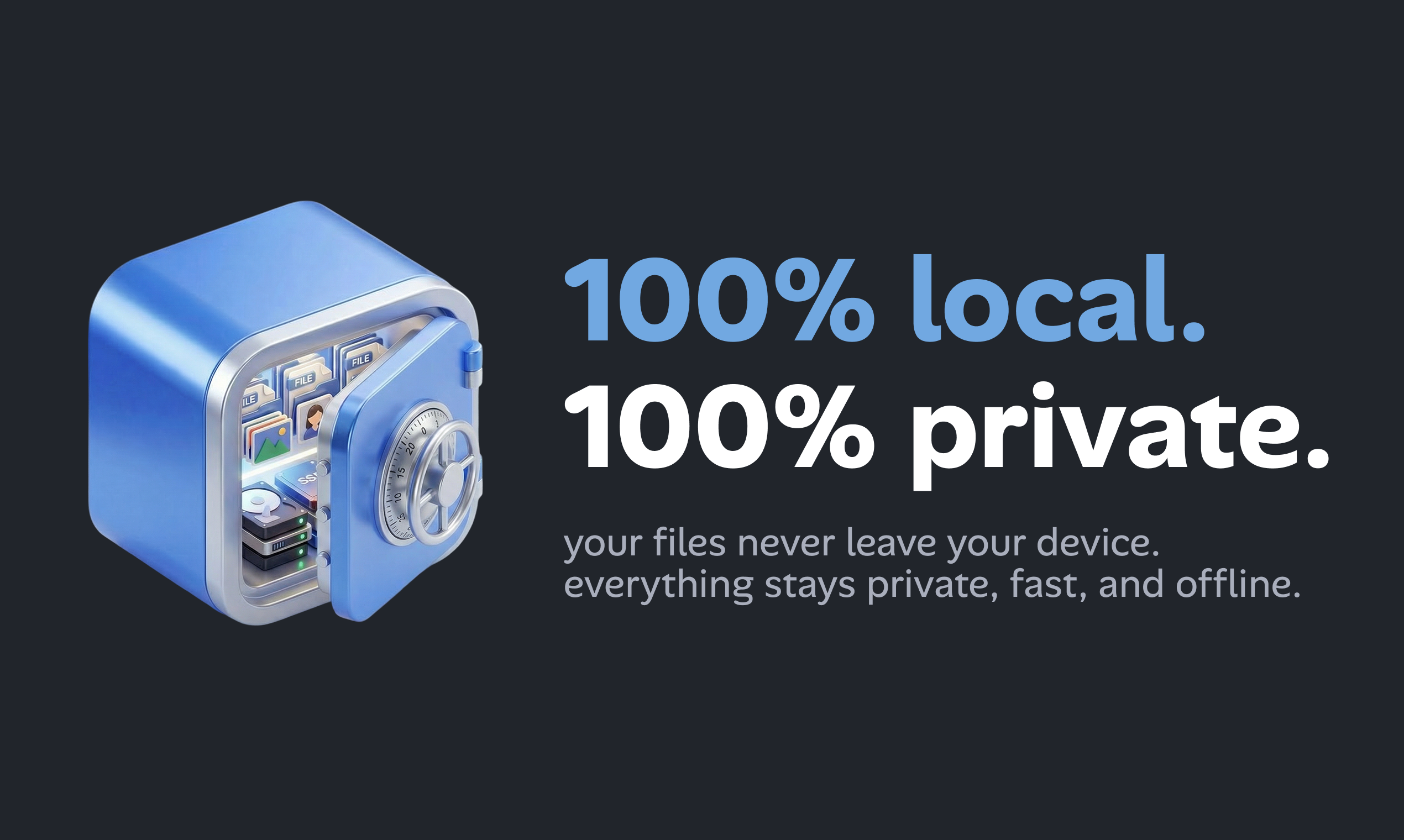
reverscan is world's 1st local reverse file search for mac. it indexes text, images, PDFs, docs so you can search by content, keywords, or even screenshots. built with tauri, rust and react/typescript, it's built for super speed. seach external drives even when unplugged, search beyond text by indexing non-selectable texts & finds visually similar images. it supports multiple file types including *.ai, *.pdf, *.txt, *.md, *.docx, *.png, *.jpeg, *.xlsx, *.psd among others.
Features
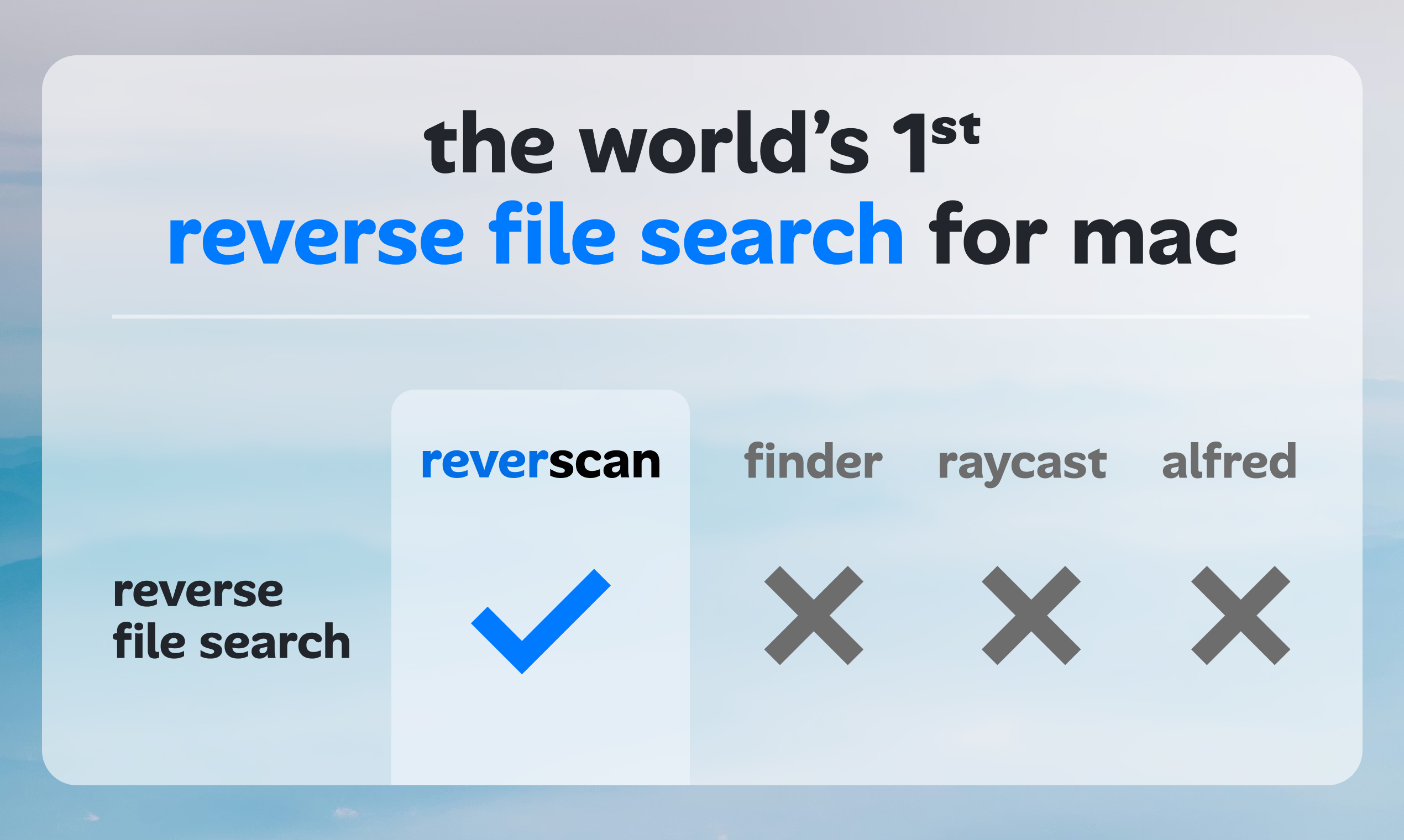
- reverse image/file search - seach with images/files to find relevant/similar matches
- find files without filenames
- search through unplugged external harddrives
Use Cases
- client sends a screenshot for "quick edits"
- you know what's inside but not the filename
- you have a low-res asset and need to find the original
- client renames your files and wants some changes
- you archived old projects but forgot which drive it's on
- client asks for a file from a project two years ago
- you named the file in a hurry but have a reference
- you cropped a photo but lost the full original
- client approves "version 3" but you're not sure which

Comments

Local-first with offline external drive search is the killer feature here — Spotlight fails the moment you unplug the drive. That alone solves a real pain for anyone managing large asset libraries. The visual similarity search is interesting. Are you using embeddings for that or a more traditional perceptual hash approach? Curious how it handles near-duplicate images with color shifts.


While running a design studio, my work involves sending files to clients and it's fairly normal for them to come back months or sometimes years later asking for edits. By that time, they would have changed the filename, or sometimes they would just send a screenshot of the file they wanted edited. This would mean searching through my emails, going through multiple hard-drives to find those files. And that would make locating those files next to impossible. There have been times when I've spent days looking for files or genuinely gotten pissed off that they renamed my disciplined naming + finding system. So I decided to make reverscan to fix this problem. I no longer need to care about file names or a disciplined storage hierarchy (though you should probably still do that for your own sanity). I hope this brings you some peace of mind.

Small tool, looks good https://rednotevideodownload.org/

Premium Products












































Sponsors
Buy

Makers
Makers
Comments
Local-first with offline external drive search is the killer feature here — Spotlight fails the moment you unplug the drive. That alone solves a real pain for anyone managing large asset libraries. The visual similarity search is interesting. Are you using embeddings for that or a more traditional perceptual hash approach? Curious how it handles near-duplicate images with color shifts.
While running a design studio, my work involves sending files to clients and it's fairly normal for them to come back months or sometimes years later asking for edits. By that time, they would have changed the filename, or sometimes they would just send a screenshot of the file they wanted edited. This would mean searching through my emails, going through multiple hard-drives to find those files. And that would make locating those files next to impossible. There have been times when I've spent days looking for files or genuinely gotten pissed off that they renamed my disciplined naming + finding system. So I decided to make reverscan to fix this problem. I no longer need to care about file names or a disciplined storage hierarchy (though you should probably still do that for your own sanity). I hope this brings you some peace of mind.
Small tool, looks good https://rednotevideodownload.org/
Premium Products
New to Fazier?

Find your next favorite product or submit your own. Made by @FalakDigital.
Copyright ©2026. All Rights Reserved