
ResCal
Scale any resolution to fit any box — free, in-browser
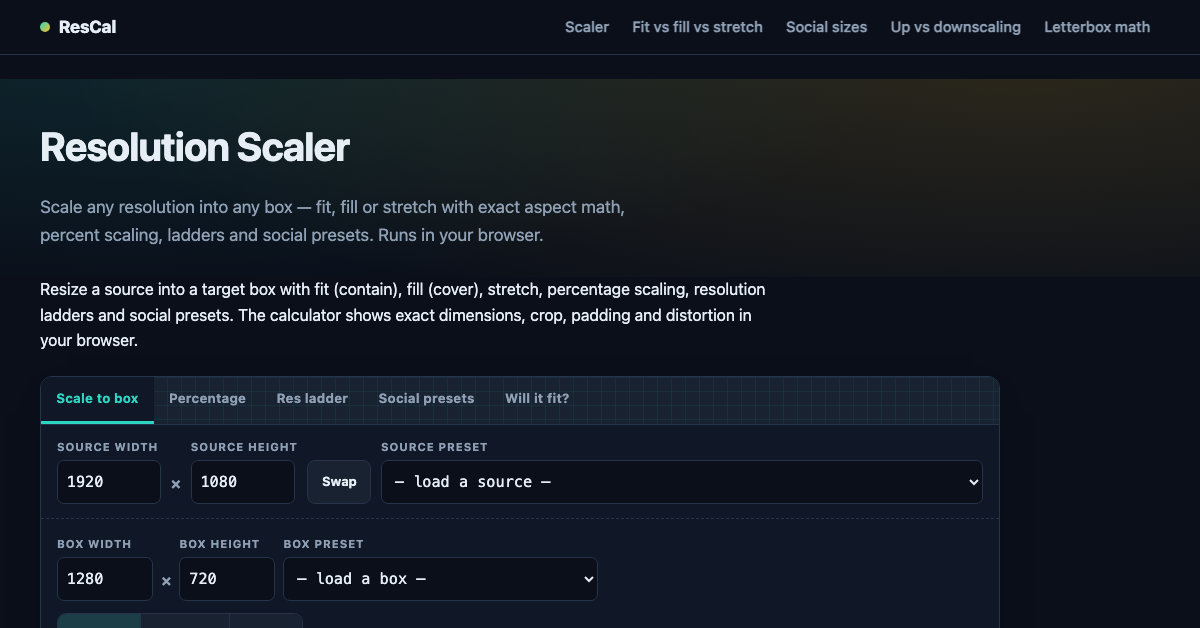
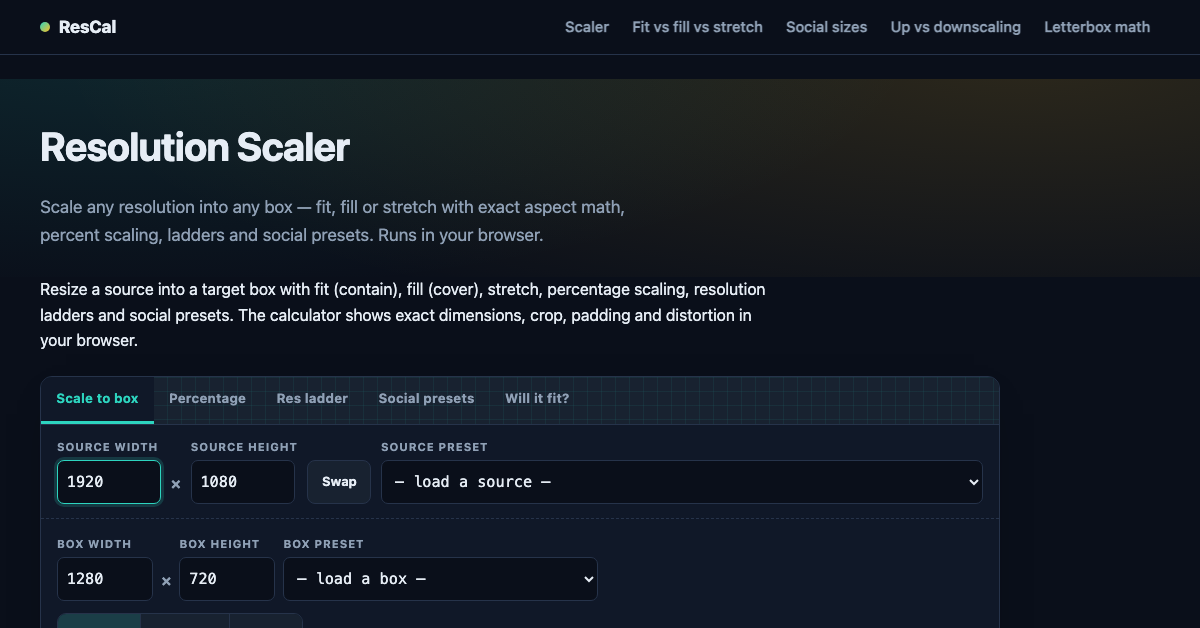
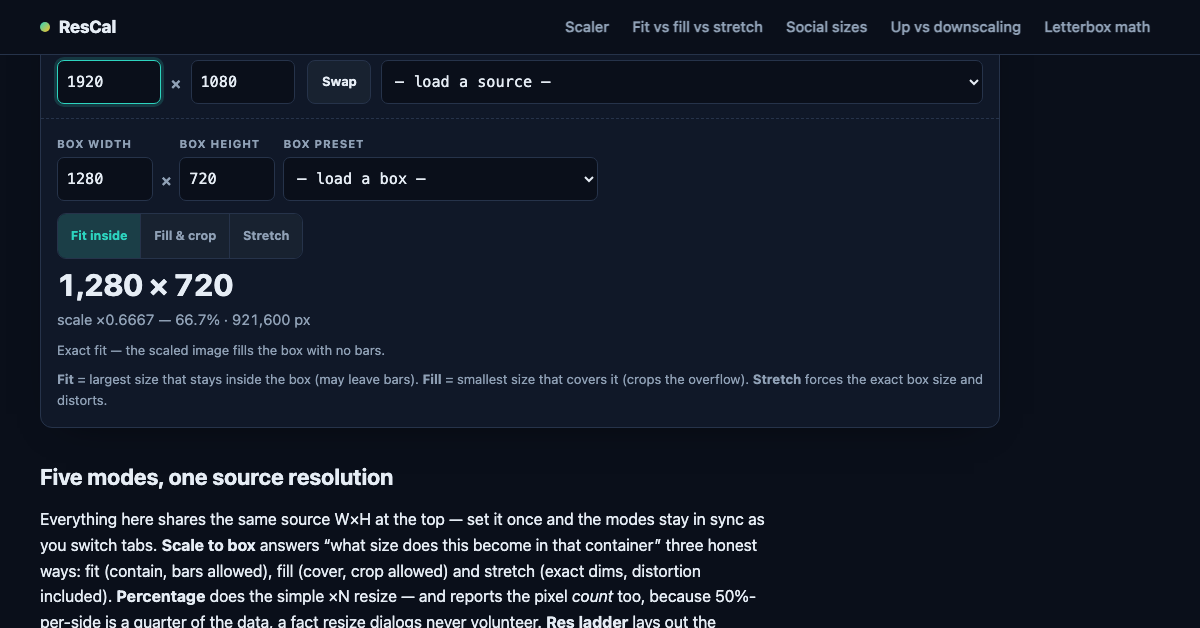
Free resolution scaler that runs entirely in your browser. Pick a source WxH and a target box, choose fit / fill / stretch, or scale by percentage. Standard resolution ladders, social-media size presets, and a check whether a source fits without upscaling. No upload, no signup.
Features
- Fit / fill / stretch modes into any target box
- Scale by percentage with pixel-count output
- Standard resolution ladders (4K to small)
- Social-media size presets
- "Will it fit" upscaling sanity check
- 100% local — nothing is uploaded
Use Cases
- Fit a screenshot or wallpaper into an exact slot without distortion math
- Build responsive image ladders and encoding ladders for video
- Check social-media export sizes before uploading
- Decide between fit and fill and see the letterbox difference
- Verify a source can be placed without upscaling

Comments

The "will it fit without upscaling" check is the part I would use most. One idea: a toggle for odd sizes. Video encoders often want even width and height (or multiples of 8 or 16), so fit mode can return a size that the encoder then crops or pads by a pixel. Showing the nearest valid size next to the exact result would save a re-export.
The fit versus fill output with letterbox bars is handy for picking an export size without doing the math by hand. For video work, a rounding option for even dimensions or multiples of 16 would save a re-encode, since many encoders reject odd widths. The social-media presets plus the no-upscaling check make this a good pre-export sanity step.
Premium Products











































Sponsors
Buy
Makers
Makers
Comments
The "will it fit without upscaling" check is the part I would use most. One idea: a toggle for odd sizes. Video encoders often want even width and height (or multiples of 8 or 16), so fit mode can return a size that the encoder then crops or pads by a pixel. Showing the nearest valid size next to the exact result would save a re-export.
The fit versus fill output with letterbox bars is handy for picking an export size without doing the math by hand. For video work, a rounding option for even dimensions or multiples of 16 would save a re-encode, since many encoders reject odd widths. The social-media presets plus the no-upscaling check make this a good pre-export sanity step.
Premium Products
New to Fazier?

Find your next favorite product or submit your own. Made by @FalakDigital.
Copyright ©2026. All Rights Reserved