
RemoveSubs
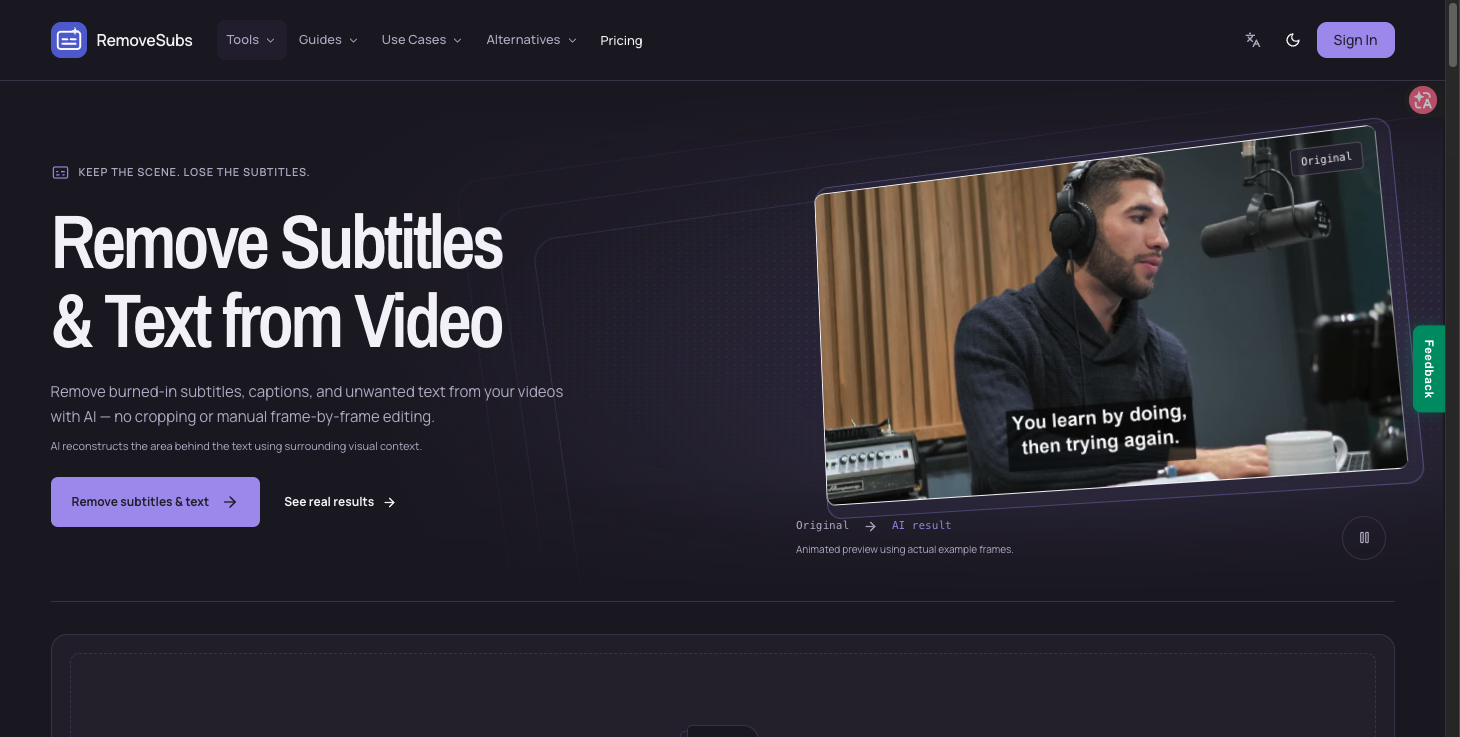
Remove burned-in subtitles and captions from videos with AI.
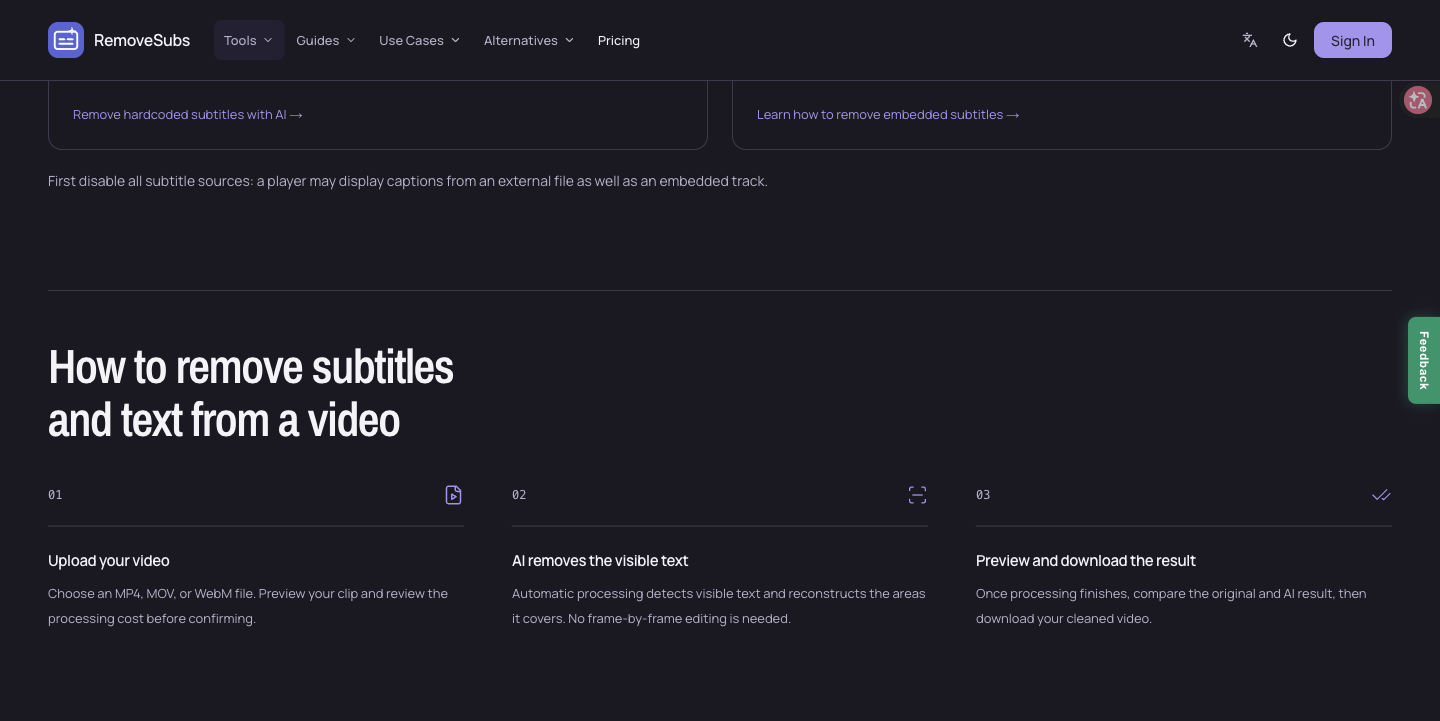
RemoveSubs removes burned-in subtitles, captions and other visible text from videos using AI reconstruction. It supports MP4, MOV and WebM without cropping the frame or requiring manual frame-by-frame edits. Creators can preview results before downloading and adding updated captions in their editor.
Features
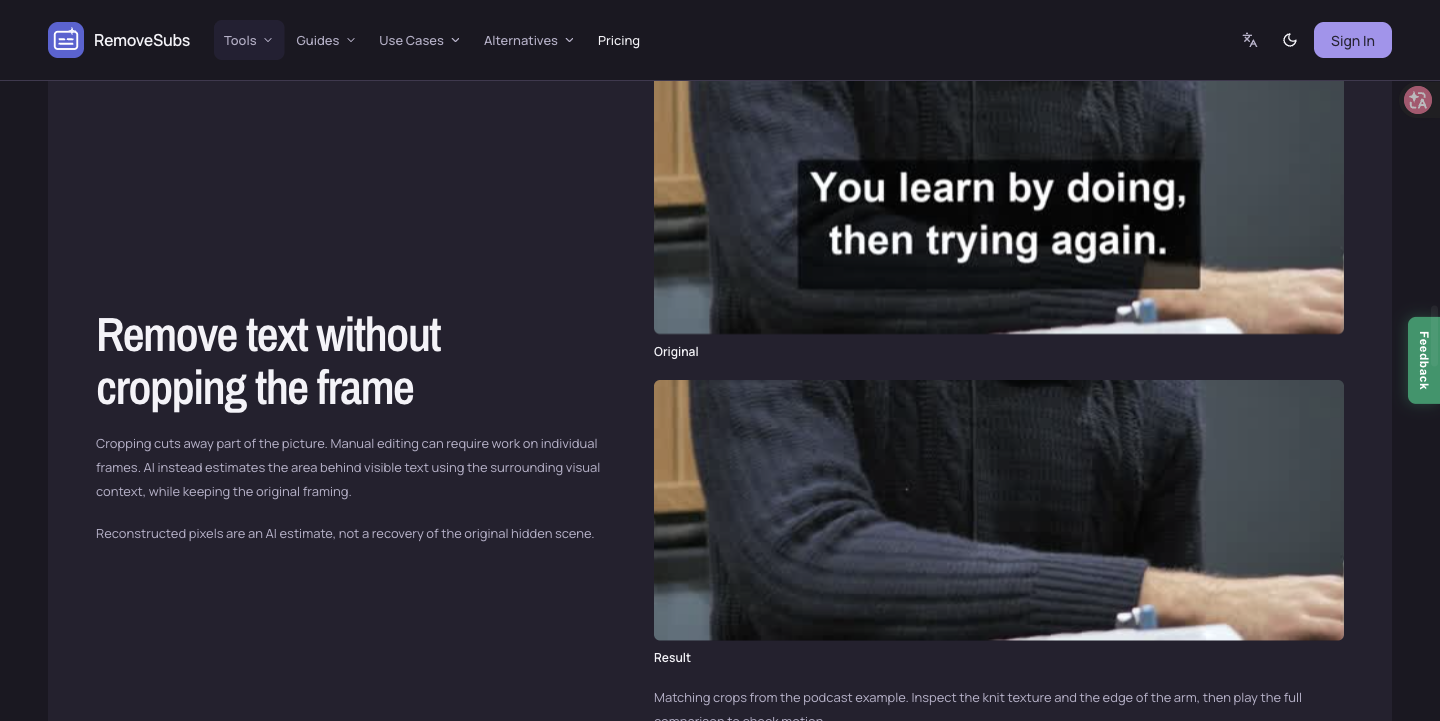
AI reconstruction of areas covered by subtitles
MP4, MOV, and WebM support
Keep the original video frame without cropping
Preview processed results before download
Use Cases
Prepare owned videos for translated captions
Remove outdated captions before re-editing
Clean visible text from video clips

Comments

Burned-in subtitle removal is a real pain when repurposing clips. The hard part is the background behind the text, especially on moving footage. Does RemoveSubs inpaint each frame independently, or track the caption region across the clip? How does it hold up with high-contrast text over a face or a busy street, and is there a practical clip-length limit before the fill starts to smear?

The translated-captions use case makes a lot of sense: clear the old burned-in line, then add new subtitles in another language. Does it find the subtitle area by itself, or do I mark it? I am thinking of clips where captions jump between the top and bottom of the frame, or switch from one line to two. Also curious what the clip length or resolution limit is on the free tier.
Premium Products



















































Sponsors
Buy

Makers

Makers
Comments
Burned-in subtitle removal is a real pain when repurposing clips. The hard part is the background behind the text, especially on moving footage. Does RemoveSubs inpaint each frame independently, or track the caption region across the clip? How does it hold up with high-contrast text over a face or a busy street, and is there a practical clip-length limit before the fill starts to smear?
The translated-captions use case makes a lot of sense: clear the old burned-in line, then add new subtitles in another language. Does it find the subtitle area by itself, or do I mark it? I am thinking of clips where captions jump between the top and bottom of the frame, or switch from one line to two. Also curious what the clip length or resolution limit is on the free tier.
Premium Products
New to Fazier?

Find your next favorite product or submit your own. Made by @FalakDigital.
Copyright ©2026. All Rights Reserved