Reely
AI-powered app video engine that generates promo videos
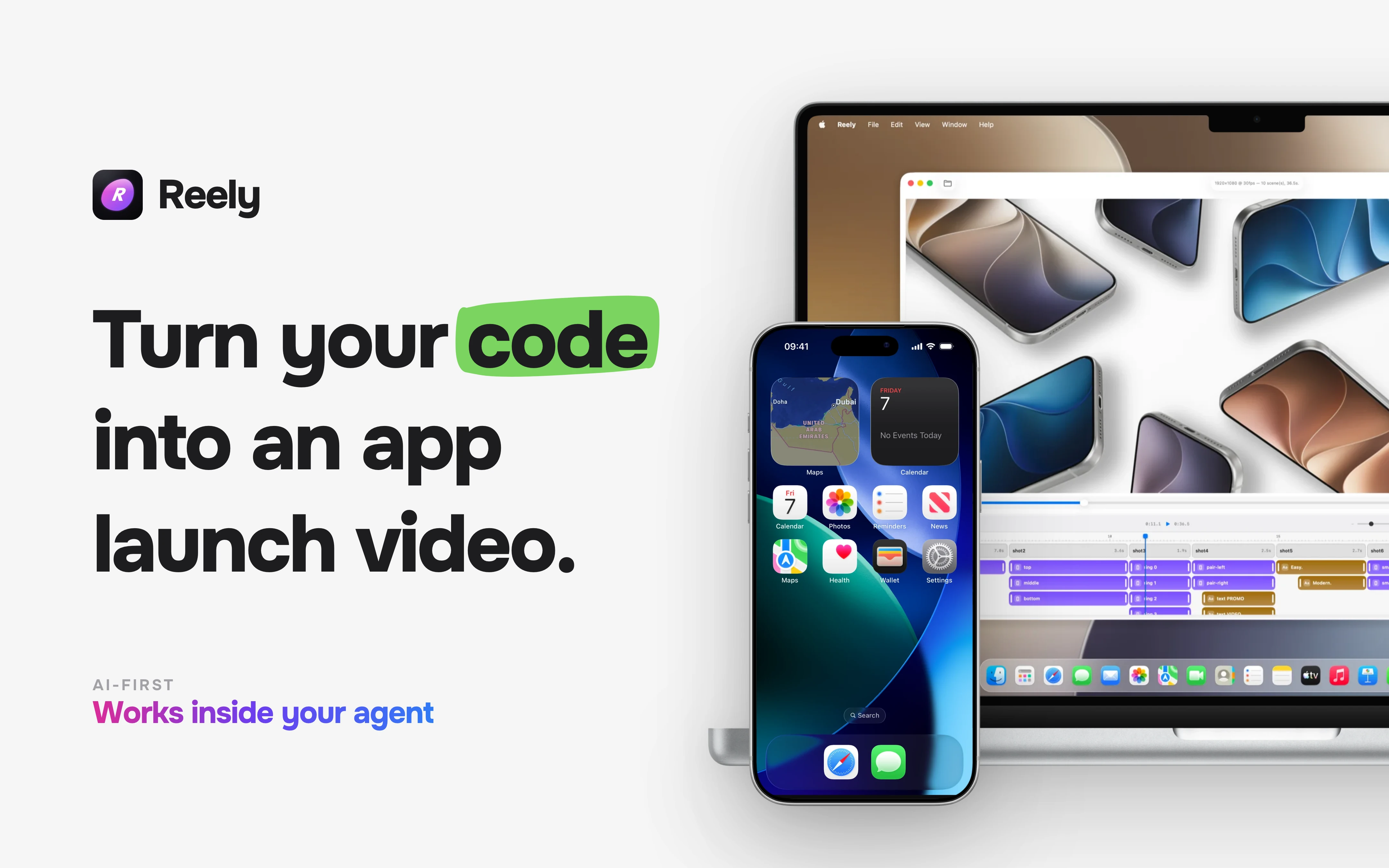
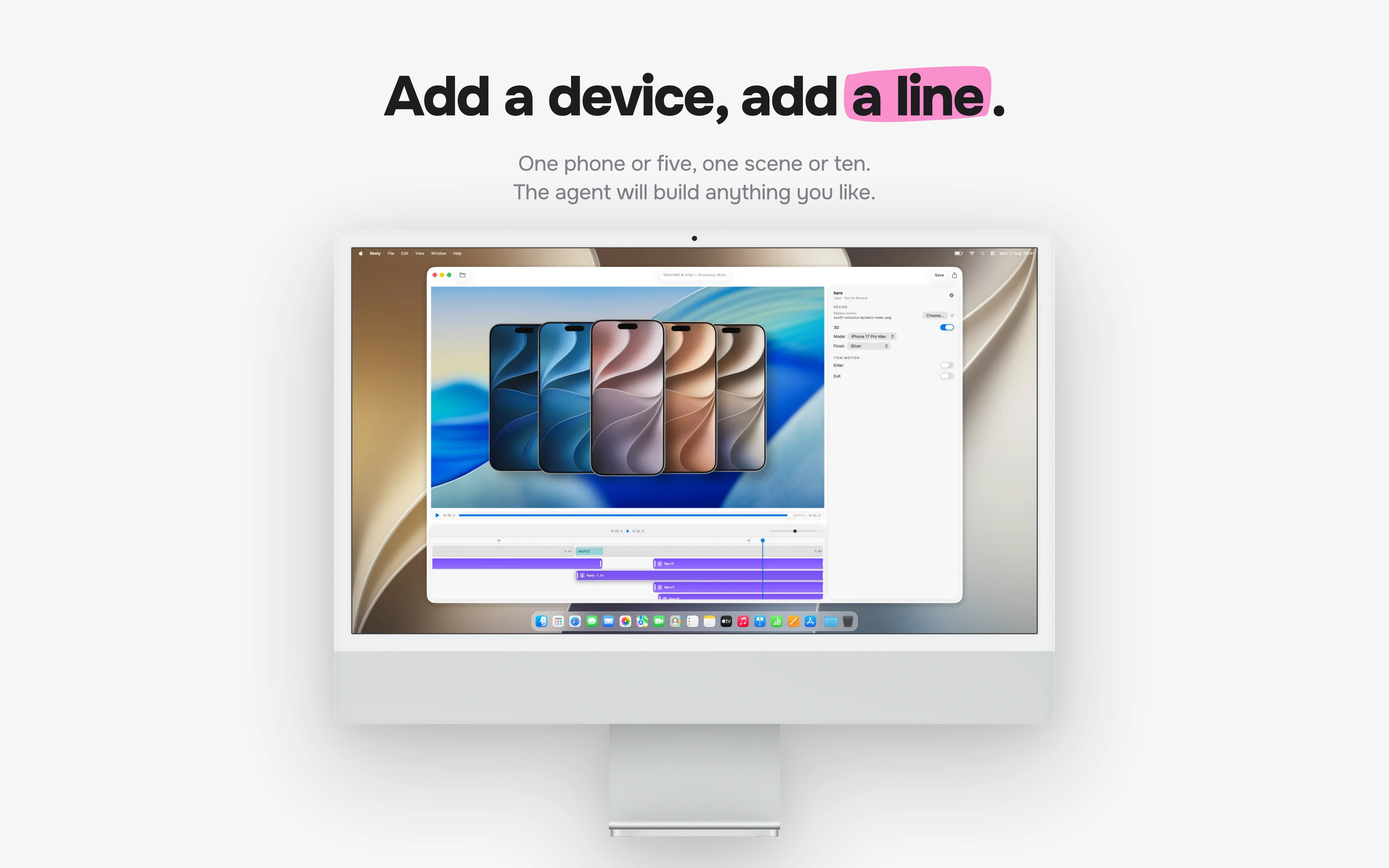
Reely is an AI-first launch video engine designed for app developers and indie makers who need professional promo videos without the production overhead. Users can bring a screenshot, a screen recording, or nothing at all, and Reely generates a fully art-directed launch video from that input. The tool reconstructs app interfaces using real colours, typography, spacing, and assets, then animates them with native motion. Reely supports kinetic typography, device choreography, music and sound cues, and multi-scene storytelling from a single feature beat to a full launch narrative. It is free to create with no account or card required, and requires a subscription only to export.
Features
- Native Mac app plus a Claude skill and MCP tool - renders locally.
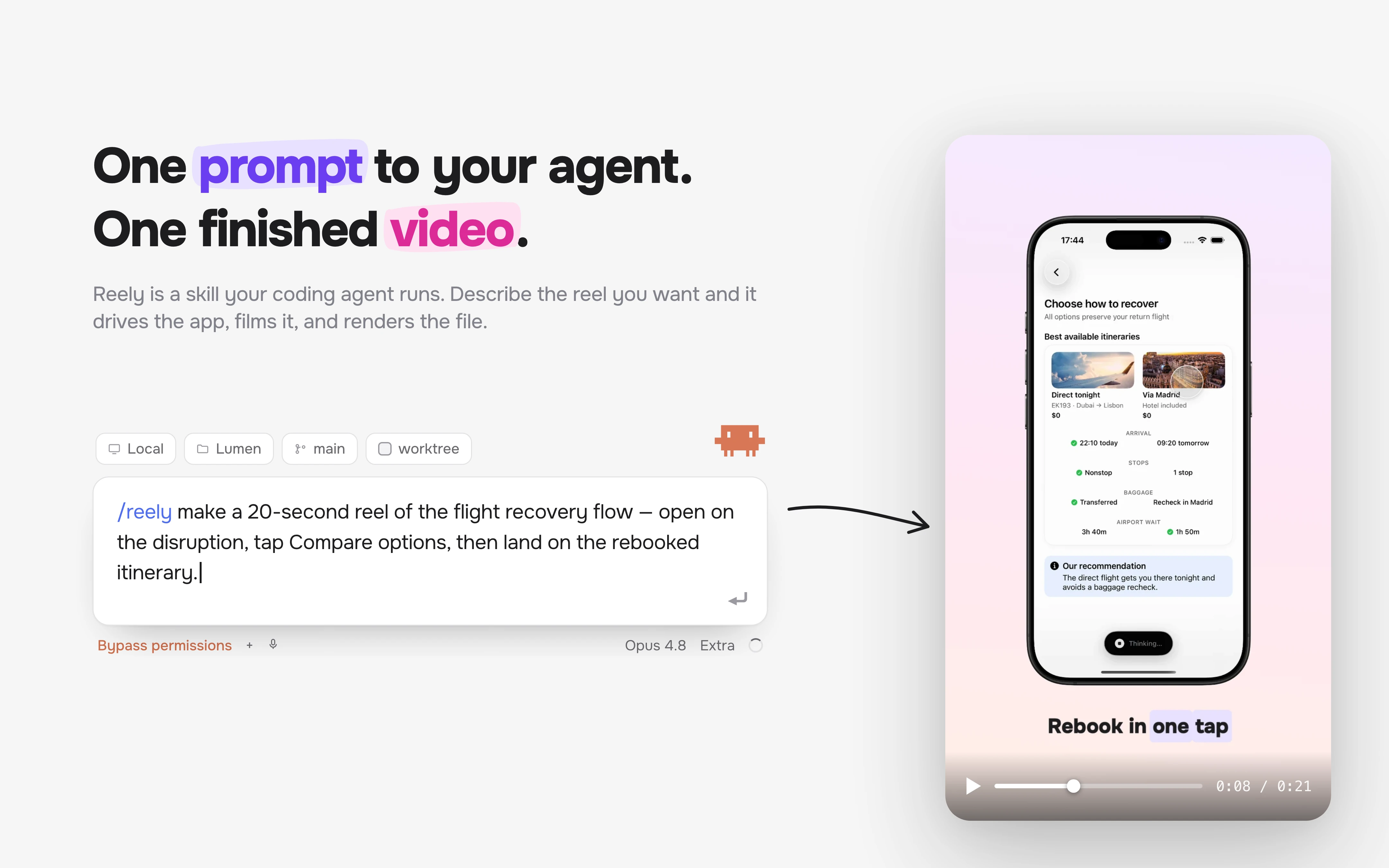
- Natural language editing with any agent - "warmer background, slower push-in".
- Three ways to start: screenshots, a screen recording, or source code.
- Cuts, camera moves and captions snap to real interaction events from the app's own timeline.
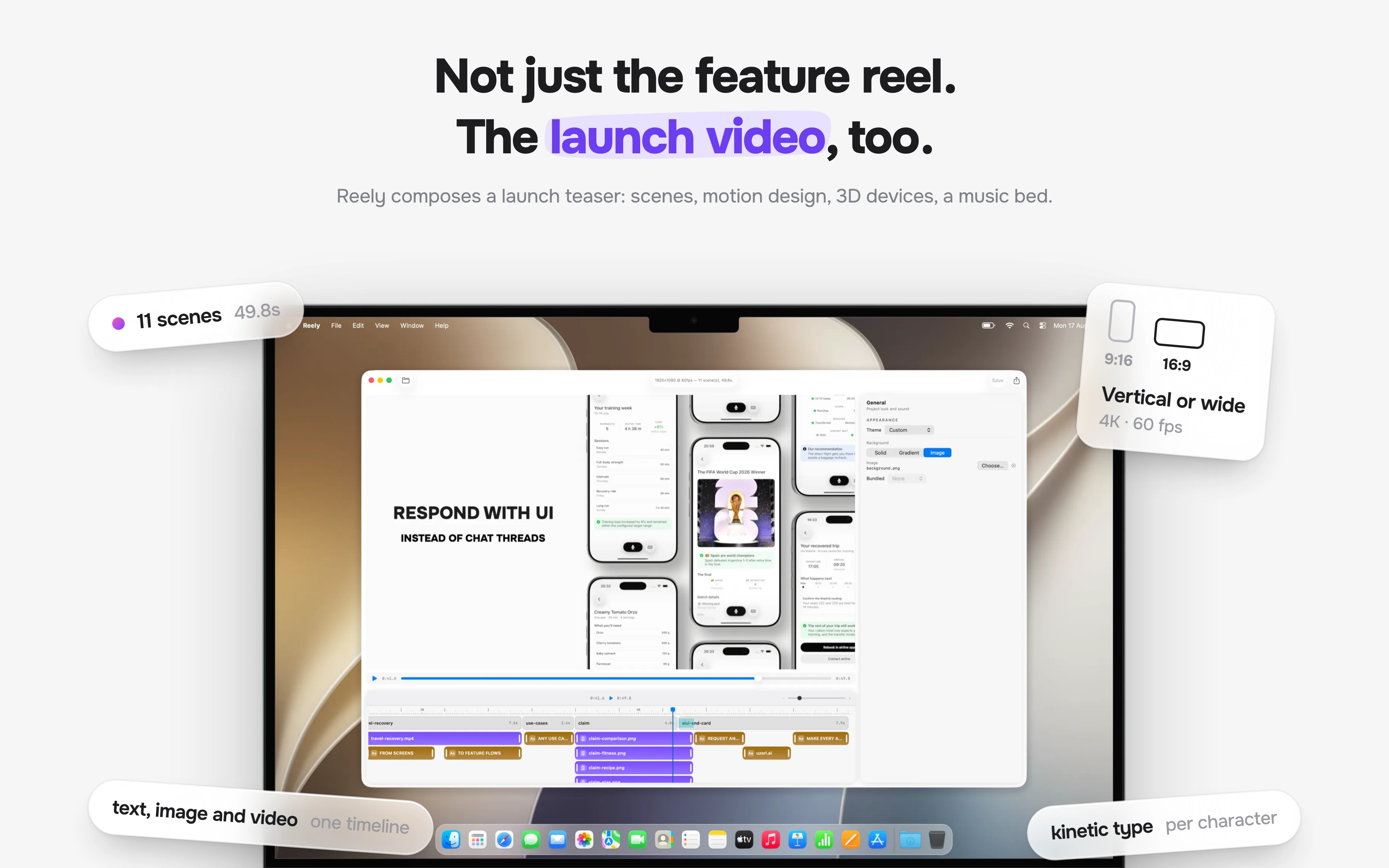
- Kinetic type, 3D device choreography and beat-synced cuts, themed from your app's own colors and embedded font.
Use Cases
- Demo video for a feature you just shipped
- Hero loop for a landing page
- Release notes / changelog clip per version
- Onboarding walkthrough
- States that are hard to capture live — error, empty, offline, paywall
- Localized versions of the same video
- Re-rendering existing videos after a redesign
- Portrait and landscape cuts from one composition

Comments


The ability to create a polished promo video from just a screenshot or screen recording stands out to me. I especially like that Reely can match an app’s existing colors, typography, and interface instead of producing something that feels disconnected from the brand. Being able to create both portrait and landscape versions from one composition also seems genuinely useful for promoting an app across different platforms.
I build iOS apps and kept shipping features without a video. A decent one takes an afternoon, and the feature ships weekly, so it never happened. Every tool I tried wanted the same thing first. Get the app into the right state, perform the flow cleanly, do it again when you fumble, do it again when the UI changes. Reely has three ways in. You have screenshots, it builds the motion around them. You have a screen recording from any stack, your real app moves inside it. You have neither, and it works from the source: rebuilds the feature as a mock, runs it in the Simulator, records it. The third path turned out to matter more than I expected. Because Reely authored the run, it knows when every tap happened. It writes a timeline of labeled events next to the recording, so cuts and camera moves reference those events by name instead of by second. Re-record and every dependent beat retimes itself. Editing is natural language, in the app or through an agent. Renders locally. Happy to answer anything.
Premium Products








































Sponsors
Buy

Makers
Makers
Comments
The ability to create a polished promo video from just a screenshot or screen recording stands out to me. I especially like that Reely can match an app’s existing colors, typography, and interface instead of producing something that feels disconnected from the brand. Being able to create both portrait and landscape versions from one composition also seems genuinely useful for promoting an app across different platforms.
I build iOS apps and kept shipping features without a video. A decent one takes an afternoon, and the feature ships weekly, so it never happened. Every tool I tried wanted the same thing first. Get the app into the right state, perform the flow cleanly, do it again when you fumble, do it again when the UI changes. Reely has three ways in. You have screenshots, it builds the motion around them. You have a screen recording from any stack, your real app moves inside it. You have neither, and it works from the source: rebuilds the feature as a mock, runs it in the Simulator, records it. The third path turned out to matter more than I expected. Because Reely authored the run, it knows when every tap happened. It writes a timeline of labeled events next to the recording, so cuts and camera moves reference those events by name instead of by second. Re-record and every dependent beat retimes itself. Editing is natural language, in the app or through an agent. Renders locally. Happy to answer anything.
Premium Products
New to Fazier?

Find your next favorite product or submit your own. Made by @FalakDigital.
Copyright ©2026. All Rights Reserved