
ReClaim
Make distraction intentional.
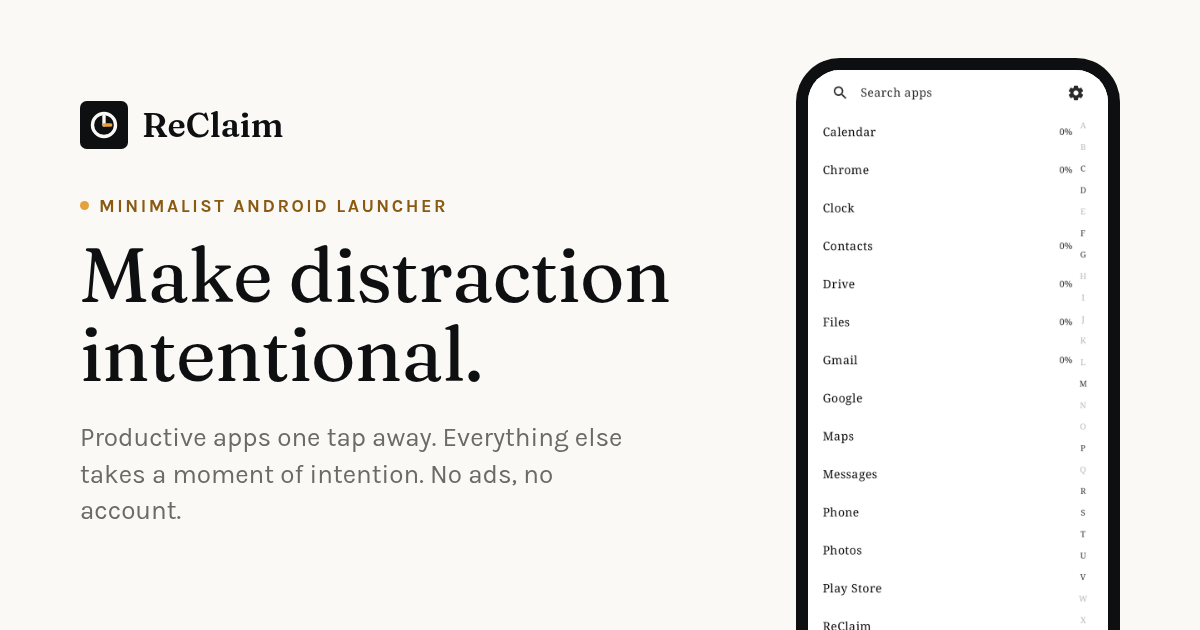
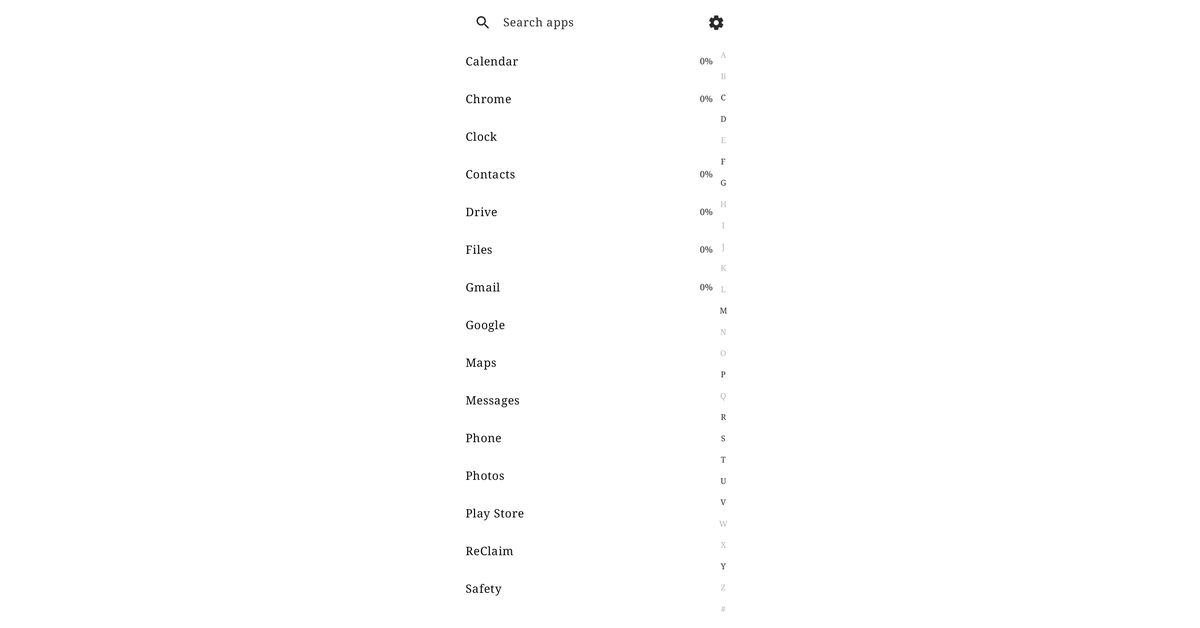
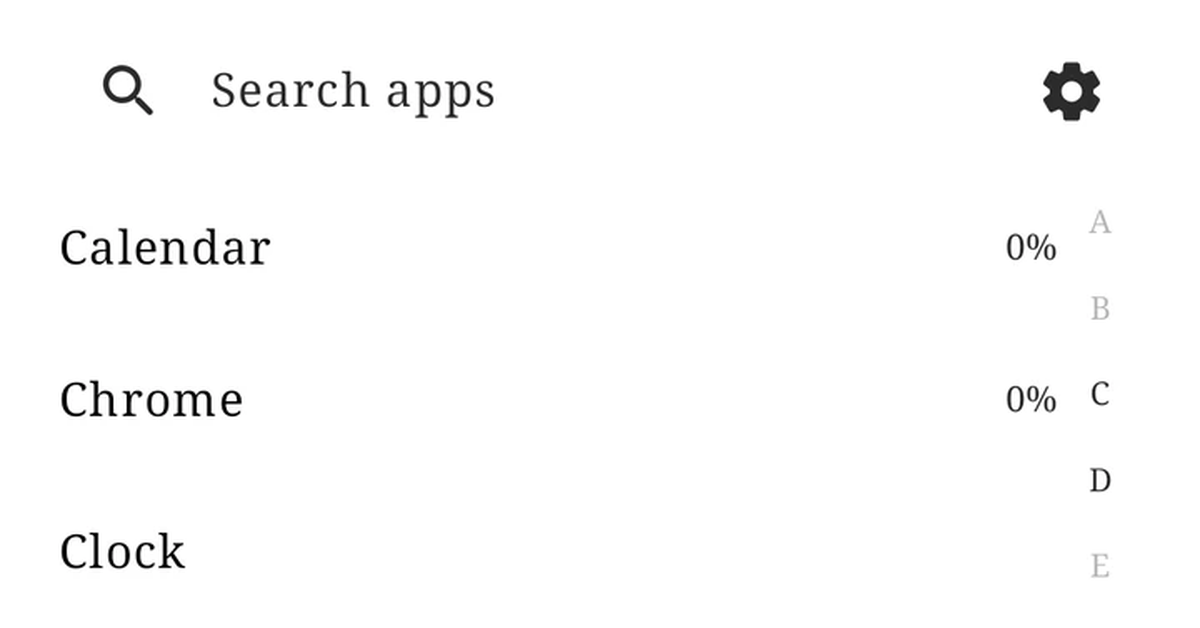
ReClaim is a free, minimalist Android launcher that makes distracting apps harder to reach and useful ones easier. It replaces your home screen with a clock, your chosen favorites, and a plain, icon-free alphabetical app list. Block apps from 5 minutes to a year, set daily or weekly limits that close apps automatically, schedule focus windows, and hide habit apps behind friction. Because ReClaim is your home screen, it works system-wide without willpower. No ads, no account required.
Features
App blocking from 5 minutes up to a year
Daily and weekly time limits that close apps automatically
"How long do you intend to use this?" intention reminders
Scheduled recurring blocks for work hours or bedtime
3-level hidden apps: nothing, a puzzle, or a real deterrent
Emergency apps never blocked by default; no ads, no account required
Use Cases
Students who want to study without reaching for social apps
Knowledge workers protecting deep-work hours with scheduled blocks
Digital-minimalism and NoSurf fans who want a calmer home screen
Anyone cutting late-night scrolling with bedtime blocks and daily limits

Comments


Being the launcher is a clever way to make it system-wide. What happens with the side doors, though: tapping a notification from a blocked app, opening it from the share sheet or a link in another app, or just switching the default launcher back in Settings mid-block? And for apps that are both useful and a time sink (WhatsApp, YouTube for tutorials), can the time limit apply to just part of the day instead of a full block?

Premium Products











































Sponsors
Buy
Makers
Makers
Comments
Being the launcher is a clever way to make it system-wide. What happens with the side doors, though: tapping a notification from a blocked app, opening it from the share sheet or a link in another app, or just switching the default launcher back in Settings mid-block? And for apps that are both useful and a time sink (WhatsApp, YouTube for tutorials), can the time limit apply to just part of the day instead of a full block?
Premium Products
New to Fazier?

Find your next favorite product or submit your own. Made by @FalakDigital.
Copyright ©2026. All Rights Reserved