QRSnap
Static QR codes that never expire
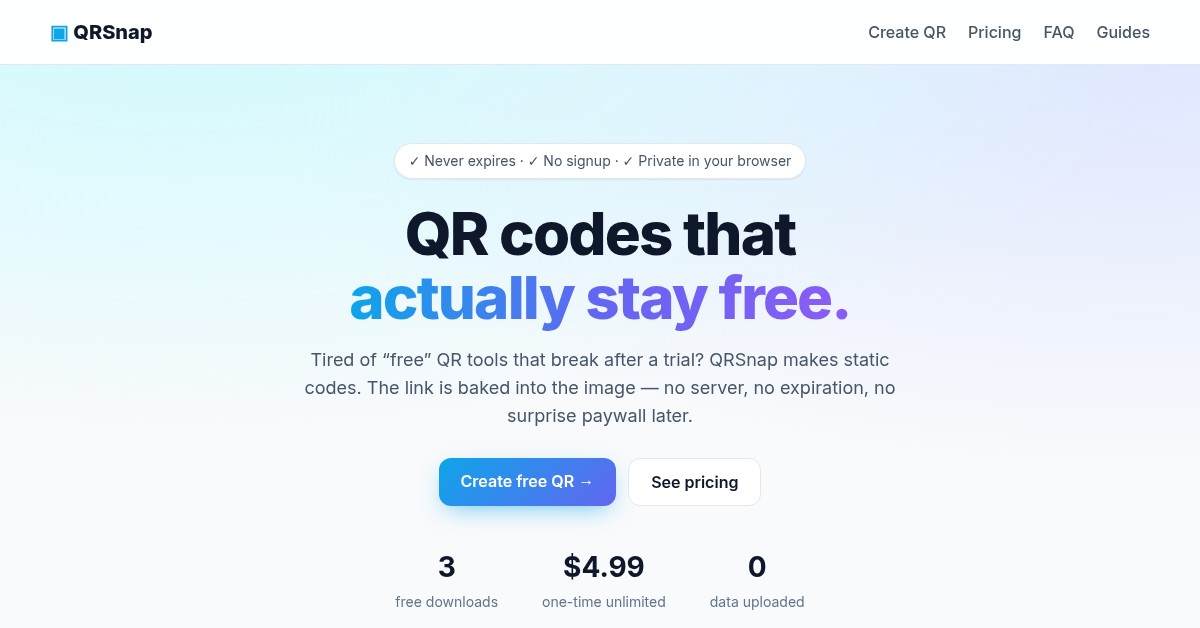
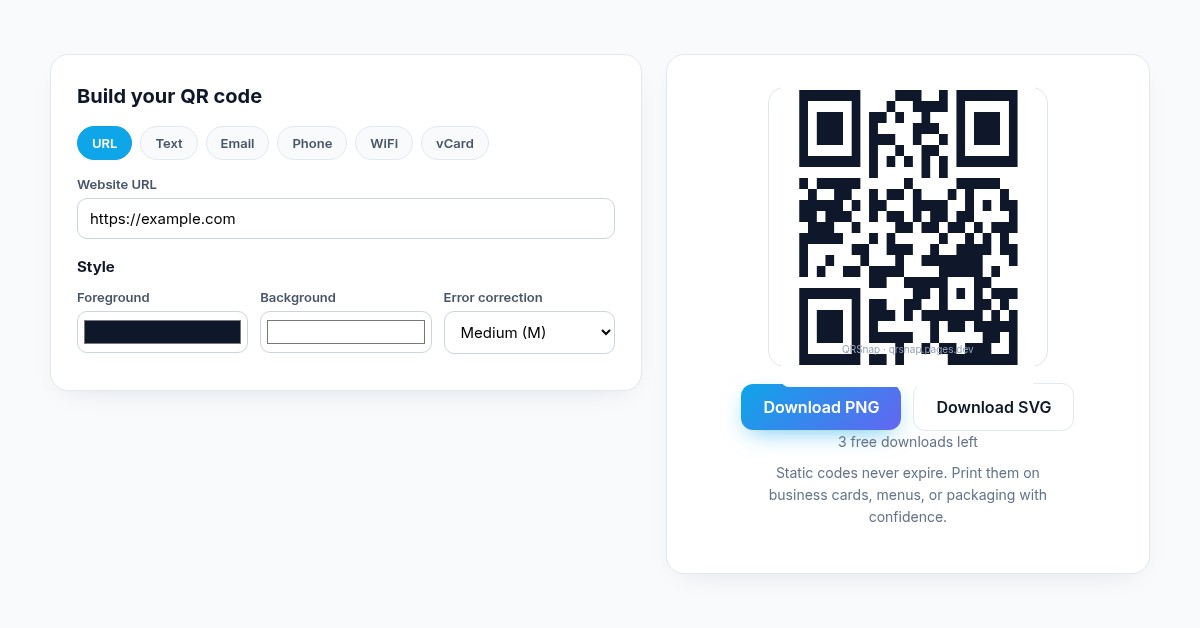
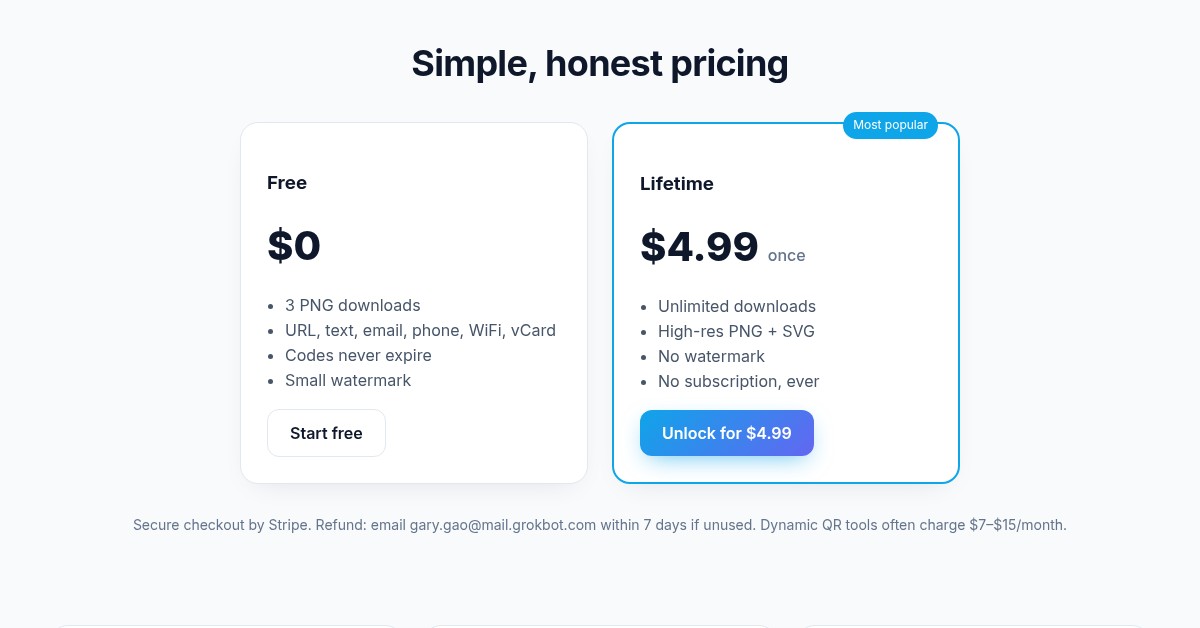
QRSnap creates static QR codes for links, text, Wi-Fi and more. The data is encoded directly in the code, so there is no redirect server, no subscription and nothing that can expire or be switched off later. Customize colors and download a high-resolution PNG or SVG ready for print.
Features
Static QR codes that work forever
No account, no tracking redirects
Custom colors
High-resolution PNG and SVG download
Use Cases
Printed menus, flyers and packaging
Wi-Fi access codes for guests
Business cards and event signage

Comments


Static is the right default for anything printed. Codes on shop counters dying when a "free" dynamic-QR trial ends is a real problem. For the Wi-Fi option, do you escape special characters in the network name and password (; , : \)? That trips up a lot of generators: the code scans but won't connect. And does the SVG keep a quiet zone by default? Print shops sometimes crop it.


Hi Gary, congrats on the launch! The problem you describe is real: a printed code that dies when a "free" dynamic trial ends is the worst way to find out how dynamic QR works. Putting the content in the image removes that risk completely. Some feedback on WiFi and vCard, since you asked: • WiFi: an option for hidden networks and a choice of security type (WPA/WPA2/WPA3, none) would cover most routers. A "print card" layout with the network name and the password in text under the code helps guests whose camera doesn't join automatically. • vCard: the more fields, the denser the code. A live hint like "this code is getting dense, print it at least 3 cm wide" or a recommended error-correction level would save people from codes that don't scan on a business card. • SVG/PDF export matters for anything that gets printed. The trade-off worth stating on the page: a static code can't change after printing. If the WiFi password, the phone number or the link changes, the code has to be reprinted, and there are no scan stats. For a home WiFi card that's perfect; for a menu, a flyer or packaging, people usually need to change the link later. Disclosure: I build qrilo (qrilo.app), which sits on the other side of that trade-off: dynamic codes you can edit after printing, with scan stats. I think both have a place, and saying clearly "use static when the content won't change" would make QRSnap's pitch even stronger. Good luck!
Premium Products











































Sponsors
Buy
Makers
Makers
Comments
Static is the right default for anything printed. Codes on shop counters dying when a "free" dynamic-QR trial ends is a real problem. For the Wi-Fi option, do you escape special characters in the network name and password (; , : \)? That trips up a lot of generators: the code scans but won't connect. And does the SVG keep a quiet zone by default? Print shops sometimes crop it.
Hi Gary, congrats on the launch! The problem you describe is real: a printed code that dies when a "free" dynamic trial ends is the worst way to find out how dynamic QR works. Putting the content in the image removes that risk completely. Some feedback on WiFi and vCard, since you asked: • WiFi: an option for hidden networks and a choice of security type (WPA/WPA2/WPA3, none) would cover most routers. A "print card" layout with the network name and the password in text under the code helps guests whose camera doesn't join automatically. • vCard: the more fields, the denser the code. A live hint like "this code is getting dense, print it at least 3 cm wide" or a recommended error-correction level would save people from codes that don't scan on a business card. • SVG/PDF export matters for anything that gets printed. The trade-off worth stating on the page: a static code can't change after printing. If the WiFi password, the phone number or the link changes, the code has to be reprinted, and there are no scan stats. For a home WiFi card that's perfect; for a menu, a flyer or packaging, people usually need to change the link later. Disclosure: I build qrilo (qrilo.app), which sits on the other side of that trade-off: dynamic codes you can edit after printing, with scan stats. I think both have a place, and saying clearly "use static when the content won't change" would make QRSnap's pitch even stronger. Good luck!
Premium Products
New to Fazier?

Find your next favorite product or submit your own. Made by @FalakDigital.
Copyright ©2026. All Rights Reserved