
Popupkit
Beautiful popups, for your users.
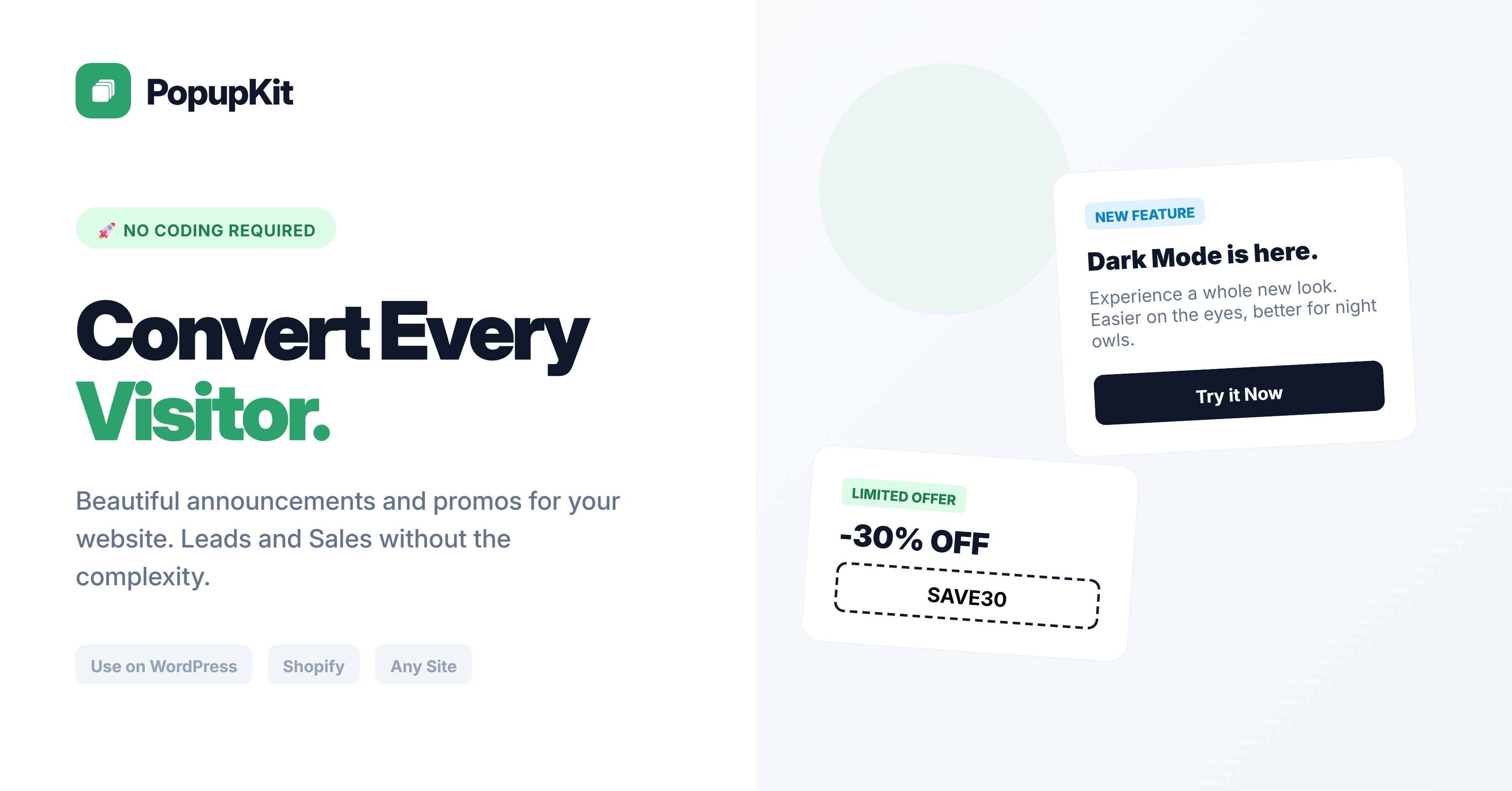
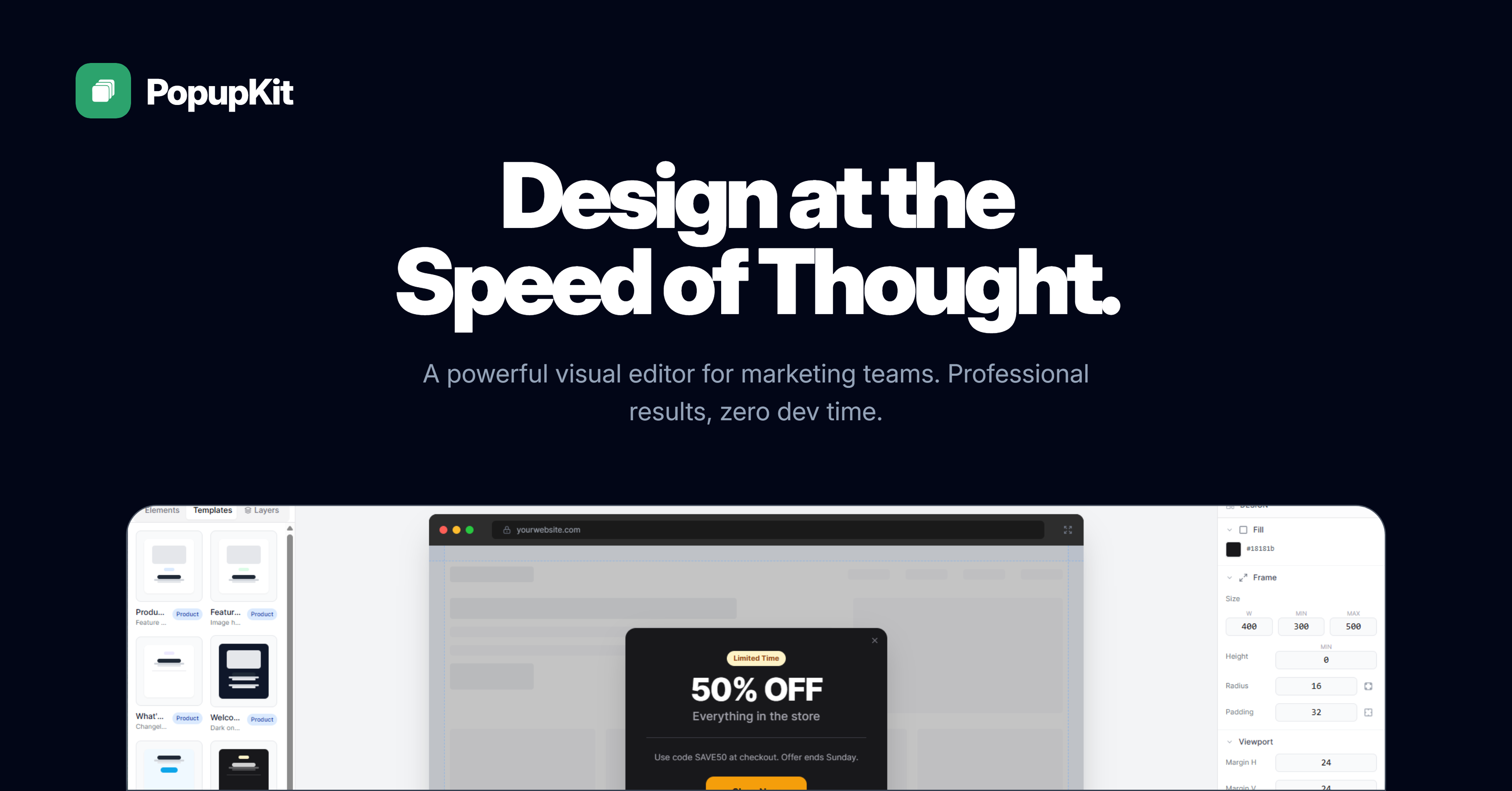
You need to talk to your website visitors - announce a new feature, promote a sale, share an update, collect feedback. But building popups from scratch is a pain, and most tools are either ugly, overpriced, or require a developer. PopupKit lets anyone create stunning popups in minutes with a visual editor and beautiful templates. Paste one line into your site, hit publish, and your popup is live. Track views and clicks from a simple dashboard. Free to start, $5/mo to go pro.
Features
A self-serve platform for creating, publishing, and tracking website popups. It works for:
- Feature announcements - Tell users about new features, updates, improvements
- Promotional campaigns - Sales, discounts, limited-time offers
- Onboarding messages - Welcome new users, guide them to key features
- Important notices - Maintenance alerts, policy changes, downtime warnings
- Product launches - Multi-slide carousels showcasing new releases
- Engagement prompts - Drive users to specific actions, pages, or CTAs
It consists of:
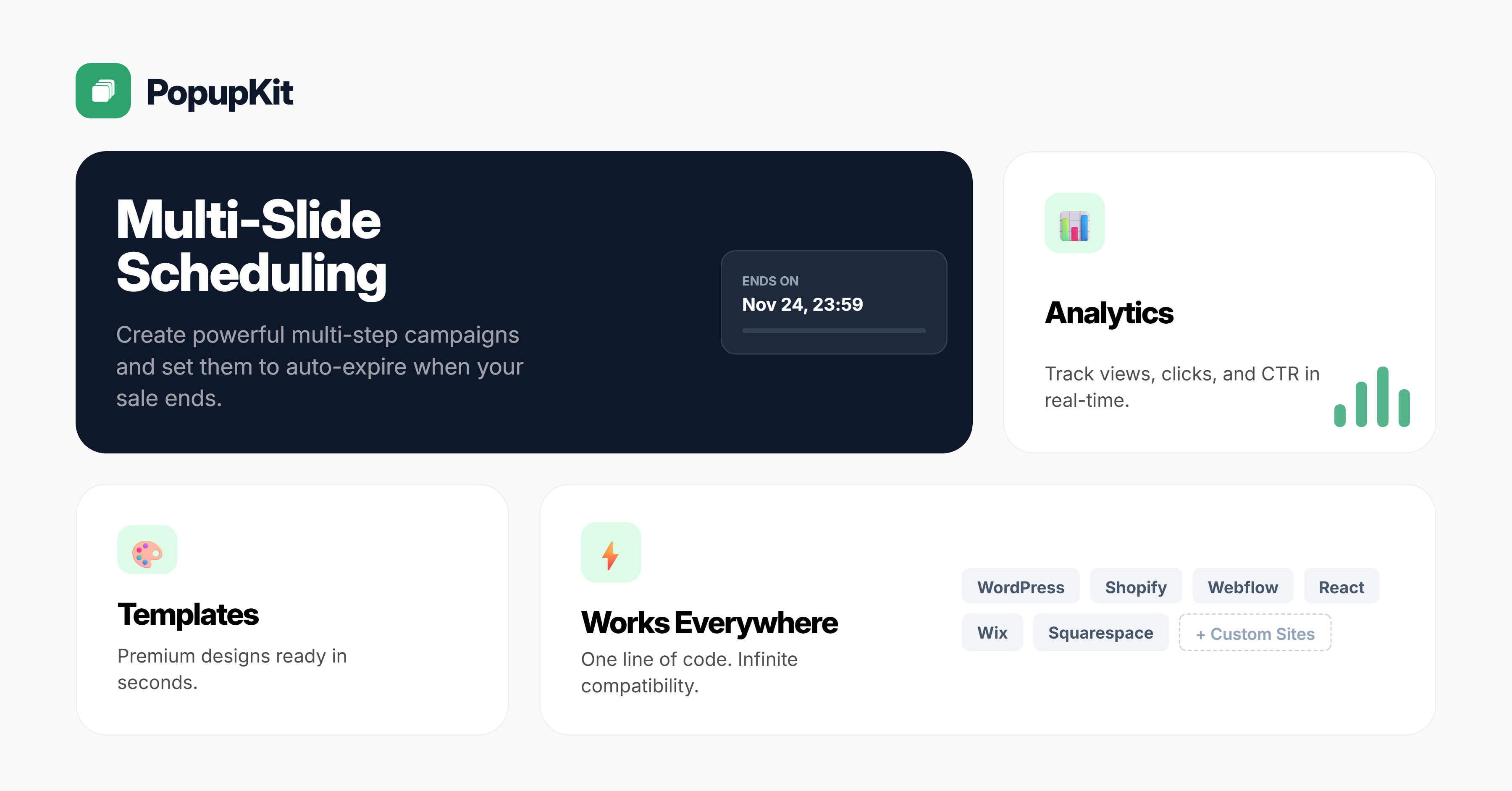
- A visual popup editor - template-based or custom drag-and-drop (Pro)
- A template library - professional designs you can customize in clicks
- An embed script - single line of code, works on any website platform
- An analytics dashboard - views, clicks, CTR per popup
- Domain whitelisting - popups only render on your authorized domains
- Multi-slide support - carousel-style popups with multiple pages
- Auto-complete scheduling - set popups to expire automatically (Pro)
Use Cases
Use Case 1: Feature Announcement (SaaS)
> "We shipped dark mode. Instead of hoping users would find it, we created a PopupKit popup with a screenshot and a 'Try it now' button. 34% of users clicked through."
Use Case 2: Promotional Campaign (E-Commerce / Any)
> "Black Friday sale needed to reach visitors on the site, not just email. Multi-slide popup with the offer details, auto-expired after the weekend. 2x higher conversion than email alone."
Use Case 3: Welcome Message (Any Website)
> "New visitors were bouncing without understanding what we offer. A simple welcome popup with our value prop and a 'Get Started' button reduced bounce rate by 18%."
Use Case 4: Maintenance / Downtime Notice (SaaS)
> "A popup warning about scheduled maintenance dropped support tickets during the window by 60%."
Use Case 5: Product Launch (Creator / Course)
> "Launched a new course module. A multi-slide popup walked existing members through what's new. 52% of active members saw it within 24 hours."
Use Case 6: Policy / Pricing Update (Any Business)
> "We updated our pricing. A clear popup explaining the changes and grandfather clause reduced confused support tickets by 70%."
Use Case 7: Non-Technical Founder (No-Code)
> "I built my site on Webflow. No idea how to code popups. PopupKit templates looked great, I customized the colors to match my brand, and copied one line into Webflow's custom code section. Took me 8 minutes total."

Comments



Hi everyone! Excited to share PopupKit with you all today. 🚀 PopupKit is the easiest way to add stunning, on-brand popups to your website. No coding or design skills required. The Problem: Most popup tools are either too complex, too ugly, or way too expensive ($49/mo+). The Solution: PopupKit gives you premium templates (Glassmorphism, Neon, Minimal) and a drag-and-drop editor. Key Features: ✨ Visual Editor: What you see is exactly what you get. 🛠️ deeply Customizable: Match your brand colors and fonts perfectly. ⚡ Lightweight: Adds just a single line of code to your site. 📊 Analytics: Track views and clicks instantly. We have a generous free tier, so give it a spin and let me know what you think!


The $5/mo price point is a brilliant positioning move. Most popup tools price themselves into the "marketing team budget" range ($49-99/mo), which locks out solo founders and small sites that just need occasional announcements. At $5/mo you're an impulse buy, not a budget approval. The multi-slide carousel feature is underrated — most popup tools force you into a single view, but feature launches and product updates naturally need a narrative flow. Being able to walk users through "what changed, why it matters, try it now" in a sequence is way more effective than cramming everything into one screen. One suggestion: have you considered adding trigger-based display rules (e.g., show popup after 30 seconds, on scroll %, or on exit intent)? That would make the analytics data much more actionable since you could A/B test different timing strategies. The domain whitelisting for security is a nice touch too — prevents unauthorized embed usage.


Gemini Music is an all-in-one AI music generator that transforms text or lyrics into studio-quality songs, complete with AI vocals, royalty-free licensing, and optional music video creation—all from your browser. https://geminimusic.studio/
Wan3 AI is a professional AI video tool. It makes high‑quality videos from text descriptions or reference pictures. Videos look real,and camera moves smoothly. You can use the videos for business. No extra programs are needed, and it works right in your web browser. https://wan3ai.studio/
Seedance‑25 is an AI video tool for making stories. It turns simple text ideas into short story videos with several different scenes. Characters look the same from shot to shot, and sound matches the video. You can use it directly in your browser. https://seedance-25.studio/
MiniMax H3 AI is an all‑round AI video tool. It makes full short videos, including pictures, people talking and sound effects. You may use its outputs without paying extra fees. It runs in your web browser. https://minimaxh3ai.studio/
Hailuo 03 is an AI video tool for creating movie‑like videos. You can use text or reference pictures and set camera movements exactly how you want. Its outputs have no extra copyright costs, and you can start using it in your browser right away. https://hailuo03.studio/
Premium Products


































Sponsors
Buy

Awards
View all
Awards
View allMakers
Makers
Comments
Hi everyone! Excited to share PopupKit with you all today. 🚀 PopupKit is the easiest way to add stunning, on-brand popups to your website. No coding or design skills required. The Problem: Most popup tools are either too complex, too ugly, or way too expensive ($49/mo+). The Solution: PopupKit gives you premium templates (Glassmorphism, Neon, Minimal) and a drag-and-drop editor. Key Features: ✨ Visual Editor: What you see is exactly what you get. 🛠️ deeply Customizable: Match your brand colors and fonts perfectly. ⚡ Lightweight: Adds just a single line of code to your site. 📊 Analytics: Track views and clicks instantly. We have a generous free tier, so give it a spin and let me know what you think!
The $5/mo price point is a brilliant positioning move. Most popup tools price themselves into the "marketing team budget" range ($49-99/mo), which locks out solo founders and small sites that just need occasional announcements. At $5/mo you're an impulse buy, not a budget approval. The multi-slide carousel feature is underrated — most popup tools force you into a single view, but feature launches and product updates naturally need a narrative flow. Being able to walk users through "what changed, why it matters, try it now" in a sequence is way more effective than cramming everything into one screen. One suggestion: have you considered adding trigger-based display rules (e.g., show popup after 30 seconds, on scroll %, or on exit intent)? That would make the analytics data much more actionable since you could A/B test different timing strategies. The domain whitelisting for security is a nice touch too — prevents unauthorized embed usage.
Gemini Music is an all-in-one AI music generator that transforms text or lyrics into studio-quality songs, complete with AI vocals, royalty-free licensing, and optional music video creation—all from your browser. https://geminimusic.studio/
Wan3 AI is a professional AI video tool. It makes high‑quality videos from text descriptions or reference pictures. Videos look real,and camera moves smoothly. You can use the videos for business. No extra programs are needed, and it works right in your web browser. https://wan3ai.studio/
Seedance‑25 is an AI video tool for making stories. It turns simple text ideas into short story videos with several different scenes. Characters look the same from shot to shot, and sound matches the video. You can use it directly in your browser. https://seedance-25.studio/
MiniMax H3 AI is an all‑round AI video tool. It makes full short videos, including pictures, people talking and sound effects. You may use its outputs without paying extra fees. It runs in your web browser. https://minimaxh3ai.studio/
Hailuo 03 is an AI video tool for creating movie‑like videos. You can use text or reference pictures and set camera movements exactly how you want. Its outputs have no extra copyright costs, and you can start using it in your browser right away. https://hailuo03.studio/
Premium Products
New to Fazier?

Find your next favorite product or submit your own. Made by @FalakDigital.
Copyright ©2026. All Rights Reserved