
Poko Motion
AI video generator for product demos, slides, and docs
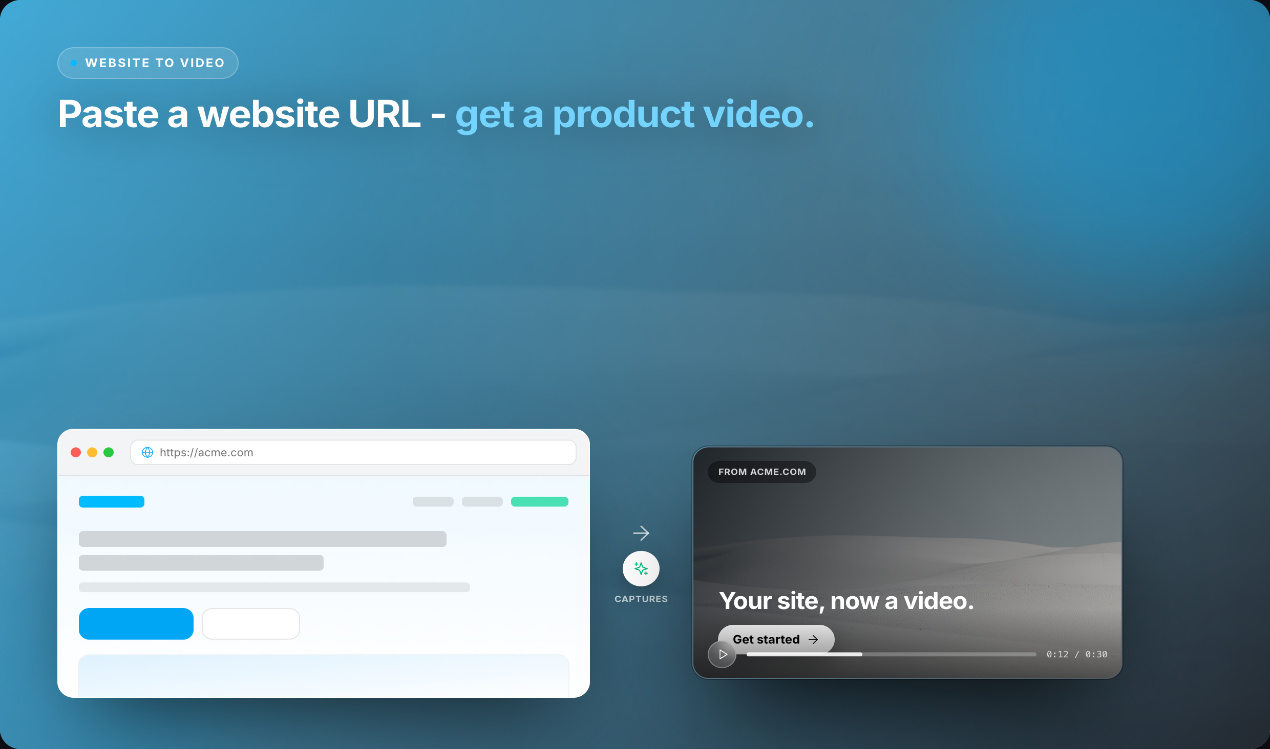
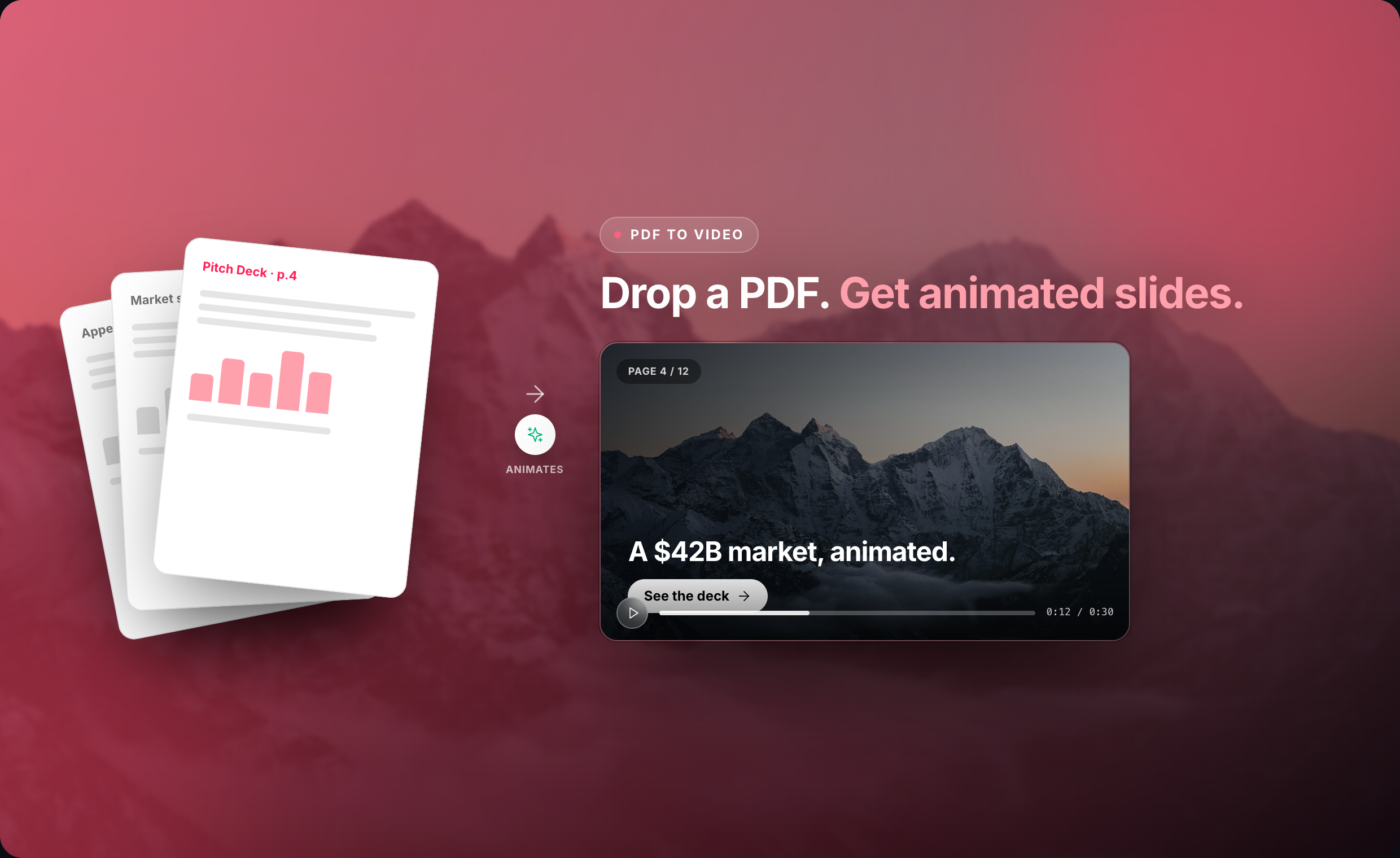
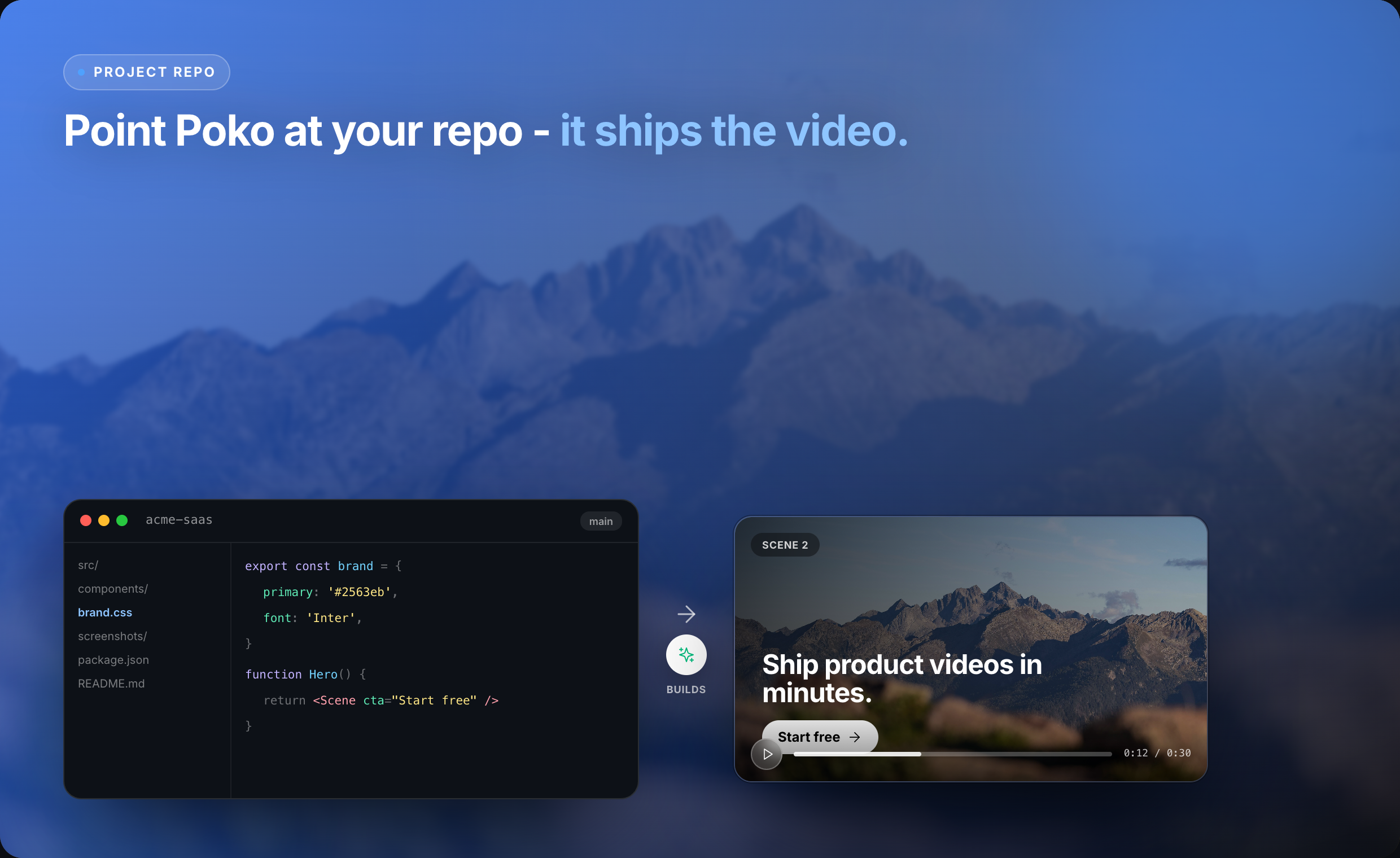
Poko Motion (poko.video) is an AI-powered video studio and screen recorder that turns things you already have - a GitHub repo, README, PDF, deck, or website - into a polished demo video, with features like cursor zoom, automatic captions, and voice cloning.
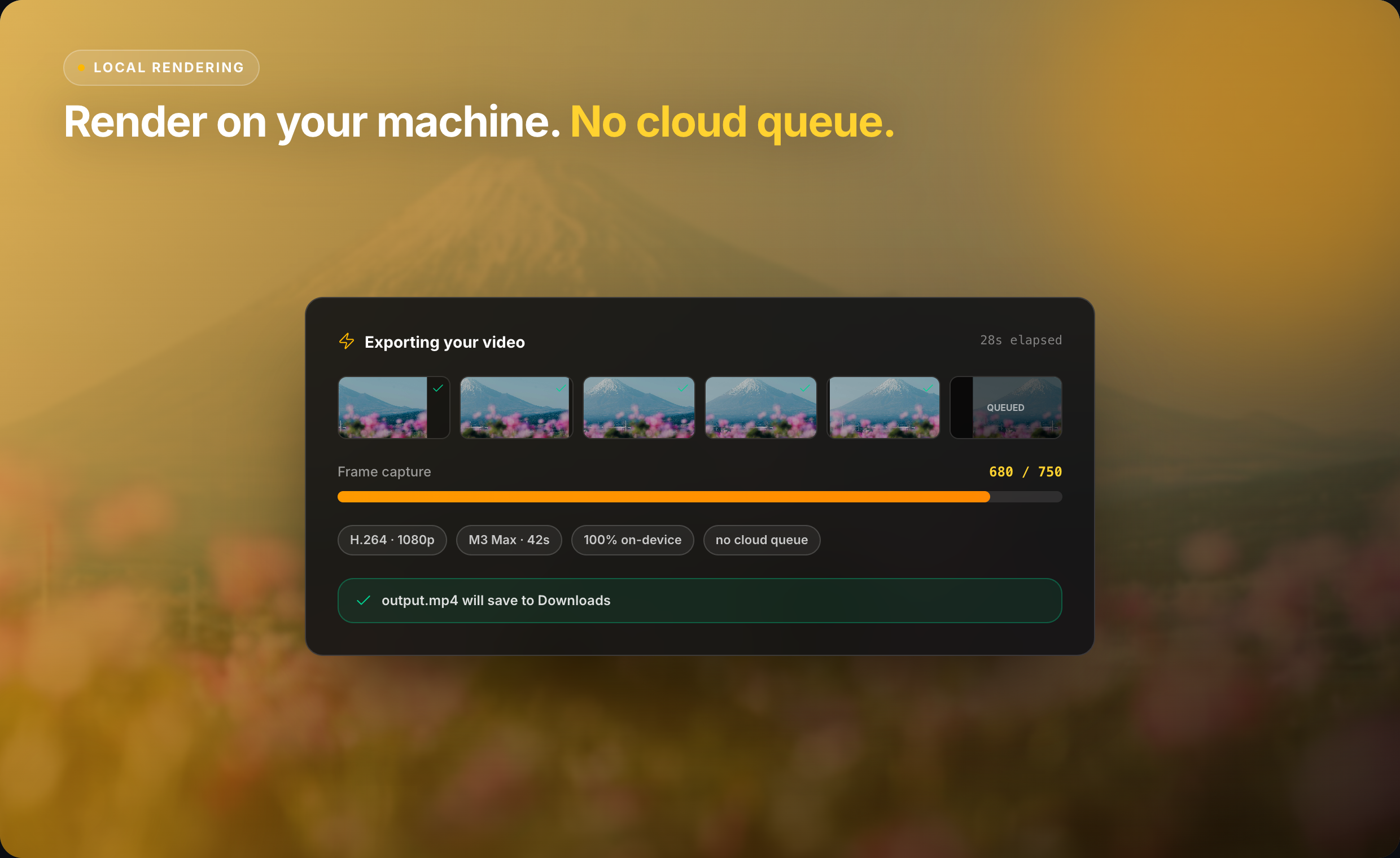
It renders locally on-device, so there's no cloud queue, no upload wait, and no render limits, making it fast and private compared to typical cloud-based competitors.
Features
- Source-to-video generation - turns a GitHub repo, README, PDF, pitch deck, PowerPoint, or landing page URL directly into a video.
- AI script writing - automatically drafts an intro, feature walkthroughs, and closing call-to-action based on your source material.
- Local, on-device rendering - no cloud queue, no upload wait, no render caps.
- Conversational editing - refine with natural language commands ("make the intro punchier," "cut to 60 seconds," "show the API call on slide 2")
Use Cases
- Product demo videos - turn a GitHub repo, README, or docs into a polished walkthrough in minutes.
- Freelancer video proposals - record a reusable process walkthrough, then personalize intros/closes for each client pitch.
- Investor updates & pitch decks - convert a deck or PDF into a narrated video update.
- Startup marketing videos - quickly produce landing page or feature-explainer videos without hiring a video editor.
- Open source project documentation - showcase a repo's features and use cases without writing a script from scratch

Comments


The source-to-video angle is the smart part. Turning a README or landing page straight into a walkthrough removes the blank-timeline problem that kills most demo-video attempts before they start. On-device rendering with no cloud queue is a real differentiator when you are iterating on a demo ten times a day. One question on the conversational editing: when you say "cut to 60 seconds," does it re-time the voiceover and captions together, or just trim the visuals? And can you swap the cloned voice per export without regenerating the whole script?




Turning a README or deck into a demo is a useful way to avoid rebuilding the same walkthrough by hand. Since rendering is on-device, do the AI script and voice-cloning steps also stay local, or are the source files sent to a server? That distinction would matter for teams using private product docs.
Premium Products






















































Sponsors
Buy

Awards
View all
Awards
View allMakers

Makers
Comments
The source-to-video angle is the smart part. Turning a README or landing page straight into a walkthrough removes the blank-timeline problem that kills most demo-video attempts before they start. On-device rendering with no cloud queue is a real differentiator when you are iterating on a demo ten times a day. One question on the conversational editing: when you say "cut to 60 seconds," does it re-time the voiceover and captions together, or just trim the visuals? And can you swap the cloned voice per export without regenerating the whole script?
Turning a README or deck into a demo is a useful way to avoid rebuilding the same walkthrough by hand. Since rendering is on-device, do the AI script and voice-cloning steps also stay local, or are the source files sent to a server? That distinction would matter for teams using private product docs.
Premium Products
New to Fazier?

Find your next favorite product or submit your own. Made by @FalakDigital.
Copyright ©2026. All Rights Reserved