
PNG to SVG
Convert PNG and JPG images to SVG and compress images.
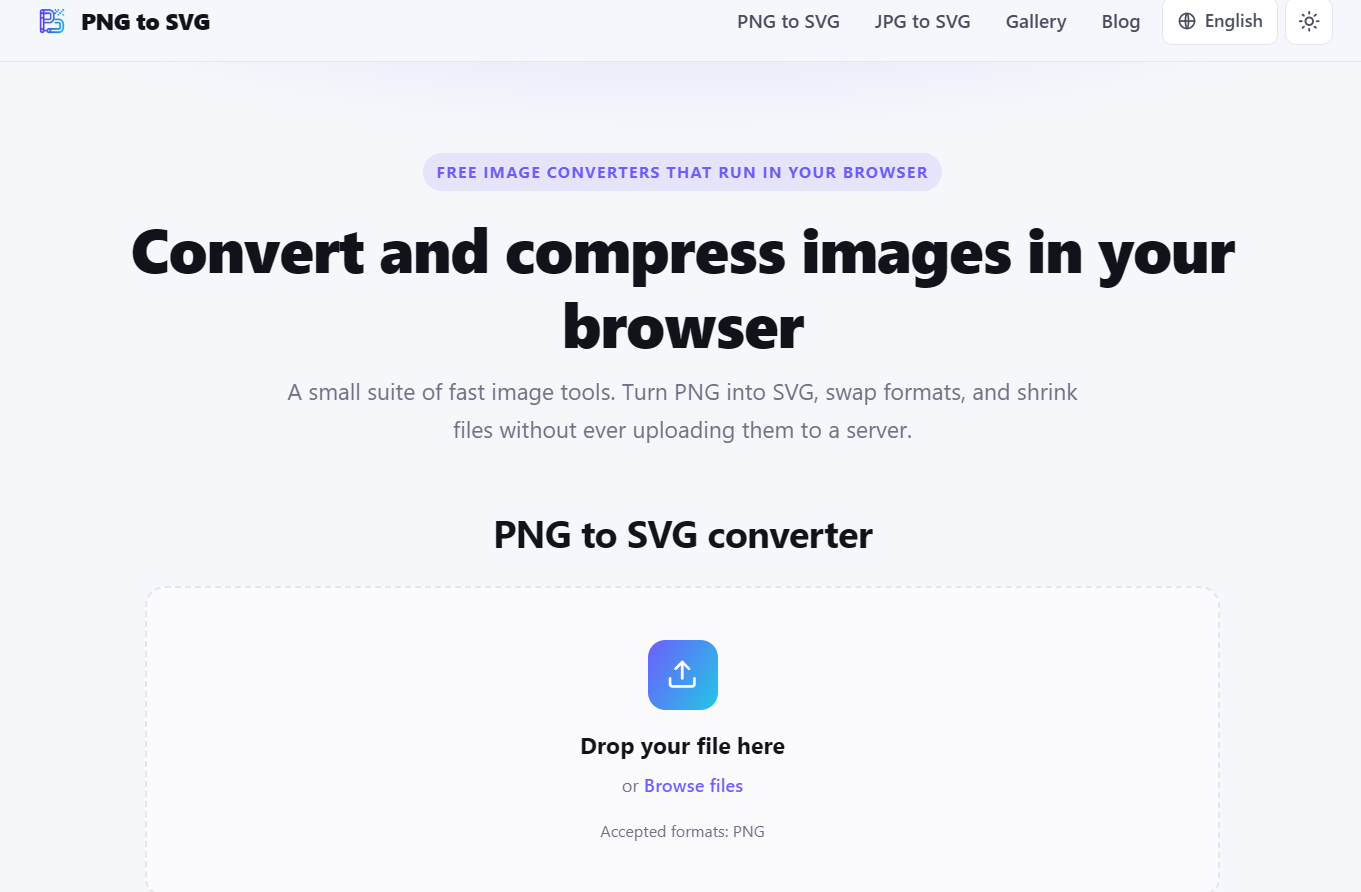
PNG to SVG is a free collection of browser-based tools for converting and optimizing images.
Turn PNG or JPG files into scalable SVG graphics, convert JPG and WebP images to PNG, and compress SVG, PNG, or JPG files—all without uploading anything to a server.
Everything is processed locally in your browser, making the experience fast, private, and easy to use. There are no accounts, watermarks, or usage limits.
Available in English, Russian, Spanish, German, and French.
Features
PNG to SVG → Convert PNG images into scalable SVG files using vector tracing or lossless image embedding.
JPG to SVG → Turn JPG and JPEG images into SVG files directly in your browser.
JPG to PNG → Convert JPG images to transparent-capable, lossless PNG files.
WebP to PNG → Convert WebP images into widely supported PNG files.
SVG Compressor → Reduce SVG file size by removing unnecessary markup and metadata.
PNG Compressor → Make PNG files smaller while preserving visual quality.
JPG Compressor → Adjust compression and reduce JPG file size for faster loading.
Local Processing → Files are processed entirely on your device and never uploaded to a server.
No Signup → Start converting immediately without creating an account.
No Watermarks → Download clean converted files without branding or watermarks.
Multilingual Interface → Use the tools in English, Russian, Spanish, German, or French.
Free to Use → Convert and compress images without subscriptions or usage fees.

Comments



I recently came across **GeoTaggingPhotos.com**, a useful online tool for adding, editing, and managing GPS and EXIF metadata in photos. It supports bulk photo geotagging and makes location metadata management much easier. The tool was developed by **Imran Digitals** as part of its web development and digital tools projects. [GeoTaggingPhotos.com](https://www.geotaggingphotos.com/?utm_source=chatgpt.com)


The PNG→SVG conversion is genuinely useful for front-end work — vector logos and icons scale cleanly on retina displays where PNGs get blurry. Covering WebP→PNG as well is smart, since WebP is the format everyone is shipping now but many designers still can't open natively. The no-upload approach also makes it safe to run on client assets that haven't been publicly released yet. Do you handle multi-color PNGs well, or is it mainly for flat graphics?

Nice that you offer both trace and embed modes rather than forcing one approach — that split matters more than people realize. I work on a similar tool (PNG/JPEG→SVG) and the biggest quality gap in pure vector tracing isn't the tracing algorithm itself, it's what happens before it: merging near-duplicate colors after quantization and reconstructing gradients as real linearGradient elements instead of dozens of flat bands. Do you do any pre-processing like that, or is it a straight trace? Also +1 to stone li's question above about multi-color PNGs — that's usually where tracers fall apart.
Premium Products










































Sponsors
Buy

Makers

Makers
Comments
I recently came across **GeoTaggingPhotos.com**, a useful online tool for adding, editing, and managing GPS and EXIF metadata in photos. It supports bulk photo geotagging and makes location metadata management much easier. The tool was developed by **Imran Digitals** as part of its web development and digital tools projects. [GeoTaggingPhotos.com](https://www.geotaggingphotos.com/?utm_source=chatgpt.com)
The PNG→SVG conversion is genuinely useful for front-end work — vector logos and icons scale cleanly on retina displays where PNGs get blurry. Covering WebP→PNG as well is smart, since WebP is the format everyone is shipping now but many designers still can't open natively. The no-upload approach also makes it safe to run on client assets that haven't been publicly released yet. Do you handle multi-color PNGs well, or is it mainly for flat graphics?
Nice that you offer both trace and embed modes rather than forcing one approach — that split matters more than people realize. I work on a similar tool (PNG/JPEG→SVG) and the biggest quality gap in pure vector tracing isn't the tracing algorithm itself, it's what happens before it: merging near-duplicate colors after quantization and reconstructing gradients as real linearGradient elements instead of dozens of flat bands. Do you do any pre-processing like that, or is it a straight trace? Also +1 to stone li's question above about multi-color PNGs — that's usually where tracers fall apart.
Premium Products
New to Fazier?

Find your next favorite product or submit your own. Made by @FalakDigital.
Copyright ©2026. All Rights Reserved