
PixPrep
PixPrep is a free, browser-based toolkit built for bloggers
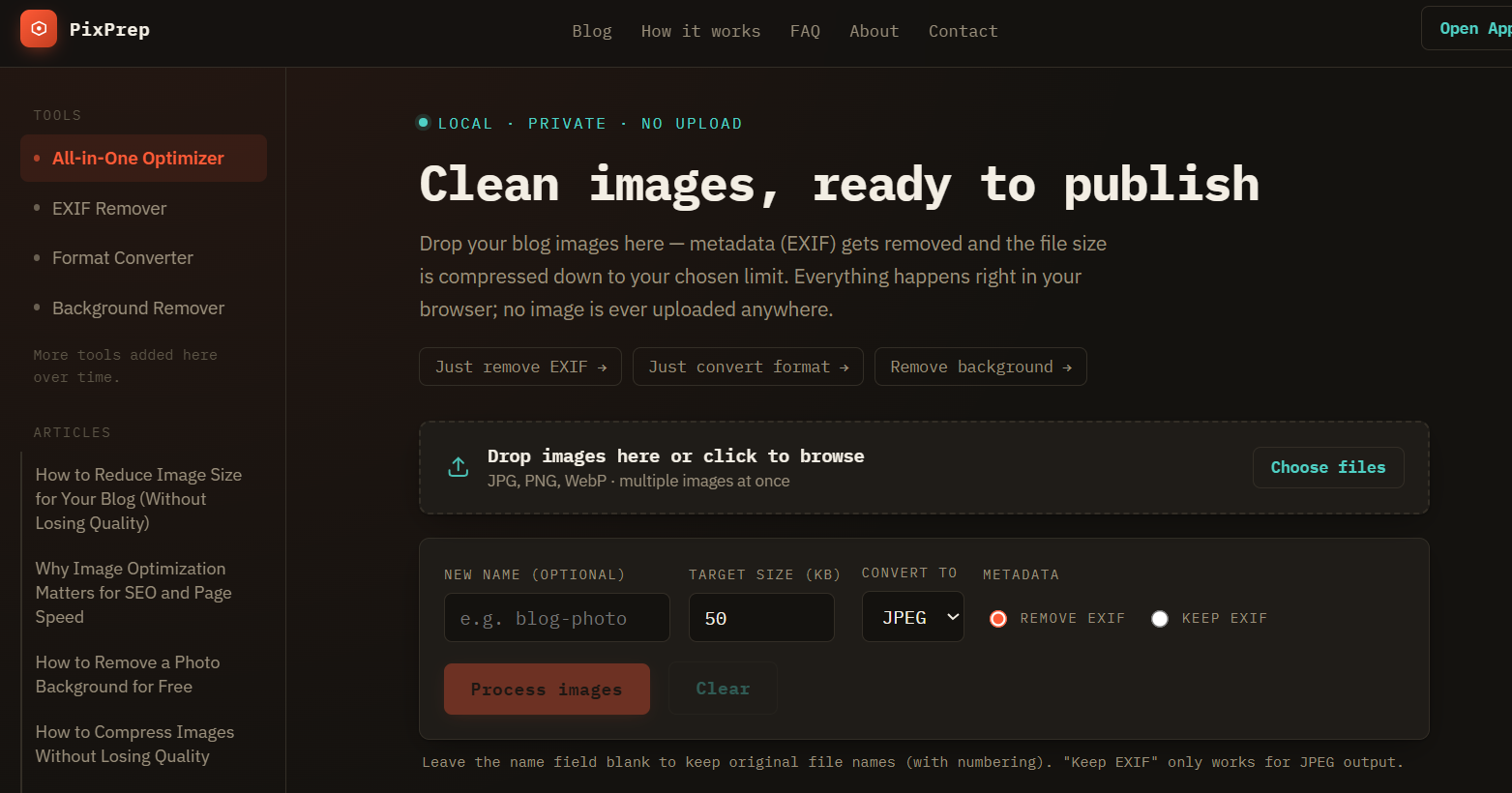
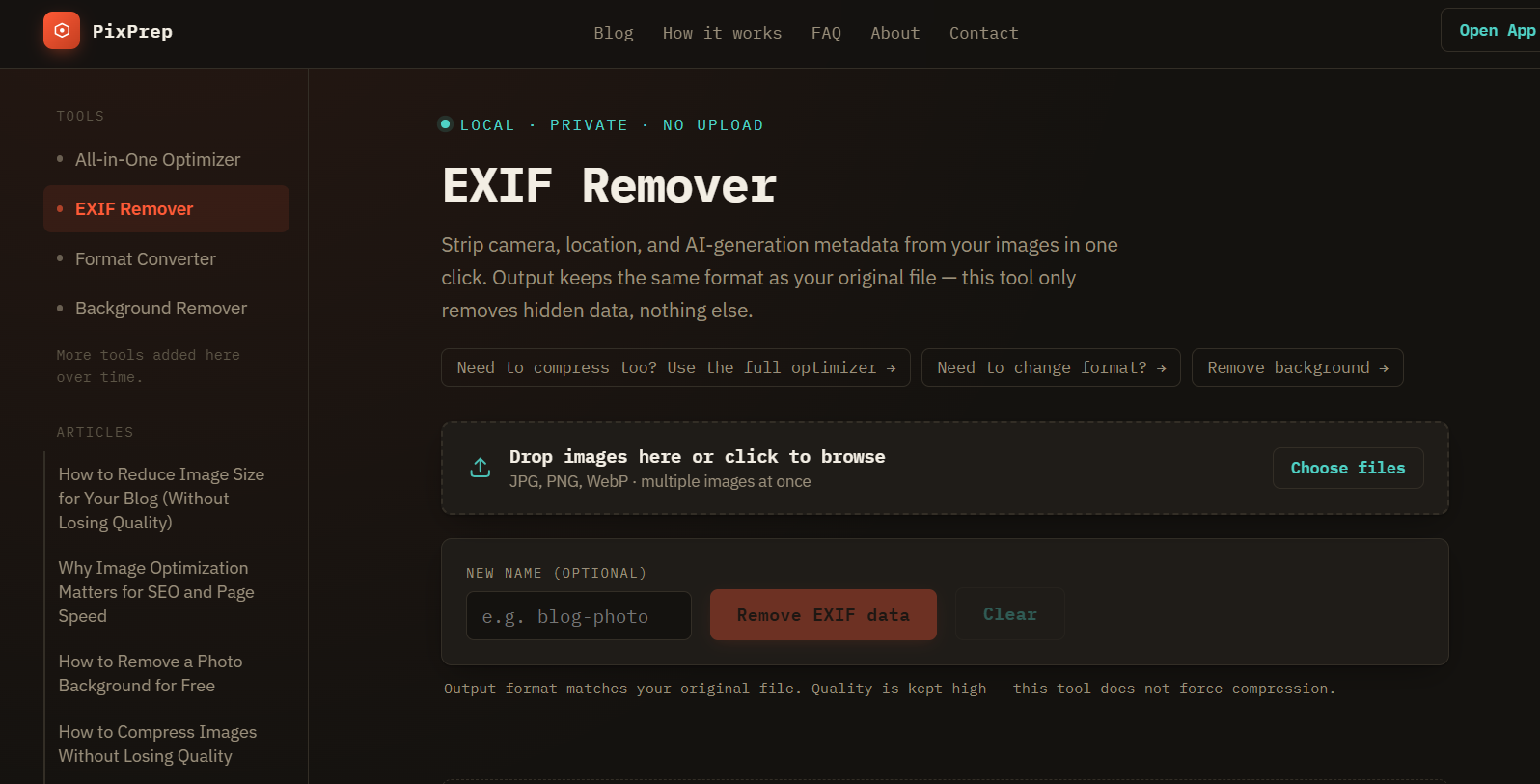
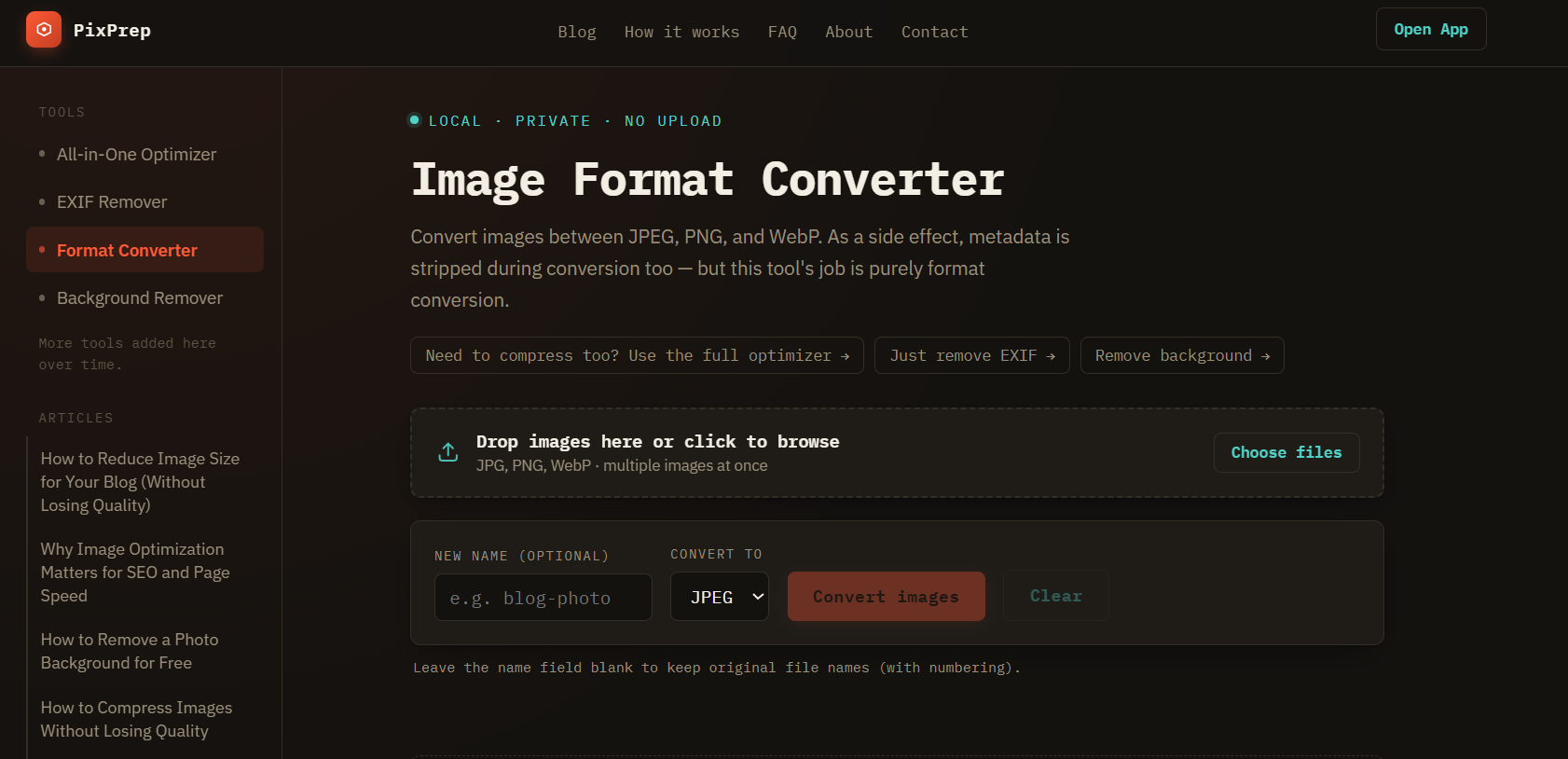
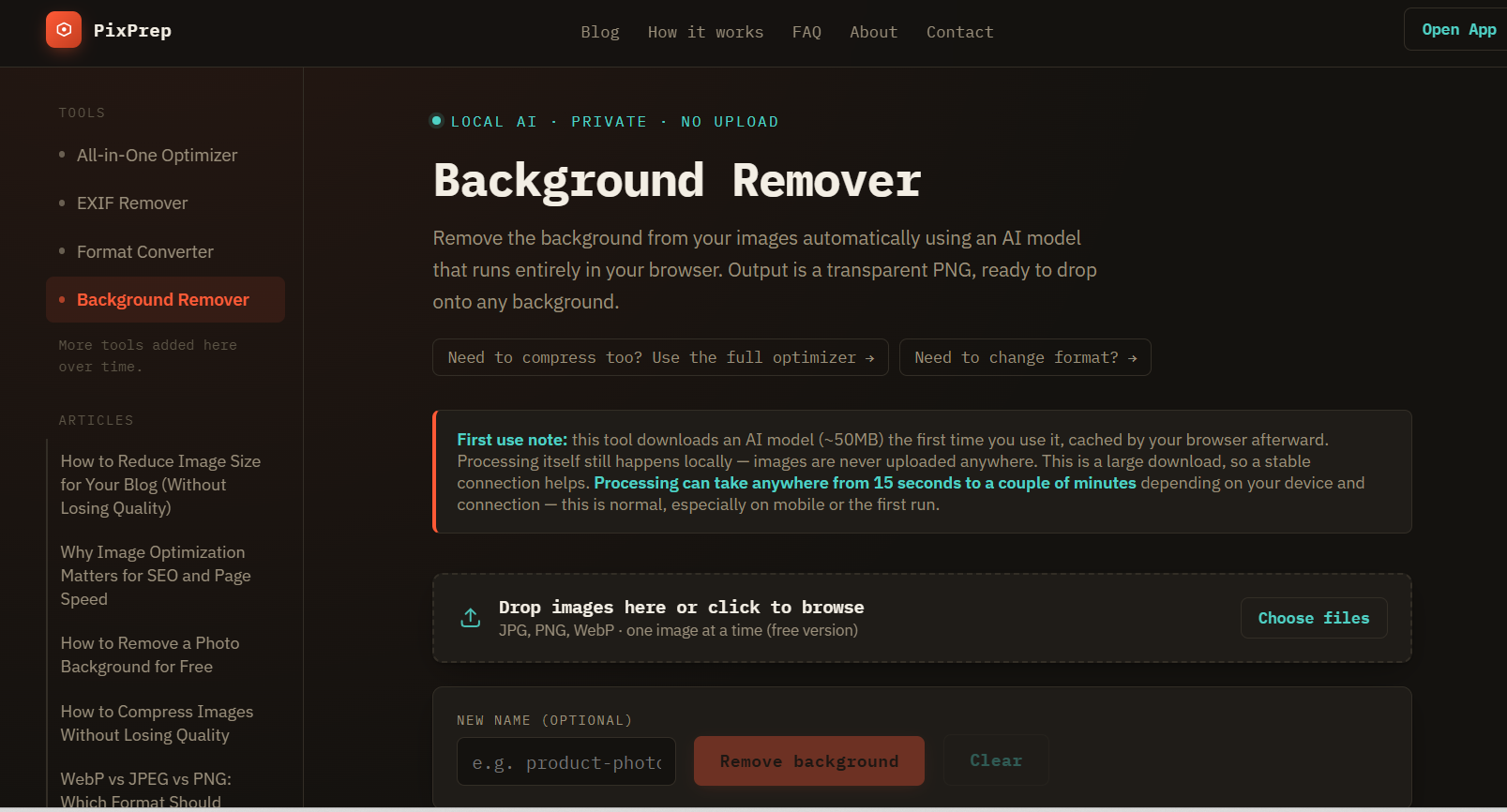
PixPrep is a free, browser-based toolkit built for bloggers and content creators who prepare images before publishing. It combines four repetitive tasks into one workflow: compressing images to a target file size, removing EXIF metadata (camera info, GPS location, timestamps), converting between JPEG/PNG/WebP, and removing backgrounds using an on-device AI model. Everything runs entirely in the browser — no uploads, no account required, no cost.

Comments




Keeping this 100% client-side in the browser is a massive win for privacy and performance. Stripping EXIF metadata locally before publishing prevents sensitive geotag leaks that creators often overlook. The target file size compressor combined with WebP conversion solves PageSpeed core vitals effortlessly. Great tool!

Nice, this solves a very real publishing chore. I like that it combines compression, EXIF cleanup, format conversion, and background removal in one flow instead of sending people across a bunch of tools. Local processing and no upload angle is especially strong for images that may contain client work or location metadata.


Combining compress + resize + convert into one pass is a real time-saver for content work. Two things I would watch: (1) does it strip EXIF by default? That matters for privacy when creators publish straight from a phone; (2) batch handling of mixed formats (heic from iPhone next to png screenshots) is where most browser-side tools choke. If it handles both without uploading, that is a strong point vs desktop apps.


The target-file-size compressor is the part I'd use most. When quality alone can't hit the target, do you also scale down the dimensions, or stop at the lowest quality setting? And does the background remover only export transparent PNG, or can it flatten onto pure white? Marketplace sellers need exact RGB 255, and that last step is where many tools leave a faint gray fringe around the edges.



Keeping the background-removal model entirely on-device is a strong privacy choice. Could you note its approximate first-download size and whether it is cached for later sessions? That helps bloggers know what to expect on slower connections and whether the tool still works offline after the initial load.
Premium Products






















































Sponsors
Buy

Awards
View all
Awards
View allMakers

Makers
Comments
Keeping this 100% client-side in the browser is a massive win for privacy and performance. Stripping EXIF metadata locally before publishing prevents sensitive geotag leaks that creators often overlook. The target file size compressor combined with WebP conversion solves PageSpeed core vitals effortlessly. Great tool!
Nice, this solves a very real publishing chore. I like that it combines compression, EXIF cleanup, format conversion, and background removal in one flow instead of sending people across a bunch of tools. Local processing and no upload angle is especially strong for images that may contain client work or location metadata.
Combining compress + resize + convert into one pass is a real time-saver for content work. Two things I would watch: (1) does it strip EXIF by default? That matters for privacy when creators publish straight from a phone; (2) batch handling of mixed formats (heic from iPhone next to png screenshots) is where most browser-side tools choke. If it handles both without uploading, that is a strong point vs desktop apps.
The target-file-size compressor is the part I'd use most. When quality alone can't hit the target, do you also scale down the dimensions, or stop at the lowest quality setting? And does the background remover only export transparent PNG, or can it flatten onto pure white? Marketplace sellers need exact RGB 255, and that last step is where many tools leave a faint gray fringe around the edges.
Keeping the background-removal model entirely on-device is a strong privacy choice. Could you note its approximate first-download size and whether it is cached for later sessions? That helps bloggers know what to expect on slower connections and whether the tool still works offline after the initial load.
Premium Products
New to Fazier?

Find your next favorite product or submit your own. Made by @FalakDigital.
Copyright ©2026. All Rights Reserved